
The AI transcription market is growing fast, rising from USD 4.5 billion in 2024 toward $19.2 billion by 2034 at a 15.6% annual rate. Modern tools transcribe an hour of audio in minutes, tag each speaker, and draft summaries, work that once took a human typist four to six hours.
Table of Contents
For the full picture, see our complete guide to AI writing tools.
Accuracy now reaches the high 90s in clean audio. Vendors advertise rates from about 85% for casual meeting tools up to 99% for professional file-based engines. The right choice depends on your audio: live calls, podcasts, multilingual interviews, or court-grade records each reward a different tool.
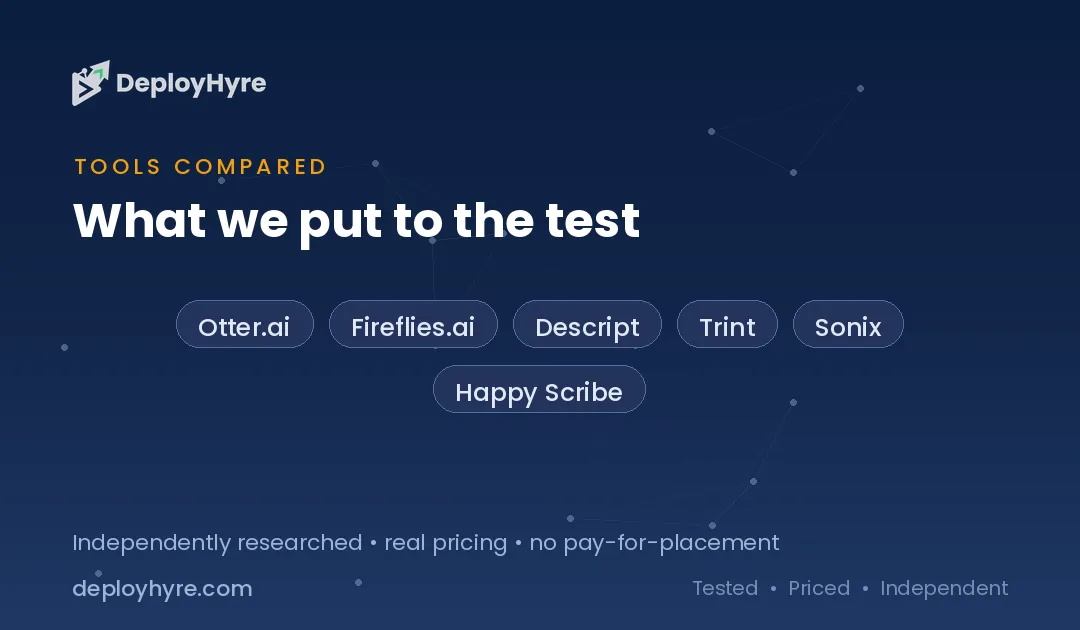
We tested 8 of the best AI transcription tools in 2026. Free tiers cover light use, paid plans start near $8 per month, and pay-per-minute options run from $0.25 for AI to about $2 for human accuracy. This guide shows which tool fits meetings, media production, and multilingual work, with real pricing and honest limits. For meeting-specific note-takers, see our guide to AI meeting assistants.
Quick Comparison: Top AI Transcription Tools
| Tool | Best For | Starting Price | Advertised Accuracy |
|---|---|---|---|
| Otter.ai | Live meeting notes | Free; $8.33 / mo Pro (annual) | ~85% |
| Fireflies.ai | Meeting intelligence and CRM sync | Free; $10 / user / mo (annual) | ~95% |
| Descript | Podcast and video editing | $16 / mo (Hobbyist, annual) | ~90% |
| Trint | Journalists and media teams | ~$80 / seat / mo | ~95% |
| Sonix | Multilingual file transcription | $22 / user / mo + $5 / hr | Up to 99% |
| Happy Scribe | Subtitles and captions | $17 / mo (Basic) | ~95% |
| Rev | Human-grade accuracy | $0.25 / min AI; $1.99 / min human | ~95% AI; 99% human |
| Notta | Budget multilingual | Free; $8.17 / mo Pro (annual) | ~95% |
What Makes a Great AI Transcription Tool?
A great AI transcription tool delivers accurate text fast, labels each speaker correctly, and handles your accents and languages. It exports clean formats, keeps data secure, and fits your workflow, whether that is live meetings, podcast editing, or multilingual research interviews.
Accuracy is the first test, but it depends on audio quality. A tool that claims 99% on a clean studio file may drop to the 80s on a noisy call with crosstalk. Speaker labeling, called diarization, matters just as much for meetings and interviews where you need to know who said what.
Workflow fit decides daily value. Meeting tools should auto-join calls and push summaries to Slack or your CRM. Media tools should edit audio by editing text. Regulated fields need security: healthcare work requires HIPAA support, which our guide to AI medical scribes covers in depth.
Best AI Transcription for Live Meetings
1 Otter.ai: Best for real-time meeting notes
Otter.ai is purpose-built for capturing meetings as they happen, with live captions on screen.
What it does well. OtterPilot auto-joins Zoom, Teams, and Google Meet calls, transcribes in real time, and surfaces action items without manual setup. Its live transcript view and AI chat let you query a meeting after it ends.
Key features:
- Real-time transcription and live captions
- OtterPilot auto-join for major platforms
- Automatic summaries and action items
- AI chat to query past meetings
Pricing. Otter offers a free Basic plan with 300 minutes per month. Pro costs $8.33 per month billed annually ($16.99 monthly), and Business runs $19.99 per user each month.
Best for: Teams that live in back-to-back virtual meetings.
Limitations. Advertised accuracy near 85% trails file-based engines. English coverage is strongest; other languages are limited.
2 Fireflies.ai: Best for meeting intelligence and CRM sync
Fireflies.ai goes past transcription into conversation analytics that flow into your sales and ops tools.
What it does well. It records and transcribes calls, then analyzes talk time, topics, and sentiment. Fireflies syncs notes to CRMs like Salesforce and HubSpot, which makes it a strong fit beside AI tools for sales.
Key features:
- Transcription in 100-plus languages
- Conversation intelligence and topic tracking
- CRM and workflow integrations
- Searchable meeting knowledge base
Pricing. Fireflies has a free tier. Pro costs $10 per user each month billed annually, Business is $19, and Enterprise is $39.
Best for: Sales and revenue teams that want call analytics, not just notes.
Limitations. Best value needs annual billing. Heavy analytics features sit behind higher tiers.
Best AI Transcription for Media and Content
3 Descript: Best for podcast and video editing
Descript turns transcription into an editing surface: change the text, and the audio or video changes with it.
What it does well. Edit a podcast by deleting words in the transcript. Descript adds filler-word removal, AI voice cloning, and screen recording, which makes it a full content studio rather than a plain transcriber.
Key features:
- Edit audio and video by editing text
- Automatic filler-word and gap removal
- AI voice and overdub tools
- Screen and multi-track recording
Pricing. Descript’s Hobbyist plan costs $16 per month billed annually ($24 monthly) for about 10 hours of transcription. Creator runs $24 annually ($35 monthly) for 30 hours.
Best for: Podcasters and video creators who edit as they transcribe.
Limitations. Monthly transcription hours are capped per plan. Overkill for plain meeting notes.
4 Trint: Best for journalists and media teams
Trint was built for newsrooms, with verification and collaboration features reporters rely on.
What it does well. Trint links every transcript word back to its exact moment in the audio, so journalists can verify quotes fast. It supports 30-plus languages, team workflows, and export to editing tools.
Key features:
- Word-level audio verification
- Transcription and translation in 30-plus languages
- Collaborative editing and sharing
- Story and caption export formats
Pricing. Trint’s Starter plan runs about $80 per seat each month with a 7-file limit, while Advanced is near $100 for unlimited files. There is no permanent free plan.
Best for: Journalists and media teams that verify and publish quotes.
Limitations. Among the priciest per seat. The file cap on Starter is tight for heavy users.
Best AI Transcription for Multilingual Files
5 Sonix: Best for multilingual file transcription
Sonix targets professional teams that transcribe uploaded files across many languages.
What it does well. Sonix advertises up to 99% accuracy on clean audio, covers 53-plus languages, and offers automated translation. It adds HIPAA-available and SOC 2 Type II security, which suits regulated work.
Key features:
- Up to 99% advertised accuracy
- 53-plus languages with translation
- HIPAA-available and SOC 2 Type II security
- No AI credit system on subscriptions
Pricing. Sonix Premium costs $22 per user each month plus $5 per audio hour, with a pay-as-you-go option for occasional use.
Best for: Professional teams with multilingual files and security needs.
Limitations. The per-hour fee adds up on large volumes. Less suited to live meeting capture.
6 Happy Scribe: Best for subtitles and captions
Happy Scribe pairs transcription with strong subtitle and caption tools for video teams.
What it does well. It generates transcripts, subtitles, and translations in many languages, with a clean subtitle editor and burned-in caption export. A human transcription option covers jobs that need near-perfect accuracy.
Key features:
- Subtitle creation and caption export
- Transcription and translation across languages
- AI plus human transcription options
- Built-in subtitle editor
Pricing. Happy Scribe’s Basic plan starts at $17 per month for 120 AI minutes, with Pro at $29 and Business at $49. Extra AI minutes cost about $0.20 each, and human transcription starts near $2 per minute.
Best for: Video teams that need accurate subtitles and captions.
Limitations. Monthly minute caps suit smaller volumes. Heavy use favors pay-as-you-go credits.
Best AI Transcription for Accuracy and Budget
7 Rev: Best for human-grade accuracy
Rev offers both fast AI and human transcription, so you choose accuracy per job.
What it does well. Rev’s human service reaches about 99% accuracy for legal, medical, and research records that cannot afford errors. Its AI option delivers quick drafts at a low per-minute rate, all in one vendor relationship.
Key features:
- AI and human transcription in one platform
- About 99% accuracy on human jobs
- Captioning and subtitle services
- Pay-per-minute pricing, no subscription required
Pricing. Rev charges $0.25 per minute for AI transcription and $1.99 per minute for human transcription, with subscription options for regular AI users.
Best for: Legal, medical, and research work that needs verified accuracy.
Limitations. Human turnaround takes longer than AI. Per-minute costs grow with high volume.
8 Notta: Best for budget multilingual
Notta delivers solid accuracy and broad language support at a low price point.
What it does well. Notta transcribes recordings and live meetings, supports 58 languages, and offers real-time translation. Its low annual price makes it a strong pick for individuals and small teams on a budget.
Key features:
- Transcription in 58 languages
- Live meeting capture and recording
- Real-time translation
- Low-cost annual plans
Pricing. Notta has a free tier. Pro costs $8.17 per month billed annually ($13.99 monthly) for 1,800 minutes, and Business is $16.67 per seat annually.
Best for: Individuals and small teams who want multilingual transcription cheaply.
Limitations. Free plan caps recordings at 3 minutes each. Fewer integrations than enterprise tools.
How Should You Choose the Right AI Transcription Tool?
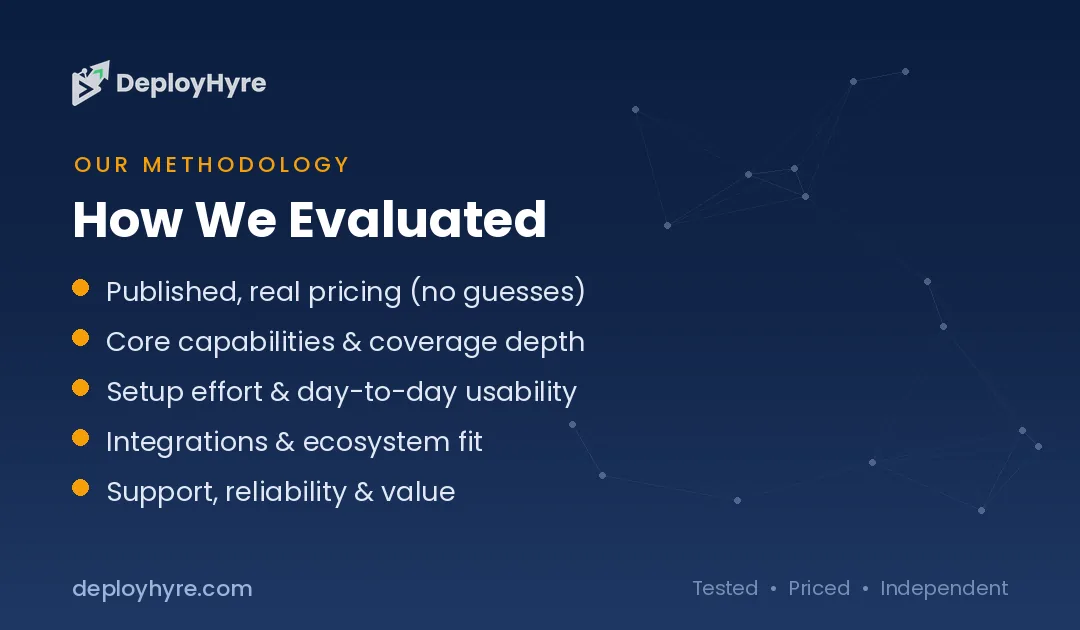
Match the tool to your audio and workflow. Pick Otter or Fireflies for live meetings, Descript or Trint for media production, Sonix or Happy Scribe for multilingual files, and Rev for human-grade accuracy. Use Notta when budget matters most.
Start with the source audio. Live calls reward meeting tools that auto-join and summarize. Recorded files reward upload-based engines with higher accuracy and language coverage. Court, medical, or research records reward a human option, where Rev leads.
Then weigh accuracy against cost. Subscription tools suit steady, predictable use, while pay-per-minute pricing fits occasional jobs. Check language support and security too, since HIPAA or SOC 2 needs narrow the field quickly. Teams that process high volumes often pair transcription with AI automation tools to route and file the output.
How We Evaluated These AI Transcription Tools
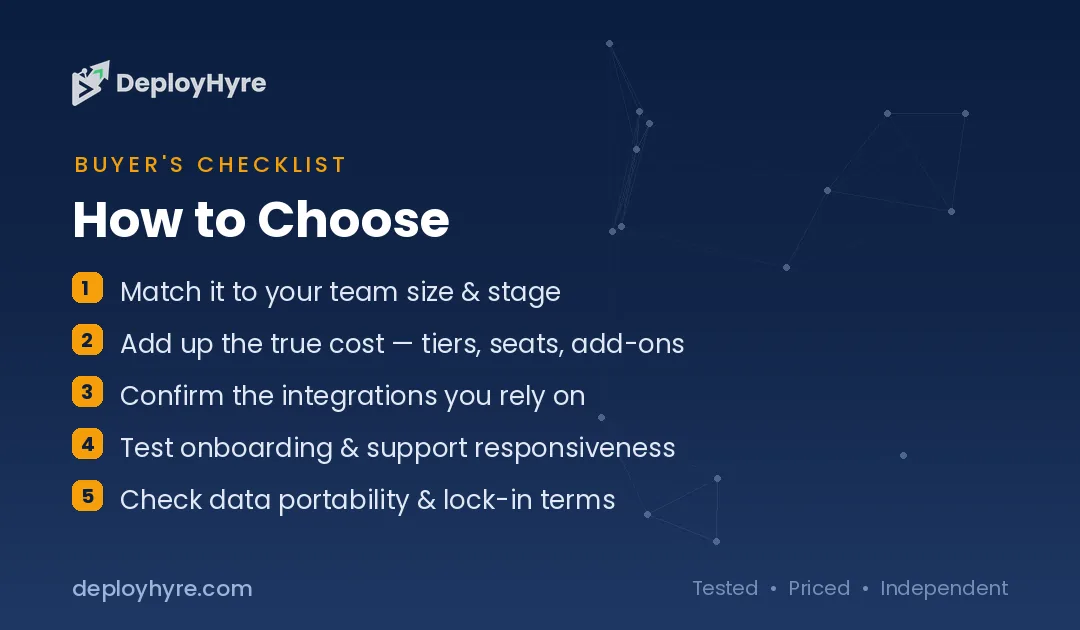
We compared the 8 tools on five criteria: advertised and real-world accuracy, language coverage, speaker labeling, workflow and integration fit, and price per use. We reviewed each vendor’s current pricing pages, documentation, and stated accuracy as of June 2026.
We treated vendor accuracy claims as a ceiling, not a guarantee, because real audio with noise and crosstalk lowers results. We weighted workflow fit heavily, since the best tool is the one your team actually adopts for its specific kind of audio.
The Bottom Line
For live meetings, Otter.ai and Fireflies.ai lead, with Fireflies adding sales-grade call analytics. For media production, Descript and Trint stand out. For multilingual files and security, Sonix is the strongest pick, while Rev remains the choice when only human accuracy will do.
Choose by your audio type and accuracy needs, not the longest feature list. Then connect transcripts to action with AI meeting assistants and a clear plan for AI for business.
Frequently Asked Questions
What is the most accurate AI transcription software?
Sonix advertises up to 99% accuracy on clean audio, the highest AI claim among the tools tested. For guaranteed accuracy on critical records, Rev’s human transcription service reaches about 99% but costs more and takes longer than AI.
How much does AI transcription software cost?
Costs vary by model. Subscription tools start near $8 per month, such as Otter Pro and Notta. Pay-per-minute services like Rev charge $0.25 per minute for AI and $1.99 for human transcription. Most tools offer free tiers for light use.
Can AI transcription handle multiple languages?
Yes. Fireflies supports 100-plus languages, Notta covers 58, and Sonix handles 53-plus with translation. Accuracy is usually highest in English and major European languages, and can drop for less common languages or heavy accents.
Is AI transcription accurate enough for legal or medical use?
For drafts, yes, but regulated work often needs human review. Rev offers human transcription near 99% accuracy, and tools like Sonix provide HIPAA-available security. Legal and medical teams should verify AI output before relying on it.
What is the best free AI transcription tool?
Otter.ai, Fireflies.ai, and Notta all offer free tiers. Otter gives 300 minutes per month, Notta caps recordings at 3 minutes each, and Fireflies includes limited storage. Free plans suit light use, while paid tiers unlock longer recordings and more features.

David Austin is a technology writer and software analyst at DeployHyre, where he covers AI tools, SaaS platforms, cloud hosting, and business automation. He focuses on hands-on comparisons of pricing, features, and real-world performance so teams can pick the right software with confidence.
Know AI, SaaS, or cloud tools inside out? Pitch a guest post and get in front of thousands of buyers researching their next tool.