
Table of Contents
AI coding tools went from novelty to default in 2026. Cursor alone surpassed $2 billion in annual recurring revenue, and most professional developers now use at least one AI assistant daily. But the tools are not interchangeable: some are editors, some are agents, and the right pick depends on how you work.
We ranked the eight best AI coding tools for 2026 on performance, pricing, workflow, and real-world fit. This guide gives you a clear framework, sourced benchmarks, and an honest pick for each type of developer.
Try Claude Code → Try Cursor →
The Three Types of AI Coding Tool
Most listicles rank tools as if they all do the same job. They do not. An editor maximizes control, an agent maximizes delegation, and an integration maximizes fit with what you already use. Pick the category first, then the tool within it. The rankings below are grouped to make that easy.
Best AI Coding Tools: Quick Comparison
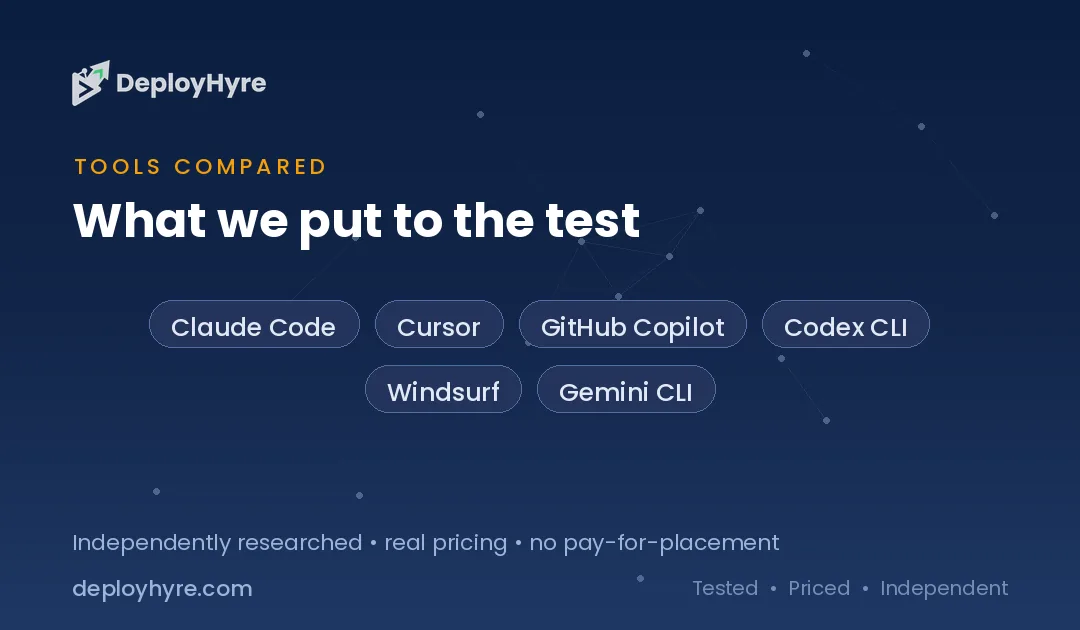
| Tool | Type | Starting Price | Best For |
|---|---|---|---|
| Claude Code | Agent | $20/mo | Code quality, complex codebases |
| Cursor | Editor | $20/mo (free tier) | AI-first editing, most popular |
| GitHub Copilot | Integration | $8.33/mo | Best value, GitHub teams |
| Codex CLI | Agent | $20/mo | Efficiency, DevOps, terminal |
| Windsurf | Editor | $20/mo | Agentic editor workflows |
| Gemini CLI | Agent | BYO key / free tier | Google ecosystem, budget |
| Aider | Open-source agent | ~$2-5/mo (API) | Budget terminal coding |
| Cline | Open-source agent | ~$2-5/mo (API) | Open-source flexibility |
What Is the Best AI Coding Tool?
There is no single winner, because the tools optimize for different things. The honest summary from 2026 testing: Cursor won for speed, Claude Code for quality, and Copilot for value. Match the tool to your dominant workflow rather than chasing a universal best.
The 8 Best AI Coding Tools
1. Claude Code: Best for Code Quality
Claude Code is Anthropic’s terminal-native agent and the top-ranked tool for code quality in 2026.
What it does well. It scores around 80.8% on SWE-bench Verified, the highest of any coding agent, and reasons over large codebases with up to 1 million tokens of context. Agent Teams enable multi-agent orchestration for complex work.
Pricing. Pro at $20/mo, Max at $100 to $200/mo for heavier use and Opus access, held flat through June 2026.
Best for: Senior engineers, complex codebases, and large refactors.
Limitations. No free tier, and it burns tokens faster than Codex.
2. Cursor: Best AI Editor
Cursor is the most-used AI coding tool in 2026, having surpassed $2 billion in annual recurring revenue.
What it does well. A polished VS Code fork with tab completions, inline edits, visible diffs, Cloud Agents, and MCP support. You can use Claude, GPT, and Gemini and switch freely or let auto mode pick.
Pricing. Free Hobby tier, Pro at $20/mo, Ultra at $200/mo for 20x usage.
Best for: AI-first editing, UI work, and rapid iteration.
Limitations. Credit-based billing can surprise heavy users.
3. GitHub Copilot: Best Value
GitHub Copilot is the most affordable mainstream assistant and the natural pick for GitHub-native teams.
What it does well. Deep integration with GitHub and major editors, strong autocomplete, chat, and agent features. Copilot Pro dropped to $8.33/mo ($100/year), the best value among premium tools.
Pricing. Pro at $8.33/mo; billing moved to usage-based AI Credits on June 1, 2026.
Best for: Teams already on GitHub and budget-conscious developers.
Limitations. The new credit billing adds usage complexity.
4. Codex CLI: Best for Efficiency and DevOps
OpenAI’s Codex CLI is a terminal agent built for token efficiency and terminal-native work.
What it does well. It uses roughly 4x fewer tokens than Claude Code and leads Terminal-Bench 2.0, making it strong for scripting, system administration, and DevOps. Kernel-level sandboxing suits autonomous operation.
Pricing. From $20/mo via OpenAI plans.
Best for: DevOps-heavy and efficiency-focused workflows.
Limitations. Code quality occasionally needs manual cleanup.
5. Windsurf: Best Agentic Editor
Windsurf, formerly Codeium, is an AI editor with strong agentic workflows.
What it does well. Its Cascade agent handles multi-step edits across files inside a polished editor, blending the editor and agent experiences. A solid Cursor alternative.
Pricing. Pro at $20/mo (raised from $15 in May 2026), Max at $200/mo; switched to daily and weekly quotas on March 19, 2026.
Best for: Developers who want an agentic editor alternative to Cursor.
Limitations. Recent pricing and quota changes; smaller ecosystem than Cursor.
6. Gemini CLI: Best for the Google Ecosystem
Gemini CLI is Google’s terminal coding agent, with a generous free tier.
What it does well. Strong free access, large context, and tight integration with Google Cloud and Gemini models make it a budget-friendly agent for many tasks.
Pricing. Free tier available; paid use via Google AI plans or API key.
Best for: Google ecosystem users and budget-conscious developers.
Limitations. Less proven on top-tier code-quality benchmarks than Claude Code.
7. Aider: Best Open-Source Terminal Agent
Aider is a popular open-source terminal coding agent where you bring your own API key.
What it does well. Near-premium performance for $2 to $5 per month in API costs, strong Git integration, and full control over which model you use. No subscription required.
Pricing. Free software; you pay only for model usage, roughly $2 to $5/mo for light use.
Best for: Budget-conscious developers comfortable with the terminal.
Limitations. You manage your own API keys and costs.
8. Cline: Best for Open-Source Flexibility
Cline is an open-source agent that runs in your editor with bring-your-own-key pricing.
What it does well. Open-source transparency, model choice, and pay-only-for-usage economics, with autonomous multi-file editing inside VS Code.
Pricing. Free extension; you pay model API costs, roughly $2 to $5/mo for light use.
Best for: Developers who want open-source control and low cost.
Limitations. Requires API setup and cost monitoring.
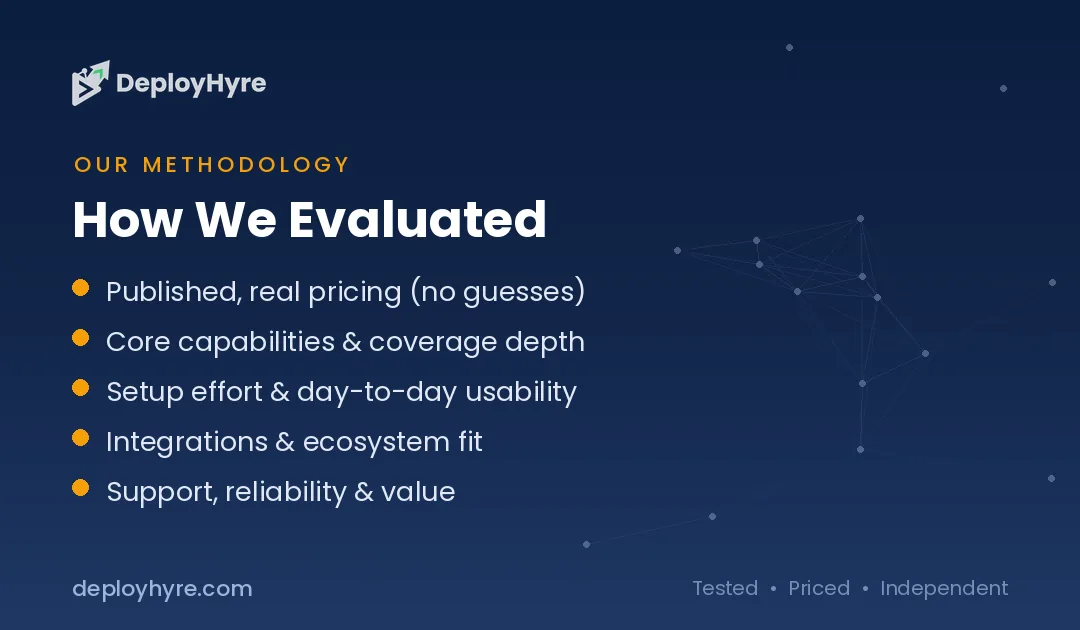
How Should You Choose an AI Coding Tool?
Choose an agent (Claude Code, Codex) if: you want to delegate refactors, migrations, and multi-file tasks and review the result.
Choose an editor (Cursor, Windsurf) if: you do interactive, visual, day-to-day coding and want to see every diff.
Choose an integration (Copilot) if: you live in GitHub and want strong AI at the lowest price.
For deeper head-to-heads, read our Cursor vs Claude Code and Claude Code vs Codex comparisons.
How We Ranked These Tools
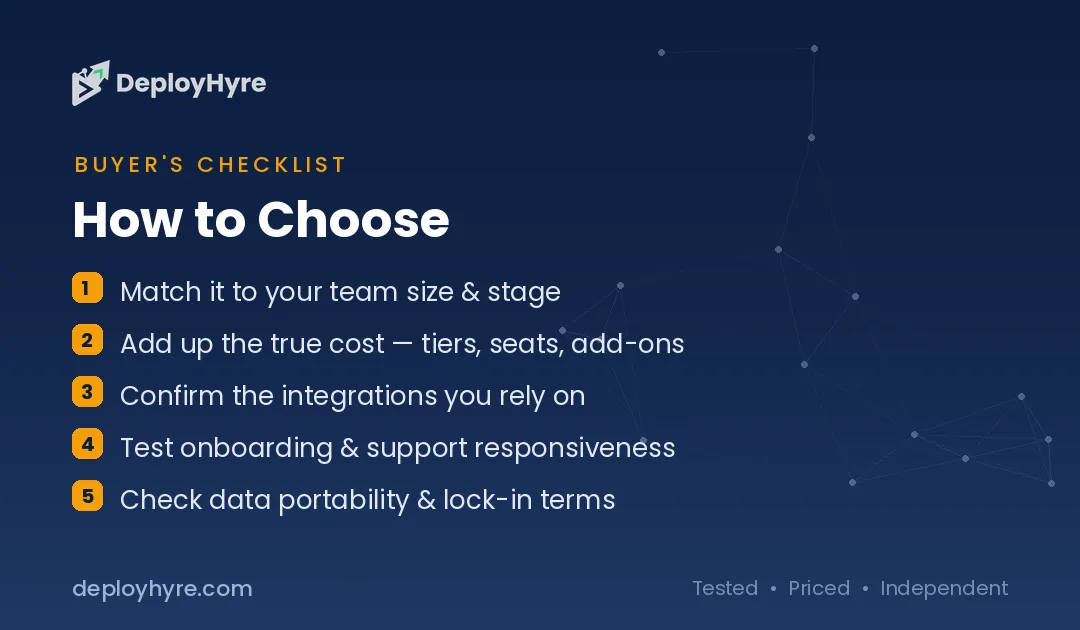
We evaluated each tool on published pricing, vendor documentation, and independent benchmarks including SWE-bench Verified and Terminal-Bench, plus documented workflow strengths. We grouped tools by category, editor, agent, or integration, because that drives fit more than raw scores. Details reflect information published as of June 2026 and may change as these tools update frequently.
The Bottom Line
The best AI coding tool in 2026 depends on how you work. Claude Code leads on code quality, Cursor is the most-used editor, and GitHub Copilot is the best value. Pick your category first, agent, editor, or integration, then the tool within it. Many developers combine an editor for daily work with an agent for delegated tasks.
Next, compare the leaders directly in our Cursor vs Claude Code guide or see our Claude Code pricing breakdown.

Frequently Asked Questions
What is the best AI coding tool?
Claude Code is the best AI coding tool for code quality in 2026, scoring around 80.8% on SWE-bench Verified, the top result among agents. Cursor is the most-used tool and best AI editor, while GitHub Copilot offers the best value at $8.33 per month. The right pick depends on your workflow.
What is the best free AI coding tool?
Cursor and Gemini CLI offer the best free tiers among mainstream tools, and GitHub Copilot is free for verified students and many open-source maintainers. For near-free paid use, open-source agents like Aider and Cline cost only $2 to $5 per month in API fees.
Is Claude Code or Cursor better?
They serve different needs. Claude Code is a terminal agent best for code quality and autonomous multi-file tasks, while Cursor is an AI editor best for interactive, visual coding with visible diffs. Many developers use both: Cursor for active editing and Claude Code for delegated work.
Which AI coding tool is the best value?
GitHub Copilot is the best value among premium tools at $8.33 per month, especially for GitHub-native teams. For the absolute lowest cost, open-source agents like Aider and Cline deliver near-premium performance for roughly $2 to $5 per month in model API costs.
Do professional developers use AI coding tools?
Yes. By 2026, most professional developers use at least one AI coding assistant daily, and Cursor alone surpassed $2 billion in annual recurring revenue. The common pattern is combining an AI editor for day-to-day work with a terminal agent for larger delegated tasks.

David Austin is a technology writer and software analyst at DeployHyre, where he covers AI tools, SaaS platforms, cloud hosting, and business automation. He focuses on hands-on comparisons of pricing, features, and real-world performance so teams can pick the right software with confidence.
Know AI, SaaS, or cloud tools inside out? Pitch a guest post and get in front of thousands of buyers researching their next tool.