
TL;DR: The best AI design tools now cover every creative task. Canva wins for all-in-one graphic design, Adobe Firefly for pro image editing, and Figma AI for UI work. Midjourney leads image generation, Looka handles logos, and Gamma builds decks. We compared 9 tools across five categories so you can match the right one to your job.
Design work is shifting fast. A recent industry survey found that 91% of designers now use AI tools at least weekly, up from 54% a year earlier, and most say the tools help them work faster. The money follows that demand. The AI-powered design tools market is projected to grow from $6.74 billion in 2025 to $8.22 billion in 2026, climbing at about 22% a year.
The payoff is speed. Designers who lean on AI report productivity gains of up to 60%, with project timelines shrinking by 20 to 30%. That is why the category exploded from a handful of niche apps into a full toolkit that touches every stage of creative work.
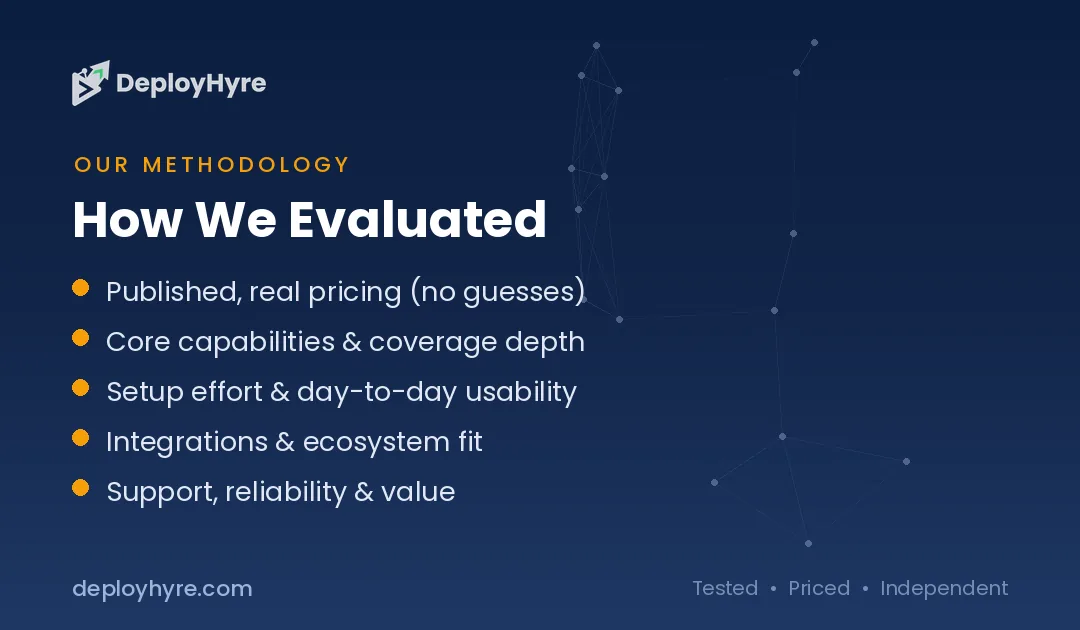
We compared 9 AI design tools across graphic design, image generation, logo and branding, UI/UX, and presentations. We judged each on output quality, ease of use, features, and price. This guide groups tools by the job you need done, so you can skip the hype and pick the right one. For the wider picture, start with our pillar on AI for business.
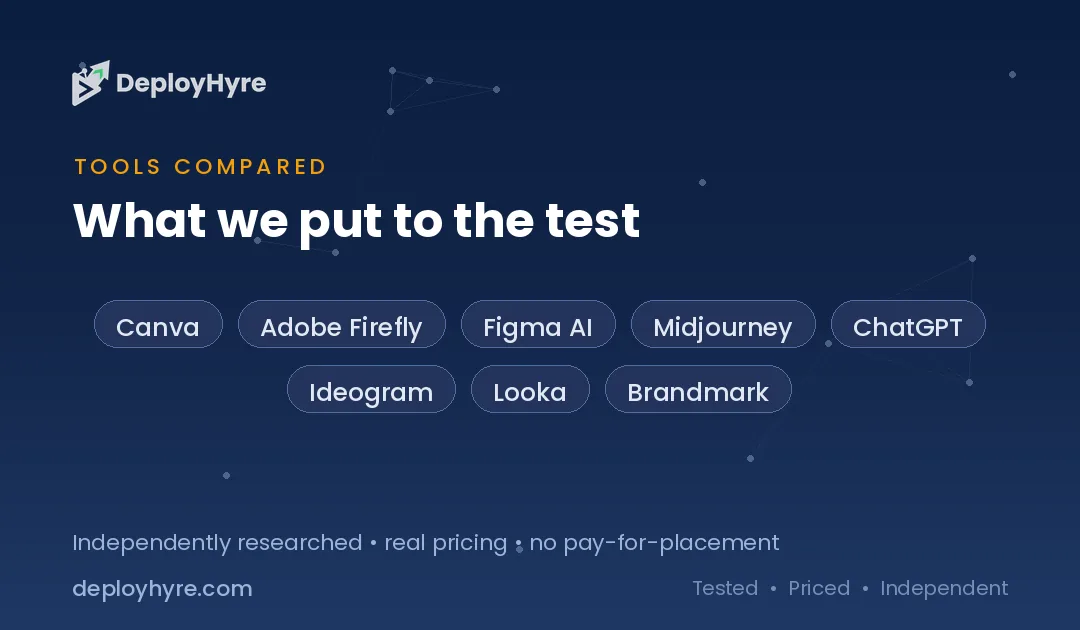
Quick Comparison: Best AI Design Tools
| Tool | Best For | Starting Price | Category |
|---|---|---|---|
| Canva | All-in-one design | Free / ~$15/mo | Graphic design |
| Adobe Firefly | Pro image editing | Free / $9.99/mo | Graphic design |
| Figma AI | UI/UX design | Free / $16/seat/mo | UI/UX design |
| Midjourney | Artistic images | $10/mo | Image generation |
| ChatGPT (GPT Image) | Prompt-to-image ease | Free / $20/mo | Image generation |
| Ideogram | Text inside images | Free / $7/mo | Image generation |
| Looka | Logo and brand kits | $20 one-time | Logo / branding |
| Brandmark | Fast logo concepts | $25 one-time | Logo / branding |
| Gamma | AI presentations | Free / $12.99/mo | Presentations |
What Makes a Great AI Design Tool?
A great AI design tool pairs high-quality output with editing control, a workflow that fits how you already work, and pricing that matches your use case. Raw generation is not enough. The best tools let you refine results, keep your brand consistent, and export files you can actually use.
We weighed four factors for every tool. First, output quality, meaning how usable and polished the results are. Second, ease of use, since a tool you fight is a tool you drop. Third, features that match the category, from background removal to brand kits. Fourth, price and licensing, because commercial rights and export formats vary widely. The best pick is the one that solves your specific task, not the one with the longest feature list.
Best AI Tools for Graphic Design and UI/UX
Canva, Adobe Firefly, and Figma AI cover everyday graphic design and interface work. Each brings AI into a mature design platform rather than a single-trick generator.
#1 Canva: Best for all-in-one design
Canva packs AI into the most approachable design suite available. It is where most non-designers start, because you can produce a finished graphic before you would even open a traditional editor. The AI features sit on top of that ease rather than replacing it.
What it does well. Canva turns a text prompt into social posts, presentations, and marketing graphics through Canva AI and Magic Design. Its huge template library and drag-and-drop editor make it the easiest starting point for non-designers.
Key features:
-
Canva AI and Magic Design generation
-
Magic Write and AI image tools
-
140+ million templates, photos, and assets
-
Brand kits and team sharing
Pricing. Canva offers a free plan, with Pro at around $15 per month and Teams pricing above that.
Best for: Solo creators, marketers, and small teams who want one tool for everything.
Limitations. The breadth can overwhelm users with a single, focused need. If you want lighter options, see our roundup of Canva alternatives.
#2 Adobe Firefly and Express: Best for pro image editing
Adobe Firefly brings commercially safe generative AI to a professional editing suite. Where consumer tools generate and stop, Firefly hands the result back to Photoshop and Express so you can finish the job. That pipeline matters for anyone producing client work at scale.
What it does well. Firefly generates images and edits trained on licensed content, so output is safer for commercial use. Inside Adobe Express, you can remove backgrounds, expand images, and generate assets, then polish them with real editing controls.
Key features:
-
Commercially safe image generation
-
Generative fill, expand, and background removal
-
Adobe Express design templates
-
Photoshop web integration on higher tiers
Pricing. Firefly plans start at $9.99 per month for 2,000 credits, with a Pro tier at $19.99 per month. Adobe Express also has a free plan.
Best for: Designers who want AI plus professional-grade editing and safe licensing.
Limitations. The credit system and Adobe ecosystem add cost and complexity.
#3 Figma AI: Best for UI/UX design
Figma AI adds generative and automation features to the leading interface design tool. Product teams already live in Figma, so the AI meets them where they work instead of forcing a new app. The result is faster prototyping without leaving your design system behind.
What it does well. Figma AI renames layers, removes image backgrounds, and generates images inside your file. Figma Make turns text prompts into UI screens for quick prototyping, using your team libraries to stay on-brand.
Key features:
-
Figma Make prompt-to-UI generation
-
AI layer renaming and asset cleanup
-
Background removal and image tools
-
Access across all plan tiers
Pricing. Figma has a free Starter plan, with the Professional plan around $16 per full seat per month billed annually, including AI credits.
Best for: Product designers and teams building apps and interfaces.
Limitations. It is built for UI work, so it is overkill for simple graphics.
Best AI Image Generation Tools
Midjourney, ChatGPT image generation, and Ideogram lead the field for turning prompts into images. Each has a distinct strength, from artistic quality to typography.
#4 Midjourney: Best for artistic images
Midjourney sets the bar for creative, high-quality AI imagery. Ask any professional which generator produces the most beautiful output and Midjourney comes up first. It rewards users who learn its style parameters with results that look art-directed rather than machine-made.
What it does well. Midjourney produces the most striking, stylized images of any major generator, with deep control over style, lighting, and composition. It excels at concept art, illustration, and mood-driven visuals.
Key features:
-
Best-in-class artistic image quality
-
Fine style and composition controls
-
Web editor and image variations
-
Active community and reference tools
Pricing. Midjourney’s Basic plan costs $10 per month, or about $96 per year with annual billing.
Best for: Creatives who want the most polished, artistic output.
Limitations. Lower tiers have limited fast-generation time and no relaxed mode.
#5 ChatGPT Image Generation: Best for prompt-to-image ease
ChatGPT makes image generation as simple as a conversation. There is no prompt syntax to memorize and no separate app to open. You ask for an image, look at it, and ask for changes in plain English until it is right.
What it does well. Image generation is built into ChatGPT, so you describe what you want in plain language and refine it through chat. OpenAI replaced DALL-E 3 with its newer GPT Image model, which handles complex prompts and edits well.
Key features:
-
Conversational image generation and editing
-
Strong prompt understanding
-
Built into the ChatGPT interface
-
Free tier with limited generations
Pricing. ChatGPT offers a free tier, with ChatGPT Plus at $20 per month for higher image limits.
Best for: Anyone who wants easy, chat-based image creation without learning a new tool.
Limitations. Artistic control trails dedicated tools like Midjourney.
#6 Ideogram: Best for text inside images
Ideogram solves the hardest problem in AI images: readable text. Most generators turn words into garbled shapes, which rules them out for anything with a headline or label. Ideogram was built to fix exactly that gap.
What it does well. Ideogram renders words inside images far better than most generators, which makes it ideal for posters, logos, mockups, and social graphics with typography. It also offers styles and a magic-prompt helper.
Key features:
-
Reliable text rendering in images
-
Style presets and magic prompt
-
Free tier with weekly credits
-
Fast web-based generation
Pricing. Ideogram offers a free plan, with the Basic plan at $7 per month and Plus at $15 per month.
Best for: Marketers and designers who need legible text baked into images.
Limitations. General artistic range is narrower than Midjourney.
Best AI Logo and Branding Tools
Looka and Brandmark generate full logo and brand assets in minutes. Both are built for founders and small businesses that need a brand identity without a designer.
#7 Looka: Best for logo and brand kits
Looka builds a complete brand identity from a few prompts. You answer a short setup flow about your name, industry, and taste, and it does the rest. For a founder without a design budget, it replaces a lot of back-and-forth with an agency.
What it does well. Looka generates logo options based on your name, industry, and style choices, then extends the design into business cards, social templates, and a full brand kit. The editor lets you tweak everything before you buy.
Key features:
-
AI logo generation and editing
-
300+ branded marketing templates
-
Brand kit with colors and fonts
-
High-resolution and vector files
Pricing. Looka’s Basic logo package is a $20 one-time purchase, with a Premium package at $65 and Brand Kit subscriptions from $96 per year.
Best for: Startups and small businesses that want a full brand identity fast.
Limitations. Output can feel template-driven for highly custom brands.
#8 Brandmark: Best for fast logo concepts
Brandmark generates polished logo concepts and a matching brand system. Its strength is the coordinated system it builds around each mark, not just the logo itself. You get colors, type, and layouts that already work together.
What it does well. Brandmark creates logo options with coordinated colors, fonts, and layouts, then packages them into a brand style guide. You can generate unlimited concepts for free and pay only when you download.
Key features:
-
AI logo and color palette generation
-
Brand style guide export
-
Business card and icon assets
-
Free unlimited logo previews
Pricing. Brandmark uses one-time pricing, from $25 for the Basic package up to $175 for enterprise concepts.
Best for: Founders who want quick logo concepts with a full asset pack.
Limitations. You cannot download final files until you pay.
Best AI Presentation Tool
Gamma turns a prompt into a polished, editable deck in under a minute. It is the standout for anyone who needs slides without starting from a blank page.
#9 Gamma: Best for AI presentations
Gamma builds modern, web-style decks from a single prompt. It kills the blank slide, which is the slowest part of building any presentation. You start from a full draft and spend your time refining instead of formatting.
What it does well. Gamma generates card-based presentations that look like responsive web pages, with live embeds for video and charts. Its conversational agent lets you edit slides through chat, and it crossed 70 million users on the strength of that speed.
Key features:
-
Prompt-to-deck generation in seconds
-
Card-based responsive layouts
-
Live embeds for video and charts
-
Conversational AI editing
Pricing. Gamma offers a generous free tier, with Pro at $12.99 per month and Teams pricing per user.
Best for: Founders, marketers, and teams who need fast, modern decks.
Limitations. The web-style output can feel less like a classic slide deck.
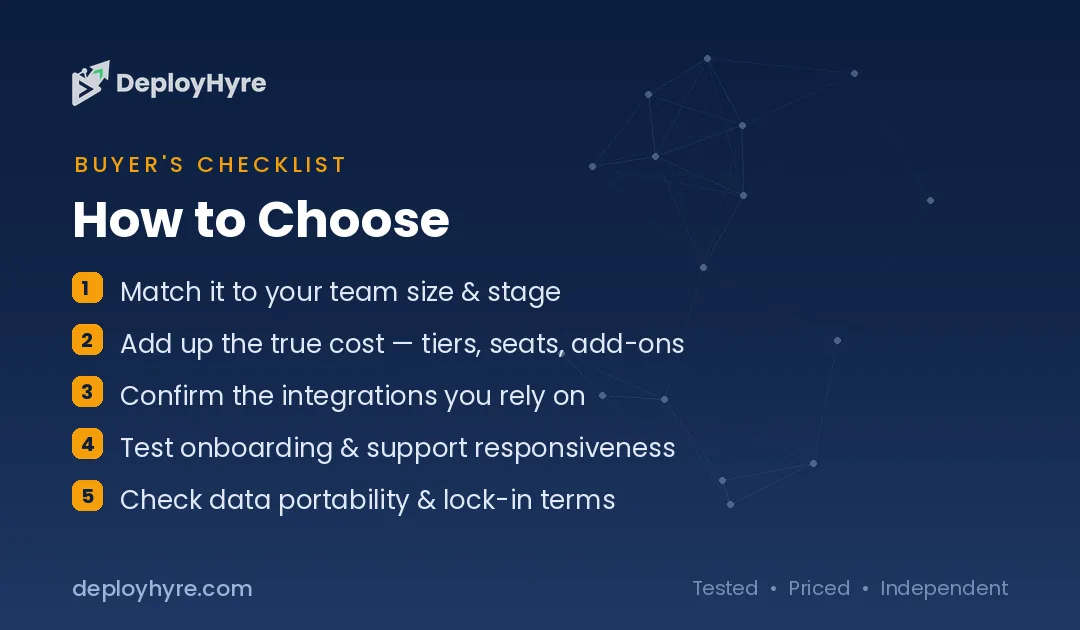
How to Choose an AI Design Tool
Choose based on your task, your skill level, and how you plan to use the output. There is no single best tool. There is only the best tool for the job in front of you.
Start with the task. Need social graphics and marketing assets? Canva covers the most ground. Building an app interface? Figma AI fits. Generating art or concepts? Midjourney leads, while Ideogram wins when you need readable text. Creating a brand from scratch? Looka or Brandmark deliver a full identity. Next, weigh your skill level, since Canva and Gamma suit beginners while Adobe and Figma reward experience. Then check licensing and export, because commercial rights differ, and Firefly stands out for safe, licensed generation. Finally, match the budget, since prices run from free to about $20 per month. To round out your stack, see our guide to AI tools for social media video.
The Bottom Line
Canva is the best all-in-one AI design tool, Midjourney wins image generation, Figma AI leads UI work, and Looka builds brands fastest. The right pick depends on the task, your experience, and how you use the output. Most tools offer free tiers, so you can test before you commit.
AI speeds up design, but it does not replace your judgment. Generate a first draft, then refine it to match your brand and message. Pick the tool that fits your top task, try it on a real project, and build from there.
Frequently Asked Questions
What is the best AI design tool?
Canva is the best all-in-one AI design tool for most people, thanks to its ease of use and broad template library. For image generation, Midjourney leads. For UI/UX, Figma AI wins, and for logos, Looka delivers a full brand identity. The best choice depends on your specific task.
Are AI design tools free to use?
Many are. Canva, Adobe Express, Figma, Ideogram, ChatGPT, and Gamma all offer free plans with limited features or credits. Paid plans typically run from about $7 to $20 per month and unlock more generations, higher resolution, and commercial licensing.
Which AI tool is best for generating images with text?
Ideogram is the best AI tool for images with readable text. Most image generators struggle to render words cleanly, but Ideogram was built to handle typography, which makes it ideal for posters, social graphics, and mockups that include lettering.
Can AI design tools replace a human designer?
No. AI design tools speed up drafts, ideation, and repetitive tasks, but they still need human direction and editing. The best results come from pairing AI generation with your own judgment on brand, message, and final polish.
Which AI design tool is best for logos and branding?
Looka and Brandmark are the top AI tools for logos and branding. Both generate a full brand identity, including logo options, colors, fonts, and marketing templates, in minutes. Looka starts at a $20 one-time purchase, and Brandmark starts at $25.
Know AI, SaaS, or cloud tools inside out? Pitch a guest post and get in front of thousands of buyers researching their next tool.

David Austin is a technology writer and software analyst at DeployHyre, where he covers AI tools, SaaS platforms, cloud hosting, and business automation. He focuses on hands-on comparisons of pricing, features, and real-world performance so teams can pick the right software with confidence.