
TL;DR: Our top pick is Adobe Express. It matches Canva’s drag-and-drop ease but adds Adobe Firefly AI and a stronger free plan. People leave Canva for better pricing, deeper editing power, or true UI and product design work. This guide ranks 7 real Canva alternatives with verified pricing so you can pick the right fit fast.
Canva ended 2025 with more than 265 million monthly active users, and over 31 million of them pay for a premium plan. That scale is impressive. But scale does not make Canva right for everyone.
Some users hit template limits. Others want deeper photo editing, real design systems, or a cheaper subscription. And a lot of teams simply want a tool that fits their exact workflow instead of a one-size-fits-all editor. If you run visuals as part of a bigger stack, our guide to AI for business covers how design fits alongside the rest of your tools.
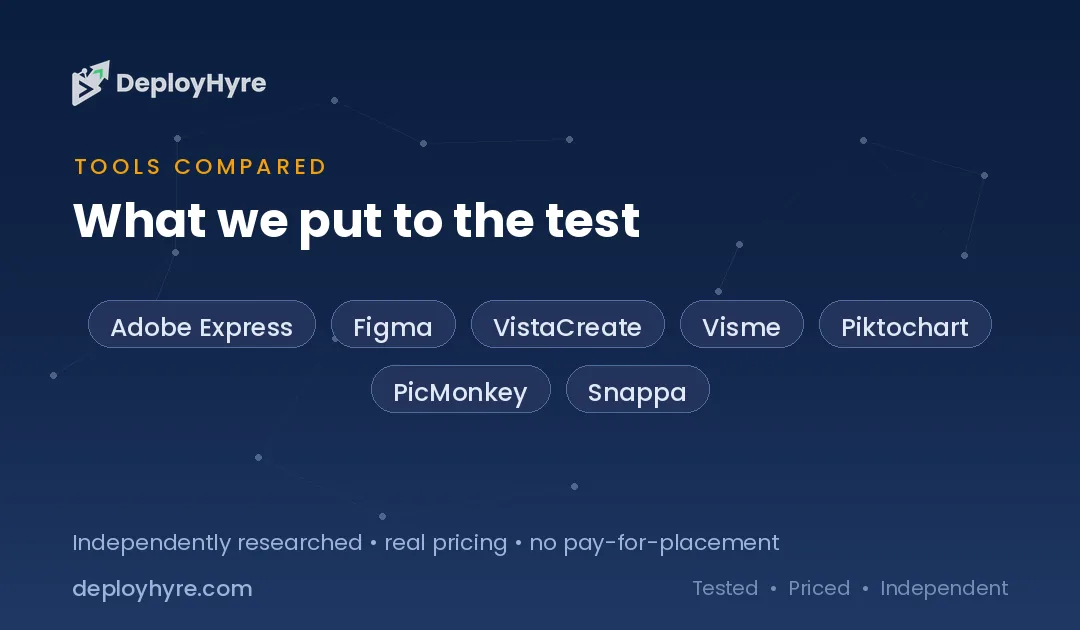
This guide ranks 7 strong Canva alternatives. Each one solves a specific problem Canva does not.
Quick Comparison: Canva Alternatives
| Tool | Best For | Starting Price | Key Strength |
|---|---|---|---|
| Adobe Express | All-around Canva swap | Free / $9.99 mo | Firefly AI + strong free tier |
| Figma | UI and product design | Free / $12 editor mo | Real design systems |
| VistaCreate | Social media creators | Free / $10 mo | 85+ formats, cheap Pro |
| Visme | Data and presentations | Free / $12.25 mo | Interactive infographics |
| Piktochart | Reports and infographics | Free / $14 mo | Data-to-visual AI |
| PicMonkey | Photo editing | Free / $7.99 mo | Deep photo touch-ups |
| Snappa | Fast social graphics | Free / $10 mo | Speed and simplicity |
Prices reflect the lowest paid tier and shift with annual billing. Check each vendor page before you buy.
Why Look for a Canva Alternative?
Most people switch from Canva to save money, unlock deeper design power, or get a tool built for one specific job. Canva is a broad generalist. That breadth is its strength, but it also means the tool spreads thin.
If you need real UI design, Figma runs circles around Canva. If you edit photos all day, PicMonkey goes deeper. If you build data-heavy reports, Visme and Piktochart handle charts better. And if you just want cheap social graphics without paying $15 a month, VistaCreate or Snappa cost less. The right alternative depends on the one thing you do most.
Design rarely stands alone. If you also handle campaigns and posts, see our picks for AI marketing tools and the best AI social media video apps.
#1 Adobe Express: Best for an all-around Canva swap
Adobe Express is the closest thing to a drop-in Canva replacement. It offers the same drag-and-drop editor, thousands of templates, and one-click social scheduling. The difference is the engine under the hood: Adobe Firefly AI and a free plan that punches above its weight.
What it does well. Adobe Express blends easy templates with real Adobe design quality. Its generative AI is trained to be commercially safe, which matters if you use AI images in client or brand work.
Key features:
-
100,000+ templates and 1M+ stock assets on the free plan
-
Adobe Firefly text-to-image and generative fill
-
Brand kits, video background removal, and PDF editing
-
Schedule posts to major social networks
-
Deep tie-ins with the wider Adobe ecosystem
Pricing. Adobe Express has a free plan with 5 GB storage and 25 monthly AI credits. Premium runs $9.99/month and adds 250 AI credits, 100 GB storage, 30,000+ fonts, and 200M+ assets.
Best for. Anyone who wants Canva-style ease with stronger AI and a more generous free tier.
Limitations. The full feature set assumes some comfort with Adobe’s way of doing things. Power features can feel busy for total beginners.
#2 Figma: Best for UI and product design
Figma is not a Canva clone, and that is the point. It is the industry standard for interface and product design. If your “design” work means app screens, websites, or design systems, Canva was never the right tool. Figma is.
What it does well. Figma handles real design systems: reusable components, shared libraries, vector networks, and interactive prototypes. Its live multiplayer editing lets whole teams work on one file at once.
Key features:
-
Full vector and canvas tools built for precision
-
Reusable components and shared team libraries
-
Interactive prototypes with Smart Animate
-
Real-time collaboration and commenting
-
FigJam boards for brainstorming
Pricing. Figma has a free Starter plan. The Professional plan costs $12 per editor/month billed annually, or $15 billed monthly, and unlocks unlimited files and version history.
Best for. Product teams, UX designers, and anyone building digital interfaces.
Limitations. Figma is overkill for simple social posts or flyers. It has a real learning curve compared to Canva.
#3 VistaCreate: Best for social media creators
VistaCreate (formerly Crello) is the closest cheap match to Canva for social content. It covers 85+ design formats and ships a huge template library, with Pro pricing that undercuts Canva.
What it does well. VistaCreate makes fast, on-brand social graphics with strong animation support. Its free plan is generous, and Pro is cheaper than Canva Pro for a similar feature set.
Key features:
-
100,000+ templates and 1M+ free assets
-
85 ready design formats for posts, ads, and thumbnails
-
Built-in animations and a video editor
-
AI Image Generator, AI Writer, and AI Object Remover
-
Direct scheduling to Facebook, Instagram, and Pinterest
Pricing. The Starter plan is free with no time limit. Pro costs $13/month, or $10/month billed annually, and unlocks premium templates and AI tools.
Best for. Social media managers and creators who want Canva-style output for less.
Limitations. The ecosystem is smaller than Canva’s. Third-party integrations are more limited.
#4 Visme: Best for data and presentations
Visme leans into content that carries information: infographics, presentations, reports, and dashboards. Where Canva treats charts as an afterthought, Visme builds around them.
What it does well. Visme turns dry data into interactive visuals. It supports animated charts, clickable elements, and brand governance that keeps big teams consistent.
Key features:
-
Interactive infographics and animated data widgets
-
Presentation, document, and report builders
-
Brand kit with custom fonts and colors
-
Analytics on shared content
-
Export to MP4, GIF, PPTX, and HTML5 on paid plans
Pricing. Visme has a free Basic plan (no downloads). The Starter plan starts at $12.25/user/month billed annually, and Pro adds team collaboration and richer exports.
Best for. Marketers, educators, and teams that present data often.
Limitations. The free plan blocks downloads entirely. The interface is denser than Canva’s.
#5 Piktochart: Best for reports and infographics
Piktochart specializes in one thing and does it well: turning information into visuals. It is a browser tool built for infographics, reports, and data-heavy social posts.
What it does well. Piktochart’s AI generators convert documents and raw ideas into finished infographics, presentations, and reports fast. It suits non-designers who need to present data clearly.
Key features:
-
AI text-to-infographic, text-to-report, and text-to-presentation
-
Data visualization and chart tools
-
Drag-and-drop editor built for non-designers
-
Brand assets and team collaboration
-
Basic video editing
Pricing. Piktochart has a limited free plan (2 lifetime downloads). Pro costs $29/month, or $14/month billed annually, and unlocks unlimited downloads and AI tools.
Best for. Analysts, HR teams, and marketers who ship reports and infographics.
Limitations. The free plan is a demo, not a working tier. It is narrower than Canva for general design.
#6 PicMonkey: Best for photo editing
PicMonkey started as a photo editor, and that heritage shows. If your work centers on retouching, filters, and image touch-ups more than layouts, PicMonkey goes deeper than Canva.
What it does well. PicMonkey handles cropping, color correction, filters, collages, and touch-ups with precision. It has added modern AI features for object manipulation and editing.
Key features:
-
Advanced photo touch-up and retouching tools
-
Filters, effects, and collage builders
-
Templates and saved brand assets
-
Animation and co-editing on higher tiers
-
Free mobile app with premium unlocks
Pricing. PicMonkey starts at $7.99/month for Basic, with Pro at $12.99 and Business at $23. A free plan and trial are available.
Best for. Photographers, bloggers, and small teams focused on image editing.
Limitations. It is weaker than Canva for multi-page documents and presentations.
#7 Snappa: Best for fast social graphics
Snappa is built for speed. It strips design down to the essentials so you can make a YouTube thumbnail, blog header, or ad banner in minutes without the clutter.
What it does well. Snappa keeps things simple. Its 6,000+ templates and 5M+ stock photos cover common social formats, and one-click resizing repurposes a design across platforms fast.
Key features:
-
6,000+ templates and 5M+ free stock photos
-
One-click resizing across formats
-
Background remover and custom font uploads
-
Social integrations with Buffer and major networks
-
Clean, beginner-friendly editor
Pricing. The free Starter plan includes 3 downloads per month. Pro costs $10/month with unlimited downloads, and the Team plan runs $20/month for up to 5 people.
Best for. Solo creators and small teams who want quick graphics with zero learning curve.
Limitations. It has fewer templates and formats than Canva. It is not built for complex or print projects.
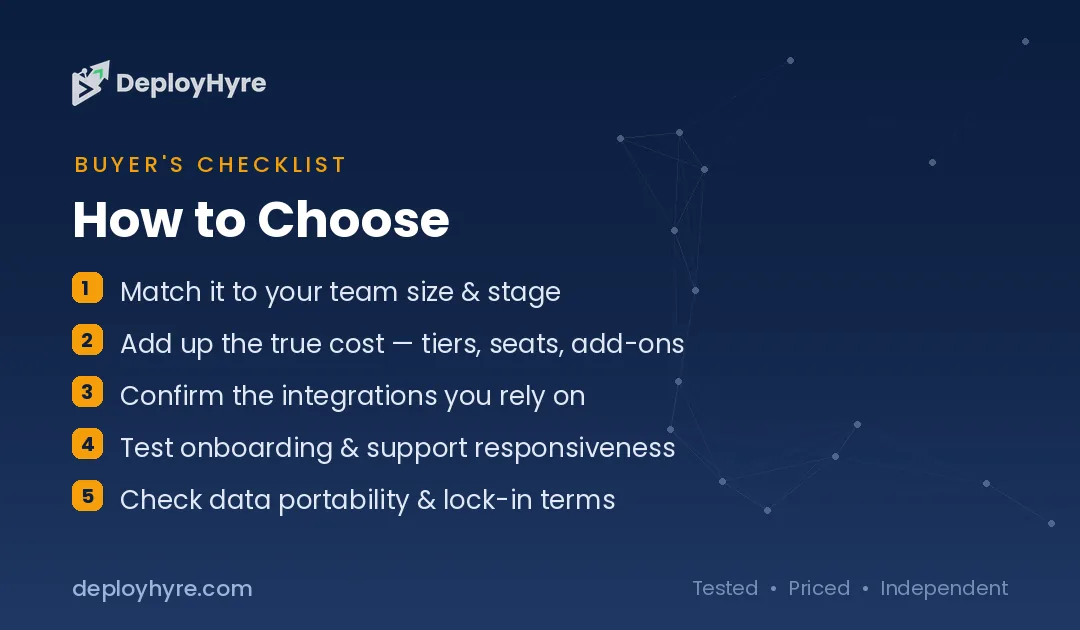
How to Choose a Canva Alternative
Start with the one job you do most, then pick the tool built for it. A generalist like Canva is fine until a single task becomes your whole workflow. Match the tool to that task.
Ask yourself three questions:
- What do you design most? Social posts point to VistaCreate or Snappa. UI work means Figma. Data and reports fit Visme or Piktochart. Photos mean PicMonkey.
- What is your budget? Snappa and PicMonkey start cheapest. Adobe Express offers the strongest free plan. Figma bills per editor, so team size matters.
- Do you need AI? Adobe Express (Firefly) and Piktochart lead on generative and data AI. Most others include lighter AI helpers.
Test the free plan before you pay. Every tool here offers one, so you can trial your real workflow at no cost.
The Bottom Line
Canva is excellent, but it is not the only option, and it is not always the best one. Adobe Express is our top overall pick because it matches Canva’s ease while adding stronger AI and a better free plan. For everything else, pick the specialist: Figma for product design, Snappa for speed, PicMonkey for photos, and Visme or Piktochart for data.
Start with a free plan, run your real work through it for a week, and let the results decide.
Frequently Asked Questions
What is the best free Canva alternative?
Adobe Express has one of the strongest free plans among Canva alternatives. It includes 100,000+ templates, 1M+ stock assets, and 25 monthly AI credits at no cost. VistaCreate also offers a generous free Starter plan with no time limit, making both good no-cost starting points.
Is there a Canva alternative for professional design?
Figma is the top choice for professional UI and product design. It supports real design systems, reusable components, vector precision, and interactive prototypes that Canva cannot match. It is the industry standard for teams building apps, websites, and digital interfaces.
Which Canva alternative is cheapest?
PicMonkey starts at $7.99/month, the lowest entry price among these tools. Snappa and VistaCreate Pro both land around $10/month, and Adobe Express Premium is $9.99/month. For a free option, Adobe Express and VistaCreate offer the best no-cost tiers.
What is the best Canva alternative for infographics?
Visme and Piktochart are the strongest picks for infographics and data visuals. Both build around charts, reports, and interactive elements instead of treating them as extras. Piktochart’s AI can turn a document into a finished infographic in seconds.
Can I switch from Canva without losing my designs?
You cannot directly import Canva files into most alternatives, since design formats differ. The common path is to export your Canva designs as images or PDFs, then rebuild key templates in the new tool. Most alternatives offer large template libraries to speed that transition.
Know AI, SaaS, or cloud tools inside out? Pitch a guest post and get in front of thousands of buyers researching their next tool.

David Austin is a technology writer and software analyst at DeployHyre, where he covers AI tools, SaaS platforms, cloud hosting, and business automation. He focuses on hands-on comparisons of pricing, features, and real-world performance so teams can pick the right software with confidence.