
TL;DR: The best AI video generator depends on your goal. Synthesia and HeyGen lead for avatar and training videos. Runway, Google Veo, Sora, and Pika lead for cinematic text-to-video. OpusClip owns short social clips, and InVideo handles all-in-one production. Prices start free and climb to $95 or more per month. This guide compares 9 tools across four categories.
Marketing teams once spent 13 days and roughly $4,500 per minute to produce a single video. AI tools have cut that to about 27 minutes and $400 per minute, according to 2026 industry data. That shift is why the AI video generator market is growing at a 36.2% annual rate as of 2026.
The problem is choice. There are dozens of tools, and each one is built for a different job. A tool that makes a great training video is often useless for a viral TikTok clip.
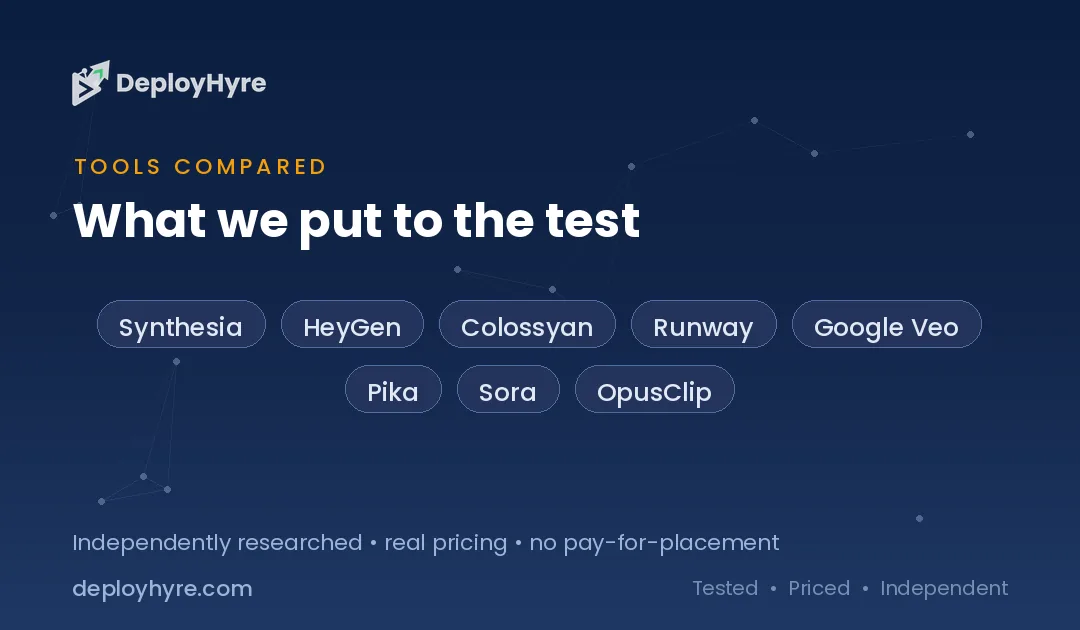
So we compared 9 of the best AI video generators across four use cases: avatar and talking-head, text-to-video, social clips, and all-in-one editing. This guide ranks them by what they actually do best, not by hype.
New to building video into your workflow? Start with our guide to AI for business to see where video fits.
Quick Comparison: Best AI Video Generators
| Tool | Best For | Starting Price | Category |
|---|---|---|---|
| Synthesia | Training & corporate video | $18/mo (annual) | Avatar / talking-head |
| HeyGen | Marketing avatars & translation | $24/mo (annual) | Avatar / talking-head |
| Colossyan | L&D and course video | $19/mo (annual) | Avatar / talking-head |
| Runway | Cinematic creative control | $12/mo (annual) | Text-to-video |
| Google Veo | Realistic clips with audio | $19.99/mo (Google AI Pro) | Text-to-video |
| Pika | Fun effects & short clips | $8/mo (annual) | Text-to-video |
| Sora | High-fidelity generation | $20/mo (ChatGPT Plus) | Text-to-video |
| OpusClip | Repurposing into social clips | $9/mo (annual) | Social clips |
| InVideo | All-in-one production | $25/mo | Editing / all-in-one |
What Makes a Great AI Video Generator?
A great AI video generator turns text or a prompt into finished video fast, with realistic output, easy editing, and pricing that matches your volume. The best tools also fit one clear job, whether that is a talking-head avatar, a cinematic clip, or a short social edit.
Look at four things when you compare. First, output quality: does the video look natural or plastic? Second, control: can you edit scenes, swap avatars, or adjust timing? Third, speed and volume: how many minutes do you get per month? Fourth, price: cheap plans often watermark exports or block commercial use.
The right pick changes with your use case. A course creator needs avatars and voiceovers. A filmmaker needs cinematic control. A social manager needs fast clips. Match the tool to the task, not the other way around.
Best AI Video Generators for Avatars and Talking Heads
Avatar tools turn a script into a video of a digital presenter. They are ideal for training, onboarding, and corporate updates. If avatars are your main need, also see our roundup of AI avatar generators.
#1 Synthesia: Best for corporate training video
Synthesia is the market leader for avatar-based business video, used widely for training and internal comms.
What it does well. Synthesia converts a script into a polished presenter video in minutes. It supports more than 140 languages and offers a large library of realistic avatars. The editor feels like a slide deck, so non-designers pick it up fast. Output looks professional enough for formal corporate use.
Key features:
-
230+ AI avatars plus custom avatar options
-
140+ languages and voices
-
Slide-style scene editor with templates
-
One-click translation of full videos
-
Screen recording and PowerPoint import
Pricing. Synthesia has a free plan with about 10 minutes of video per month. Paid plans start at $18 per month billed annually (Starter), with Pro (formerly Creator) at $89 per month billed monthly. Custom Studio avatars cost around $1,000 per year. Enterprise pricing is custom.
Best for: L&D teams, HR, and enterprises that produce training and internal video at scale.
Limitations. Video minutes are capped per tier, and credits do not roll over. Avatars are excellent but still read as slightly formal for casual social content.
#2 HeyGen: Best for marketing avatars and translation
HeyGen focuses on expressive avatars and video translation, making it a favorite for marketing and creator content.
What it does well. HeyGen produces lively, natural-looking avatars and strong lip-sync. Its translation feature dubs a video into another language while matching mouth movements, which is powerful for global reach. It also offers voice cloning and a Video Agent that helps assemble videos from prompts.
Key features:
-
Realistic avatars with Avatar IV lip-sync
-
Video translation with matched lip movement
-
Voice cloning and brand kits
-
1080p export on paid plans, 4K on Business
-
API access for automation
Pricing. HeyGen offers a free plan with 3 videos per month. Paid plans start at $24 per month billed annually (Creator, or $29 monthly), with Pro from $49 and Business at $149 plus $20 per seat. Premium features like Avatar IV consume credits, so heavy use can add cost.
Best for: Marketers and creators who need expressive avatars and multi-language dubbing.
Limitations. The credit system can get expensive fast. Avatar IV video burns 20 credits per minute, so Creator’s 600 credits cover only about 30 minutes of premium avatar video.
#3 Colossyan: Best for learning and development
Colossyan is built for L&D teams that turn documents and courses into interactive video.
What it does well. Colossyan converts PDFs, PowerPoint, and text into avatar-led lessons. It adds interactive elements like quizzes and branching, which sets it apart for training. The interface is clean and aimed at instructional designers, not filmmakers.
Key features:
-
Document-to-video conversion (PDF, PPT, docs)
-
70+ avatars plus custom options
-
Interactive quizzes and branching scenarios
-
Automatic translation across languages
-
SCORM export for learning platforms
Pricing. Colossyan has a free plan with a few minutes per month. Paid plans start at $19 per month billed annually (Professional), with custom-priced Enterprise plans above it. Custom Studio avatars cost around $1,000 per year.
Best for: Corporate trainers and course creators who need interactive, SCORM-ready video.
Limitations. Its newest avatar model is capped at 10 minutes per month even on Professional. It is narrower than Synthesia for general marketing video.
Best AI Video Generators for Text-to-Video
Text-to-video tools generate raw footage from a written prompt. They are best for creative, cinematic, and concept work rather than talking-head scripts.
#4 Runway: Best for creative control
Runway is the go-to text-to-video platform for filmmakers, editors, and creative professionals.
What it does well. Runway gives you deep control over motion, camera moves, and style. Its Gen-4 models produce coherent, cinematic clips, and the platform bundles many extra tools like motion brush and inpainting. In 2026 it also added in-dashboard access to rival models, so you can generate with Veo, Kling, and others in one place.
Key features:
-
Gen-4 and Gen-4.5 video models
-
Access to Veo, Kling, Seedance, and more in-app
-
Motion brush and camera control tools
-
Image-to-video and video-to-video
-
Frame-level editing tools
Pricing. Runway has a free tier with 125 one-time credits. Paid plans start at $12 per month billed annually (Standard, 625 credits/month), with Pro at $28 and Max at $76 per month annually. Higher-quality video burns credits faster.
Best for: Video professionals and creators who want cinematic control and multiple models in one tool.
Limitations. The credit system means high-resolution work drains your allowance quickly. There is a real learning curve compared to prompt-and-go tools.
#5 Google Veo: Best for realistic clips with audio
Google Veo generates highly realistic video and is one of the few models that produces synchronized audio.
What it does well. Veo 3 stands out for lifelike motion and native audio, so clips arrive with sound built in. It handles physics and lighting convincingly. Access runs through Google’s Flow and Gemini apps, which makes it easy for existing Google users to start.
Key features:
-
Native audio generation with video
-
Strong realism and physics handling
-
Access via Flow, Gemini, and Google Vids
-
Veo 3 Fast option for cheaper generation
-
API access through Vertex AI
Pricing. Consumer access comes through Google AI Pro at $19.99 per month or Google AI Ultra at $249.99 per month, each with monthly credits. API pricing is $0.40 per second for Veo 3 and $0.15 per second for Veo 3 Fast. Some free testing is available through Google Labs by region.
Best for: Creators who want the most realistic clips with built-in audio inside Google’s ecosystem.
Limitations. Full, high-volume access is tied to the pricey Ultra tier. Credit limits and regional rollout can restrict how much you generate.
#6 Pika: Best for fun effects and short clips
Pika is a playful, affordable text-to-video tool known for creative effects and quick short clips.
What it does well. Pika makes short, shareable clips with a suite of branded effects. Pikaffects can melt, explode, or squish objects, and other tools swap objects or insert characters into real footage. It is fast and cheap, which makes it great for experimenting.
Key features:
-
Pika 2.5 text-to-video and image-to-video
-
Pikaffects (melt, explode, squish, and more)
-
Pikadditions and Pikaswaps for object editing
-
Audio-driven lip-sync with Pikaformat
-
Low entry price
Pricing. Pika has a free plan, but it includes no monthly credits. Paid plans start at $8 per month billed annually (Starter, ~$10 monthly), with Creator at $28 and Fancy at $76 per month annually. A 1080p five-second clip costs 40 credits.
Best for: Social creators and hobbyists who want fun effects and low-cost short clips.
Limitations. You need the $28 Creator plan for commercial rights and watermark-free downloads. Clips are short, so it is not built for long-form video.
#7 Sora: Best for high-fidelity generation
Sora is OpenAI’s text-to-video model, known for high-fidelity output and strong prompt understanding.
What it does well. Sora produces sharp, detailed video with synchronized audio and follows complex prompts well. It supports text-to-video and image-to-video generation. Access is bundled with ChatGPT, so many users already have a path in.
Key features:
-
Sora 2 and Sora 2 Pro models
-
Text-to-video and image-to-video with audio
-
Strong prompt adherence and detail
-
Multiple duration options
-
Access through ChatGPT plans
Pricing. As of 2026, Sora video generation requires a paid ChatGPT plan: Plus at $20 per month or Pro at $200 per month. API pricing runs from $0.10 per second (Sora 2 standard, 720p) up to higher rates for Pro and 1080p output.
Best for: ChatGPT users who want high-fidelity, detailed clips from text prompts.
Limitations. OpenAI discontinued the standalone Sora consumer app in 2026, and the Sora 2 API was discontinued on September 24, 2026. Check current access before committing.
Best AI Video Generator for Social Clips
Social clip tools take long videos and cut them into short, captioned clips built for TikTok, Reels, and Shorts.
#8 OpusClip: Best for repurposing into social clips
OpusClip is the leading tool for turning long videos into ready-to-post short clips.
What it does well. OpusClip scans a long video, finds the best moments, and cuts them into vertical clips with captions and a virality score. It reframes footage automatically to keep speakers centered. It also posts and schedules clips across major social platforms.
Key features:
-
Automatic clip selection with virality scores
-
Animated captions and auto-reframing
-
AI B-Roll and speech enhancement
-
Social scheduling across six platforms
-
XML export to Premiere Pro and DaVinci Resolve
Pricing. OpusClip has a free plan with 60 processing minutes per month, though exports are watermarked. Paid plans start at $9 per month billed annually (Pro, or $29 monthly) for 300 credits, with a monthly-only Starter plan at $15 for 150 credits. Business is custom.
Best for: Podcasters, YouTubers, and creators repurposing long video into social clips.
Limitations. It clips existing footage rather than generating new video. Free exports carry a watermark and disappear after three days.
Best All-in-One AI Video Generator
All-in-one tools combine generation, editing, stock media, and voiceover in one workflow. If editing is your focus, also see our guide to AI video editing software.
#9 InVideo: Best for all-in-one production
InVideo is a full production tool that generates full videos from a prompt and lets you edit them by chatting.
What it does well. InVideo builds a complete video, with script, voiceover, stock footage, and music, from a single text prompt. You then refine it with plain-language commands like “make the intro shorter.” In 2026 it added Sora 2 and Veo 3.1 into its pipeline for cinematic generated clips.
Key features:
-
Prompt-to-video full production
-
Command-based editing in plain English
-
Built-in iStock media and voice cloning
-
Sora 2 and Veo 3.1 generation built in
-
Large template library
Pricing. InVideo has a free plan with watermarked exports. Paid plans start at $25 per month (Starter, $20 monthly), with Plus at $30 and Max at $75 per month billed annually. AI minutes reset monthly and do not roll over.
Best for: Solo creators and small teams who want one tool to generate and edit complete videos.
Limitations. AI minutes run out fast with re-generations, so heavy users hit limits. Output quality is good but less cinematic than dedicated text-to-video models.
How to Choose an AI Video Generator
Start with your primary use case, then match the tool to it. Pick one category first, because no single tool wins across all of them.
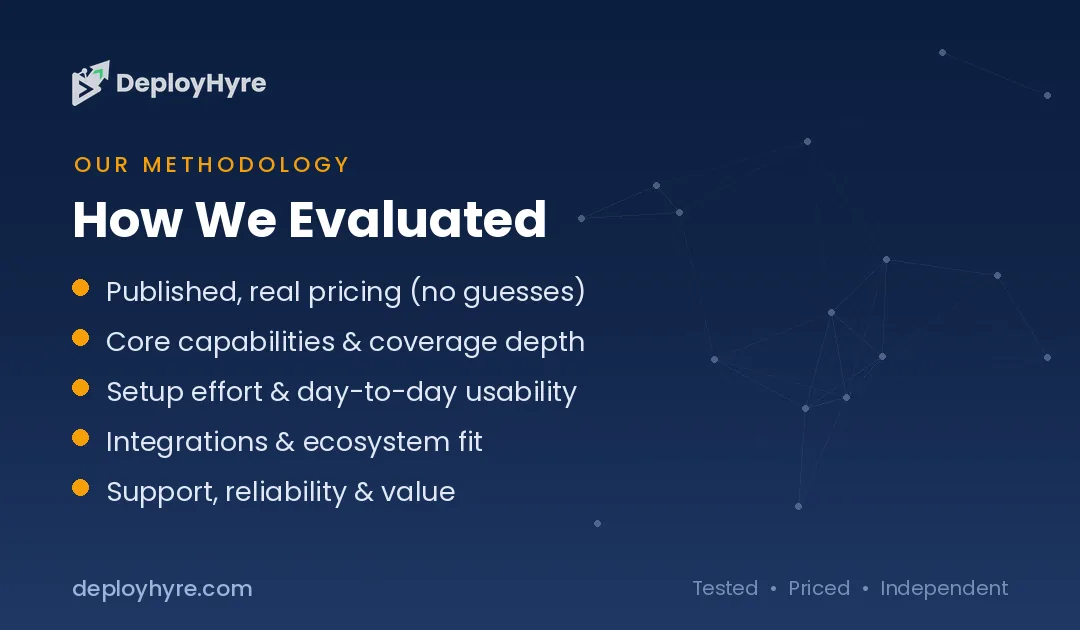
If you make training or corporate video, choose an avatar tool like Synthesia or Colossyan. If you need marketing avatars or translation, HeyGen fits best. For cinematic creative work, use a text-to-video model like Runway, Google Veo, or Sora. For fun short clips, Pika is cheap and fast.
If your job is repurposing long content into social posts, OpusClip is purpose-built. And if you want one tool that does a bit of everything, InVideo covers generation and editing together.
Then check three practical limits. Watch the monthly minute or credit cap, since these drive real cost. Confirm commercial-use rights on the plan you buy. And test the free tier first, because output quality varies more than pricing pages suggest.
The Bottom Line
The best AI video generator is the one built for your specific job. Synthesia and HeyGen dominate avatar and talking-head video. Runway, Google Veo, Sora, and Pika lead text-to-video, each with a different strength. OpusClip owns social clip repurposing, and InVideo handles all-in-one production.
Most of these tools offer a free plan, so the smart move is to test two or three that match your use case before you pay. Watch the credit caps and commercial-use rules, because those decide your true monthly cost.
Ready to start? Compare avatar-specific tools in our AI avatar generators roundup, or see how AI fits your wider stack in our AI for business guide.
Frequently Asked Questions
What is the best AI video generator overall?
There is no single best AI video generator, because each tool is built for a different job. Synthesia leads for training and avatar video, Runway and Google Veo lead for cinematic text-to-video, and OpusClip leads for social clips. Pick the category that matches your main use case first.
Is there a free AI video generator?
Yes. Synthesia, HeyGen, Colossyan, Runway, Pika, OpusClip, and InVideo all offer free plans. Free tiers usually limit minutes or credits and add a watermark. Google Veo offers limited free testing through Google Labs depending on your region.
Which AI video generator is best for text-to-video?
Runway, Google Veo, Sora, and Pika are the top text-to-video tools. Runway offers the most creative control, Google Veo produces realistic clips with native audio, Sora delivers high fidelity, and Pika is the cheapest for fun short clips.
Can AI video generators make talking-head avatar videos?
Yes. Synthesia, HeyGen, and Colossyan specialize in avatar and talking-head video. You type a script, choose a digital presenter, and the tool generates a video with matched voice and lip movement. These tools are popular for training, marketing, and onboarding content.
How much does an AI video generator cost?
Prices range from free to over $95 per month. Entry paid plans start around $8 to $25 per month, such as Pika at $8 or Runway at $12 billed annually. High-volume and enterprise plans cost far more, and Google Veo’s top Ultra tier runs $249.99 per month.
Know AI, SaaS, or cloud tools inside out? Pitch a guest post and get in front of thousands of buyers researching their next tool.
Related Articles

David Austin is a technology writer and software analyst at DeployHyre, where he covers AI tools, SaaS platforms, cloud hosting, and business automation. He focuses on hands-on comparisons of pricing, features, and real-world performance so teams can pick the right software with confidence.