
The best AI budgeting software automates expense tracking, forecasting, and category planning so you manage cash flow with far less manual work.
For the full picture, see our complete guide to AI for finance.
Table of Contents
The FP&A software market reached $3.9 billion in 2024 and is projected to hit $9.7 billion by 2032, growing at a 16.4 percent yearly rate. Finance teams are buying these tools to escape a costly problem: the spreadsheet.
Manual budgets break at scale. Consolidating departmental numbers into one company view eats days, and a single broken formula can distort a whole plan. AI budgeting software replaces that manual work with automated rollups, driver-based models, and forecasts that update on their own.
The payoff is real. Finance teams report that modern tools cut budget cycles by half and reduce manual data entry by 80 percent. We tested 9 AI budgeting platforms across automation, modeling depth, and ease of use to find the best fit for each kind of team.
Quick Comparison: Top 9 AI Budgeting Tools
| Tool | Best For | Starting Price | Core Strength |
|---|---|---|---|
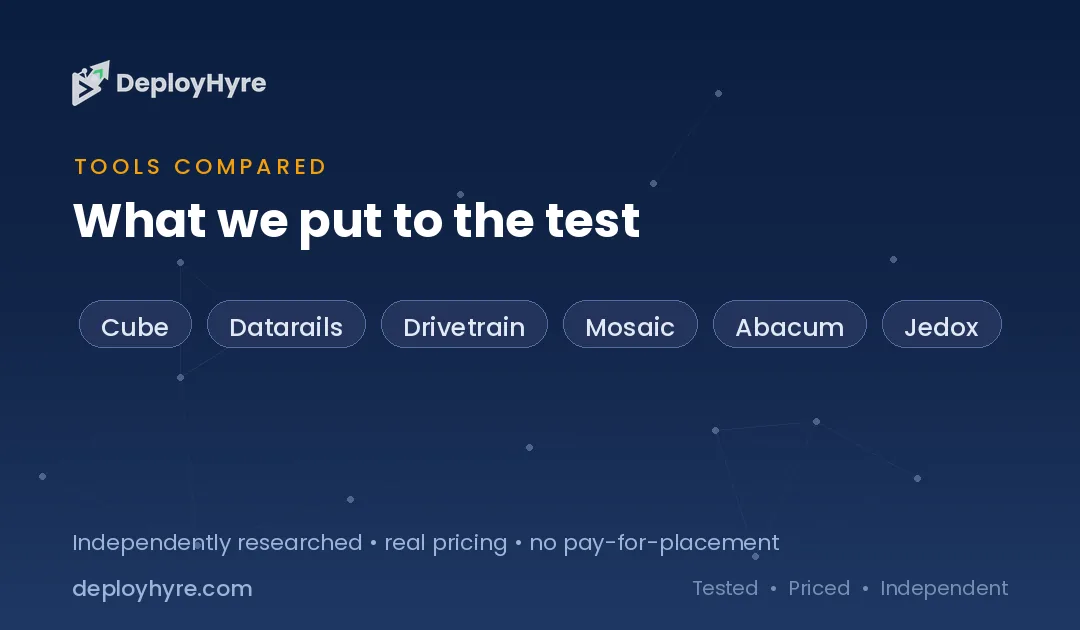
| Cube | Spreadsheet-native FP&A | Custom quote | Excel and Sheets sync |
| Datarails | Excel-based finance teams | Custom quote | Keeps your spreadsheets |
| Drivetrain | Driver-based planning | Custom quote | Connected operational models |
| Mosaic | Real-time analysis | Custom quote | AI trend summaries |
| Abacum | Collaborative budget cycles | Custom quote | Faster planning workflows |
| Jedox | Integrated business planning | Custom quote | Cross-team modeling |
| Vena | Excel-front-end planning | Custom quote | Governed Excel workflows |
| Ramp | Lean SMB budgeting | Free, then $15/user/mo | Spend plus budgeting |
| Compass AI | Conversational budgeting | $49/mo | Chat-driven forecasts |
What Makes a Great AI Budgeting Tool?
A great AI budgeting tool consolidates data automatically, models budgets by business drivers, and flags variances before they grow. The best platform depends on your team size, your data sources, and how much you rely on spreadsheets today.
Six capabilities separate serious tools from light ones: data consolidation, driver-based modeling, forecast intelligence, variance detection, scenario modeling, and workflow governance. A tool that skips any of these forces you back into manual work.
Team size also shapes the choice. Small teams want fast setup and a low price. Mid-market finance groups want collaboration and approval controls. The sections below sort the field by how your team plans today.
Best Spreadsheet-Native AI Budgeting Tools
These tools keep your existing spreadsheets and add automation on top, so finance teams plan without learning a new interface.
1 Cube: Best for spreadsheet-native FP&A
Cube fits teams that want automation without leaving Excel or Google Sheets.
What it does well. Cube connects financial and operational data into one place while letting teams plan inside Excel and Google Sheets. It adds workflow controls and AI on top of the spreadsheets finance already trusts.
Key features:
- Native Excel and Google Sheets integration
- Automated multi-source data consolidation
- Rolling forecasts and budget templates
- Audit trails and version control
Pricing. Cube uses custom quotes based on team size and modules.
Best for: Finance teams that want automation but refuse to abandon spreadsheets.
Limitations. Quote-based pricing makes quick budget comparison harder.
2 Datarails: Best for Excel-based finance teams
Datarails suits teams whose entire process already lives in Excel.
What it does well. Datarails centralizes data from ERP, CRM, and accounting systems into a governed cloud while preserving Excel flexibility. It adds dashboards, automation, and embedded AI without forcing a new tool on the team.
Key features:
- Excel-native FP&A platform
- Connects ERP, CRM, and HRIS data
- Automated dashboards and reporting
- Embedded AI for analysis
Pricing. Datarails uses custom quotes.
Best for: Mid-market finance teams with deep Excel habits.
Limitations. Heavy Excel reliance can carry over old spreadsheet risks if models are not cleaned up.
Best AI-Native Budgeting and Planning Tools
These platforms are built around AI from the ground up, with connected models that update budgets as the business changes.
3 Drivetrain: Best for driver-based planning
Drivetrain fits teams that plan budgets around operational drivers, not just last year’s numbers.
What it does well. Drivetrain links budgets to the metrics that move them, such as headcount, pipeline, and usage. Finance teams build connected models so a change in one driver flows through the whole plan.
Key features:
- Driver-based budget modeling
- Connected operational and financial data
- Scenario planning and variance tracking
- Real-time dashboards
Pricing. Drivetrain uses custom quotes.
Best for: Growth companies that plan around business drivers.
Limitations. Driver-based modeling has a learning curve for spreadsheet-first teams.
4 Mosaic: Best for real-time analysis
Mosaic suits teams that want AI to surface trends without manual digging.
What it does well. Mosaic uses its ARC AI to summarize data trends automatically and build budgeting scenarios on demand. It gives finance leaders a live view of performance against plan.
Key features:
- AI trend summaries through ARC
- Real-time metric tracking
- Scenario and budget modeling
- Prebuilt finance dashboards
Pricing. Mosaic uses custom quotes.
Best for: Finance teams that want fast, AI-led insight into performance.
Limitations. Best value comes to teams with clean, connected source data.
Best Collaborative AI Budgeting Tools
These platforms focus on the budget cycle itself, with shared workflows that pull every department into one plan.
5 Abacum: Best for collaborative budget cycles
Abacum fits teams that want budget owners across departments to plan together.
What it does well. Abacum streamlines the planning cycle so budget owners submit, review, and approve inside one workflow. Teams using it report budget cycles cut by half and manual data entry reduced by 80 percent.
Key features:
- Collaborative budgeting workflows
- Driver-based modeling and forecasts
- Variance and scenario analysis
- Approval and review controls
Pricing. Abacum uses custom quotes.
Best for: Mid-market finance teams running cross-department budgets.
Limitations. Collaboration features add value only when many stakeholders take part.
6 Jedox: Best for integrated business planning
Jedox suits organizations that plan across finance, sales, HR, and operations together.
What it does well. Jedox supports integrated business planning across departments, with AI that models scenarios and generates forecasts from historical data. It connects many data sources for global teams.
Key features:
- Cross-functional integrated planning
- Predictive forecasting from history
- Multi-source data integration
- Scenario modeling at scale
Pricing. Jedox uses custom quotes.
Best for: Larger organizations planning across many departments.
Limitations. The breadth suits bigger teams more than small startups.
7 Vena: Best for Excel-front-end planning
Vena pairs a familiar Excel interface with a governed planning engine behind it.
What it does well. Vena gives finance teams an Excel front end backed by a central database and workflow controls. It keeps the spreadsheet experience while removing the version chaos that comes with it.
Key features:
- Excel-based planning interface
- Central database with governance
- Workflow and approval automation
- Budgeting, forecasting, and reporting
Pricing. Vena uses custom quotes.
Best for: Teams that love Excel but need control and audit trails.
Limitations. Implementation takes longer than lightweight SMB tools.
Best AI Budgeting Tools for Small Businesses
These tools fit lean teams that need budgeting without an enterprise rollout or a finance department.
8 Ramp: Best for lean SMB budgeting
Ramp fits small businesses that want budgeting tied directly to spend.
What it does well. Ramp combines AI expense management with budgeting, automatically categorizing spend and giving real-time reporting against budget. Small teams get spend control and budgeting in one free-to-start tool.
Key features:
- AI expense categorization
- Real-time spend versus budget reporting
- Automated monthly close
- Free base plan
Pricing. The base plan is free, and the Plus plan costs $15 per user per month.
Best for: Startups and small businesses linking budgets to actual spend.
Limitations. It centers on spend, so deep multi-scenario FP&A modeling sits with the larger platforms.
9 Compass AI: Best for conversational budgeting
Compass AI suits small teams that want to build budgets by chatting with an AI.
What it does well. Compass AI turns budgeting into a conversational, real-time system that analyzes spending, finds savings, and generates forecasts in seconds. It learns from your data and uploaded business documents.
Key features:
- Conversational AI budget building
- Real-time forecast generation
- Spending pattern analysis
- Context from uploaded documents
Pricing. Plans start at $49 per month.
Best for: Small businesses that want budgets without spreadsheet wrestling.
Limitations. As a newer tool, it carries less enterprise track record than established platforms.
How Should You Choose the Right AI Budgeting Tool?
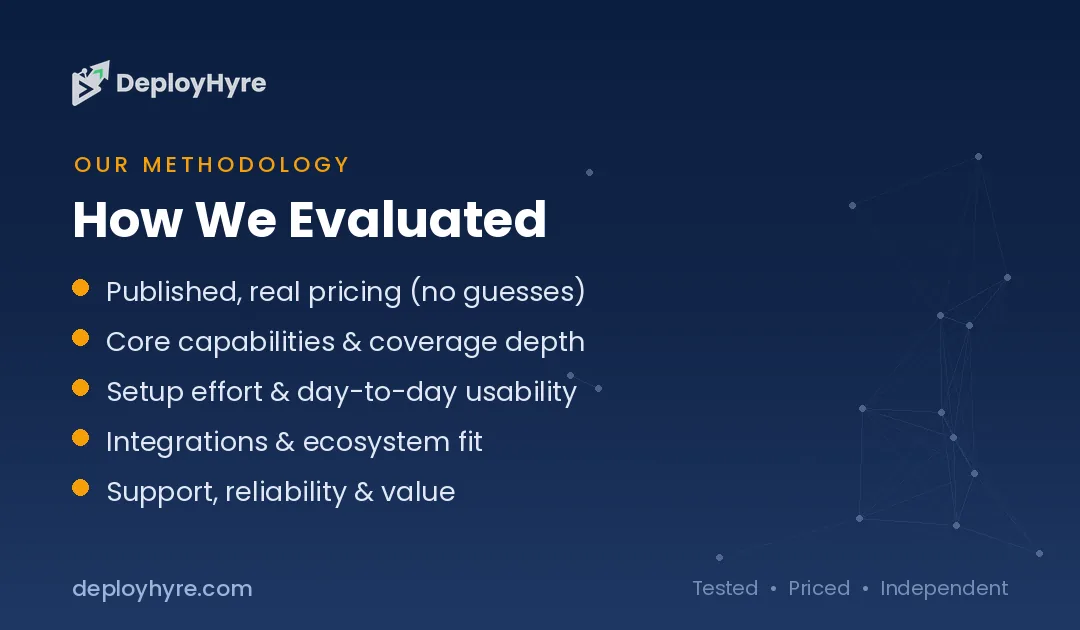
Choose based on team size, how much you depend on spreadsheets, and the depth of modeling you need. Small teams should pick Ramp or Compass AI, while mid-market finance groups should weigh Cube, Datarails, or Abacum.
Start with your spreadsheet habit. If your team lives in Excel and will not switch, a spreadsheet-native tool like Cube, Datarails, or Vena causes the least friction. If you want to leave spreadsheets behind, an AI-native platform like Drivetrain or Mosaic fits better.
Then weigh modeling depth. Simple spend budgets suit Ramp. Driver-based, multi-scenario planning needs Drivetrain, Jedox, or Abacum. Match the tool to the complexity of your business, since paying for unused modeling power wastes budget. These choices connect closely to your wider finance stack, including AI expense management software and AI cash flow forecasting software.
How We Evaluated These AI Budgeting Tools
We scored each tool on six capabilities: data consolidation, driver-based modeling, forecast intelligence, variance detection, scenario modeling, and workflow governance. We reviewed vendor documentation and published positioning as of June 2026.
We weighted automation and modeling depth most heavily, since those decide how much manual work a tool removes. We treated price and ease of setup as factors that match a platform to a specific team size.
We did not run live enterprise implementations, which use custom quotes and scoping. For those tools, we relied on documented capabilities. Our broader approach appears in our guide to AI for business.
The Bottom Line
AI budgeting software has become standard for finance teams that want to plan faster and trust their numbers. With the FP&A market growing 16 percent a year, the shift away from manual spreadsheets is well underway.
For Excel-first teams, Cube and Datarails add automation without disruption. For AI-led planning, Drivetrain and Mosaic lead. For small businesses, Ramp and Compass AI deliver budgeting without an enterprise rollout.
Match the tool to your team size and spreadsheet habits first, then confirm it covers the modeling depth your business needs. To complete your finance stack, see our guides to AI cash flow forecasting software, AI financial planning software, and our look at whether AI will replace accountants.
Frequently Asked Questions
What is the best AI budgeting software?
Cube and Datarails lead for spreadsheet-native finance teams, while Drivetrain and Mosaic lead for AI-native planning. For small businesses, Ramp offers a free starting plan and Compass AI offers conversational budgeting at $49 per month.
How much does AI budgeting software cost?
Pricing varies widely. Small-business tools start free or near $15 to $49 per month, while enterprise FP&A platforms like Cube, Datarails, and Jedox use custom quotes based on team size, data sources, and modules.
Can AI budgeting tools replace Excel?
Some replace Excel and others build on it. Spreadsheet-native tools like Cube, Datarails, and Vena keep Excel as the front end while adding automation and governance. AI-native tools like Drivetrain move planning into a connected platform instead.
How does AI improve budgeting?
AI automates data consolidation, models budgets by business drivers, generates forecasts from history, and flags variances early. Teams using these tools report budget cycles cut by half and manual data entry reduced by about 80 percent.
Is AI budgeting software worth it for small businesses?
Yes, for many. Tools like Ramp start free and tie budgeting to real spend, while Compass AI builds budgets through chat. Small teams gain accuracy and time savings without the cost or setup of an enterprise FP&A platform.

David Austin is a technology writer and software analyst at DeployHyre, where he covers AI tools, SaaS platforms, cloud hosting, and business automation. He focuses on hands-on comparisons of pricing, features, and real-world performance so teams can pick the right software with confidence.
Know AI, SaaS, or cloud tools inside out? Pitch a guest post and get in front of thousands of buyers researching their next tool.