
Payroll mistakes are common and costly. IRS data shows about 33 percent of employers make payroll errors each year, and an EY survey found each payroll error costs roughly $291 to fix. AI payroll software cuts those errors and runs pay on autopilot.
For the full picture, see our complete guide to AI for finance.
Table of Contents
These tools calculate wages, withhold and file taxes, and pay employees and contractors automatically. The market splits into camps. Some target small teams with simple flat pricing. Some serve growing companies that need HR and automation. Some handle enterprise compliance or global contractors.
We tested 9 of the best AI payroll tools in 2026 against automation, tax compliance, integrations, and price. Pair payroll with the best AI tools for HR, staff up using the best AI recruiting software, and control spend with the best AI expense management software.
What Is AI Payroll Software?
AI payroll software is a tool that calculates pay, withholds taxes, and pays employees automatically while reducing errors. It runs gross-to-net calculations, files federal and state payroll taxes, flags compliance risks, and deposits wages to employees and contractors, keeping each pay cycle accurate without manual spreadsheets.
The software chains four jobs: calculation, tax filing, payment, and compliance. The AI computes wages and deductions, withholds and remits taxes on schedule, then deposits pay to bank accounts. It checks for errors and rule changes, so each cycle stays accurate and on time.
Quick Comparison: 9 Best AI Payroll Tools in 2026
| Tool | Best For | Starting Price | Type |
|---|---|---|---|
| Gusto | Small business ease of use | From $49/mo + $6/person | Payroll + HR |
| OnPay | Simple flat-price payroll | From $40/mo + $6/person | Payroll |
| QuickBooks Payroll | QuickBooks users | From $50/mo + $6/person | Payroll + accounting |
| Rippling | Automation and integrations | From $8/user/mo | Payroll + HR + IT |
| Paychex | Established SMBs | Custom | Payroll + HR services |
| Paycom | Mid-market self-service | Custom | Payroll + HR |
| ADP | Enterprise compliance | Custom | Payroll + HR suite |
| Deel | Global and contractor pay | From $49/contractor/mo | Global payroll |
| Justworks | Small teams wanting a PEO | From $50/person/mo | PEO payroll |
What Makes Great AI Payroll Software?
Great AI payroll software automates pay runs, files taxes correctly, and catches compliance errors before they cost you. The best tools calculate gross-to-net automatically, withhold and remit federal and state taxes, flag misclassification and rule changes, and integrate with your accounting and HR systems, keeping each cycle accurate and on time.
We weighed four things: automation, tax compliance, integrations, and pricing clarity. Compliance matters most because IRS reporting shows roughly 40 percent of small businesses pay a payroll tax penalty each year, averaging $845. Automated filing and error checks protect you from those fines.
Best AI Payroll Software for Small Businesses
1. Gusto: Best for Small Business Ease of Use
Gusto leads small business payroll with the simplest setup and run flow.
What it does well. Gusto offers simple, affordable, AI-enhanced payroll with automatic tax filing and benefits management. It handles W-2 and 1099 pay, time-off accrual, and new-hire reporting, all in a clean interface owners learn fast.
Key features:
- Automatic federal and state tax filing
- W-2 and 1099 payments
- Benefits and time-off tracking
- New-hire reporting
Pricing. Gusto starts around $49 per month plus about $6 per person, with higher tiers for HR features.
Best for: Small businesses wanting easy, full-service payroll.
Limitations. Per-person fees add up for larger headcounts.
2. OnPay: Best for Simple Flat-Price Payroll
OnPay keeps payroll affordable with one clear plan and no upsell tiers.
What it does well. OnPay runs unlimited payroll, files taxes, and handles benefits on a single flat plan. It covers W-2 and 1099 workers and supports many industries, including farms and nonprofits. The transparent price suits cost-conscious owners.
Key features:
- Unlimited monthly pay runs
- Automatic tax filing
- Single flat-price plan
- Industry-specific support
Pricing. OnPay costs around $40 per month plus about $6 per person, with no tiered upsells.
Best for: Small businesses wanting predictable, flat-rate payroll.
Limitations. Fewer advanced HR and IT features than larger suites.
3. QuickBooks Payroll: Best for QuickBooks Users
QuickBooks Payroll ties pay runs to the books most US small firms already keep.
What it does well. QuickBooks Payroll calculates wages, files taxes, and syncs directly to QuickBooks Online accounting. Higher tiers add same-day direct deposit and a tax penalty guarantee. Keeping payroll and books together removes a separate export.
Key features:
- Direct sync to QuickBooks books
- Automatic payroll tax filing
- Same-day direct deposit option
- Tax penalty protection tier
Pricing. QuickBooks Payroll starts around $50 per month plus about $6 per person, rising by tier.
Best for: Businesses already running QuickBooks accounting.
Limitations. Most valuable only inside the QuickBooks ecosystem.
Best AI Payroll Software for Growing and Mid-Market Teams
4. Rippling: Best for Automation and Integrations
Rippling automates complex payroll alongside HR and device management in one system.
What it does well. Rippling uniquely combines payroll, HR, and IT device management, handling tax calculations and paycheck adjustments behind the scenes. Workflows trigger across systems, so onboarding sets up pay, benefits, and a laptop at once.
Key features:
- Payroll, HR, and IT in one
- Automated tax calculations
- Custom workflow automation
- Deep app integrations
Pricing. Rippling starts around $8 per user per month, with payroll and modules priced separately.
Best for: Growing teams wanting heavy automation and integrations.
Limitations. Module pricing grows complex as you add features.
5. Paychex: Best for Established SMBs
Paychex backs payroll with decades of service and dedicated support reps.
What it does well. Paychex runs payroll and tax filing, then layers on HR services, benefits, and compliance help. A named support contact suits owners who want a person to call. Its scale fits businesses that expect to grow headcount.
Key features:
- Full-service payroll and tax
- Dedicated support contact
- HR and benefits add-ons
- Compliance guidance
Pricing. Paychex uses custom pricing based on headcount and services, with no public flat rate.
Best for: Established SMBs wanting service and room to grow.
Limitations. Pricing is opaque and add-ons raise cost.
6. Paycom: Best for Mid-Market Self-Service
Paycom shifts payroll accuracy to employees with its self-service model.
What it does well. Paycom’s Beti tool lets employees review and approve their own paychecks before submission, catching errors early. The single database covers payroll, time, and HR for mid-market teams. Self-service reduces back-office corrections.
Key features:
- Employee-driven payroll review
- Single HR and payroll database
- Time and attendance tracking
- Automated tax management
Pricing. Paycom uses custom pricing based on employees and modules.
Best for: Mid-market teams wanting employee self-service accuracy.
Limitations. Heavier than small teams need.
Best AI Payroll Software for Enterprise and Global Teams
7. ADP: Best for Enterprise Compliance
ADP anchors payroll for larger firms that put compliance first.
What it does well. ADP Workforce Now offers advanced automation and enterprise-grade compliance with automated payroll and tax filing across federal and state. Its broad ecosystem and reporting suit complex, multi-state organizations.
Key features:
- Enterprise-grade compliance
- Automated multi-state tax filing
- Deep reporting and analytics
- Large integration ecosystem
Pricing. ADP uses custom quotes based on company size and modules, with no public pricing or free trial.
Best for: Larger, multi-state firms that prioritize compliance.
Limitations. Opaque pricing and complexity for small teams.
8. Deel: Best for Global and Contractor Pay
Deel pays international employees and contractors across many countries cleanly.
What it does well. Deel handles global contractor payments, compliant local contracts, and employer-of-record hiring in countries where you lack an entity. It manages tax forms and currency conversion, so distributed teams get paid correctly. AI tools assist compliance checks.
Key features:
- Global contractor payments
- Employer-of-record hiring
- Local compliance and contracts
- Multi-currency payouts
Pricing. Deel starts around $49 per contractor per month, with employer-of-record priced higher.
Best for: Companies hiring contractors or staff across borders.
Limitations. Costlier than domestic-only payroll tools.
9. Justworks: Best for Small Teams Wanting a PEO
Justworks bundles payroll with PEO benefits and compliance for small teams.
What it does well. Justworks runs payroll and tax filing while acting as a professional employer organization, giving small teams access to better benefits and HR support. It handles compliance paperwork, so founders skip much of the admin burden.
Key features:
- PEO benefits access
- Automated payroll and tax
- Compliance and HR support
- Contractor payments
Pricing. Justworks starts around $50 per person per month, varying by plan and headcount.
Best for: Small teams wanting big-company benefits via a PEO.
Limitations. Per-person pricing suits smaller headcounts best.
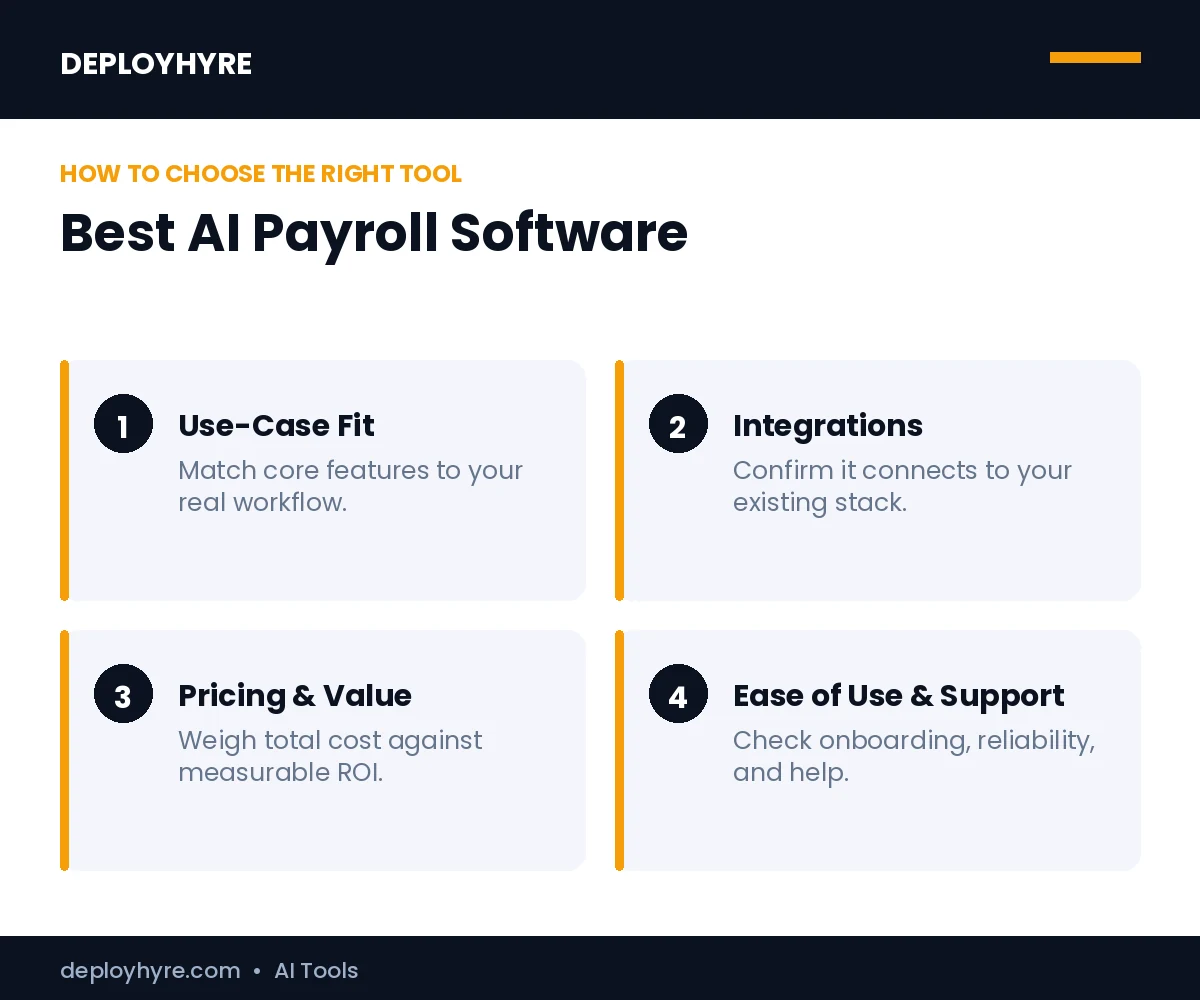
How Should You Choose AI Payroll Software?
Start with your size and structure. Choose Gusto, OnPay, or QuickBooks Payroll for small teams, Rippling, Paychex, or Paycom for growing and mid-market companies, and ADP, Deel, or Justworks for enterprise, global, or PEO needs. The right pick depends on headcount, where staff work, and how much HR you want bundled in.
Next, confirm tax coverage and integrations. Check that the tool files in every state you operate, syncs to your accounting and HR systems, and supports the worker types you pay. Run one cycle on real data and verify the tax filings. To connect payroll to wider operations, compare the best AI tools for HR and link finance to growth with AI for business.
How We Evaluated These Payroll Tools
We assessed each tool on four criteria: automation, tax compliance, integrations, and pricing clarity. We cross-checked features and current rates against vendor pages and independent 2026 reviews, then grouped tools by company size and need. Payroll plans and per-person fees change often, so confirm pricing and state tax coverage before you commit.
The Bottom Line
AI payroll software turns a risky manual chore into a reliable automated cycle. With roughly one in three employers making payroll errors and many small firms facing tax penalties, automated filing and error checks protect both cash and compliance.
Match the tool to your team. Small businesses should start with Gusto or OnPay, growing companies with Rippling or Paychex, and enterprise or global teams with ADP or Deel. Run one cycle, verify the tax filings, and scale once payroll lands accurately and on time.
Next steps: Build your team with the best AI recruiting software, manage people with the best AI tools for HR, and control company spend with the best AI expense management software.
Frequently Asked Questions
What is the best AI payroll software in 2026?
There is no single best tool; it depends on your size and structure. Gusto and OnPay lead for small businesses, Rippling and Paychex for growing teams, and ADP or Deel for enterprise and global pay. Match the tool to headcount, where your staff work, and how much HR you want bundled in.
How does AI help with payroll?
AI helps payroll by calculating gross-to-net pay, withholding and filing taxes, flagging compliance risks, and depositing wages automatically. Some tools let employees review their own checks to catch errors early. This automation matters because the IRS reports about a third of employers make payroll errors each year.
How much does AI payroll software cost?
AI payroll software usually charges a base fee plus a per-person rate. Gusto starts around $49 per month plus $6 per person, OnPay near $40 plus $6, and QuickBooks Payroll near $50 plus $6. Enterprise platforms like ADP, Paychex, and Paycom use custom quotes based on headcount and modules.
Can AI payroll software file my taxes?
Yes. Most AI payroll tools calculate, withhold, and remit federal and state payroll taxes automatically, and many file year-end W-2 and 1099 forms. Some, like QuickBooks Payroll, add a tax penalty guarantee. Always confirm the tool files in every state you operate before relying on it for compliance.
Is AI payroll software safe for small businesses?
AI payroll software is safe for small businesses when you choose an established provider with strong security and tax accuracy. Tools like Gusto, OnPay, and QuickBooks Payroll handle sensitive pay and tax data with encryption and compliance controls. Verify tax filings on your first cycle and keep records before fully relying on automation.

David Austin is a technology writer and software analyst at DeployHyre, where he covers AI tools, SaaS platforms, cloud hosting, and business automation. He focuses on hands-on comparisons of pricing, features, and real-world performance so teams can pick the right software with confidence.