
TL;DR: Hostinger VPS is the best VPS hosting for most people in 2026. It pairs KVM virtualization and AMD EPYC hardware with plans that start near $5 per month. Developers who want raw cloud control should pick DigitalOcean or Vultr. Teams that want a managed layer should choose Cloudways. Prices across our picks run from about $4 to $50 per month.
A virtual private server gives you dedicated CPU, RAM, and storage without the cost of a full dedicated machine. Demand keeps climbing. The VPS hosting market is valued at about $1.04 billion in 2026 and is forecast to nearly double by 2035, growing at a 9% annual rate.
That growth creates noise. Dozens of hosts promise fast servers and cheap prices. Most of them repeat the same claims.
We compared seven VPS providers on price, hardware, support, and real use cases. We checked official pricing pages and independent benchmarks for every pick. This guide names one clear winner and matches each other host to the job it does best.
Need a broader view first? Read our guide to the best cloud hosting for platform-level options.
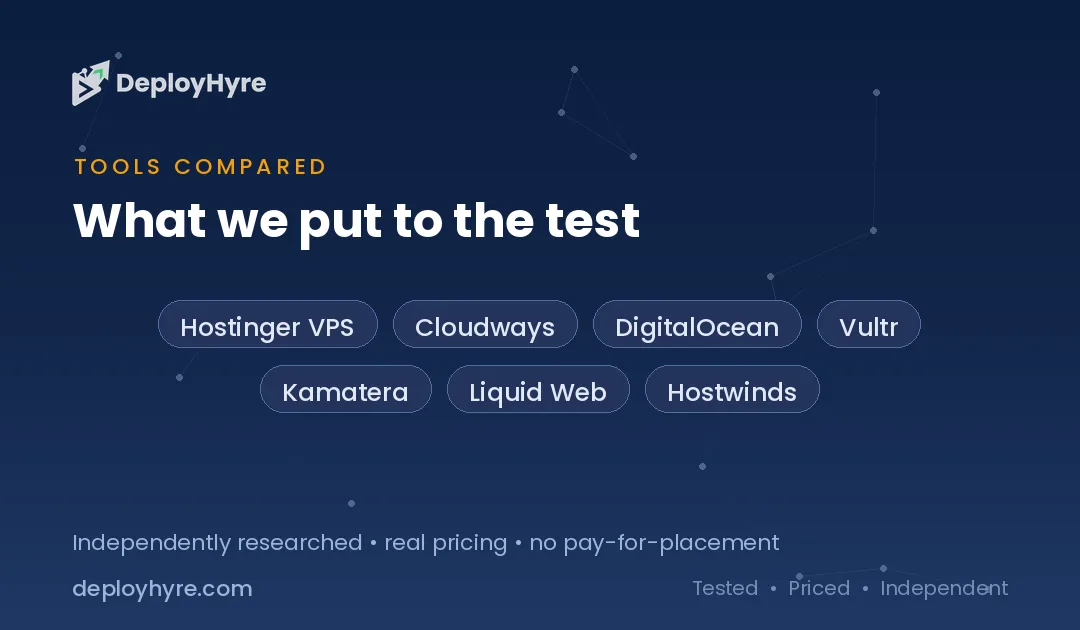
Quick Comparison: Best VPS Hosting
| Provider | Best For | Starting Price | Key Spec |
|---|---|---|---|
| Hostinger VPS | Overall value | $4.99/mo | 1 vCPU, 4GB RAM, AMD EPYC |
| Cloudways | Managed simplicity | $11/mo | Managed layer on DigitalOcean |
| DigitalOcean | Developers | $4/mo | Per-second billing, clean API |
| Vultr | Global reach | $2.50/mo | 32 data center regions |
| Kamatera | Custom configs | $4/mo | Build-your-own CPU/RAM |
| Liquid Web | Fully managed | $33/mo | 24/7 managed support |
| Hostwinds | Budget flexibility | $4.99/mo | Nightly backups included |
What Makes a Great VPS Host?
A great VPS host gives you guaranteed dedicated resources, full root access, fast NVMe storage, and honest pricing that does not spike at renewal. Those four traits separate real value from marketing.
Dedicated resources matter most. A true VPS reserves CPU and RAM for you alone. Cheap hosts sometimes oversell shared cores, which causes slowdowns under load.
Storage type is the next signal. NVMe SSD storage reads and writes far faster than older SATA drives. Faster disks mean faster database queries and page loads.
Support and pricing round out the list. Unmanaged plans cost less but leave server upkeep to you. Managed plans handle patches and security for a premium. Pick the model that matches your skills and your time.
The 7 Best VPS Hosting Providers
#1 Hostinger VPS: Best for overall value
Hostinger VPS delivers the best mix of price, hardware, and ease of use in 2026.
What it does well. Hostinger runs KVM virtualization on AMD EPYC processors with NVMe SSD storage. You get guaranteed resources, not oversold shares. The control panel is clean, and setup takes minutes. An AI assistant helps with server tasks, which lowers the barrier for first-time VPS users.
Key features:
- KVM-based virtual servers with full root access
- AMD EPYC CPUs and NVMe SSD storage
- Free weekly backups and a dedicated IP address
- Built-in malware scanner and AI helper
Pricing. The KVM 1 plan starts at $4.99 per month with 1 vCPU, 4GB RAM, and 50GB NVMe storage. The KVM 2 plan runs $6.99 per month for 2 vCPU and 8GB RAM. Promotional rates need a longer term, and renewals rise, so budget for that.
Best for: Small businesses, growing sites, and developers who want strong hardware without a steep learning curve.
Limitations. The lowest advertised price requires a multi-year commitment. Renewal pricing is higher than the intro rate.
#2 Cloudways: Best for managed simplicity
Cloudways puts a managed control layer on top of raw cloud servers.
What it does well. Cloudways handles the hard parts of running a VPS. It manages caching, security, backups, and staging for you. You still pick the underlying cloud, including DigitalOcean, Vultr, or others. This suits agencies and store owners who want performance without deep server skills.
Key features:
- Managed servers on top of major cloud providers
- Built-in caching, staging, and free SSL
- Unlimited applications per server
- 24/7 support and pay-as-you-go monthly billing
Pricing. Cloudways starts at $11 per month for the DigitalOcean 1GB plan on monthly billing, or $8.25 per month on annual billing. There are no renewal hikes, which is rare in this space.
Best for: WordPress and WooCommerce sites, agencies, and anyone who wants a cloud VPS without managing the server.
Limitations. You pay a management premium over raw cloud pricing. Root-level tinkering is more limited than a bare VPS.
#3 DigitalOcean: Best for developers
DigitalOcean is the cloud VPS that developers reach for first.
What it does well. DigitalOcean pairs a clean dashboard with a strong API and clear docs. Spinning up a Droplet takes seconds. The platform scales into managed databases, Kubernetes, and load balancers when you need them. It fits developers who want infrastructure they can automate.
Key features:
- Fast Droplet provisioning with a full REST API
- Premium AMD and Intel NVMe options
- Managed databases, Kubernetes, and object storage
- Large community tutorial library
Pricing. Basic Droplets start at $4 per month, and per-second billing took effect on January 1, 2026. The popular 4GB / 2 vCPU size costs $24 per month with 4TB of bandwidth. You never pay more than the monthly cap.
Best for: Developers, startups, and technical teams who want programmable cloud infrastructure.
Limitations. Support is thinner on base plans. There is no managed control panel, so you handle server admin yourself.
If you run Node apps, see our guide to the best Node.js hosting for tuned platforms.
#4 Vultr: Best for global reach
Vultr competes with DigitalOcean and adds broad geographic coverage.
What it does well. Vultr operates data centers across many regions, which helps you place servers close to users. It offers a similar developer experience with a clean panel and API. Newer VX1 instances push better performance per dollar.
Key features:
- Global data center footprint
- High Frequency and High Performance compute tiers
- NVMe storage and full API access
- Bare metal and Cloud GPU options
Pricing. Vultr Cloud Compute starts at $2.50 per month for an IPv6-only plan, with standard plans from about $3.50 to $5 per month. High Frequency 2GB plans run near $12 per month. The entry tier saves money if you do not need a legacy IPv4 address.
Best for: Developers who serve a global audience or need servers in specific regions.
Limitations. The cheapest plan is IPv6-only, which many production apps cannot use. Support depth is similar to DigitalOcean, so plan on self-managing.
#5 Kamatera: Best for custom configurations
Kamatera lets you build a server to exact specifications.
What it does well. Most hosts sell fixed bundles. Kamatera lets you choose exact CPU, RAM, storage, and bandwidth. You pay for the mix you build, not a preset tier. That flexibility suits workloads with unusual resource needs. Provisioning is fast, and a long free trial lets you test first.
Key features:
- Fully customizable CPU, RAM, and storage
- NVMe SSD storage and hourly or monthly billing
- Global data center regions
- Managed add-on services available
Pricing. Kamatera VPS starts at $4 per month for 1 vCPU, 1GB RAM, and 20GB NVMe storage. A typical 4 vCPU, 8GB build lands near $40 to $55 per month. Kamatera offers a 30-day trial with credit worth up to $100.
Best for: Teams with specific resource needs and users who want to size a server precisely.
Limitations. The build-your-own model has a steeper learning curve than fixed plans. The interface feels more technical than consumer hosts.
#6 Liquid Web: Best for fully managed hosting
Liquid Web targets businesses that want experts to run the server.
What it does well. Liquid Web focuses on premium managed hosting with responsive support. Its team handles updates, security, monitoring, and control panel management. This removes the operational burden for businesses that would rather focus on their product than on server upkeep.
Key features:
- Fully managed VPS with 24/7 support
- cPanel or Plesk options
- Hardware, network, and security monitoring
- Windows and Linux plans
Pricing. Managed Linux VPS starts at $33 per month with the Essential plan, and Windows VPS starts higher. cPanel or Plesk adds to the monthly cost. This is a premium tier, not a budget one.
Best for: Businesses that want hands-off, fully managed VPS hosting with strong support.
Limitations. Pricing sits well above budget hosts. It is overkill for hobby projects or simple sites.
#7 Hostwinds: Best for budget flexibility
Hostwinds offers cheap, flexible VPS plans with useful extras.
What it does well. Hostwinds sells both managed and unmanaged VPS at low prices. Every plan includes nightly backups and server monitoring, which many budget hosts charge extra for. You can scale resources as your project grows. Long-term contracts drop the price further.
Key features:
- Managed and unmanaged Linux and Windows plans
- Nightly backups and 1 Gbps ports included
- SSD storage and instant scalability
- Windows VPS options
Pricing. Unmanaged Linux VPS starts at $4.99 per month for 1 CPU, 1GB RAM, and 1TB bandwidth. Managed service adds a small premium. Longer 36-month terms drop the basic plan as low as $3.29 per month.
Best for: Budget-conscious users who want backups included and the choice of managed or unmanaged plans.
Limitations. The brand carries less prestige than DigitalOcean or Liquid Web. Unmanaged support is limited to network and power issues.
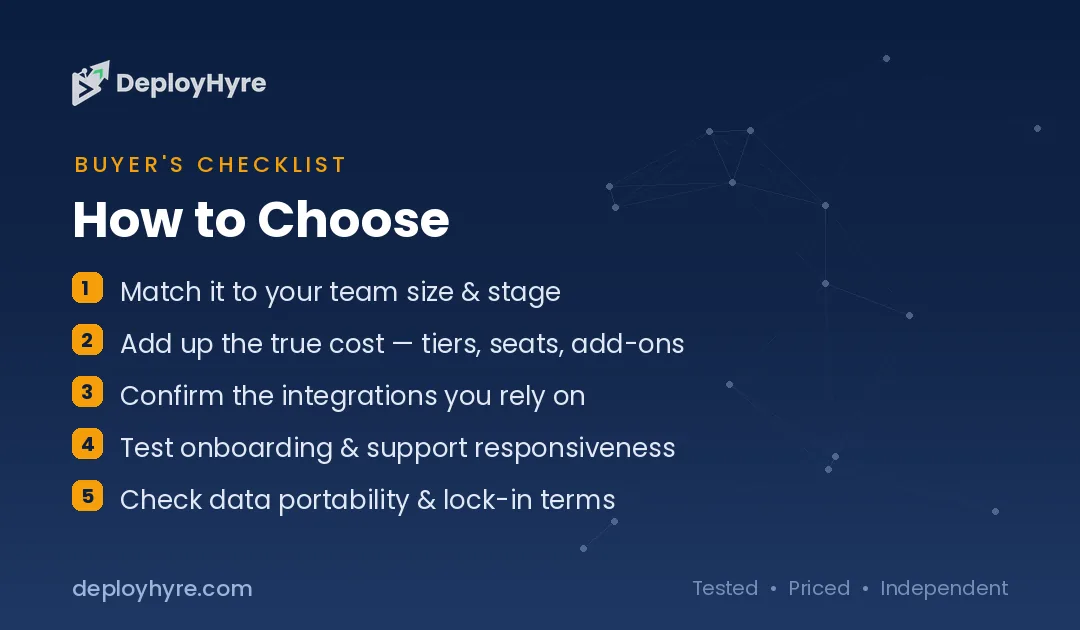
How to Choose a VPS Host
Start with your technical comfort level. If you can configure a server, an unmanaged plan from DigitalOcean, Vultr, or Hostwinds saves money. If you cannot, choose a managed option like Cloudways or Liquid Web.
Match resources to your workload. Light sites run fine on 1 to 2 vCPU and 4GB RAM. Busy stores and databases need more cores and memory. Pick NVMe storage for faster performance.
Check renewal pricing, not just the intro rate. Some hosts advertise low prices that require multi-year terms and then rise sharply. Cloudways and per-second cloud hosts avoid this trap.
Weigh location and scaling. If your users sit in one region, put your server nearby. Vultr and Kamatera offer wide geographic coverage. Confirm the host can scale up before you commit.
For content-heavy sites, compare a VPS against a tuned platform in our best managed WordPress hosting guide.
The Bottom Line
Hostinger VPS is the best VPS hosting for most people in 2026. It combines KVM virtualization, AMD EPYC hardware, and NVMe storage with entry pricing near $5 per month. That value is hard to beat.
Developers who want raw cloud control should pick DigitalOcean or Vultr. Teams that want a managed layer should choose Cloudways. Businesses that want fully managed support should look at Liquid Web.
Choose the host that fits your skills and budget, then scale as you grow.

Frequently Asked Questions
What is the best VPS hosting provider?
Hostinger VPS is the best overall VPS host in 2026 for most users. It offers KVM virtualization, AMD EPYC processors, and NVMe storage from about $4.99 per month. Developers who prefer raw cloud control often choose DigitalOcean or Vultr instead.
How much does VPS hosting cost?
Entry VPS plans cost about $4 to $5 per month across most providers. Vultr starts near $2.50 per month for an IPv6-only plan. Fully managed VPS hosting from Liquid Web starts around $33 per month. Prices rise with more CPU, RAM, and storage.
Is managed or unmanaged VPS hosting better?
Managed VPS is better if you lack server admin skills or want to save time, since the host handles updates and security. Unmanaged VPS is better if you can configure a server yourself, because it costs less and gives you full control.
Is a VPS faster than shared hosting?
Yes. A VPS reserves dedicated CPU and RAM for your account, while shared hosting splits resources among many users. That means a VPS delivers more consistent performance under load, especially for busy sites and databases.
Do I need technical skills to run a VPS?
Unmanaged VPS plans require comfort with server administration and the command line. Managed options like Cloudways and Liquid Web handle the technical work for you, so you can run a VPS without deep server knowledge.
Know AI, SaaS, or cloud tools inside out? Pitch a guest post and get in front of thousands of buyers researching their next tool.

David Austin is a technology writer and software analyst at DeployHyre, where he covers AI tools, SaaS platforms, cloud hosting, and business automation. He focuses on hands-on comparisons of pricing, features, and real-world performance so teams can pick the right software with confidence.