
Project managers spend more time updating status documents than actually managing their teams. AI project management tools fix this by automating scheduling, predicting bottlenecks, and generating reports in seconds. We tested 11 platforms across task automation, resource planning, and sprint management. Here are the best picks by team size and use case, with real pricing and honest trade-offs.
Table of Contents
A pilot by Google found that workers could save 122 hours per year on administrative tasks by adopting AI tools. For a 10-person team, that translates to roughly 1,220 hours of recovered productivity annually. That’s over 30 full work weeks given back to your team every year.
The best AI project management tools don’t just organize tasks. They learn how your team works, predict which projects will slip before they do, and automate the repetitive updates that eat into your strategic time. The real value isn’t content generation. It’s predictive intelligence: knowing which tasks are at risk, which team members are overloaded, and which deadlines need adjusting before problems become crises.
But the market is crowded. Every tool now claims “AI-powered” features, and most of them amount to a ChatGPT wrapper on top of a task list. We tested 11 platforms to find the ones where AI genuinely changes how you manage projects, not just how you write task descriptions.
Quick Comparison: 11 Best AI Project Management Tools
What Makes an AI Project Management Tool Worth Using?
A good AI project management tool automates the work you hate doing (status updates, scheduling, report generation) while giving you predictive insights you couldn’t get manually. If the AI just rewrites your task descriptions, it’s not worth the premium.
Here’s what we tested for:
Genuine AI vs. marketing labels. We checked whether the AI actually learns from your project data and improves over time, or whether it’s just a generic chatbot bolted onto a task manager. Tools like ClickUp Brain and Monday.com’s AI assistant passed this test. Several others didn’t.
Automation depth. Can the tool automate multi-step workflows without coding? We looked for tools that handle triggers, conditions, and actions (for example: when a design task finishes, notify the reviewer on Slack and move the card to the next column automatically).
Predictive capabilities. The best tools analyze historical project data to forecast completion times, identify potential bottlenecks before they occur, and suggest resource adjustments. We tested whether these predictions were accurate and actionable.
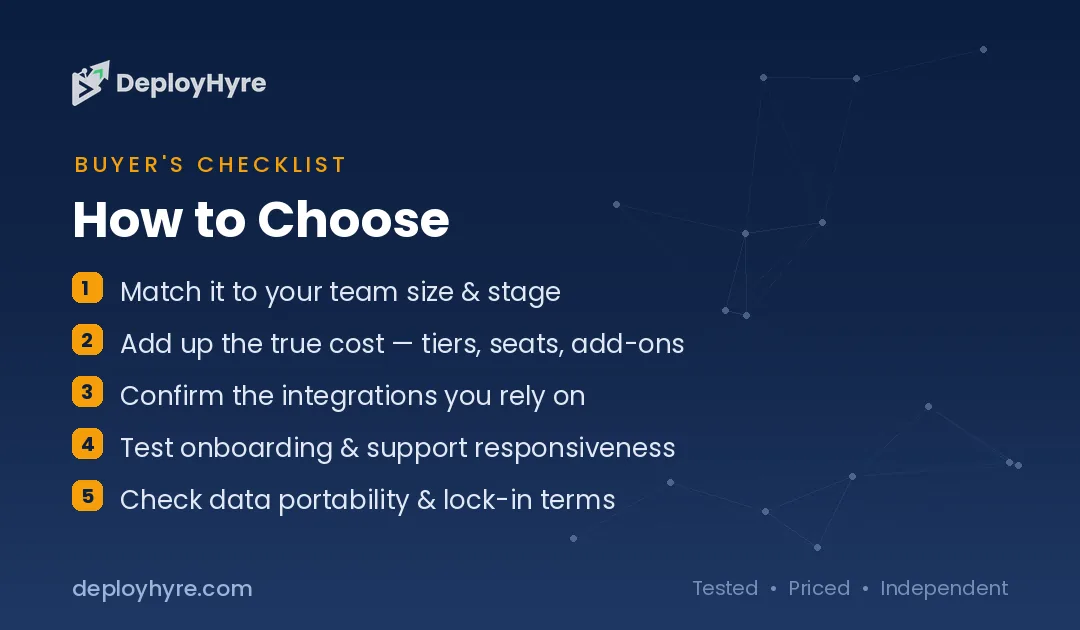
Integration ecosystem. A project management tool that doesn’t talk to Slack, GitHub, Figma, or your CRM creates more problems than it solves. We checked native integrations and API quality.
1 Monday.com: Best Overall for Resource Planning and Risk Assessment
Monday.com combines visual project management with AI features that genuinely reduce planning time.
What it does well. Monday’s AI assistant handles formula building, status updates, email drafting, and task generation from natural language descriptions. But the standout feature is resource planning: the AI visualizes workload distribution across your team and flags when someone is overcommitted before they start missing deadlines. The risk assessment feature uses historical data to predict which projects are likely to slip.
Key features:
- AI-powered workload management and capacity planning
- Visual dashboards with auto-generated reports
- No-code automation builder (if/then workflows)
- Time tracking and budget monitoring
- 200+ integrations (Slack, Zoom, GitHub, Salesforce, HubSpot)
Pricing. Free plan for up to 2 seats. Basic at $9/seat/month. Standard at $12/seat/month. Pro at $19/seat/month (AI features included in Standard+). Enterprise pricing available.
Best for: Marketing teams, agencies, and operations teams (10 to 200 people) that need visual resource planning with solid AI automation.
Limitations. The free plan is limited to 2 seats. AI features require the Standard plan or higher. The platform can feel bloated for teams that just need simple task management.
2 ClickUp: Best Free Option with the Deepest AI Features
ClickUp packs more AI functionality into its free and low-cost plans than most competitors offer at premium tiers.
What it does well. ClickUp Brain is one of the most capable AI assistants in project management. It uses predictive analytics for task scheduling and prioritization, automatically identifies critical tasks, and shuffles priorities in real time based on deadlines, dependencies, and resource availability. It works across docs, tasks, and workflows, so you can generate project plans, summarize updates, and automate repetitive work in one place.
Key features:
- ClickUp Brain: AI assistant for task creation, summarization, and automation
- Predictive task scheduling based on team capacity and deadlines
- Custom automations with no-code builder
- Docs, wikis, and goals integrated into the same workspace
- Whiteboards for visual project planning
- 1,000+ integrations
Pricing. Free Forever plan (unlimited members, 100MB storage). Unlimited at $7/member/month. Business at $12/member/month. Enterprise pricing available. AI add-on available across all paid plans.
Best for: Teams of any size that want maximum AI features at the lowest cost. Especially strong for cross-functional teams that need tasks, docs, and goals in one workspace.
Limitations. Users consistently mention a learning curve early on. The platform’s depth means it takes time to set up your workspace before the AI starts delivering strong results. Some users feel overwhelmed by the number of features.
3 Notion AI: Best for Docs and Projects in One Workspace
Notion blends project management with knowledge management better than any other tool on this list. If your team lives in documents, wikis, and databases, Notion AI makes everything searchable and actionable.
What it does well. Notion AI works across the entire workspace: it summarizes meeting notes, generates action items from documents, auto-fills database properties, and answers questions about your project knowledge base. The strength is having tasks, docs, and team knowledge in one connected system where AI can draw from all of it.
Key features:
- AI-powered writing, summarization, and translation
- Connected databases for tasks, projects, and knowledge
- AI Q&A that searches your entire workspace
- Customizable project views (Kanban, timeline, calendar, table)
- Templates for every project type
Pricing. Free plan (limited AI). Plus at $8/member/month. Business at $15/member/month. Enterprise pricing available. AI is included in all paid plans.
Best for: Content teams, product teams, and knowledge workers who want project management embedded inside their documentation workflow.
Limitations. Critics see Notion as a “jack of all trades, master of none”. It lacks advanced project management features like resource allocation, Gantt charts, and time tracking. Setup can be time-consuming, and some users spend more time building their system than using it.
4 Asana: Best for Enterprise Workflow Automation
Asana has leaned heavily into AI and workflow automation for large organizations that need consistency across dozens of teams.
What it does well. Asana’s AI features focus on workflow optimization and status reporting. The Smart Status feature generates project updates automatically by analyzing task completion, upcoming deadlines, and blockers. Smart Goals turns written objectives into trackable goals with suggested milestones. For enterprise teams, the Rules engine automates cross-team handoffs without manual intervention.
Key features:
- AI-generated project status reports
- Smart Goals with automatic milestone suggestions
- Rules engine for multi-step workflow automation
- Portfolio management for tracking multiple projects
- 270+ integrations (Slack, Teams, Jira, Salesforce)
Pricing. Free plan (up to 10 users). Starter at $10.99/user/month. Advanced at $24.99/user/month. Enterprise pricing available.
Best for: Enterprise teams (100+ people) that manage complex workflows across multiple departments and need automated reporting for leadership.
Limitations. AI features require Advanced or Enterprise plans. The jump from Starter ($10.99) to Advanced ($24.99) is steep. Less flexible than ClickUp for teams that want heavy customization.
5 Wrike: Best for Complex Multi-Project Environments
Wrike is built for teams managing many projects simultaneously across multiple stakeholders.
What it does well. Wrike Copilot lets teams ask natural language questions about project status, surface risks, and generate dashboard charts without manually digging through data. The AI agent builder lets you create custom agents that auto-populate task fields, score incoming requests by impact and effort, and route work intelligently. The risk prediction engine is particularly strong, using historical data to flag projects heading off-track.
Key features:
- Wrike Copilot for natural language project queries
- Custom AI agents for workflow automation
- Cross-tagging (tasks can live in multiple projects)
- Proofing and approval workflows for creative teams
- Resource management with workload balancing
Pricing. Free plan (limited). Team at $10/user/month. Business at $24.80/user/month. Enterprise and Pinnacle plans available.
Best for: Marketing teams, professional services firms, and agencies managing 10+ concurrent projects with complex stakeholder relationships.
Limitations. Wrike sometimes struggles with basic features while trying to accommodate everything for everyone. Rolling it out across larger teams can be challenging. The interface has a steeper learning curve than Monday.com or Trello.
6 through 11: More Tools Worth Considering
#6 Smartsheet is ideal for teams that think in spreadsheets but need project management capabilities. AI features focus on insight generation and predictive formulas. Starts at $9/user/month.
#7 Trello remains the gold standard for simple Kanban boards. Atlassian Intelligence adds AI-powered text generation and task suggestions. Free plan is excellent for personal use. Paid plans start at $5/user/month. Best for small teams with simple project structures.
#8 Linear is the favorite of engineering teams running sprints. Clean, fast, and opinionated. AI features auto-triage issues and generate project updates. Free for small teams, $8/member/month for Pro.
#9 Taskade is built for remote teams that need real-time collaboration with AI assistants embedded in every workspace. Strong for brainstorming and async work. Free plan available, paid starts at $8/user/month.
#10 Motion takes a unique approach: it auto-schedules your entire day using AI. Instead of you deciding when to work on tasks, Motion analyzes deadlines, priorities, and calendar availability, then blocks time automatically. $19/user/month. Best for individuals and small teams who struggle with time management.
#11 Zoho Projects is the budget champion at $4/user/month. AI features include task automation, time tracking, and Gantt charts. The free plan supports 3 users with 2 projects. Best for SMBs in the Zoho ecosystem.
Which Tool Fits Your Team Size?
Different teams need different things. Here’s a decision framework based on who you are.
Freelancers and solo operators: Start with Notion AI (free plan) or Motion ($19/month). You need docs, tasks, and scheduling in one place without managing a complex tool. Motion is better if time-blocking is your biggest challenge. Notion is better if you need a knowledge base alongside your tasks.
Small teams (2 to 10 people): ClickUp’s free plan gives you more AI features than most paid tools. If you prefer simplicity, Trello’s free tier handles Kanban-style management with Atlassian Intelligence. Zoho Projects at $4/user is the cheapest paid option with real project management features.
Growing teams (10 to 50 people): Monday.com or Asana. Monday.com is stronger for visual resource planning and workload management. Asana is stronger for structured workflows and automated reporting. Both have generous feature sets at the $10 to $12/user range.
Agencies and professional services (10 to 200 people): Wrike or Monday.com. Wrike’s cross-tagging and custom AI agents handle multi-client project management better than most tools. Monday.com is easier to learn and roll out quickly.
Enterprise (100+ people): Asana Enterprise or Wrike Enterprise. Both offer advanced security, audit logs, and the workflow automation depth that large organizations need. Consider Smartsheet if your teams are spreadsheet-native.
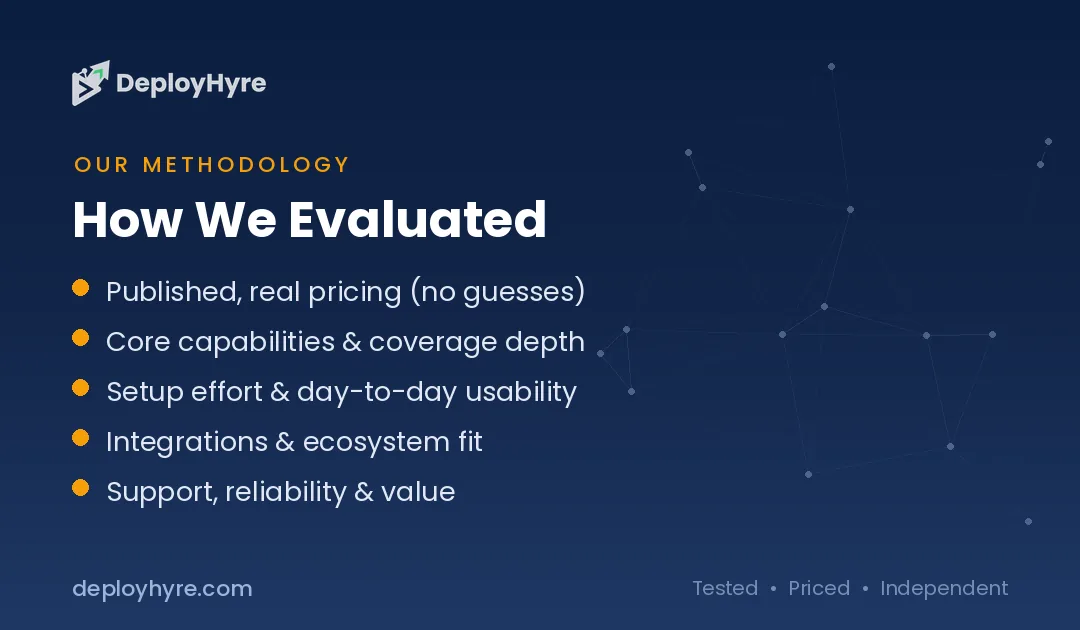
How We Tested These AI Project Management Tools
We ran real projects through each platform over 4 weeks. Here’s our process.
Workflow simulation. We created a standardized project (8 team members, 45 tasks, 3 milestones) and ran it through each tool. We measured setup time, automation configuration, and how accurately the AI predicted task completion.
AI quality testing. We asked each tool’s AI to generate project reports, summarize status updates, and create new tasks from natural language descriptions. We graded outputs on accuracy, usefulness, and how much editing they required.
Integration testing. We connected each tool to Slack, Google Calendar, and a CRM (HubSpot) to test data flow. Tools that required manual workarounds scored lower.
User experience. We measured time-to-first-value: how long it took a new user to set up their workspace and start getting AI-driven benefits. Tools with steep learning curves were noted.
What do AI project management tools do?
They automate planning and reporting. AI project tools schedule work, predict risks, summarize updates, and draft status reports, surfacing bottlenecks early. Teams save time on admin, and pair them with AI meeting assistants for notes.
Can AI manage a project on its own?
No. AI handles planning, tracking, and reporting, but managers set priorities, resolve conflicts, and lead people. AI removes busywork and flags risks early. Human judgment still drives scope, stakeholders, and team decisions.
Is Monday or ClickUp better for AI project management?
Both lead with strong AI features. Monday suits teams wanting a visual, simple setup, while ClickUp fits teams needing deep customization. Match the tool to your team size and workflow, then test the AI features.
Not sure where to start with AI? Compare the best AI consulting firms.
The Bottom Line
The gap between teams using AI-powered project management and those still living in spreadsheets widens every month. AI in project management reduces admin overhead by automating scheduling, generating reports, and predicting risks before they become problems.
Start with one tool. Run a 2-week trial with your actual team and real projects. Measure how many hours you save on status updates and scheduling. Then decide.
For most teams, the choice comes down to three: Monday.com for visual teams that need resource planning, ClickUp for teams that want maximum AI at minimum cost, or Notion AI for teams that live in documents and need everything connected.
Next steps: Building your complete AI-powered tech stack? Check out our guide to the best AI tools for HR teams and the full AI for business guide.
Frequently Asked Questions
What are the best AI project management tools?
The top AI project management tools in 2026 are Monday.com for resource planning, ClickUp for all-in-one AI features, Notion AI for docs-plus-projects workflows, Asana for enterprise automation, and Wrike for complex multi-project environments. The best choice depends on your team size, budget, and whether you prioritize visual planning, document management, or workflow automation.
Are AI project management tools worth the cost?
Yes, for most teams. A Google pilot found workers save 122 hours per year on admin tasks using AI. For a 10-person team, that’s 1,220 hours annually, which is over 30 full work weeks of recovered productivity. Even at the lowest plan prices ($7 to $12 per user per month), the time savings far exceed the cost for teams with 5+ members.
Will AI replace project managers?
No. AI handles data-driven tasks like scheduling, resource allocation, and progress tracking. Strategic planning, stakeholder relationships, and creative problem-solving remain human strengths. AI tools complement project managers by removing admin burden so they can focus on leadership and decision-making.
What&8217;s the cheapest AI project management tool?
ClickUp offers the most AI features on its free plan. Zoho Projects starts at $4/user/month with AI-powered task automation. Trello’s free plan includes Atlassian Intelligence for basic AI features. Notion AI is free with limited AI usage, with paid plans starting at $8/member/month for unlimited AI.
How do I choose between Monday.com, ClickUp, and Asana?
Choose Monday.com if your team needs visual dashboards and resource workload planning. Choose ClickUp if you want the deepest AI features at the lowest price with maximum customization. Choose Asana if you’re an enterprise team that needs structured workflows and automated status reporting for leadership. All three offer free plans, so you can test each with your actual projects before committing.

David Austin is a technology writer and software analyst at DeployHyre, where he covers AI tools, SaaS platforms, cloud hosting, and business automation. He focuses on hands-on comparisons of pricing, features, and real-world performance so teams can pick the right software with confidence.
Know AI, SaaS, or cloud tools inside out? Pitch a guest post and get in front of thousands of buyers researching their next tool.