
AI coding assistants are now standard kit, and the gap between a good and great setup is real productivity. The question is no longer whether to use one, but which, and increasingly, which two.
Table of Contents
The pattern is clear in 2026: effective developers pair two tools, an IDE-integrated assistant for day-to-day coding and a terminal-based agent for heavy lifting. This guide tests the best AI coding assistants in 2026 by that lens. For zero-cost options, see our roundup of the best free AI coding tools, and for config work, the best AI for generating YAML code.
What Is the Best AI Coding Assistant?
The best AI coding assistant is the tool that fits your workflow: an IDE-integrated assistant like Cursor or GitHub Copilot for fast in-editor coding, or a terminal-based agent like Claude Code for complex, multi-file tasks. For most developers, the strongest setup pairs one of each. The right single pick depends on whether you value editor fluidity, value for money, or raw benchmark performance.
Pricing clusters tightly. Copilot leads on value at $10/month, while Cursor, Claude Code, and Windsurf sit around $17 to $20/month for pro tiers, with higher tiers for power users.
Quick Comparison: 8 Best AI Coding Assistants
| Assistant | Best For | Starting Price | Type |
|---|---|---|---|
| GitHub Copilot | Best overall value | Free / $10/mo | IDE assistant |
| Cursor | Best IDE experience | Free / $20/mo | AI IDE |
| Claude Code | Best for complex terminal tasks | $17/mo | Terminal agent |
| Windsurf | Generous free AI IDE | Free / $20/mo | AI IDE |
| Codeium | Free in-IDE autocomplete | Free | Autocomplete |
| Tabnine | Privacy-first teams | Free / paid | Autocomplete |
| Cody (Sourcegraph) | Codebase-aware chat | Free / paid | Chat + context |
| OpenAI Codex | Agentic coding in the OpenAI stack | Usage / plan | Agent |
What Makes a Great AI Coding Assistant?
A great AI coding assistant produces accurate code, understands your project context, fits naturally into your editor or terminal, and scales in price with your usage. The best ones in 2026 either deliver fluid in-editor help or handle complex multi-file tasks autonomously, and many developers run one of each.
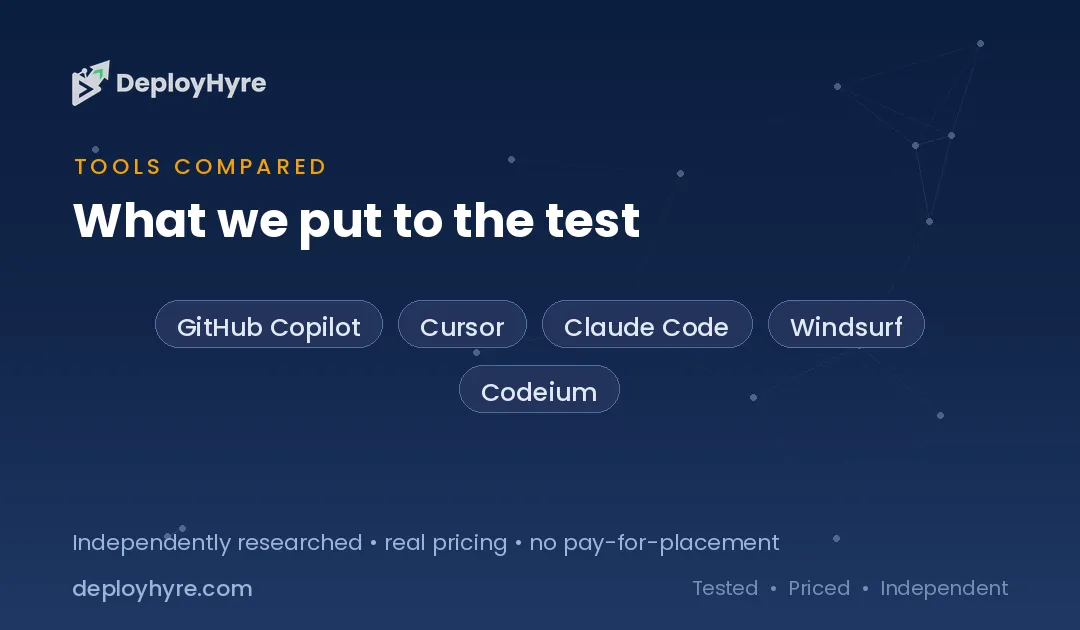
We weighed five things: code quality and benchmark performance, context and multi-file handling, workflow fit, language coverage, and price.
Best IDE-Integrated Assistants
1 GitHub Copilot: Best Overall Value
Copilot is the value benchmark for the whole market.
What it does well. GitHub Copilot Pro at $10/month is the standout value across the entire market, with a free tier, strong autocomplete, chat, and agent features, and the widest editor support.
Key features:
- Best price-to-capability ratio
- Free tier plus affordable Pro
- Wide editor and language support
- Autocomplete, chat, and agents
Pricing. Free; Pro $10/mo (1,500 credits), Pro+ $39/mo, Max $100/mo.
Best for: Most developers wanting capable AI coding at the best price.
Limitations. Heavy users burn credits; the deepest agentic power lives in Cursor or Claude Code.
2 Cursor: Best IDE Experience
Cursor sets the bar for in-editor AI flow.
What it does well. Cursor Pro at $20/month is the benchmark for professional developers, with its Composer interface enabling complex multi-file refactors. The editing experience is the most fluid in the category.
Key features:
- Fluid AI-native editor
- Composer for multi-file refactors
- Strong context handling
- Fast iteration
Pricing. Free tier; Pro $20/month.
Best for: Professional developers who want the best IDE experience.
Limitations. Usage limits apply, and very heavy tasks pair best with a terminal agent.
3 Windsurf: Best Generous Free AI IDE
Windsurf offers a full AI editor with a strong free tier.
What it does well. Windsurf provides a Cursor-like AI IDE, and its free tier is available to all individual developers with generous limits including unlimited tab completions.
Key features:
- Full AI-native IDE
- Generous free tier
- Unlimited tab completions (free)
- Integrated chat and edits
Pricing. Free; Pro $20/mo, Max $200/mo.
Best for: Developers wanting a full AI editor, free or paid.
Limitations. Pro pricing rose in 2026; power tiers get expensive.
Best Terminal and Agentic Assistants
4 Claude Code: Best for Complex Multi-File Tasks
Claude Code leads when the work is hard.
What it does well. Claude Code leads benchmark scores and excels at complex multi-file tasks from the terminal, making it the heavy-lifting half of the popular two-tool setup.
Key features:
- Top benchmark performance
- Strong multi-file, repo-wide reasoning
- Terminal-based agentic workflow
- Runs commands and tests
Pricing. Pro $17/mo; Max $100+/mo; or pay-per-use via API.
Best for: Developers tackling complex, multi-file or whole-repo tasks.
Limitations. Terminal-first style suits power users more than beginners; costs scale with usage.
5 OpenAI Codex: Best Agentic Coding in the OpenAI Stack
Codex brings agentic coding to teams in the OpenAI ecosystem.
What it does well. Codex executes coding tasks agentically within the OpenAI stack, planning and editing across files for teams already invested there.
Key features:
- Agentic, multi-step coding
- OpenAI ecosystem integration
- Task planning and execution
- API and plan access
Pricing. Usage-based or via OpenAI plans.
Best for: Teams standardized on the OpenAI stack.
Limitations. Best value if you are already in the OpenAI ecosystem.
Best Autocomplete and Codebase-Aware Tools
6 Codeium, 7 Tabnine, and 8 Cody: Best for Autocomplete and Context
Three tools round out the list for completion and codebase context.
What they do well. Codeium offers strong free in-IDE autocomplete, Tabnine is the top privacy-first choice with local model options, and Cody by Sourcegraph adds codebase-aware chat grounded in your repository. All three integrate cleanly into existing editors.
Key features:
- Free autocomplete (Codeium)
- Privacy-first, local models (Tabnine)
- Repository-aware chat (Cody)
- Broad editor support
Pricing. Codeium free; Tabnine free and paid; Cody free and paid.
Best for: Developers wanting free autocomplete, privacy, or codebase-grounded chat.
Limitations. Each is narrower than the full IDE assistants and terminal agents above.
How Should You Choose an AI Coding Assistant?
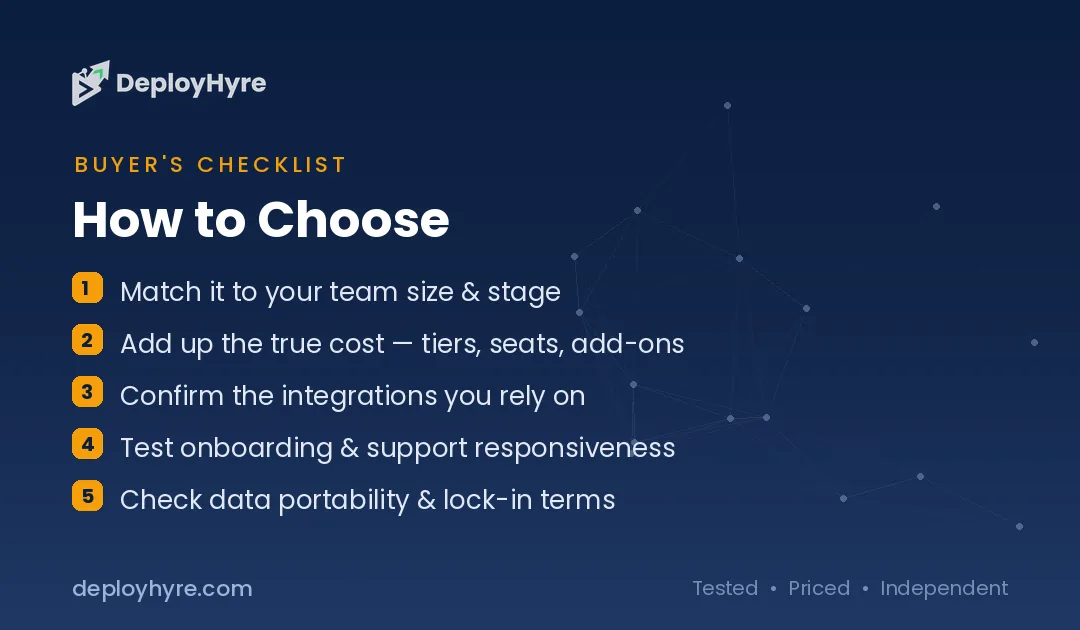
Decide whether you want one tool or two. For one, GitHub Copilot is the best value and Cursor the best experience. For the most effective setup, pair an IDE assistant (Copilot or Cursor) with a terminal agent (Claude Code) so you have fast iteration plus heavy-lifting power.
Then weigh budget and constraints. Copilot wins on price, Claude Code on benchmarks, Windsurf on a generous free tier, and Tabnine on privacy. Start with a free tier or the $10 to $20 plans, and upgrade only if you hit limits.
How We Evaluated These AI Coding Assistants
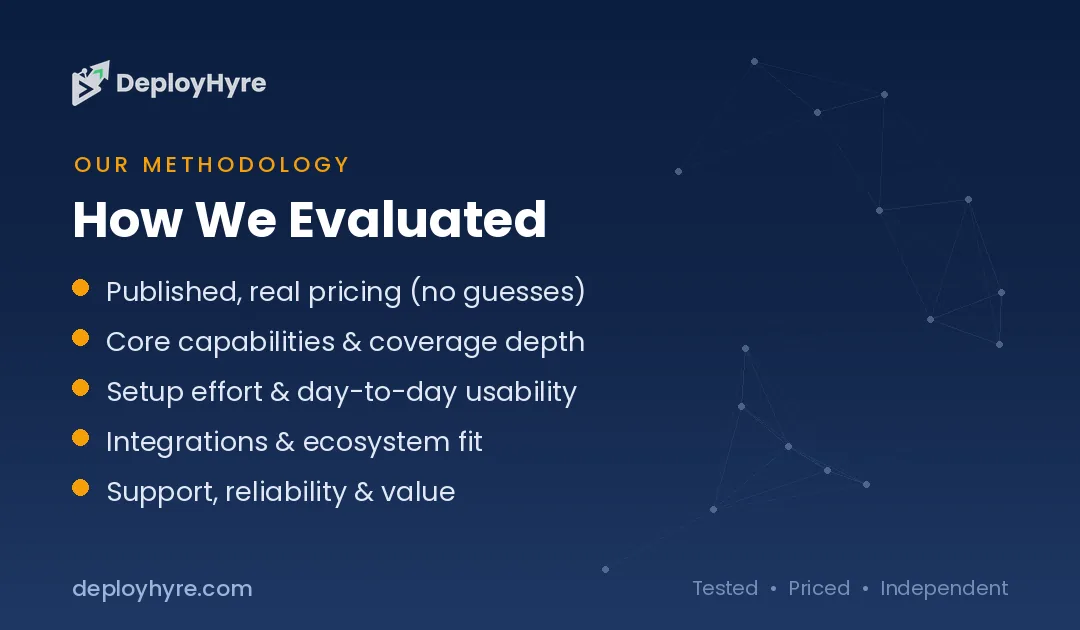
We assessed each assistant on five criteria: code quality and benchmark performance, context and multi-file handling, workflow fit (IDE versus terminal), language coverage, and price. We prioritized tools with published 2026 pricing and benchmark results, and cross-checked against independent developer comparisons. Pricing and limits change often, so confirm current plans before subscribing.
Which AI coding assistant is best?
The one that fits your stack. Leading tools offer strong autocomplete, chat, and agentic features. Try two on your real codebase, since quality varies by language and project. Match the tool to your workflow and privacy needs.
Do AI coding assistants make developers faster?
Yes, for routine work. User reports show meaningful time savings on boilerplate, tests, and documentation, though gains shrink on complex logic. Developers stay essential for design and review. See whether AI will replace developers.
Are AI coding assistants safe for proprietary code?
It depends on the tool. Enterprise plans often guarantee no training on your code and offer self-hosting, while free tiers may use your data. Check the privacy policy and pick no-training options for sensitive repositories.
Pair your assistant with the best AI code review tools to catch bugs before merge.
The Bottom Line
The best AI coding assistant in 2026 depends on your workflow. GitHub Copilot wins on value, Cursor on IDE experience, and Claude Code on complex terminal tasks, and the most productive developers pair an IDE assistant with a terminal agent.
Try the free tiers, pick the assistant that fits how you actually code, and add a second tool only if your tasks demand it. The right pairing pays for itself in saved time fast.
Next steps: See zero-cost options in our best free AI coding tools guide and config help in our best AI for generating YAML code roundup.

Frequently Asked Questions
What is the best AI coding assistant?
It depends on your workflow. GitHub Copilot is the best overall value at $10/month, Cursor offers the best IDE experience at $20/month, and Claude Code leads benchmarks for complex terminal tasks at $17/month. Many developers pair an IDE assistant with a terminal agent. The best single choice depends on whether you prioritize price, editor experience, or raw performance.
How much do AI coding assistants cost?
AI coding assistants in 2026 mostly range from free tiers to about $20/month for pro plans. GitHub Copilot Pro is $10/month, Claude Code Pro is $17/month, and Cursor and Windsurf Pro are $20/month. Higher tiers for power users run from $39 to $200/month. Several tools, including Copilot, Codeium, and Windsurf, offer usable free plans.
Should I use Cursor or Claude Code?
Many developers use both. Cursor is best for fast in-editor iteration and multi-file refactors, while Claude Code is best for complex, heavy-lifting tasks from the terminal. The common 2026 pattern is pairing an IDE assistant like Cursor with a terminal agent like Claude Code, using each for what it does best rather than choosing only one.
What is the best free AI coding assistant?
GitHub Copilot’s free plan (2,000 completions/month), Codeium’s free autocomplete, and Windsurf’s generous free AI IDE are the best free AI coding assistants in 2026. Pairing one with a free chat model like Claude or ChatGPT gives a capable setup at no cost. See our dedicated guide to the best free AI coding tools for the full breakdown.
Do AI coding assistants work with my programming language?
Most leading AI coding assistants support all popular programming languages, including Python, JavaScript, TypeScript, Java, Go, C#, and more. Tools like GitHub Copilot and Codeium offer especially broad coverage. For niche or older languages, quality can vary, so test the assistant on your actual codebase during a free trial before committing to a paid plan.

David Austin is a technology writer and software analyst at DeployHyre, where he covers AI tools, SaaS platforms, cloud hosting, and business automation. He focuses on hands-on comparisons of pricing, features, and real-world performance so teams can pick the right software with confidence.
Know AI, SaaS, or cloud tools inside out? Pitch a guest post and get in front of thousands of buyers researching their next tool.