
AI coding assistants used to mean a $10 to $20 monthly bill per developer. Not anymore. In 2026, the free tiers are good enough that many developers never need to pay.
Table of Contents
This guide tests the best free AI coding tools in 2026, grouped by what they do: autocomplete, AI-native editors, and chat. Each pick is free to start, and we flag the limits so you know when an upgrade is worth it. For the broader category, see our guide to the best AI agents and our roundup of the best AI for generating YAML code.
What Are the Best Free AI Coding Tools?
The best free AI coding tools are assistants with genuinely useful free tiers that cover autocomplete, code chat, or full AI-editor workflows without a paywall. The strongest free combination pairs an in-IDE assistant like Codeium with a free chat model like Claude or ChatGPT, giving you completion and reasoning at zero cost. The right pick depends on whether you want autocomplete, a full AI editor, or chat-based help.
Free tiers do have caps, usually on completions or advanced features, so the goal is to use each free tool for what it does best.
Quick Comparison: 7 Best Free AI Coding Tools
| Tool | Best For | Free Tier | Type |
|---|---|---|---|
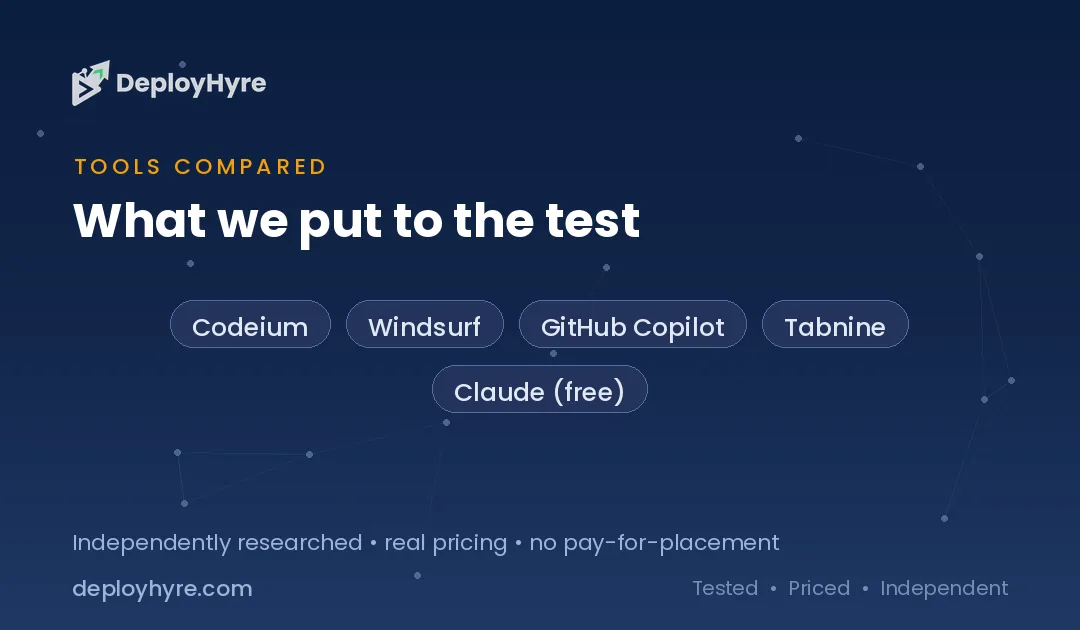
| Codeium | Free in-IDE autocomplete | Free | Autocomplete + chat |
| Windsurf | Most generous free AI editor | Free tier | AI-native IDE |
| GitHub Copilot | Mainstream autocomplete | 2,000 completions/mo | Autocomplete + chat |
| Tabnine | Privacy-first autocomplete | Basic free | Autocomplete |
| Claude (free) | Complex reasoning and chat | Free (capped) | AI chat |
| ChatGPT (free) | Versatile coding chat | Free (capped) | AI chat |
| Cody (Sourcegraph) | Codebase-aware chat | Free tier | Chat + context |
What Makes a Great Free AI Coding Tool?
A great free AI coding tool delivers accurate completions or genuinely helpful answers on its free tier, supports your languages, and integrates into your editor without friction. The best ones let you ship real work at $0 and only ask for payment when you scale usage or want advanced features like deep codebase context.
We weighed four things: usefulness of the free tier, code quality and language coverage, editor integration, and how generous the limits are before you must pay.
Best Free Autocomplete and AI Editors
1 Codeium: Best Free In-IDE Autocomplete
Codeium is the go-to free assistant for autocomplete across editors.
What it does well. Codeium offers a strong free option for in-IDE autocomplete across all popular languages, and the cheapest viable solo stack is Codeium free for autocomplete plus Claude or ChatGPT free for chat, at $0 total.
Key features:
- Free autocomplete across major editors
- Broad language coverage
- Low-friction setup
- Pairs well with free chat models
Pricing. Free; paid tiers add advanced features.
Best for: Developers who want free, reliable in-IDE autocomplete.
Limitations. Deep agentic features sit on paid tiers.
2 Windsurf: Best Free AI-Native Editor
Windsurf gives you a full AI editor experience for free.
What it does well. Windsurf offers the most generous free tier of any AI-native IDE, best for developers who want Cursor-level AI integration without the $20/month cost.
Key features:
- Full AI-native IDE
- Generous free tier
- Integrated chat and edits
- Cursor-like experience at no cost
Pricing. Free tier; paid plans for heavier use.
Best for: Developers wanting a full AI editor without paying.
Limitations. Heavy usage eventually hits free-tier limits.
3 GitHub Copilot: Best Free Mainstream Autocomplete
Copilot now offers a free plan, lowering the barrier to the most popular assistant.
What it does well. GitHub Copilot’s Free plan includes 2,000 completions per month, giving solo developers access to its well-regarded autocomplete and chat within the limit.
Key features:
- 2,000 free completions per month
- Strong autocomplete quality
- Wide editor and language support
- Integrated chat
Pricing. Free plan; paid from about $10/month for unlimited.
Best for: Developers who want mainstream autocomplete for free.
Limitations. The 2,000-completion cap is modest for full-time coding.
4 Tabnine: Best Privacy-First Free Autocomplete
Tabnine is the pick when privacy matters most.
What it does well. Tabnine offers a basic free tier focused purely on autocomplete and is the top choice for privacy-first teams, with local model options.
Key features:
- Privacy-focused autocomplete
- Local model option
- Free basic tier
- Team privacy controls (paid)
Pricing. Basic free tier; paid for advanced features.
Best for: Privacy-conscious developers and teams.
Limitations. Free completion length is limited and the local model is less accurate than cloud tools.
Best Free AI Chat for Coding
5 Claude and 6 ChatGPT: Best Free Coding Chat
For reasoning, debugging, and explanations, the two leading chat models are free to start.
What they do well. Claude excels at complex reasoning and multi-file logic, while ChatGPT is the most versatile for general coding questions. Both pair perfectly with a free autocomplete tool to form a complete $0 stack.
Key features:
- Debugging, explanations, and refactoring help
- Strong reasoning (Claude) and versatility (ChatGPT)
- Capable free tiers
- Great alongside autocomplete tools
Pricing. Both free with usage caps; $20/month unlocks more.
Best for: Developers who want free chat-based coding help.
Limitations. Free tiers cap messages and model access.
7 Cody by Sourcegraph: Best Free Codebase-Aware Chat
Cody adds repository context to AI chat.
What it does well. Cody brings codebase-aware chat that understands your repository, helping with explanations and changes grounded in your actual code, with a usable free tier.
Key features:
- Codebase-aware answers
- Repository context
- Editor integration
- Free tier to start
Pricing. Free tier; paid for higher limits.
Best for: Developers who want chat grounded in their own codebase.
Limitations. Free tier limits context and usage.
How Should You Build a Free AI Coding Stack?
Combine one autocomplete tool with one chat model. The proven free setup is Codeium or Windsurf for in-IDE AI plus Claude or ChatGPT free for chat, which covers completion and reasoning at $0. If you prefer the mainstream option, Copilot’s free 2,000 completions plus a free chat model also works.
Then watch the caps. When completion limits or message caps slow you down, upgrade just that one tool, GitHub Copilot at $10/month or a $20/month chat plan, rather than paying for everything. Start free, prove the value, then invest where it counts.
How We Evaluated These Free AI Coding Tools
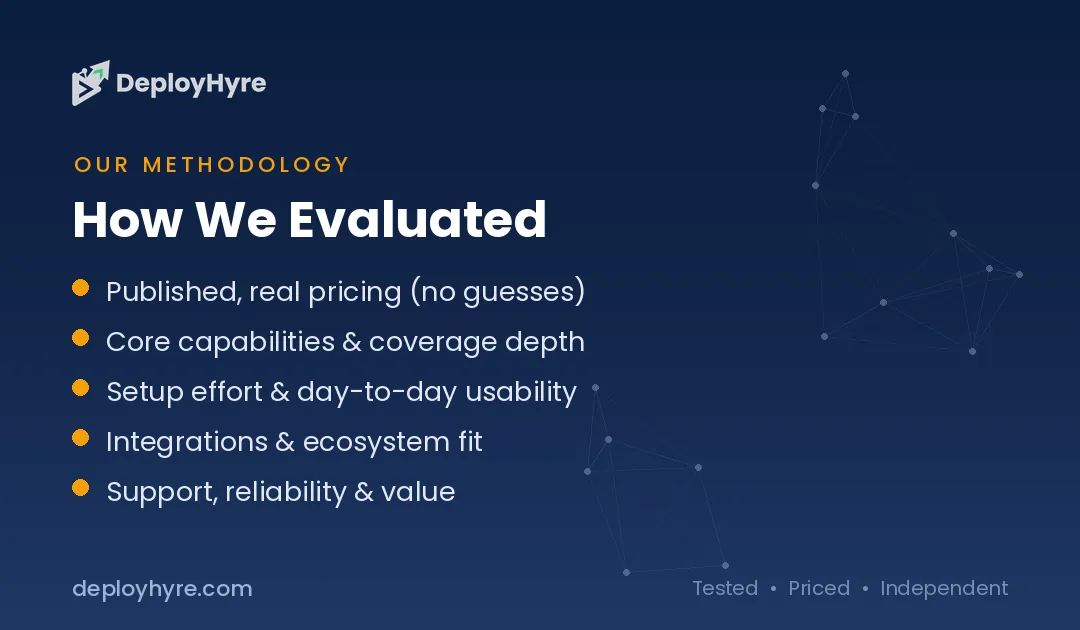
We assessed each tool on four criteria: usefulness of the free tier, code quality and language coverage, editor integration, and how generous the limits are before payment is required. We prioritized tools with genuinely functional free plans (not just trials) across autocomplete, AI editors, and chat, and cross-checked against independent 2026 developer reviews. Free tiers change often, so confirm current limits before relying on them.
Are free AI coding tools good enough for real projects?
Yes, for many tasks. Free tiers handle autocomplete, explanations, and small functions well, though they cap usage and advanced features. Solo developers and students get strong value, while larger teams often need paid plans for speed and privacy.
Do free AI coding tools keep my code private?
It varies. Some free tools train on your code unless you opt out, while others guarantee privacy. Read the data policy before using free tiers on proprietary code, and compare the no-training options in our AI coding assistants guide.
Which free AI coding tool supports the most languages?
The major assistants. Leading tools support popular languages like Python, JavaScript, Java, and Go on free tiers. Coverage for niche languages varies. Check your stack support before committing, since quality differs across less common languages.
Before merging, run the best AI code review tools.
The Bottom Line
You do not need to pay for AI coding help in 2026. A free stack of Codeium or Windsurf plus Claude or ChatGPT covers autocomplete and reasoning completely, and GitHub Copilot’s free plan adds a mainstream option.
Build the stack one job at a time, lean on each free tier for its strength, and upgrade only the single tool that becomes a bottleneck. That is how individual developers get most of the value of paid tools at zero cost.
Next steps: Explore automation in our best AI agents guide and config generation in our best AI for generating YAML code roundup.

Frequently Asked Questions
What are the best free AI coding tools?
The best free AI coding tools in 2026 are Codeium and Windsurf for in-IDE AI, GitHub Copilot’s free plan (2,000 completions/month) for mainstream autocomplete, Tabnine for privacy-first autocomplete, and Claude or ChatGPT free tiers for coding chat. Pairing a free autocomplete tool with a free chat model gives a complete coding setup at no cost.
Is GitHub Copilot free?
GitHub Copilot offers a free plan in 2026 that includes 2,000 code completions per month, plus limited chat. It is enough for light or part-time coding, but full-time developers may exceed the cap. Paid plans start around $10/month for unlimited completions. The free plan is a good way to try Copilot before paying.
Can you code with only free AI tools?
Yes. A free stack like Codeium or Windsurf for autocomplete plus Claude or ChatGPT for chat covers most coding needs at $0. The trade-offs are usage caps and fewer advanced agentic features. Many individual developers run effectively on free tools and upgrade only the single tool whose limits become a bottleneck.
What is the best free AI tool for autocomplete?
Codeium is widely regarded as the best free AI tool for in-IDE autocomplete in 2026, with broad language and editor support. Windsurf offers the most generous free tier for a full AI editor experience, and GitHub Copilot’s free plan provides 2,000 completions monthly. The best choice depends on whether you want pure autocomplete or a full AI editor.
Are free AI coding tools safe for private code?
It depends on the tool and its settings. Tabnine is the top privacy-first choice and offers local model options, while other tools vary in how they handle your code. For sensitive or proprietary code, review each vendor’s data and privacy policy, prefer local or privacy-focused options, and check your organization’s policy before using any AI coding tool.

David Austin is a technology writer and software analyst at DeployHyre, where he covers AI tools, SaaS platforms, cloud hosting, and business automation. He focuses on hands-on comparisons of pricing, features, and real-world performance so teams can pick the right software with confidence.
Know AI, SaaS, or cloud tools inside out? Pitch a guest post and get in front of thousands of buyers researching their next tool.