
TL;DR: Monday.com is a solid work management platform, but seat minimums and rising per-user costs push many teams to shop around. ClickUp is our top pick because it packs tasks, docs, goals, and dashboards into one app at a lower price. Below we rank seven proven alternatives so you can match features to your budget and team size fast.
Teams are pouring money into work management software. The market sits around $25 billion in 2025 and is projected to hit $70 billion by 2033, according to DataInsights market research. With that many tools competing, staying on a platform that no longer fits your budget makes little sense. If Monday.com feels too pricey or too rigid, you have strong options.
Before you decide, it helps to see how the AI-driven contenders stack up. Our guide to the best AI project management tools breaks down the smartest new features across the category.
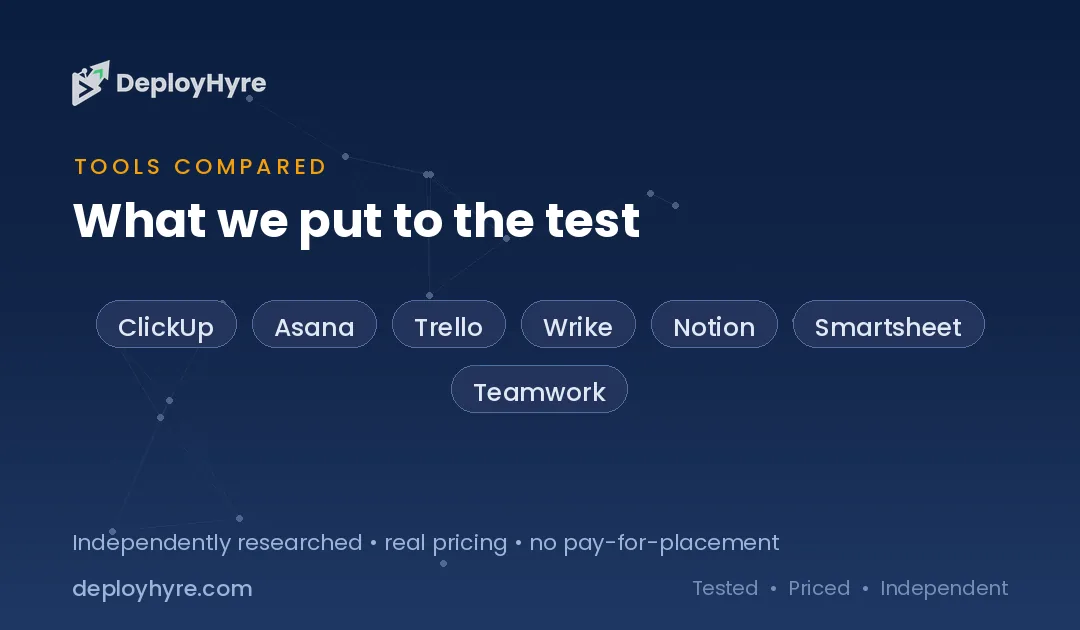
Quick Comparison: Monday.com Alternatives
| Tool | Best For | Starting Price | Key Strength |
|---|---|---|---|
| ClickUp | All-in-one work hubs | $7/user/mo (annual) | Deep customization, docs and tasks together |
| Asana | Cross-team workflows | $10.99/user/mo (annual) | Clean structure and goal tracking |
| Trello | Simple visual boards | $5/user/mo (annual) | Fast, easy Kanban for small teams |
| Wrike | Marketing and creative teams | $10/user/mo (annual) | Proofing and resource planning |
| Notion | Docs plus lightweight PM | $10/user/mo (annual) | Flexible workspace and wiki |
| Smartsheet | Spreadsheet-style planning | $9/user/mo (annual) | Grid power for data-heavy work |
| Teamwork | Client and agency work | $10.99/user/mo (annual) | Built-in client access and billing |
Why Look for a Monday.com Alternative?
Most teams leave Monday.com over cost and seat rules, not features. Every paid plan requires a minimum of three seats, and seats are sold in buckets of five after that, so a team of six pays for ten, per Alfred’s pricing breakdown.
That “ghost seat” tax adds up fast. Real spend often runs two to three times the published price once you factor in add-ons, annual lock-in, and separate products for CRM or dev work. Teams also flag slow support on lower tiers and rigid billing with no refunds. If any of that sounds familiar, the tools below solve those pain points in different ways. Some cut the price. Some drop the seat minimums. Some simply do one job better.
#1 ClickUp: Best for all-in-one work management
ClickUp wants to replace your whole stack. It folds tasks, docs, goals, whiteboards, and dashboards into a single workspace, which is why it tops most Monday.com alternative lists.
What it does well. ClickUp offers more built-in views and customization than almost any rival. You can shape it around sprints, content calendars, CRMs, or simple to-do lists without bolting on extra apps.
Key features:
-
Unlimited tasks and members on the free plan
-
15-plus views including Gantt, board, calendar, and mind maps
-
Native docs, whiteboards, and goal tracking
-
ClickUp Brain AI add-on for summaries and automations
Pricing. The Unlimited plan starts at $7 per user per month billed annually, and Business runs $12 per user per month, per ClickUp’s pricing page. The free plan supports unlimited users.
Best for: Growing teams that want one flexible tool instead of five.
Limitations. The sheer number of features creates a learning curve. New users can feel overwhelmed before they find their setup.
Want a head-to-head look first? See our full ClickUp vs Monday comparison.
#2 Asana: Best for cross-team workflows
Asana is the polished choice for organizations that run work across many teams. It focuses on clear structure, dependencies, and connecting daily tasks to bigger goals.
What it does well. Asana keeps complex projects readable. Timelines, workflows, and portfolios make it easy to see who owns what and how projects roll up to company objectives.
Key features:
-
List, board, timeline, and calendar views
-
Workflow automation and custom rules
-
Goals to link tasks to strategy
-
Portfolios for tracking multiple projects at once
Pricing. The Starter plan costs $10.99 per user per month billed annually, and Advanced runs $24.99 per user per month, according to Asana’s pricing page. A capable free plan covers small teams.
Best for: Mid-size and larger teams coordinating work across departments.
Limitations. Asana does not offer time tracking natively on lower tiers, and advanced reporting sits behind the pricier Advanced plan.
If Asana is on your shortlist, also review our list of Asana alternatives to see how it compares.
#3 Trello: Best for simple visual boards
Trello keeps things dead simple. It is a Kanban board at heart, and that focus makes it the fastest tool here to learn and adopt.
What it does well. Trello nails visual, drag-and-drop task management. Small teams can set up a board and start moving cards in minutes with no training.
Key features:
-
Unlimited cards on the free plan
-
Power-Ups to add calendars, automation, and integrations
-
Butler automation built in
-
Multiple views on paid plans, including timeline and dashboard
Pricing. The Standard plan starts at $5 per user per month billed annually, and Premium runs $10 per user per month, per Trello’s pricing page. The free plan allows up to 10 boards per workspace.
Best for: Small teams and individuals who want a lightweight board without complexity.
Limitations. Trello struggles with large or dependency-heavy projects. You outgrow it once work spans many teams.
#4 Wrike: Best for marketing and creative teams
Wrike targets marketing, creative, and professional services teams that juggle assets, reviews, and deadlines. Its proofing tools set it apart from general PM apps.
What it does well. Wrike shines at creative workflows. Built-in proofing, approval flows, and resource planning keep campaigns and design work moving.
Key features:
-
Online proofing with inline annotations and version comparison
-
Interactive Gantt charts and custom dashboards
-
Resource and capacity planning
-
Request forms and a deep automation engine
Pricing. The Team plan starts at $10 per user per month billed annually, and Business runs $25 per user per month, according to Wrike’s pricing page. A free plan is available for small teams.
Best for: Marketing and agency teams that need proofing and resource tools.
Limitations. The interface feels dense, and seats sell in fixed groups, which reduces flexibility for tiny teams.
#5 Notion: Best for docs plus lightweight PM
Notion blends a wiki, a notes app, and a database into one flexible canvas. Teams that live in documents often prefer it over a dedicated PM tool.
What it does well. Notion is endlessly flexible. You can build a task board, a company wiki, and a content calendar in the same workspace, all linked together.
Key features:
-
Databases with board, table, calendar, and timeline views
-
Docs, wikis, and note-taking in one place
-
Notion AI for writing and workspace search
-
Templates for projects, roadmaps, and CRMs
Pricing. The Plus plan starts at $10 per user per month billed annually, and Business runs $20 per user per month, per Notion’s pricing page. A generous free plan works well for individuals.
Best for: Teams that want documents and light project tracking in one hub.
Limitations. Notion lacks the heavy-duty PM features of ClickUp or Wrike. Complex dependency tracking and resource planning are weak.
#6 Smartsheet: Best for spreadsheet-style planning
Smartsheet feels like a spreadsheet with project management superpowers. Teams that think in rows, columns, and formulas adapt to it instantly.
What it does well. Smartsheet handles data-heavy planning better than most rivals. Grid, Gantt, and card views sit on top of a powerful formula engine.
Key features:
-
Familiar grid interface with formulas and cross-sheet references
-
Gantt, calendar, and card views
-
Automated workflows and approval requests
-
Reports and dashboards for portfolio visibility
Pricing. The Pro plan starts at $9 per user per month billed annually, and Business runs $19 per user per month, according to Smartsheet’s pricing page. Pro caps at 10 users.
Best for: Operations and finance teams that manage work in spreadsheets.
Limitations. The spreadsheet feel is less visual than Kanban tools, and the Business jump in price is steep.
#7 Teamwork: Best for client and agency work
Teamwork.com is built for agencies and service firms that bill clients. It bakes in client access, time tracking, and budgeting so you can run projects and invoices together.
What it does well. Teamwork connects delivery to profitability. Time tracking, billable rates, and budget alerts help agencies protect margins on every project.
Key features:
-
Unlimited client users on paid plans
-
Built-in time tracking and billing
-
Workload and capacity management
-
Intake forms and client management tools
Pricing. The Basics plan starts at $9.99 per user per month billed annually, and Accelerate runs $24.99 per user per month, per Teamwork’s pricing page. Paid plans require a minimum of three users.
Best for: Agencies and client-service teams that track billable work.
Limitations. The client focus adds features general teams will not use, and the three-seat minimum echoes Monday.com’s own rule.
How to Choose a Monday.com Alternative
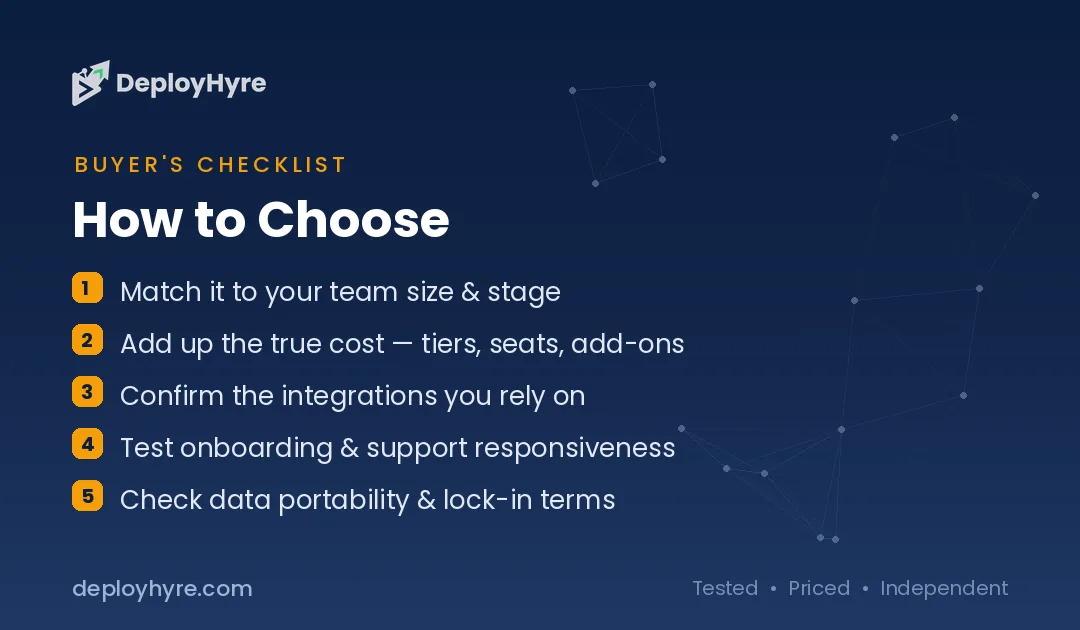
Start with the job you actually need done. The right tool matches your team’s core workflow, not the longest feature list. Pick by these factors:
-
Team size and budget. Trello and ClickUp offer strong free plans. Watch for seat minimums on Smartsheet, Wrike, and Teamwork.
-
Work type. Choose Wrike or Teamwork for creative and client work, Notion for docs-heavy teams, and Smartsheet for data-driven planning.
-
Complexity. ClickUp and Asana handle dependencies and portfolios well. Trello and Notion stay simpler and faster to learn.
-
Growth path. Confirm the next tier up fits your budget before you commit, so scaling does not force another switch.
Run a short free trial with real projects before you migrate. A tool that feels right in a demo can frustrate your team in daily use.
The Bottom Line
Monday.com works, but it is not the only strong choice, and its seat rules push many teams to look elsewhere. For most teams, ClickUp delivers the best mix of features, flexibility, and price in one workspace. Asana wins for cross-team structure, Trello for simple boards, and Wrike or Teamwork for creative and client work.
Match the tool to your workflow, test it with a real project, and you will land on a platform that fits both your team and your budget.
Is there a free alternative to Monday.com?
Yes. ClickUp and Trello both offer strong free plans with unlimited tasks or cards. ClickUp even allows unlimited users on its free tier, which makes it a popular no-cost starting point for small teams testing a Monday.com alternative.
Which Monday.com alternative is cheapest?
Trello has the lowest paid entry price at $5 per user per month billed annually. Smartsheet ($9) and ClickUp ($7) are also affordable. Always check seat minimums, since a low per-user rate can still cost more if you must buy extra seats.
Is ClickUp better than Monday.com?
ClickUp offers more built-in views and customization, often at a lower price, which makes it a favorite Monday.com alternative. Monday.com has a cleaner starting interface. The better choice depends on whether you value depth or simplicity for your team.
What is the best Monday.com alternative for agencies?
Teamwork.com and Wrike are the top picks for agencies. Teamwork includes client access, time tracking, and billing, while Wrike adds proofing and resource planning for creative teams that manage client campaigns and assets.
Do these alternatives have seat minimums like Monday.com?
Some do. Smartsheet, Wrike, and Teamwork sell seats in groups or require a minimum, similar to Monday.com. ClickUp, Trello, Asana, and Notion offer more flexible per-user pricing, so smaller teams avoid paying for empty seats.
Know AI, SaaS, or cloud tools inside out? Pitch a guest post and get in front of thousands of buyers researching their next tool.
Related Articles

David Austin is a technology writer and software analyst at DeployHyre, where he covers AI tools, SaaS platforms, cloud hosting, and business automation. He focuses on hands-on comparisons of pricing, features, and real-world performance so teams can pick the right software with confidence.