
The platform as a service market is worth $140.63 billion in 2026, up from $127.4 billion in 2025. Developers have more places to deploy a container than ever. They also have more ways to be surprised by a bill.
Fly.io is a genuinely good product with a billing model that catches people out. Fly.io removed its free tier for new signups and charges for resources you are not using. New accounts get a trial worth two machine hours or seven days, whichever ends first. After that, everything is metered.
Three charges surprise people most. Stopped machines keep billing for their root filesystem. Volumes bill whether or not a machine is attached to them. And since February 2026, automatic daily volume snapshots are switched on by default.
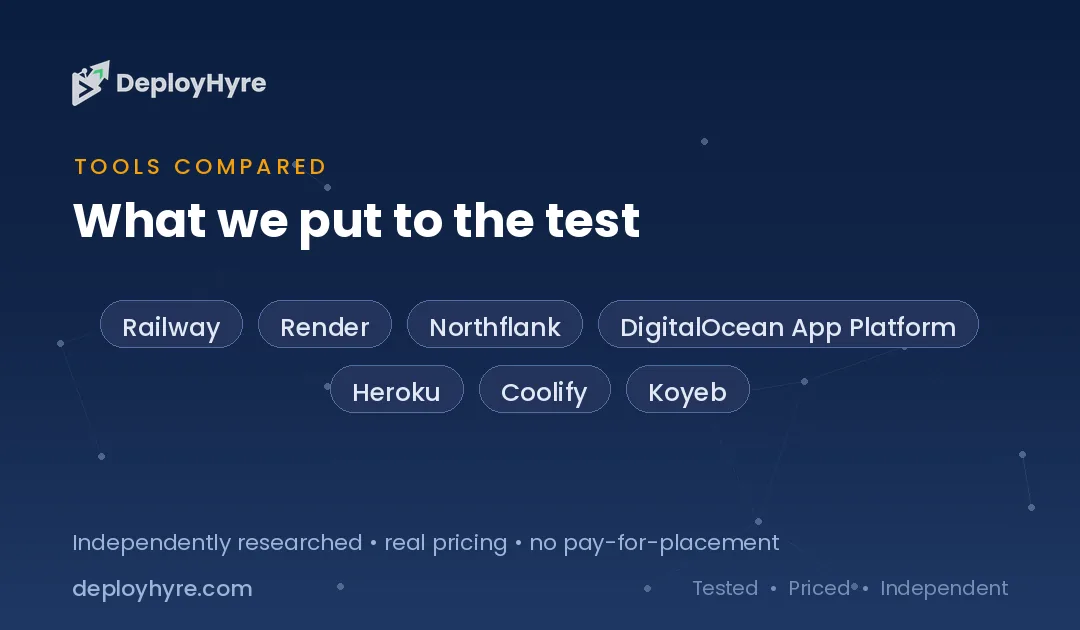
We compared seven Fly.io alternatives on published 2026 pricing, free tier reality, egress allowances, and spending controls. Every figure below links to the vendor's own documentation. This guide sits inside our wider cloud hosting coverage.
Table of Contents
Quick Comparison: Top 7 Fly.io Alternatives
| Platform | Best For | Entry Price | Real Free Tier |
|---|---|---|---|
| Railway | Predictable usage based billing | $5 per month | Yes, $1 trial credit |
| Render | Flat workspace pricing for teams | $0 Hobby, $25 Pro | Yes, with spin down |
| Northflank | Always on free sandbox | Free, then per second | Yes, no expiry |
| DigitalOcean App Platform | Simple flat container pricing | $5 per month | Static sites only |
| Heroku | Mature managed platform | $5 Eco per month | No, removed in 2022 |
| Coolify | Zero lock in and full cost control | Free self hosted | Yes, self hosted |
| Koyeb | GPU and AI inference workloads | $29 per month plus compute | No, Starter being retired |
Why Do Developers Leave Fly.io?
Developers leave Fly.io over billing surprises rather than product quality. New accounts get no lasting free tier, only a trial of two machine hours or seven days. Stopped machines still bill for storage, unattached volumes still bill, and support is community only unless you pay at least $29 per month.
Fly.io discontinued its Hobby, Launch, and Scale plans on October 7, 2024. Legacy free allowances of three shared-cpu-1x machines, 3 GB of volume storage, and 100 GB of outbound transfer still apply to organizations created before that date. New customers get none of it.
What new customers get instead is a free trial capped at two total VM hours or seven days, limited to 10 machines and 20 GB of volume storage. Trial machines auto stop after five minutes of running. Adding a card ends the trial immediately and starts metered billing.
The stopped machine charge
Fly.io bills stopped machines $0.15 per GB of root filesystem per 30 days. A single 1 GB machine left stopped for a month costs $0.15. Three of them cost $0.45. The charge is small individually and easy to forget across dozens of preview environments.
Volumes behave the same way. Fly.io's documentation states plainly that you are charged for volumes whether or not they are attached to a machine, including when the attached machine is stopped.
The snapshot default
This one is new. Automatic daily volume snapshots with five day retention are now enabled by default on new volumes, billed at $0.08 per GB per month with the first 10 GB free. The first charges appeared on invoices at the start of February 2026. It is an opt out charge, not an opt in one.
Support costs extra
Community forum support is the free default. Fly.io sells Standard support at $29 per month, Premium at $199, and Enterprise from $2,500. There is no email ticket channel below the $29 tier. For a side project that is fine. For anything with users, the real entry price is closer to $29 plus compute than the raw machine rate suggests.
What Fly.io still does better than most
Fly.io bills compute per second with no monthly subscription floor. Its pricing table puts a shared-cpu-1x machine with 256 MB of RAM at $1.94 per month if it runs continuously. Every app gets Anycast routing across more than 18 regions. Volume storage runs $0.15 per GB per month and outbound transfer costs $0.02 per GB in North America and Europe.
That egress rate is genuinely cheap. Note the regional spread though: Asia Pacific, Oceania, and South America cost $0.04 per GB, and Africa and India cost $0.12 per GB, six times the North American rate.
If you serve a global audience from the edge and watch your dashboard closely, Fly.io remains hard to beat. If you want a platform that does not bill for idle resources, keep reading.
Best Fly.io Alternatives for General Web Apps
1 Railway: Best for predictable usage based billing
Railway is the closest match to Fly.io's developer experience with clearer economics.
What it does well. The subscription fee is a usage credit rather than an extra charge. Railway's documentation gives the example directly: on Hobby at $5 per month, using $3 of resources means you pay $5, and using $8 means you pay $8 total. Nothing is billed twice.
Key features:
- Subscription fee counts toward usage, not on top of it
- Per minute billing on compute
- Deploy from a GitHub repository with no configuration
- Managed Postgres, Redis, and MySQL as one click services
Pricing. Railway publishes a Free plan with $1 of credit, Hobby at $5 per month, Pro at $20 per month, and custom Enterprise pricing. Resource rates are $10 per GB of RAM per month, $20 per vCPU per month, $0.05 per GB of network egress, and $0.15 per GB of volume storage.
The catch to know. The plan fee is a minimum spend, not a ceiling. Railway offers usage alerts rather than a hard spending cap, so a traffic spike or a runaway process bills through the credit and keeps going. Set alerts on day one.
Best for: teams that want Fly.io style flexibility with billing they can explain to finance.
Limitations. Egress at $0.05 per GB costs more than twice Fly.io's North America rate. Regional coverage is narrower than Fly.io's edge network.
2 Render: Best for flat workspace pricing
Render replaced per seat billing with flat workspace fees, which changes the math for teams.
What it does well. Unlimited team members on every paid plan. A five person team pays the same as a one person team, which is unusual in this category.
Key features:
- Flat workspace fees with unlimited members
- Free tier with real containers, not just static sites
- SOC 2 and ISO 27001 reports on Pro
- HIPAA support on Scale at 20 percent of compute with no minimum, per Render's plan documentation
Pricing. Render's new workspace plans took effect on April 23, 2026. Hobby is free with one member, up to 25 services, and 5 GB of bandwidth. Pro costs $25 per month flat with unlimited members and 25 GB of bandwidth. Scale costs $499 per month flat with 1 TB of bandwidth. Bandwidth overage is $0.15 per GB on every tier. Compute instances are priced separately, starting near $7 for a 512 MB Starter instance and $25 for a 2 GB Standard instance.
The catch to know. The same April 2026 repricing cut included bandwidth hard. Hobby dropped from a flat 100 GB to 5 GB, a 20 fold reduction, and overage is $0.15 per GB. That is more than seven times Fly.io's North America egress rate. Render is cheap for teams and expensive for bandwidth.
Free services spin down after 15 minutes with no inbound traffic and take about a minute to wake. That is fine for demos and wrong for anything a customer touches.
Best for: growing teams who add seats often and serve modest bandwidth.
Limitations. Bandwidth economics are the weakest here. Compute prices did not change in the April update, so only the workspace layer got simpler.
3 Northflank: Best for an always on free sandbox
Northflank offers the most usable free tier in this comparison.
What it does well. The free Developer Sandbox runs two services, one database, and two cron jobs with no expiry date and no spin down. A real database on a free plan is rare.
Key features:
- Free sandbox with two services, one database, two cron jobs
- Per second billing on granular vCPU and memory units
- Bring your own cloud account or use Northflank's infrastructure
- Kubernetes native without requiring Kubernetes knowledge
Pricing. Northflank charges $0.01667 per vCPU hour and $0.00833 per GB hour of memory, billed per second. Buying compute by the unit rather than by a named instance size means you pay for the shape your app actually needs.
Best for: developers who want a permanent free environment and fine grained control over resource sizing.
Limitations. Smaller ecosystem and community than Render or Railway. The managed database story is less mature than Fly.io's Postgres offering.
4 DigitalOcean App Platform: Best for simple flat pricing
App Platform trades flexibility for a price you can predict to the dollar.
What it does well. Every tier lists an exact monthly price with an exact bandwidth allowance. There is no per second math and no credit conversion.
Key features:
- Three free static site apps with 1 GiB of transfer each
- Fixed monthly container prices with bundled transfer
- Managed databases and Spaces object storage in the same account
- Overage capped at $0.02 per GiB
Pricing. DigitalOcean lists five container tiers:
- $5: 1 shared vCPU, 512 MiB, 50 GiB transfer, fixed size
- $10: 1 vCPU, 1 GiB, 100 GiB transfer, fixed size
- $12: 1 vCPU, 1 GiB, 150 GiB transfer, scalable
- $25: 1 vCPU, 2 GiB, 200 GiB transfer
- $50: 2 vCPU, 4 GiB, 250 GiB transfer
Additional outbound transfer costs $0.02 per GiB, matching Fly.io's cheapest regional rate.
Best for: teams that value a predictable invoice over per second efficiency.
Limitations. The free tier covers static sites only, so there is no free way to run a container. Fewer regions than Fly.io. For raw virtual machines instead, compare our DigitalOcean alternatives and best VPS hosting guides.
5 Heroku: Best for a mature managed platform
Heroku invented this category and still has the most polished workflow.
What it does well. The add-on marketplace, review apps, and pipeline model remain the reference implementation. Onboarding a new engineer takes minutes.
Key features:
- Largest managed add-on marketplace in the category
- Review apps and pipelines built in
- Always on dynos from the Basic tier
- Long track record on compliance and enterprise support
Pricing. Heroku's dyno tiers run as follows:
- Eco: $5 per month for 1,000 shared dyno hours pooled across all Eco dynos, which sleep after 30 minutes of inactivity
- Basic: $7 per month with no sleep
- Standard: $25 to $50 per month, adding horizontal scaling, metrics, and preboot
- Performance: higher again, for dedicated compute
Published figures for the Performance tier vary between sources, so confirm that one directly with Heroku before budgeting.
The catch to know. Heroku has no free tier. The company announced removal on August 25, 2022 and switched it off on November 28, 2022, citing fraud and abuse. Eco at $5 is the replacement, and it sleeps.
Best for: teams who value ecosystem maturity over price and want zero infrastructure work.
Limitations. Costs more per unit of compute than every other platform here. Node teams comparing options should also read our best Node.js hosting roundup.
6 Coolify: Best for zero lock in
Coolify is the self hosted answer to platform pricing.
What it does well. It gives you a Heroku style dashboard on servers you own. Deploy from Git, get automatic SSL, and run databases, with no per resource platform margin on top of your server bill.
Key features:
- Free forever when self hosted, open source license
- Runs on any server, from Hetzner to a Raspberry Pi
- Automatic SSL, Git deploys, and database management
- No platform markup on compute
Pricing. Coolify Cloud costs $5 per month and connects two servers, with $3 per month for each additional server. Annual billing saves about 20 percent. Self hosting is free with community support. You supply the servers either way, so a $5 Hetzner or DigitalOcean box plus $5 for Coolify Cloud runs a real app for about $10 per month.
Best for: developers comfortable with a VPS who want platform convenience without platform pricing.
Limitations. You own patching, monitoring, and uptime. Coolify Cloud manages the dashboard, not your app's availability. Pair it with a provider from our cloud hosting guide.
7 Koyeb: Best for GPU and AI inference, with a caveat
Koyeb changed direction in 2026 and buyers should know why.
What it does well. GPU pricing is transparent and broad, which is unusual for a platform in this class. Global edge deployment and autoscaling to zero work well.
Key features:
- Published hourly GPU rates from consumer cards to H200 clusters
- 1 TB of bandwidth included on paid plans
- Serverless Postgres with a free tier
- Scale to zero on idle services
Pricing. Koyeb lists Pro at $29 per month plus compute with $10 of included credit, Scale at $299 per month plus compute with $100 of credit and a 99.9 percent SLA, and Enterprise from $1,000 per month. GPU rates run from $0.50 per hour for an RTX 4000 SFF Ada up to $24.00 per hour for eight H200s. Overage bandwidth costs $0.02 per GB in the EU and US.
The caveat. Mistral AI acquired Koyeb on February 17, 2026, confirmed on Koyeb's own blog. The whole team joined Mistral to build Mistral Compute. Koyeb's FAQ states the Starter plan will soon be removed and new users must subscribe to Pro, Scale, or Enterprise. Existing Starter customers are unaffected for now.
Best for: teams running AI inference who want GPU capacity with a platform layer.
Limitations. The entry price rose to $29 per month plus compute, and the roadmap now points at AI infrastructure rather than general web hosting. If you just need to deploy a web app in 2026, Railway, Render, or Northflank are safer picks.
How Should You Choose a Fly.io Alternative?
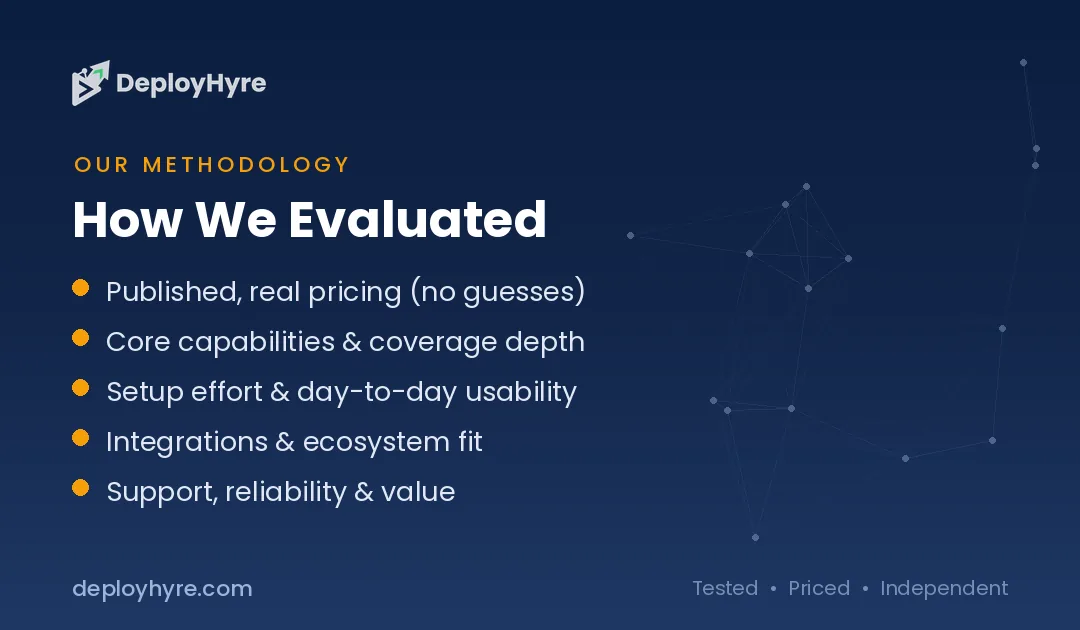
Choose Railway if you want Fly.io style flexibility with billing you can forecast. Choose Render if your team adds seats often and your bandwidth is modest. Choose Northflank for a permanent free environment. Choose DigitalOcean App Platform for an invoice you can predict exactly. Choose Coolify if you want no platform markup at all.
Four questions decide it.
- Do you need a spending cap? None of these platforms offers a true hard cap. Railway, Render, and Northflank provide alerts. If a runaway bill would be a real problem, self host with Coolify on a fixed price server, because a VPS cannot bill you more than its monthly rate.
- How much bandwidth do you serve? This is the biggest hidden cost difference. Fly.io charges $0.02 per GB in North America and Europe. DigitalOcean charges $0.02 per GiB above the included allowance. Railway charges $0.05 per GB. Render charges $0.15 per GB after just 5 GB on Hobby. At 500 GB per month that spread is roughly $10 versus $75.
- Does anything need to stay awake? Render and Heroku Eco sleep on their cheapest tiers. Northflank's sandbox does not. Cold starts of 30 to 60 seconds are unacceptable for anything customer facing.
- How many people deploy? Render's flat workspace fee wins as headcount grows. Per seat and per usage models scale differently, and the crossover point usually sits around three to four engineers.
Also audit what you already run on Fly.io before migrating. Stopped machines, orphaned volumes, and the new default snapshots are the three line items that quietly accumulate. Deleting unused volumes often cuts a Fly.io bill more than switching platforms would.
How We Evaluated These Platforms
We built every price in this guide from vendor documentation, not from marketing pages or third party summaries. Each figure links to the source, most of them official pricing docs from the vendor.
We scored platforms on five criteria: real cost to run a small always on service, whether a genuine free tier exists, egress allowance and overage rate, spending control features, and the maturity of managed databases and add-ons.
We also flag ownership changes, because they change roadmaps. The Koyeb acquisition by Mistral AI is the clearest example in this cycle, and it is why Koyeb sits last in our lineup rather than being excluded or recommended without context. A platform pivoting toward AI infrastructure is a different bet than the one users signed up for.
Two claims we could not confirm are excluded rather than repeated. Several comparisons state that Render legacy workspaces are force migrated by a fixed 2026 deadline. Render's own documentation describes migration as an opt in action the customer chooses, so we do not report a deadline. We also found no citable incident report behind the recurring Fly.io reliability complaints, so we leave that out.
The Bottom Line
Railway is the best Fly.io alternative for most teams. It keeps per minute billing and a fast deploy flow while making the subscription fee count toward usage, so the invoice matches the resources you consumed. Set a usage alert immediately, because the plan fee is a floor and not a ceiling.
Render is the better choice for teams over three engineers thanks to flat workspace pricing with unlimited members, provided your bandwidth stays inside the included allowance. Northflank wins on free tier quality. Coolify wins on total cost when you are willing to run your own server.
Fly.io itself is worth keeping for globally distributed, edge sensitive workloads. Just delete your stopped machines and turn off automatic snapshots first.
For adjacent decisions, see our comparisons of Vercel alternatives and Netlify alternatives for front end deployment, and Cloudways versus DigitalOcean for managed infrastructure.
Frequently Asked Questions
Does Fly.io still have a free tier?
No. Fly.io discontinued its Hobby, Launch, and Scale plans on October 7, 2024. New accounts receive a trial limited to two total machine hours or seven days, whichever ends first, capped at 10 machines and 20 GB of volume storage. Legacy free allowances still apply only to organizations created before October 2024.
Why is my Fly.io bill higher than expected?
Three charges catch most users. Stopped machines bill $0.15 per GB of root filesystem per 30 days. Volumes bill whether or not a machine is attached. Since February 2026, automatic daily volume snapshots are on by default at $0.08 per GB per month after the first 10 GB. Delete unused volumes and review snapshot settings first.
Which Fly.io alternative is cheapest?
Coolify self hosted is cheapest overall because the software is free and you pay only for your server, often around $5 per month. Among managed platforms, Northflank's free Developer Sandbox runs two services and a database with no expiry, and Railway starts at $5 per month with the fee credited toward usage.
Is Railway or Render better than Fly.io?
Railway is better for teams that want usage based billing without surprise charges for idle resources. Render is better for teams of three or more thanks to flat workspace fees with unlimited members. Fly.io remains better for globally distributed workloads that need Anycast routing and per second billing across many regions.
What happened to Koyeb?
Mistral AI acquired Koyeb on February 17, 2026, and the team joined Mistral to build Mistral Compute. Koyeb continues operating and billing separately, but its FAQ confirms the Starter plan is being removed and new users must subscribe to Pro at $29 per month plus compute, Scale, or Enterprise.

David Austin is a technology writer and software analyst at DeployHyre, where he covers AI tools, SaaS platforms, cloud hosting, and business automation. He focuses on hands-on comparisons of pricing, features, and real-world performance so teams can pick the right software with confidence.
Know AI, SaaS, or cloud tools inside out? Pitch a guest post and get in front of thousands of buyers researching their next tool.
Pitch your idea →