
Netlify is the best Vercel alternative for most front-end teams in 2026. It costs $20 per month for 3,000 credits, includes unlimited team seats, and runs the same Git push-to-deploy workflow. Cloudflare is the best pick for global traffic, and Render is the best full-stack option with a real free tier.
Vercel Pro starts at $20 per seat per month. That headline hides the meter underneath. The Pro plan includes 1 TB of data transfer, 1 million CDN requests, and a $20 usage credit, and everything past that bills by usage. Since September 8, 2026, new Pro teams get Flat Rate CDN by default, so outgrowing the included tier moves you to fixed tiers from $20 per month instead of per GB overage.
Build costs changed too. On February 3, 2026, Turbo build machines became the default for all new Pro projects and for projects upgrading from Hobby. Turbo gives you 30 vCPUs and 60 GB of memory, and Vercel cut the rate 16 percent in April 2026 to $0.105 per minute. Faster builds are real. So is the bill when a team pushes fifty times a day and nobody changed the default.
The platform market keeps expanding, from $127.4 billion in 2025 to $140.63 billion in 2026, and the competition now matches Vercel feature for feature. We compared seven platforms on real monthly cost, free tier size, framework support, and how each one bills traffic. Start with our best cloud hosting guide for the wider market, then use this list to pick a landing spot.
Table of Contents
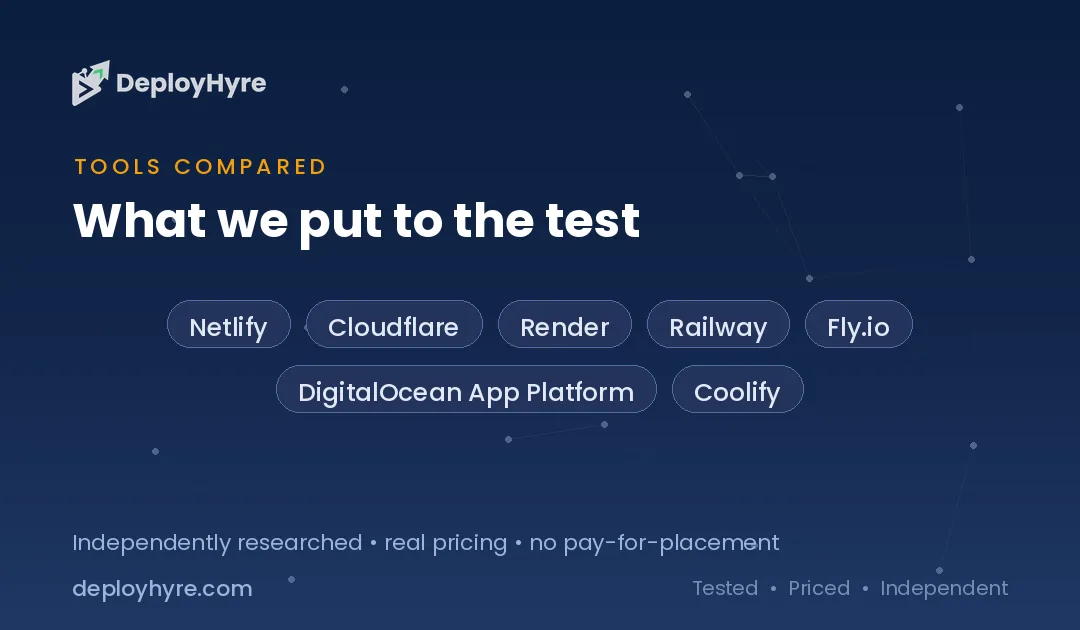
Quick Comparison: Top 7 Vercel Alternatives
| Platform | Best For | Free Tier | Paid Entry |
|---|---|---|---|
| Netlify | Best for most front-end teams | 300 credits/mo | $20/mo for 3,000 credits |
| Cloudflare Workers and Pages | Best for global traffic | Pages free, Workers free tier | $5/mo |
| Render | Best full-stack free tier | Free static and sleeping services | $7/mo per service |
| Railway | Best for fast backend deploys | $1 monthly credit | $5/mo usage-based |
| Fly.io | Best for global Docker apps | 2-hour trial | About $2.19/mo per small VM |
| DigitalOcean App Platform | Best for predictable flat pricing | Static sites free | $5/mo |
| Coolify | Best for full control and lowest cost | Free self-hosted, forever | $5/mo cloud, plus a VPS |
Why Do Teams Leave Vercel?
Teams leave Vercel for three reasons: usage-based bills that spike without warning, per-seat pricing that taxes every collaborator, and build defaults that quietly cost more than the plan itself. The product quality is rarely the complaint. The invoice is.
Start with traffic. A marketing site that goes viral moves from included bandwidth to $0.15 to $0.35 per GB in a single afternoon. Flat Rate CDN, the default for new Pro teams since September 2026, softens this, but teams still on usage billing have no ceiling by default. Cloudflare and Render bill compute rather than raw transfer, which changes the shape of that risk entirely.
Then look at seats. Vercel Pro charges $20 per person per month. A six-person team pays $120 before a single deploy. Netlify removed that model in April 2026 and now includes unlimited team seats on the $20 Pro plan. For an agency running client work, that difference alone can pay for the migration.
Build machines finish the picture. Turbo is fast, and it is now the default, so a team that never opened project settings is paying $0.105 per build minute on machines they did not choose. Teams that push often should either price that deliberately or move to a platform where builds are included.
The 7 Best Vercel Alternatives
1 Netlify: Best for Most Front-End Teams
Netlify is the closest like-for-like swap, with the same Git workflow, deploy previews, and edge functions.
What it does well. Netlify moved to credit-based billing for accounts created after September 4, 2025, which replaced the old per-seat model. The Free plan includes 300 credits, Personal costs $9 for 1,000 credits, and Pro costs $20 for 3,000 credits. Credits cover builds, bandwidth, and function invocations from one pool, so a quiet month costs less instead of billing three separate meters. The April 2026 update added free unlimited seats, including Git contributors.
Key features:
- Git push-to-deploy with deploy previews on every pull request
- Single credit pool across builds, bandwidth, and functions
- Unlimited free team seats on Pro
- Edge functions and background functions
- Instant rollback to any previous deploy
Pricing. Free for 300 credits per month, then $9 for Personal and $20 for Pro. See netlify.com.
Best for: Agencies and product teams that want Vercel ergonomics without per-seat charges.
Limitations. Credits are a new unit to learn, and heavy Next.js server rendering still runs better on Vercel itself.
2 Cloudflare Workers and Pages: Best for Global Traffic
Cloudflare bills CPU time instead of bandwidth, which makes high-traffic sites dramatically cheaper.
What it does well. Pages hosts static output free with no bandwidth meter. The Workers Paid plan costs $5 per month and includes 10 million requests plus 30 million CPU milliseconds, with extra requests at $0.30 per million and extra CPU at $0.02 per million milliseconds. Because most requests finish in single-digit milliseconds, a site that would trigger four figures of Vercel bandwidth overage often stays inside the $5 tier. Deployment lands on Cloudflare's global network by default, so latency is even across regions.
Key features:
- No bandwidth charges on Pages
- CPU-time billing rather than request-count billing
- Global edge deployment in 300-plus cities
- D1, R2, and KV storage on the same platform
- Free tier suitable for real production sites
Pricing. Pages free, Workers Paid $5 per month. See cloudflare.com.
Best for: Content sites, documentation, and APIs with heavy or spiky global traffic.
Limitations. The Workers runtime is not plain Node, so some npm packages need alternatives, and long-running tasks hit CPU limits.
3 Render: Best Full-Stack Free Tier
Render runs front end, back end, cron jobs, and managed Postgres in one dashboard.
What it does well. Render is one of the few platforms that still offers a genuine free tier, where static sites stay free with no sleep penalty and free web services spin down after 15 minutes of inactivity, then take 30 to 50 seconds to wake. Paid service pricing is flat and readable: Starter costs $7 per month for 512 MB of RAM and 0.5 vCPU, and Standard costs $25 per month for 2 GB, on top of a workspace fee of $0 for Hobby or $25 for Pro. You size a box and pay for the box.
Key features:
- Static sites, web services, workers, and cron in one place
- Managed PostgreSQL and Redis
- Free tier that survives real side projects
- Native Docker support
- Predictable per-service monthly pricing
Pricing. Free for static sites, then $7 per month per service. See render.com.
Best for: Full-stack apps where the API and the front end should live together.
Limitations. Cold starts on the free tier make it unsuitable for customer-facing traffic, and there is no global edge network.
4 Railway: Best for Fast Backend Deploys
Railway turns a repository into a running service with a database attached in about two minutes.
What it does well. Railway detects your stack, provisions the service, and wires environment variables without a config file. Pricing is usage-based from $5 per month, so you pay for the resources a service actually consumes rather than a fixed instance size. That suits bursty internal tools and staging environments that idle most of the day. The free allowance is now a $1 monthly credit, which covers a few hours of runtime and works as a trial rather than a hosting plan.
Key features:
- Automatic stack detection and provisioning
- One-click Postgres, MySQL, Redis, and MongoDB
- Resource-based billing with no fixed instance tiers
- Preview environments per branch
- Clear usage dashboard by service
Pricing. Usage-based from $5 per month, with a $1 free credit. See railway.com.
Best for: Backend services, internal tools, and staging environments.
Limitations. Usage billing makes monthly costs harder to forecast, and the free credit no longer hosts a hobby project.
5 Fly.io: Best for Global Docker Apps
Fly.io runs your container close to users in dozens of regions with per-second billing.
What it does well. Fly bills by VM-second under its Machines model, so a shared-cpu-1x machine with 256 MB of RAM costs roughly $2.19 per month running around the clock. Machines can also stop when idle and start on the next request, which drops the cost of a low-traffic app close to zero. You deploy a Dockerfile and choose regions explicitly, which gives more control over data residency than any managed front-end host.
Key features:
- Per-second VM billing with auto stop and start
- Explicit region placement across the globe
- Full Docker control, any language or runtime
- Built-in private networking between apps
- Managed Postgres and volume storage
Pricing. From about $2.19 per month per small machine, with a two-hour trial. See fly.io.
Best for: Teams comfortable with Docker who need apps running in specific regions.
Limitations. There is no lasting free tier, and the platform expects infrastructure knowledge that Netlify hides.
6 DigitalOcean App Platform: Best for Predictable Flat Pricing
App Platform trades edge sophistication for a bill you can predict a year ahead.
What it does well. Pricing is flat and tiered: static sites deploy free, prototype apps cost $5 per month, and production apps start at $12 per month. There are no bandwidth meters to watch and no per-seat charges. Because it sits inside DigitalOcean, you can attach managed databases, Spaces object storage, and droplets under one account and one invoice, which suits teams that already run infrastructure there. Our DigitalOcean alternatives guide covers the wider platform if you are weighing the whole account.
Key features:
- Flat monthly tiers with no usage surprises
- Free static site hosting
- Managed databases and object storage in the same account
- Automatic builds from GitHub and GitLab
- Horizontal scaling by container count
Pricing. Free for static sites, $5 per month for prototypes, $12 per month for production. See digitalocean.com.
Best for: Small teams that value an invoice they can forecast.
Limitations. Build times lag the front-end specialists, and there is no true edge runtime.
7 Coolify: Best for Full Control and Lowest Cost
Coolify gives you Vercel-style deploys on a server you own.
What it does well. Coolify is open source under Apache 2.0 and free forever when self-hosted, with no user caps or feature limits, while Coolify Cloud costs $5 per month for two connected servers and $3 per additional server. You get push-to-deploy, automatic SSL, preview deployments, and database management, and your only real cost becomes the VPS underneath, typically $4 to $20 per month. A single $20 server comfortably runs five to ten small services, which is where the savings against per-seat plans become obvious.
Key features:
- Push-to-deploy with automatic SSL certificates
- Preview deployments per branch
- Built-in database provisioning and backups
- Runs on any VPS or dedicated server
- No per-seat, bandwidth, or invocation charges
Pricing. Free self-hosted, or $5 per month for Coolify Cloud, plus your server. See coolify.io.
Best for: Technical teams running several projects who want one predictable server bill. Pair it with a box from our best VPS hosting guide.
Limitations. You own uptime, patching, and backups, which is a real cost in hours even when the software is free.
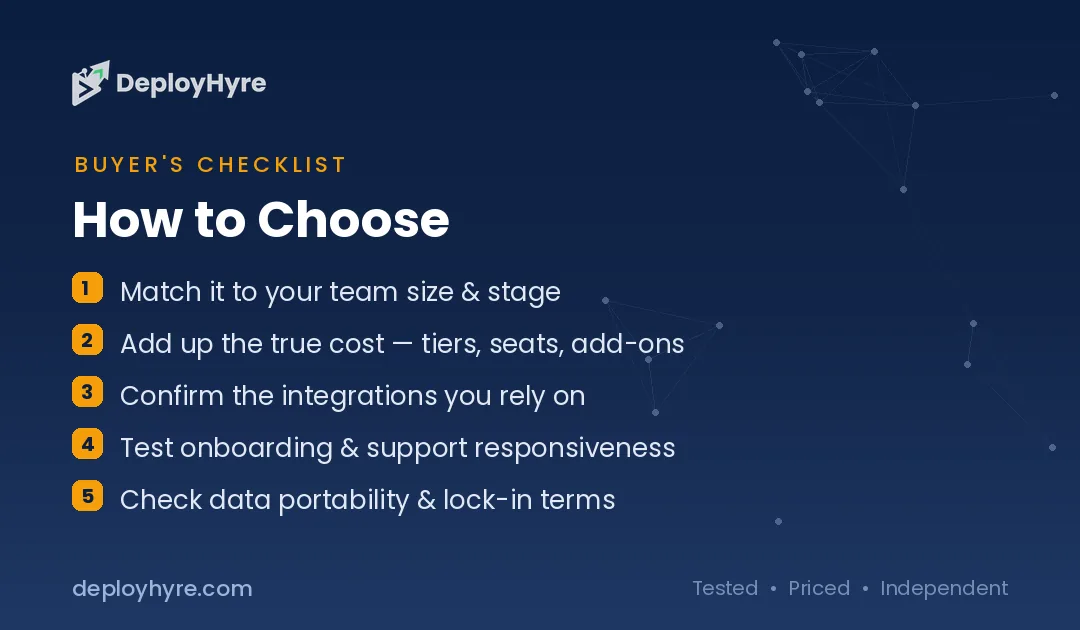
How Should You Choose the Right Vercel Alternative?
Match the platform to your traffic shape. Choose Netlify for team front-end work, Cloudflare for high global traffic, Render for full-stack apps, Railway for backends, Fly.io for regional control, DigitalOcean for flat bills, and Coolify for maximum control.
Price your actual usage first, not the entry tier. Pull last month's bandwidth, build minutes, and function invocations from the Vercel dashboard, then run those numbers against each plan. A team with 4 TB of monthly transfer saves more by moving to Cloudflare than by any per-seat change. A five-person team on 200 GB saves more by moving to Netlify.
Count your seats next. Per-seat pricing punishes agencies and contractors hardest, so unlimited-seat plans reprice a whole workflow. Then check runtime compatibility before you commit, because Workers is not Node and some libraries need swapping.
Finally, decide how much operations work you want. Managed platforms cost more per month and less per hour of your time. Self-hosting inverts that trade. Teams shipping with AI coding assistants often push far more deploys than they used to, which makes build pricing the line item to model most carefully.
How We Evaluated These Platforms
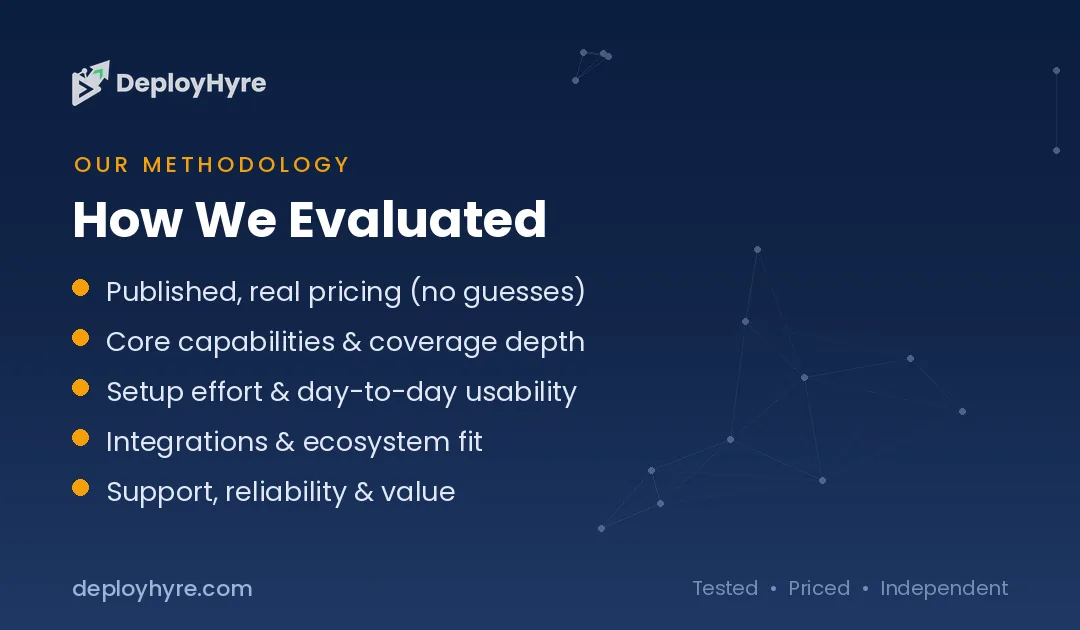
We scored each platform on total monthly cost at realistic traffic, free tier usefulness, framework and runtime support, deploy speed, and how predictable the bill stays when traffic spikes, using published 2026 pricing and independent cost tests.
Pricing came from vendor documentation and independent trackers, including ExpressTech's 2026 pricing comparison and Render's 2026 free tier survey. We modeled a five-person team shipping a Next.js marketing site with an API, at 500 GB and again at 4 TB of monthly transfer, because platforms reorder completely between those two points. Every figure here links to its source, and we rechecked each one in August 2026. We excluded platforms without public pricing.
The Bottom Line
Netlify is the best Vercel alternative for most teams, Cloudflare wins on high-traffic economics, and Render is the strongest full-stack option with a usable free tier.
Netlify is the closest direct rival on this list. Our guide to the best Netlify alternatives compares the same platforms from the other side of the decision.
Vercel remains the fastest path from a Next.js repository to production, and for a funded team shipping one flagship app it is still defensible. The problem is what happens at the edges: six seats, a traffic spike, and a build default nobody reviewed. Each of those turns a $20 plan into a bill that needs explaining.
Move the workload that has predictable, boring requirements first, usually the marketing site or documentation. Watch a full billing cycle, compare the invoice, then decide about the product app. For the broader hosting picture, read our best cloud hosting comparison and our Cloudways vs DigitalOcean breakdown.
Frequently Asked Questions
What is the best free alternative to Vercel?
Cloudflare Pages is the best free alternative for static and Jamstack sites, because it hosts unlimited bandwidth at no cost. Render is the best free option for full-stack apps, though free web services sleep after 15 minutes and take 30 to 50 seconds to wake.
Is Netlify cheaper than Vercel?
For teams, yes. Netlify Pro costs $20 per month with unlimited seats and 3,000 credits, while Vercel Pro costs $20 per seat per month. A five-person team pays $20 on Netlify and $100 on Vercel before usage. At very high bandwidth, Cloudflare undercuts both.
Can I host Next.js somewhere other than Vercel?
Yes. Netlify, Cloudflare, Render, Railway, Fly.io, and Coolify all deploy Next.js. Static and server-rendered pages work everywhere, though some newer Vercel-specific features such as certain streaming and image optimization defaults need configuration or adapters on other platforms.
Why did my Vercel bill increase?
Two changes drive most increases. Turbo build machines became the default for new Pro projects on February 3, 2026, billing $0.105 per minute, and teams still on usage-based CDN billing pay per GB past the included 1 TB. Check your build machine setting and your data transfer first.
Is self-hosting with Coolify actually cheaper?
On paper, yes. Coolify is free under Apache 2.0 and a capable VPS costs $4 to $20 per month, which beats per-seat plans for multi-project teams. Factor in your own time for updates, monitoring, and backups, because those hours are the real price.
Related Articles

David Austin is a technology writer and software analyst at DeployHyre, where he covers AI tools, SaaS platforms, cloud hosting, and business automation. He focuses on hands-on comparisons of pricing, features, and real-world performance so teams can pick the right software with confidence.
Know AI, SaaS, or cloud tools inside out? Pitch a guest post and get in front of thousands of buyers researching their next tool.
Pitch your idea →