

TL;DR: Gusto wins for small businesses that want simple, affordable payroll and benefits without an IT or HR team. Rippling wins for scaling and complex companies that need one platform for HR, IT, and device management. Gusto is easier and cheaper to start. Rippling is more powerful and customizable. Match the tool to your size and complexity.
Payroll technology is now nearly universal. About 93% of organizations have adopted payroll technology, and over half of small and midsize businesses run HR software. The question is no longer whether you need a platform. The question is which one fits.
Gusto and Rippling sit on opposite ends of that choice. Gusto keeps things simple for small teams. Rippling unifies HR, IT, and finance into one powerful system for larger, complex organizations.
This guide compares both honestly. We cover real pricing, payroll, benefits, IT features, and support. By the end, you will know which platform wins for your business.
Want the wider category first? See our guide to the best AI tools for HR.
Quick Comparison: Gusto vs Rippling
| Feature | Gusto | Rippling |
|---|---|---|
| Base price | From $49/mo (Simple plan) | Custom quote, from ~$8/user/mo |
| Per-employee price | From $6/employee/mo | From ~$8/user/mo per module |
| Payroll | Full-service US payroll, all 50 states | US and global payroll, 160+ countries |
| Benefits admin | Strong, built for small business | Full benefits with more configuration |
| IT/device management | Not offered | Core strength (laptops, apps, provisioning) |
| Integrations | Smaller, focused library | 500+ apps with auto-provisioning |
| Ease of use | Very high, 9.2/10 on G2 | High, but steeper learning curve |
| Best for | Small businesses wanting simplicity | Scaling, complex, or global teams |
Sources: Gusto pricing, Rippling pricing, and G2 ease-of-use data.
What Is the Core Difference Between Gusto and Rippling?
Gusto is a simple payroll and benefits platform for small businesses. Rippling is a unified workforce platform that combines HR, IT, and finance in one system. Gusto keeps things easy. Rippling gives you more power and control.
Gusto focuses on one job and does it well. It runs payroll, files taxes, and manages benefits for US teams. Owners without an HR background can set it up fast.
Rippling takes a wider view. It ties together employee data across HR, payroll, IT, and spend management. When you hire someone, Rippling can ship their laptop and set up their Slack and Zoom accounts automatically.
That difference shapes everything else. Gusto is a focused tool. Rippling is a platform you build on.
How Do Gusto and Rippling Pricing and Modules Compare?
Gusto uses transparent, published pricing that starts at $49 per month plus $6 per employee. Rippling uses custom quotes and modular pricing that starts around $8 per user per month. Gusto is cheaper and clearer for small teams. Rippling costs more as you add modules.
Gusto lists three plans openly. The Simple plan starts at $49/month plus $6 per person. Plus is $80/month plus $12 per person. Premium is $180/month plus $22 per person.
Rippling works differently. Its HR platform starts at about $8 per user per month, but you pay for each module you add. IT device management adds roughly $8 per user per month on top.
Costs stack quickly with Rippling. Most companies running HR and payroll together report $25 to $50 per employee per month. Adding IT automation can push that past $60. Rippling also requires a quote, so you cannot self-serve a price.
For a broader look at costs across tools, see our roundup of the best AI payroll software.
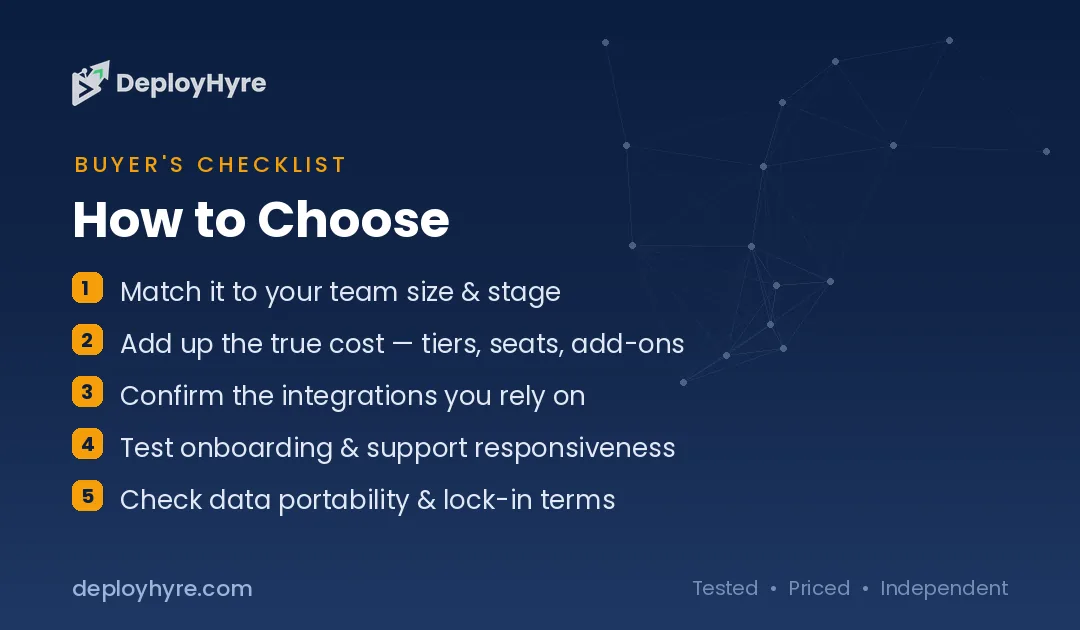
Which Platform Handles Payroll and Tax Filing Better?
Both platforms run full-service payroll and file taxes automatically. Gusto covers all 50 US states and handles the essentials cleanly. Rippling adds global payroll across 160-plus countries. Gusto wins for US-only teams. Rippling wins for international teams.
Gusto automates federal, state, and local tax filings. It runs payroll in all 50 states and handles multiple locations. For a US small business, that coverage is more than enough.
Rippling matches that and goes further. Its global payroll engine supports 160-plus countries. That matters for distributed startups paying contractors and employees abroad.
Speed is another factor. Rippling processes payroll in minutes because employee data already lives in the system. Gusto is fast too, but it does not sync across as many downstream tools.
Pick Gusto if you pay a US team. Pick Rippling if you pay people in several countries.
How Do Benefits Administration Features Stack Up?
Gusto offers strong, small-business-friendly benefits with a clean setup. Rippling offers deeper configuration and ties benefits to its wider platform. Gusto is simpler for basic health and retirement plans. Rippling gives larger teams more control.
Gusto acts as a licensed benefits broker in many states. You can offer health insurance, 401(k) plans, and other perks inside one dashboard. The setup is guided and friendly for owners without an HR team.
Rippling handles benefits with more configuration options. It connects benefits data to onboarding, payroll, and reporting in one flow. For a company with complex eligibility rules, that depth helps.
Small businesses usually prefer Gusto here. The choices are clear and the setup takes minutes. Larger teams with layered benefits often need Rippling’s flexibility.
What HR and Onboarding Features Do They Include?
Gusto covers core HR like hiring, onboarding, time tracking, and simple reporting. Rippling delivers a full HRIS with deep automation and workflows. Gusto handles the basics well. Rippling scales into advanced HR needs.
Gusto includes offer letters, onboarding checklists, and e-signatures. Higher plans add time tracking, project tracking, and access to certified HR experts. For most small teams, that toolkit is complete.
Rippling is built as a full human resources information system. It serves companies from 50 to 2,000-plus employees and automates workflows across the employee lifecycle. You can build custom rules, approvals, and reports.
The gap shows up as you grow. A five-person shop rarely needs Rippling’s automation. A 300-person company often does.
Why Is Rippling Stronger for IT and Device Management?
Rippling manages IT and devices natively, and Gusto does not offer this at all. Rippling can ship laptops, install software, and provision apps automatically when you hire. This is Rippling’s biggest advantage over Gusto.
Rippling started as an HR tool but expanded into IT. When a new hire joins, Rippling can set up their laptop, Slack, and Zoom accounts without manual work. When they leave, it revokes access automatically.
That automation matters for security and speed. IT teams save hours on every hire and offboard. Access stays tied to employee status, which reduces risk.
Gusto does not touch this space. It is a payroll and benefits tool, not an IT platform. If you need device management, Rippling is the clear pick.
How Do Integrations and Automation Compare?
Rippling connects to 500-plus apps and can auto-provision them during onboarding. Gusto offers a smaller, focused integration library for accounting and essentials. Rippling wins on breadth and automation. Gusto covers what most small businesses need.
Rippling integrates with over 500 applications, including Slack, QuickBooks, and Google Workspace. More importantly, it can automate workflows across those tools. That turns integrations into real time savings.
Gusto keeps a tighter library. It connects to popular accounting tools like QuickBooks, Xero, and FreshBooks. The list is smaller but covers the essentials for small teams.
The right choice depends on your stack. If you run many tools and want automation, Rippling fits. If you mainly need accounting sync, Gusto is enough.
Comparing Rippling against another global player? Read our Deel vs Rippling breakdown.
Which Platform Is Easier to Use and Better Supported?
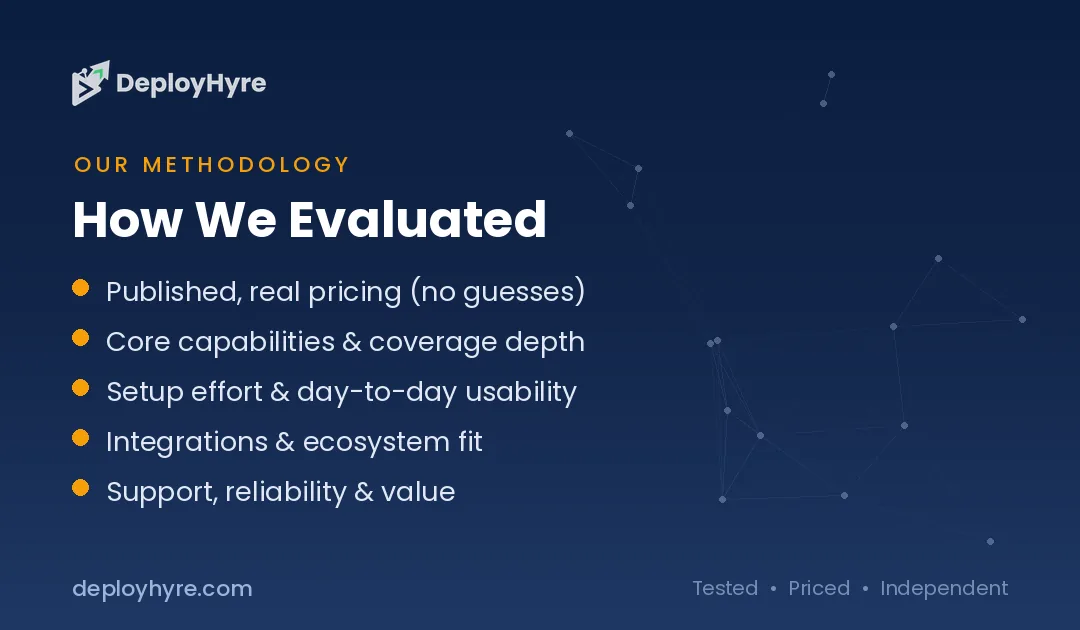
Gusto is easier to use, with a 9.2 out of 10 ease-of-use score on G2. Rippling is powerful but has a steeper learning curve. Gusto wins for teams without HR or IT staff. Rippling rewards teams that invest in setup.
Gusto earns praise for its clean, friendly interface. Reviewers rate its ease of use at 9.2/10 on G2. Owners navigate it without training.
Rippling scores well too, holding a 4.8 rating on G2 versus Gusto’s 4.6. Its interface is clean, but the platform is large. More power means more to learn.
Support follows the same pattern. Gusto keeps things simple and adds HR expert access on higher plans. Rippling offers strong support but expects more configuration up front.
Gusto vs Rippling: Which Should You Choose?
Choose Gusto if you run a small US business and want simple, affordable payroll and benefits. Choose Rippling if you are scaling, going global, or need HR and IT in one system. Your size and complexity decide the winner.
Pick Gusto when you have fewer than 50 employees and no dedicated HR team. It sets up fast, costs less, and handles US payroll and benefits cleanly. The transparent pricing helps you budget with no surprises.
Pick Rippling when you are growing past 50 people or hiring across countries. Its unified platform ties HR, payroll, IT, and finance together. The automation and device management pay off at scale.
Also weigh your tech stack. Many tools plus a need for automation points to Rippling. A lean setup with basic accounting sync points to Gusto.
Budget matters too. Gusto’s flat, published pricing suits tight budgets. Rippling’s modular pricing grows with the features you add.
The Bottom Line
Gusto and Rippling both do their jobs well. They just serve different companies.
Gusto is the simpler, more affordable choice for small US businesses. It gives you reliable payroll and benefits without demanding an HR or IT team. Start here if simplicity and price come first.
Rippling is the more powerful, more customizable platform for scaling and complex teams. It unifies HR, IT, and finance and automates the busywork. Choose it when you need one system to run a growing workforce.
Match the tool to your stage. For most small teams, Gusto wins today. For scaling and global teams, Rippling wins for the long run.
Frequently Asked Questions
Is Gusto cheaper than Rippling?
Yes, Gusto is usually cheaper for small teams. Gusto starts at $49 per month plus $6 per employee with published pricing. Rippling starts around $8 per user per month but stacks module fees, and most companies pay $25 to $50 per employee once they add HR and payroll together.
Does Rippling do everything Gusto does?
Rippling covers payroll, benefits, and HR like Gusto, and adds IT and device management on top. It also supports global payroll in 160-plus countries. Gusto stays focused on US payroll and benefits and does not offer IT features at all.
Which is better for a small business, Gusto or Rippling?
Gusto is usually better for a small business. It is easier to use, cheaper to start, and needs no HR or IT team. Reviewers rate its ease of use at 9.2 out of 10 on G2. Rippling suits larger or more complex teams better.
Can Gusto and Rippling both handle payroll taxes?
Yes, both platforms file payroll taxes automatically. Gusto handles federal, state, and local filings across all 50 US states. Rippling does the same and adds global tax handling for international teams. For US-only payroll, both cover the essentials.
When should I choose Rippling over Gusto?
Choose Rippling when you are scaling past 50 employees, hiring across countries, or need HR and IT in one platform. Its 500-plus integrations and automated device provisioning save time at scale. Gusto is the better pick for lean, US-only teams that value simplicity.
Know AI, SaaS, or cloud tools inside out? Pitch a guest post and get in front of thousands of buyers researching their next tool.
Related Articles


David Austin is a technology writer and software analyst at DeployHyre, where he covers AI tools, SaaS platforms, cloud hosting, and business automation. He focuses on hands-on comparisons of pricing, features, and real-world performance so teams can pick the right software with confidence.