
TL;DR: AI writing tools are software that uses large language models to draft, edit, and repurpose content. In 2026 they cover far more than blog posts. They build resumes, write cover letters, draft proposals, design slides, transcribe audio, generate subtitles, dub video, and schedule social posts. This guide maps every content task to the right category of tool.
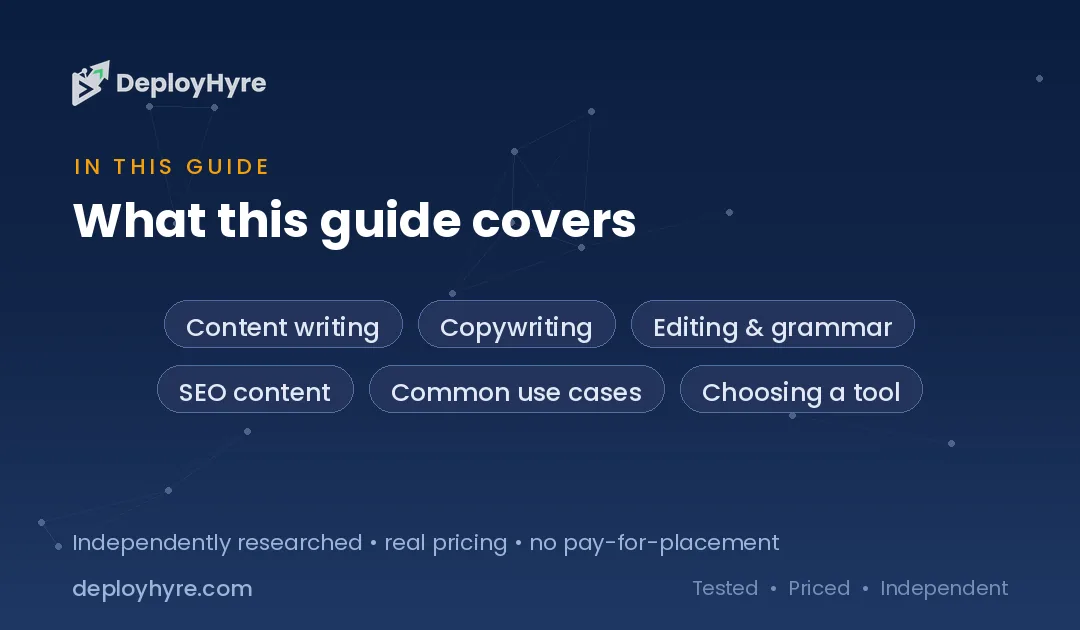
Table of Contents
AI writing has moved from novelty to default. ChatGPT alone reached 900 million weekly active users by February 2026, more than double the figure from a year earlier. That scale reshaped how people write at work and at home.
Businesses adopted the technology just as fast. The Stanford AI Index reports that the share of companies using generative AI in at least one business function jumped from 33% to 71% in a single year. Writing was the first job most of them handed to the machine.
This guide is a map, not a ranking. It explains what these tools do, how they work, and which category fits each content task. For deeper product picks, it links down to focused reviews. To see where writing fits in the wider stack, start with our hub on AI for business.
What Are AI Writing Tools and How Do They Work?
AI writing tools are applications built on large language models that generate and edit text from a prompt. You describe what you want. The tool predicts the words most likely to follow. The result reads like human writing because the model learned patterns from vast amounts of text.
The engine underneath is next-token prediction. The model reads your prompt, then predicts one token at a time based on everything before it. A token is a word or word fragment. The model repeats this loop until the response is complete.
This design explains both the strength and the risk. The model is fluent because it learned grammar, tone, and structure from real writing. But it predicts what sounds right, not what is true. That gap is why every output needs a human check.
Context is the second half of the system. Modern tools feed the model your past work, brand rules, and reference files alongside your prompt. That extra context is why a tool tuned to your voice beats a cold chatbot. The model still predicts tokens, but it predicts them from your material.
Most tools wrap this engine in a task-specific interface. A resume builder frames the model around job history. A subtitle tool frames it around timed speech. The core technology is shared. The packaging is what you choose.
The productivity gain is now measurable. The St. Louis Fed found generative AI users save roughly 5.4% of their work hours, or about 2.2 hours a week. Writing tasks drive much of that saving. The machine handles the blank page, and you spend your hours on judgment instead.
Which AI Tools Write Long-Form and Blog Content?
Long-form AI tools draft articles, outlines, and full blog posts from a topic or keyword. They combine the language model with research features, SEO scoring, and brand-voice controls. The goal is a near-publishable draft that a human then edits and fact-checks.
Marketers drove this category. In one 2025 survey, 57% of marketers said they use generative AI for content creation, with idea generation and drafting the top jobs. Speed is the payoff. Quality still depends on the editor.
Blog tools shine at first drafts, outlines, and meta descriptions. They struggle with original reporting and current facts. Treat the output as raw clay. See our full breakdown of AI tools for blog writing for product picks.
Rewriting is its own task. When you need to reword existing text without changing meaning, a dedicated tool works better than a general chatbot. Compare options in our guide to AI paraphrasing tools.
Can AI Write Resumes, Cover Letters, Essays, and Proposals?
Yes. AI writing tools handle career and academic documents well because these follow predictable structures. A resume, a cover letter, and a proposal each have expected sections and tone. The model fills the template with your details and mirrors the target audience.
Resumes benefit most. AI resume tools match your experience to a job description and surface keywords that applicant tracking systems scan for. See our review of AI resume builders for the strongest picks.
Cover letters need a personal angle. AI drafts the frame fast, then you add the specific reason you want the role. Our guide to AI for cover letters covers tools that balance speed and voice.
Essays and proposals raise the stakes. An essay must show original thinking. A proposal must win money. Use AI for structure and first drafts, then verify every claim yourself. Start with AI for writing essays and AI for proposal writing.
Career docs reward specific inputs. Paste the exact job posting, not a job title. The tool then mirrors the employer’s own words, which is what applicant tracking systems reward. Feed it your metrics too. “Grew revenue 30%” beats “responsible for sales” every time, and only you can supply that number.
Proposals need proof, not prose. AI writes a persuasive frame in seconds, but it cannot know your pricing, your case studies, or your win rate. Draft the structure with the tool. Then drop in real client results and a real budget. That mix wins work that generic AI copy never could.
Can AI Build Presentations and Business Documents?
Yes. AI presentation tools turn a prompt or a document into a full slide deck with layout, images, and speaker notes. You give the topic. The tool writes the copy, chooses a design, and arranges each slide. You edit rather than build from a blank canvas.
This saves the slowest part of deck work: the first structure. The tool proposes a flow. You reorder, cut, and refine. See our guide to AI presentation software for tools that export cleanly to PowerPoint and Google Slides.
Business documents follow the same logic. Reports, briefs, and summaries all have a shape the model knows. Feed it the raw data and a target format. It returns a clean draft you then verify against the source numbers.
How Does AI Turn Audio and Video Into Written Content?
AI transcription and captioning tools convert spoken words into accurate, timestamped text. They listen to an audio or video file, then output a transcript, subtitles, or a translated voice track. This unlocks written content from recordings you already have.
Transcription is the foundation. It turns interviews, meetings, and podcasts into searchable text you can quote and repurpose. Our review of AI transcription software compares accuracy across accents and audio quality.
Accuracy now clears a useful bar. Leading models reach 95% or higher accuracy on clean audio and around 90% on real conversational speech. Audio quality is the biggest variable. A clear mic beats any software setting, so record well before you rely on the transcript.
Accents still trip the models. Error rates run several times higher on some regional speech than on standard American English. Budget a quick human pass on names, jargon, and numbers. Those are the words a transcript gets wrong, and they are the words that matter most.
Subtitles and dubbing extend reach. Captions make video accessible and boost silent-autoplay engagement on social feeds. Our guide to AI subtitle generators covers timing and format options.
Dubbing goes further. It replaces the original voice with a translated one, often in a cloned voice. This opens content to global audiences without a studio. See our picks for AI dubbing software.
Dubbing quality now hinges on the voice clone. The best tools match tone, pacing, and even emotion across languages. Lip sync is the frontier. Some tools reshape mouth movements to fit the new audio, so dubbed video looks native rather than overdubbed.
Video editing rounds out the workflow. AI tools cut filler words, add b-roll, and reframe clips for each platform from a text prompt. Our guide to AI video editing software shows what each tool automates.
Text-based editing changed the craft. You edit the transcript, and the tool cuts the matching video. Delete a sentence in the text, and the clip disappears. This turns hours of timeline work into minutes of reading, which is why creators repurpose one recording into a dozen clips.
Which AI Tools Create Social Media Content?
Social media AI tools write posts, plan calendars, and adapt one idea across every platform. They know the length, tone, and format each network rewards. You supply the core message. The tool tailors it for LinkedIn, Instagram, X, and TikTok at once.
Scheduling is half the value. These tools queue posts, suggest times, and track engagement. Our guide to AI social media management compares platforms for teams and solo creators.
Short video is the growth engine on social. AI tools turn a script or a long clip into vertical, captioned video built for feeds. See our review of AI social media video tools.
Budget matters for creators and small teams. Many capable tools cost nothing to start. Our roundup of free AI marketing tools shows what you can do without a subscription.
How Do You Choose the Right AI Writing Tool?
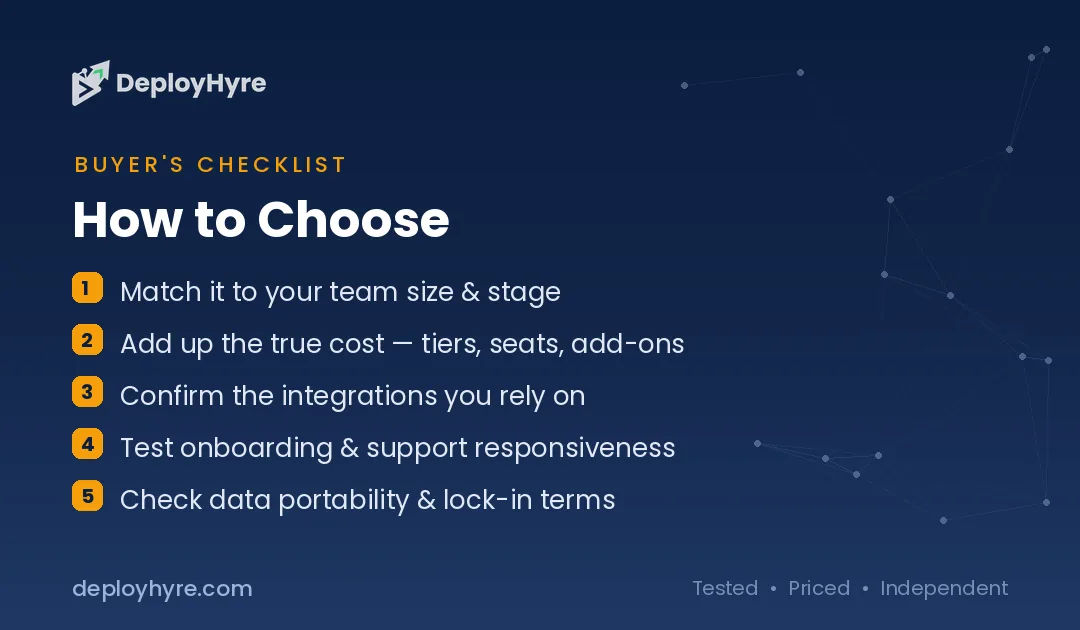
Match the tool to the task, not the hype. A general chatbot is fine for quick drafts. A specialized tool wins when the output has a fixed structure, like a resume, a subtitle file, or a scheduled post. Start with the job, then pick the category.
Test three things before you commit. Check output quality on your real work, not a demo. Check the editing controls, since you will refine every draft. Check the export format, so the result drops into your workflow without cleanup.
Watch how each tool handles your voice. A general chatbot forgets your style between sessions. A dedicated writing tool stores brand rules, sample posts, and banned words. That memory is the difference between output you rewrite and output you ship. Test the tool on a topic you know cold, so you can judge both fluency and fact.
Cost scales with need. A single writer may thrive on one free tool. A marketing team needs brand-voice controls, seats, and integrations. Adoption is nearly universal, with 97% of content marketers planning to use AI writing tools in 2026, so the question is which one, not whether.
Avoid tool sprawl. Pick one strong tool per task rather than ten that overlap. Fewer tools mean less switching, cleaner data, and lower cost.
Are AI Writing Tools Accurate, and What About Plagiarism and Detection?
AI writing tools are fluent but not reliably factual, so every output needs human verification. The model predicts likely words, not verified facts. It can invent a statistic, a source, or a quote with total confidence. You are the editor and the fact-checker.
Hallucination has a pattern you can spot. The model invents most confidently around specifics: dates, statistics, citations, and quotes. Vague prose is usually safe. A precise number is the thing to check. Treat every stat and every named source as unconfirmed until you find it yourself.
Plagiarism is a separate risk. The model can echo phrasing close to its training data. Always run important work through your own review and cite real sources yourself. Never publish an AI claim you have not confirmed.
The fix is a source you can point to. Draft with AI, then attach a real link to every factual claim. This kills two risks at once. It catches the invented stat, and it proves the claim to a reader. A cited source is the line between fast content and trusted content.
AI detection tools are unreliable in the other direction. One analysis found popular detectors showed false positive rates ranging from 15% to 45% across thousands of essays. Human writing gets flagged as AI, and edited AI text slips through. Detection is a signal, not a verdict.
The safe workflow is simple. Use AI to draft and speed up. Then verify facts, add original insight, and make the voice yours. That combination is fast, honest, and hard for any detector to fault.
The Bottom Line
If you want to replace Grammarly specifically, see our guide to the best Grammarly alternatives. AI writing tools now touch every content task, from blog posts to dubbed video. The best results come from pairing a specialized tool with human judgment. Pick one strong tool per job. Let it handle the first draft and the tedious structure. Then verify every fact and add the insight only you have. Speed comes from the machine. Trust comes from you.
Frequently Asked Questions
What is the best AI writing tool?
There is no single best tool. The right choice depends on the task. A general chatbot suits quick drafts. Specialized tools win for resumes, subtitles, presentations, or social posts. Match the tool to the job, and check our task-specific guides for product picks.
Are AI writing tools free to use?
Many are. Most major tools offer a free tier with limited words or features. Paid plans add brand voice, team seats, and integrations. For a starting set, see our roundup of free AI marketing tools. Test the free version on your real work before you pay.
Can teachers and employers detect AI writing?
Not reliably. AI detection tools produce high false positive rates, flagging human writing as machine-made and missing edited AI text. Studies report false positives as high as 45%. Detection results are a signal for review, not proof.
Do AI writing tools plagiarize?
They can echo phrasing from training data, so plagiarism is a real risk. AI tools also invent facts and fake sources. Always verify claims, cite real sources yourself, and run important work through your own review before publishing.
What tasks can AI writing tools do beyond blog posts?
A lot. They build resumes and cover letters, draft essays and proposals, design presentations, transcribe audio, generate subtitles, dub video into other languages, edit video, and write and schedule social media content across every platform.
Related Articles


David Austin is a technology writer and software analyst at DeployHyre, where he covers AI tools, SaaS platforms, cloud hosting, and business automation. He focuses on hands-on comparisons of pricing, features, and real-world performance so teams can pick the right software with confidence.
Know AI, SaaS, or cloud tools inside out? Pitch a guest post and get in front of thousands of buyers researching their next tool.