Supabase is the better backend if you want a relational Postgres database, open-source portability, and predictable flat-rate pricing, while Firebase wins for mobile-first apps that live inside Google’s ecosystem and need battle-tested realtime sync at massive scale. Both are backend-as-a-service (BaaS) platforms that hand you a database, authentication, file storage, and serverless functions without you standing up servers. The catch is that they solve the problem with opposite philosophies: Supabase is a managed PostgreSQL database wrapped in open-source tooling you can self-host, and Firebase is a proprietary NoSQL document store bolted to Google Cloud. That single architectural fork shapes everything downstream, from how you query data to how your bill behaves the month you go viral.
Pricing and feature details below are drawn from the official Supabase pricing page and Firebase pricing page as published at the time of writing. Both vendors change limits and rates frequently, so treat every figure here as a band to confirm on the source page before you commit a production workload.
Quick Comparison: Supabase vs Firebase at a Glance
| Factor | Supabase | Firebase |
|---|---|---|
| Database model | Relational, PostgreSQL | NoSQL, Firestore & Realtime Database (document/JSON) |
| Query language | Full SQL, joins, views, functions | Document queries, no joins, limited filtering |
| Open source | Yes, self-hostable, portable | No, proprietary, Google Cloud only |
| Free tier | Free plan: 500 MB database, 50,000 MAU, 5 GB egress, 1 GB storage | Spark plan: 1 GiB Firestore storage, ~50K reads/20K writes per day, no card required |
| Paid entry point | Pro plan from $25/mo (first project included) | Blaze plan: pay-as-you-go, no fixed monthly fee |
| Auth | Built-in, Postgres row-level security, many providers | Firebase Authentication, deep Google/social sign-in |
| Realtime | Postgres change streams, broadcast, presence | Realtime Database + Firestore live listeners (mature) |
| Best for | SQL apps, dashboards, teams wanting portability | Mobile apps, rapid prototypes, Google-centric stacks |
| Billing style | Flat subscription + metered overages | Pure usage metering per operation/GB |
What a Backend-as-a-Service Platform Actually Does
A backend-as-a-service platform collapses the plumbing every app needs, a database, user authentication, file storage, serverless functions, and an API layer, into a single managed product you configure instead of operate. Instead of provisioning a database server, writing an auth system, wiring up an object store, and gluing them together behind your own REST or GraphQL endpoints, you sign up, get SDK keys, and call the platform directly from your web or mobile client. The platform handles scaling, backups, patching, and the security boundary, so a solo developer can ship what used to take a small team.
That convenience is why BaaS tools pair so well with front-end frameworks and jamstack deployments. If you are running a React, Next.js, or Flutter front end, a BaaS backend often replaces an entire server tier. Teams that still want a traditional server runtime alongside it usually pair the BaaS with a managed platform such as best Node.js hosting for custom API routes, cron jobs, and webhook handlers that do not belong in a client-side SDK call. Supabase and Firebase are the two most widely adopted BaaS platforms, and they define the two ends of the design spectrum.
The Real Difference: Open Postgres vs Google’s NoSQL Lock-In
The headline decision is not feature count, both platforms cover auth, storage, functions, and realtime. The decision is your database model and how much of your architecture you are willing to tie to one vendor. Supabase is PostgreSQL. You get real tables, foreign keys, joins, views, triggers, and the entire SQL ecosystem, plus the ability to export your database or self-host the whole stack because the core is open source. Firebase is Firestore and the Realtime Database, both NoSQL document stores. They are superb at horizontal scale and offline-first mobile sync, but they cannot join, they enforce data shape in your application code rather than the schema, and there is no supported path to lift your data and runtime off Google Cloud.
This also drives billing predictability. Supabase charges a flat subscription with metered overages on top, so you can forecast a baseline. Firebase’s Blaze plan meters every read, write, delete, and gigabyte individually, which is fair at low volume but can spike sharply and without warning when a query pattern is inefficient or an app goes viral. The table below maps the trade-offs that flow from that architectural split.
| Decision factor | Supabase (Postgres) | Firebase (NoSQL) |
|---|---|---|
| Data relationships | Native joins, foreign keys, constraints | Denormalize and duplicate data manually |
| Portability | Standard Postgres, move anywhere | Proprietary, migration is a rewrite |
| Complex queries & analytics | Strong, SQL, views, aggregations | Weak, limited filters, no ad-hoc joins |
| Offline mobile sync | Improving, less mature | Excellent, a core Firebase strength |
| Scaling model | Vertical compute add-ons up to 64 vCPU / 256 GB RAM | Automatic horizontal scale, effectively unbounded |
| Bill predictability | High, flat base + overages | Variable, pure per-operation metering |
| Vendor lock-in risk | Low | High |
Best for Relational, SQL & Open-Source: Supabase
Winner: Supabase. If your data has relationships, users who own orders, posts with comments, anything you would naturally model with joined tables, Supabase is the clear pick because it is real PostgreSQL. You write SQL, enforce integrity with foreign keys and constraints at the database layer, and build complex reporting with views and aggregations that would be painful or impossible in a document store. Row-level security policies let you push authorization down into the database, so access rules live next to the data rather than scattered through client code.
Pricing is straightforward. The Free plan gives you a 500 MB database, up to 50,000 monthly active users, 5 GB egress, and 1 GB file storage, enough for a real prototype, though free projects pause after a week of inactivity and you are capped at two active projects. The Pro plan starts at $25/month with the first project included, lifting you to 100,000 monthly active users, 8 GB disk, 250 GB egress, daily backups with 7-day retention, and email support, with clearly listed per-unit overage rates beyond those thresholds. The open-source core is the strategic kicker: because you can self-host the entire Supabase stack, you are never trapped by a pricing change. That portability matters if you are prototyping with AI coding tools that scaffold Postgres schemas, since the generated SQL stays standard and transferable.
Verdict: For relational data, analytics-heavy apps, dashboards, and any team that values the freedom to leave, Supabase wins on architecture and on peace of mind. If you are specifically weighing managed Postgres options, it is worth reading our Neon vs Supabase comparison, since both deliver Postgres with different scaling and branching models.
Best for Mobile & the Google Ecosystem: Firebase
Winner: Firebase. Firebase was built mobile-first, and it shows. Its client SDKs for iOS, Android, and Flutter deliver offline persistence and realtime sync that simply work, data written on a phone in airplane mode reconciles automatically when it reconnects, a capability Firebase has hardened over more than a decade. If you are shipping a consumer mobile app and need live updates, presence, and robust offline behavior with minimal backend code, Firebase’s Realtime Database and Firestore listeners are still the benchmark other platforms are measured against.
The ecosystem advantage compounds this. Firebase Authentication ships deep, well-documented integrations for Google, Apple, phone, and social sign-in, and the platform plugs straight into Google Analytics, Cloud Messaging for push notifications, Crashlytics, Remote Config, and the broader Google Cloud stack. Pricing follows Google’s model: the Spark plan is genuinely free with no payment method required, offering roughly 1 GiB of Firestore storage and daily read/write allowances suitable for early development. To unlock higher limits and additional services you move to the Blaze plan, which is pure pay-as-you-go with no fixed monthly fee, you pay only for the reads, writes, deletes, storage, and bandwidth you consume, and eligible new accounts may receive Google Cloud free credit to start. Because much of this runs on Google’s global infrastructure, teams already invested in Google Cloud or comparing broader cloud hosting options will find Firebase the path of least resistance.
Verdict: For mobile-first products, rapid prototypes, and any team standardized on Google’s tooling, Firebase’s maturity and ecosystem depth make it the stronger backend, as long as you accept the lock-in.
Best for Budget & Predictable Billing: Supabase (With a Caveat)
Winner: Supabase for predictability; it depends for absolute cost. These are two different questions. If you want to know in advance what next month’s bill will be, Supabase wins decisively. Its $25/month Pro plan is a fixed floor; you subscribe, you get defined quotas, and overages are billed at published per-unit rates you can model in a spreadsheet. That makes budgeting sane for funded products and client work where a surprise invoice is a problem.
Firebase’s Blaze plan is the opposite trade. There is no monthly subscription at all, at genuinely low volume you may pay a few dollars or nothing beyond the free Spark allowances, which can undercut Supabase’s flat $25 for a tiny app. The risk is the tail: because Firestore meters every document read and write individually, an inefficient query, a runaway client loop, or a sudden traffic spike can multiply your bill overnight with no ceiling unless you configure budget alerts and quotas yourself. Supabase can also exceed its base through egress and compute overages, but the metered surface area is smaller and the baseline is fixed.
Verdict: Choose Firebase Blaze if your usage is genuinely low and spiky and you will set up billing alerts. Choose Supabase if predictability is the priority and you would rather pay a known $25 than gamble on per-operation metering. For weekend projects and early prototypes, both free tiers are strong enough that cost should not decide it, architecture should.
How Should You Choose Between Supabase and Firebase?
Start with your data shape, because it is the hardest thing to change later. If your application is fundamentally relational, users, orders, invoices, anything with joins and reporting, choose Supabase and get PostgreSQL from day one. Retrofitting a relational model onto Firestore’s document store means denormalizing data, duplicating records across collections, and managing consistency in application code, which grows more painful as the app matures. If your data is naturally document-shaped and mobile-centric, chat messages, activity feeds, per-user state that syncs to phones, Firebase’s model fits the grain of the problem and you will fight the tool less.
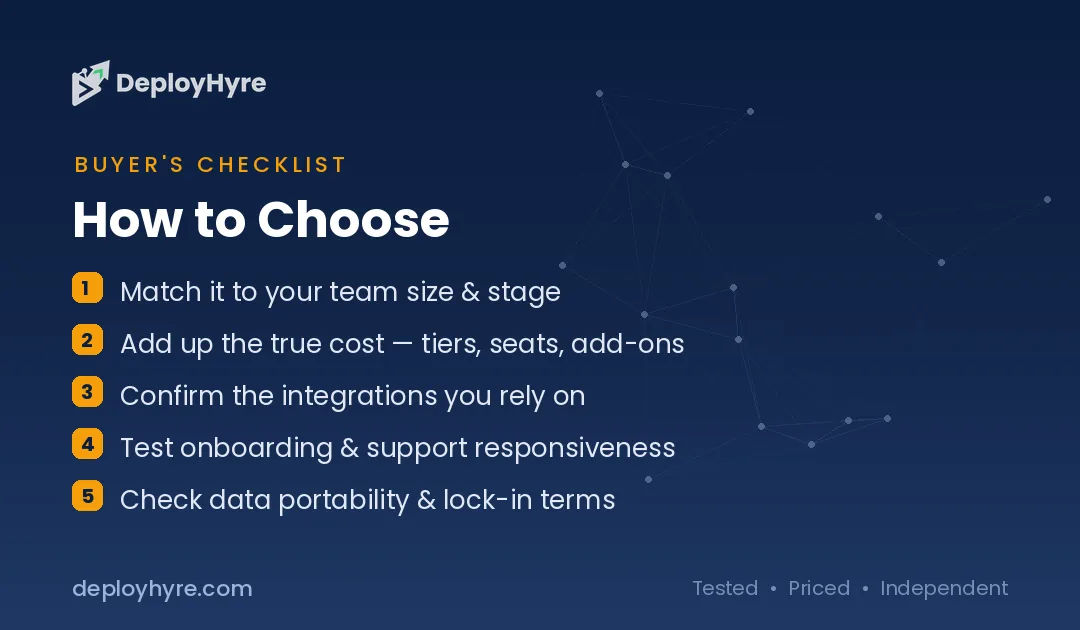
Next, weigh portability against ecosystem. Supabase’s open-source core means you can self-host and you are never hostage to a pricing change; that freedom is worth real money to teams who have been burned by lock-in. Firebase trades that freedom for the deepest mobile SDKs, the most mature offline sync, and frictionless integration with Google Analytics, Cloud Messaging, and the rest of Google Cloud. If you are already a Google shop, that gravity is hard to argue with.
Finally, think about your team’s skills and your billing tolerance. SQL-fluent teams move faster on Supabase; teams that want to avoid writing any backend and just call an SDK often move faster on Firebase early on. Budget-wise, pick Supabase for a predictable floor and Firebase for pay-only-for-what-you-use economics, but only if you commit to setting billing alerts. When both fit, prototype a core feature on each in a weekend; the one that feels natural is usually right.
How We Evaluated Supabase and Firebase
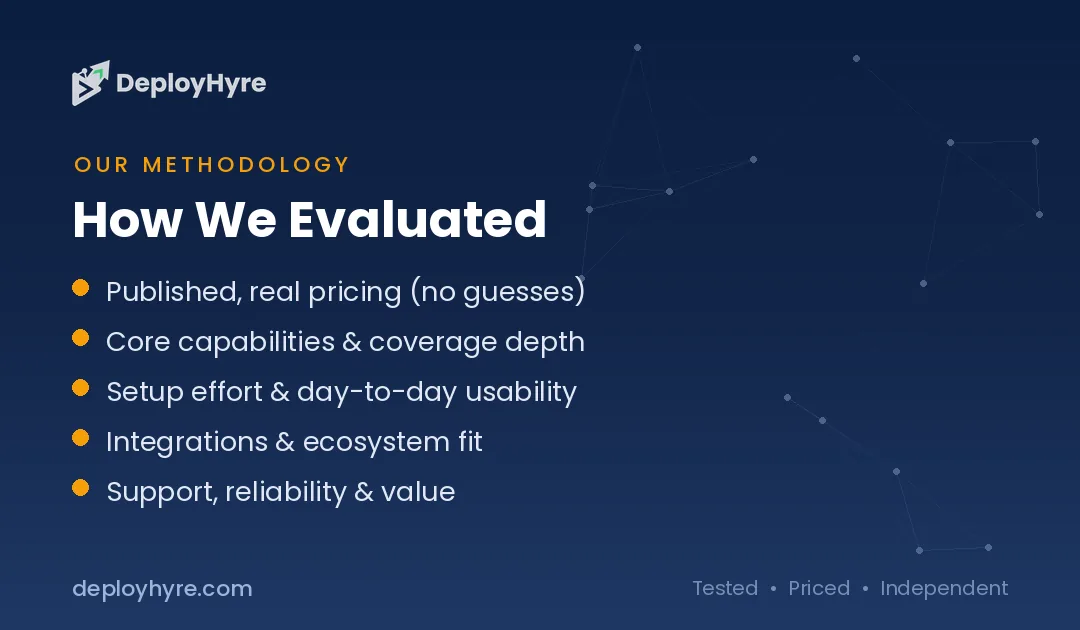
This comparison is built on the vendors’ official, publicly published pricing and feature documentation rather than on undisclosed benchmarks or a “we tested it in production” claim we cannot substantiate. Specifically, we cross-referenced the Supabase pricing page for Free and Pro plan quotas, compute add-ons, and per-unit overage rates, and the Firebase pricing page for the Spark and Blaze plan structure and the pay-as-you-go metering model. We assessed each platform on eight dimensions: database model, query capability, authentication, realtime and offline support, portability and lock-in, scaling model, pricing structure, and ideal use case.
Because both vendors revise limits, rates, and plan names frequently, every figure here should be treated as an indicative band and verified on the official source page before you make a production commitment. Where a value depends on region, usage tier, or eligibility (such as Google Cloud free credit), we have flagged it rather than stating a single fixed number. Feature judgments about realtime maturity and SQL capability reflect the documented architectural differences between managed PostgreSQL and a proprietary NoSQL document store.
The Bottom Line
Supabase and Firebase are both excellent backends, and the right one is decided by your database model and your tolerance for lock-in, not by a feature scorecard. Choose Supabase if you want relational PostgreSQL, full SQL, open-source portability, and a predictable flat-rate bill starting at $25/month on the Pro plan, it is the stronger choice for dashboards, analytics-heavy apps, SaaS products, and any team that wants the freedom to leave. Choose Firebase if you are building mobile-first, need the most mature realtime and offline sync, live inside Google’s ecosystem, and prefer pure pay-as-you-go economics on the Blaze plan with no fixed monthly fee.
If you are still undecided, let the free tiers make the call: both are generous enough for a real prototype, and the platform that fits your data shape will reveal itself within a weekend of building. Match the tool to the problem and you will not regret the choice.
Frequently Asked Questions
Is Supabase cheaper than Firebase?
It depends on usage. Supabase’s Pro plan is a fixed $25/month floor, while Firebase’s Blaze plan has no monthly fee and charges only for what you use. At very low volume Firebase can be cheaper or free; at steady production volume Supabase’s flat rate is more predictable. Firebase’s per-operation metering can also spike sharply without billing alerts configured.
Can I move my data off Firebase to another platform?
Not easily. Firebase’s Firestore and Realtime Database are proprietary and run only on Google Cloud, so there is no supported lift-and-shift path, migrating typically means rewriting your data layer. Supabase is built on open-source PostgreSQL and is self-hostable, so you can export your database and move it to any Postgres host, which is a key portability advantage.
Does Supabase use SQL or NoSQL?
Supabase is SQL. Its core is managed PostgreSQL, so you get real tables, foreign keys, joins, views, triggers, and the full SQL ecosystem. Firebase is NoSQL, using document-based stores (Firestore and the Realtime Database) that scale horizontally but cannot perform joins and require you to denormalize relational data in application code.
Which is better for a mobile app, Supabase or Firebase?
Firebase generally wins for mobile-first apps. Its client SDKs for iOS, Android, and Flutter offer mature offline persistence and realtime sync that Firebase has hardened over more than a decade, plus tight integration with Google Analytics, Cloud Messaging, and Crashlytics. Supabase’s mobile realtime support is improving but less battle-tested for demanding offline-first use cases.
Are the free tiers good enough for production?
For small production apps, sometimes. Supabase’s Free plan offers a 500 MB database and 50,000 monthly active users but pauses inactive projects after a week. Firebase’s Spark plan gives roughly 1 GiB of Firestore storage with daily read/write limits and no payment method required. Both are ideal for prototypes; serious production traffic usually pushes you to Supabase Pro or Firebase Blaze.
Related Articles


The DeployHyre Editorial Team writes buyer guides on AI tools, SaaS, cloud hosting and proxies. We compare tools using published pricing, official documentation and third-party reviews. All content is for educational and informational purposes only.