Render is the better pick when you want predictable, instance-based pricing and production-grade controls, while Railway wins on usage-based billing and a faster, more delightful developer experience for prototyping. Both platforms exist to kill the DevOps busywork that stands between a Git push and a running app, and both do it well. The difference that actually shows up on your invoice is how they meter compute: Render charges a flat monthly rate per service instance, while Railway bills by the second for exactly the CPU and memory your app consumes.
If you have ever stared at a Heroku bill and wondered why a sleeping app still costs money, this comparison is for you. We pulled every price below from each vendor’s public pricing page as of October 2026. Cloud pricing moves, so treat all figures as bands and confirm current rates before you commit a production budget.
Quick Comparison: Render vs Railway at a Glance
| Tool | Best For | Entry Price | Note |
|---|---|---|---|
| Render | Predictable production hosting with mature governance | Free tier ($0); paid compute from ~$7/mo | Flat, instance-based compute plans plus a $25/mo Pro workspace |
| Railway | Fast prototyping and usage-based cost efficiency | Hobby from ~$5/mo minimum usage | Pay-per-second for actual CPU/RAM; 30-day free trial with $5 credits |
What a Developer Cloud Platform Actually Does
Render and Railway are both platform-as-a-service (PaaS) providers. The pitch is simple: connect a Git repository, and the platform builds your code, provisions the runtime, wires up networking and TLS, and keeps the service running to without you touching a Kubernetes manifest, a load balancer, or a Linux box. They sit one rung above raw infrastructure like AWS EC2 and one rung above framework-specific hosts, so you get the convenience of Heroku with more control over compute and databases.
In practice you get the same core primitives on both: web services, background workers, cron jobs, managed Postgres, Redis-compatible key-value stores, environment variables, preview environments for pull requests, and automatic deploys on every push. Both run Node, Python, Go, Rust, Ruby, and custom Docker containers. If you are still deciding on a runtime and want to see how these platforms stack up against language-specific options, our guide to the best Node.js hosting puts the trade-offs in context.
The important thing to understand up front is that these two platforms are more alike than different in what they do. Where they diverge to and where your decision really gets made to is in how they charge you and how they feel to use day to day.
Instance-Based vs Usage-Based: The Pricing Model That Decides Everything
Render uses instance-based compute pricing. You pick a plan to say, 1 CPU with 2 GB of RAM at roughly $25/month to and you pay that flat rate for as long as the service runs, whether it is saturated or idle. Billing is prorated to the second, so spinning a service down mid-month lowers the bill, but a running instance costs the same at 5% load as at 95%. This is easy to forecast and easy to expense.
Railway uses usage-based pricing. It meters memory at roughly $0.0000039 per GB-second and CPU at roughly $0.0000077 per vCPU-second, so you only pay for resources your app actually consumes. An app that sits quiet most of the day can be dramatically cheaper than an equivalent always-on instance to but a busy, memory-hungry service can also swing your bill in ways a flat plan never would. Railway leans into this: its own marketing claims most customers save around 40% versus overprovisioned clouds.
Neither model is universally better. Instance pricing rewards steady, predictable workloads and finance teams that hate surprises. Usage pricing rewards bursty, intermittent, or lightly loaded workloads and developers who do not want to pay for idle capacity. The table below lays the mechanics side by side.
| Dimension | Render | Railway |
|---|---|---|
| Compute model | Flat instance plans, prorated to the second | Metered by the second for actual CPU and RAM |
| Free tier | Free web service, Postgres, and key-value (with limits) | 30-day trial with $5 credits, then $1/mo Free plan |
| Entry paid | ~$7/mo for a small instance (<1 CPU / 512 MB) | ~$5/mo Hobby minimum (includes $5 usage credits) |
| Team/production plan | Pro workspace at $25/mo + compute | Pro at $20/mo minimum usage |
| Managed Postgres | From ~$6/mo; free tier available; storage $0.30/GB | Deploy any open-source DB; billed as usage |
| Egress/bandwidth | 5 to 1,000 GB included by plan, then $0.15/GB | $0.05/GB egress for services |
| Best-fit workload | Always-on, steady-traffic production apps | Bursty, intermittent, or early-stage apps |
Best for Predictable Pricing and Production
Winner: Render. When an app needs to run around the clock under steady traffic, Render’s flat instance pricing turns your infrastructure cost into a line item you can predict months out. A 1 CPU / 2 GB instance is about $25/month, a 2 CPU / 4 GB instance about $85/month, and you know the number before the invoice lands. Compare that with a usage meter that can drift up as traffic grows, and finance teams tend to breathe easier with the flat model.
Render also carries the more mature production feature set. Its paid workspaces layer on horizontal autoscaling, isolated environments, OIDC authentication, audit logs, SAML SSO and SCIM on higher tiers, HIPAA-compliant workspaces, and role-based access control. The Pro workspace runs $25/month plus compute, and the Scale workspace to aimed at governance and compliance to is $499/month plus compute. Managed Postgres starts around $6/month with point-in-time recovery, expandable storage at $0.30/GB, and read replicas and high availability on paid tiers.
The verdict: if you are shipping a real product with real users and a budget you must defend, Render’s predictability and governance features make it the safer production home. If you are weighing Render against the broader field of general-purpose providers, our roundup of the best cloud hosting platforms shows where it fits among the alternatives. And when your stack includes a backend-as-a-service layer, our Supabase vs Firebase comparison pairs naturally with a Render-hosted API.
Best for Fast Prototyping and Developer Experience
Winner: Railway. Railway has built its reputation on a developer experience that feels close to magic the first time you use it. The project canvas gives you a visual, real-time map of your services and how they connect; spinning up a database is a right-click; and its usage-based billing means a half-built prototype that barely runs costs almost nothing. For the stage of a project where you are iterating fast and do not want a flat monthly charge for a service you touch twice a week, that model is a genuine advantage.
Railway’s Hobby plan starts at a $5/month minimum that includes $5 of usage credits, and the Pro plan is a $20/month minimum with $20 of credits to after which you pay only for extra resource consumption. Railway has also leaned hard into agent and AI workflows, with Sandboxes that spin up isolated Linux VMs for builds and untrusted code, billed only while running. That makes it a natural fit if your prototype involves code generation or autonomous agents; pair it with the right tooling from our guide to the best AI coding tools and you can go from idea to deployed demo in an afternoon.
The verdict: for prototyping, hackathons, and any workload where speed of iteration and pay-for-what-you-use economics matter more than long-term cost predictability, Railway is the more enjoyable and often cheaper place to build. The trade-off is that a usage meter demands more attention once a prototype turns into a production service with real load.
Best for Budget and Side Projects
Winner: Tie, and it depends on your usage pattern. Both platforms are genuinely affordable for hobbyists, but they get there differently. Render offers a true free tier to a free web service, free Postgres, and free key-value storage, all with limitations like spin-down on inactivity to plus small paid instances from about $7/month if you want an always-on service without sleep. That predictable $7 is attractive for a side project you want reachable at all times.
Railway’s free experience is a 30-day trial with $5 of credits, after which the Free plan runs $1/month with modest limits, and the Hobby plan’s $5/month minimum includes $5 of usage credits. For a side project that only runs when someone hits it, Railway’s metering can keep you comfortably inside that credit allowance, making it effectively cheaper than a flat instance. But for a project that must stay warm 24/7, Render’s flat small-instance pricing is easier to reason about.
The verdict: pick Render if you want an always-on side project with a fixed, tiny monthly cost, and pick Railway if your side project is intermittent and you would rather pay only for the seconds it actually runs. Either way, both beat the cost and complexity of standing up your own server.
How Should You Choose Between Render and Railway?
Start with your workload’s shape. If your app runs steadily around the clock with predictable traffic, Render’s instance pricing will almost always be easier to budget and frequently cheaper at scale, because a flat rate beats a meter once utilization is consistently high. If your app is bursty, intermittent, or still early enough that load is unpredictable, Railway’s per-second metering lets you avoid paying for capacity you are not using.
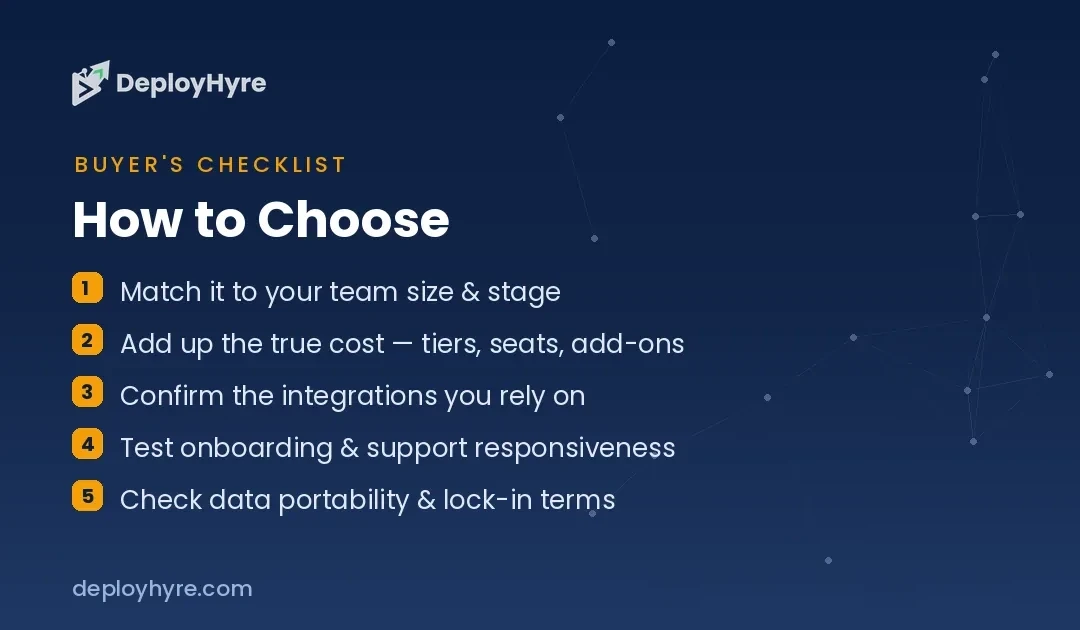
Next, weigh governance against developer experience. Render is the more enterprise-ready of the two, with SAML SSO, SCIM, advanced RBAC, HIPAA-compliant workspaces, and organization-level audit logs on its higher tiers. Railway offers many of these too to SSO, RBAC, HIPAA BAAs, and audit logs to but often as unlocks tied to a minimum monthly commitment, and its center of gravity remains the individual developer’s speed and delight rather than the compliance officer’s checklist.
Finally, think about where the project is headed. Many teams prototype on Railway to move fast, then either stay as usage scales predictably or migrate to Render (or another host) when they want flat, defensible costs and heavier governance. Both vendors publish migration guides from Heroku and from each other, so you are not locked in. Choose for where you are now, and re-evaluate when your traffic pattern or compliance needs change.
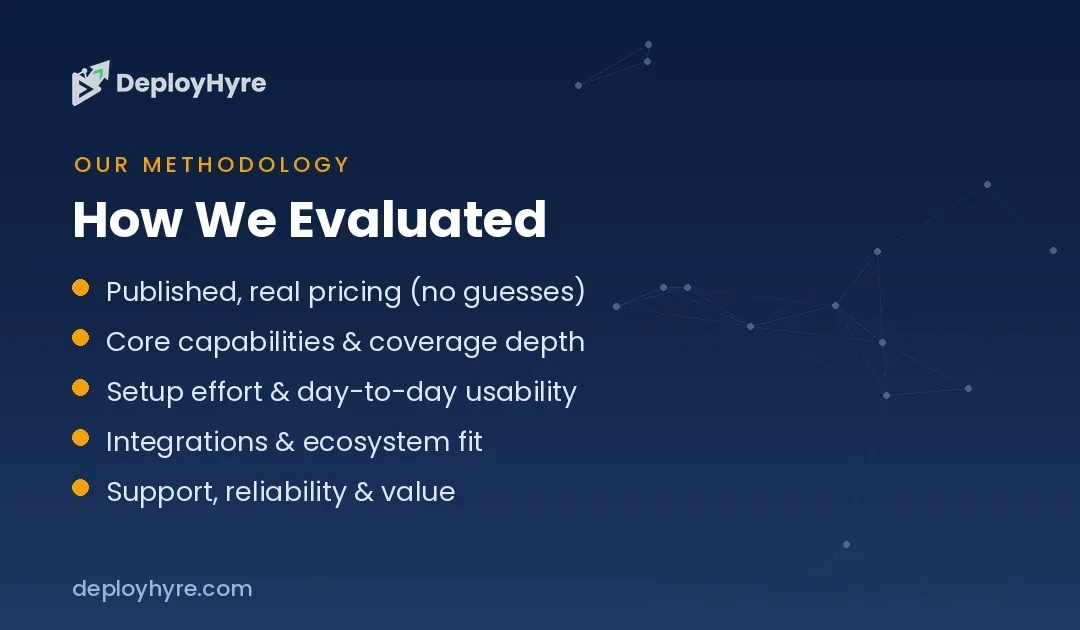
How We Evaluated Render and Railway
We based this comparison on each vendor’s official public pricing and documentation, captured in October 2026, cross-referenced against the feature tables both companies publish. We did not run paid benchmarks or accept any compensation for placement, and no vendor reviewed this article before publication. Rankings reflect the fit between each platform’s pricing model and feature set and the three use cases above to not sponsorship.
All prices are drawn from primary sources: render.com/pricing and railway.com/pricing. Because cloud pricing, free-tier limits, and included allowances change frequently to and because Railway’s usage-based model means your actual cost depends on your app’s real consumption to we present figures as bands and starting points rather than guarantees. Always confirm live rates and model your own workload before committing a production budget.
The Bottom Line
Render and Railway solve the same problem and both do it far better than rolling your own infrastructure. The decision comes down to one question: do you want predictability or elasticity? Render gives you flat, instance-based pricing, a mature governance stack, and costs you can forecast to ideal for production apps with steady traffic. Railway gives you per-second usage billing and a best-in-class developer experience to ideal for prototyping, bursty workloads, and anyone who refuses to pay for idle compute.
Choose Render for predictable production hosting with a free tier and paid compute from around $7/month. Choose Railway for fast, usage-efficient building starting from a $5/month Hobby minimum. Neither is a mistake to match the pricing model to your workload and you will be happy with either.
Frequently Asked Questions
Is Render or Railway cheaper?
It depends on your workload. Render’s flat instance pricing (from about $7/month for a small always-on service) is usually cheaper for steady, high-utilization apps. Railway’s usage-based billing to roughly $0.0000039 per GB-second of memory and $0.0000077 per vCPU-second to tends to be cheaper for bursty or intermittent apps that would otherwise pay for idle capacity on a flat plan.
Does Render or Railway have a free tier?
Both do, structured differently. Render offers a genuine free tier with a free web service, free Postgres, and free key-value storage, each with limitations such as spin-down on inactivity. Railway provides a 30-day free trial with $5 in credits, after which its Free plan runs about $1/month with modest resource limits. Confirm current allowances on each vendor’s pricing page.
What is the difference between instance-based and usage-based pricing?
Instance-based pricing (Render) charges a flat monthly rate for a fixed CPU and memory allocation, regardless of how hard the app works, though it is prorated to the second. Usage-based pricing (Railway) meters the exact CPU and RAM your app consumes and bills by the second. Instance pricing is more predictable; usage pricing avoids paying for idle capacity.
Which is better for production apps, Render or Railway?
Render is generally the stronger production choice. Its paid workspaces add horizontal autoscaling, SAML SSO, SCIM, advanced RBAC, HIPAA-compliant workspaces, and organization audit logs, while flat pricing makes costs easy to defend. Railway offers many of the same governance features but often ties them to minimum monthly commitments, and its strengths lean toward developer speed rather than enterprise compliance.
Can I migrate between Render and Railway?
Yes. Both platforms use the same core primitives to Git-connected services, Docker support, managed databases, and environment variables to so moving an app is straightforward. Both vendors also publish migration guides, including guides for moving from Heroku and from each other. The main work is re-provisioning databases and re-pointing environment variables and custom domains rather than rewriting your application.
Related Articles

The DeployHyre Editorial Team writes buyer guides on AI tools, SaaS, cloud hosting and proxies. We compare tools using published pricing, official documentation and third-party reviews. All content is for educational and informational purposes only.