
Table of Contents
The best vector database for most teams is Pinecone for managed simplicity, Qdrant for the best price-performance, Weaviate for hybrid search, and Milvus for billions of vectors, while Chroma is ideal for prototyping. Vector databases store the numerical embeddings that power AI features, semantic search, recommendations, and retrieval-augmented generation (RAG), and retrieve the most similar items in milliseconds across millions of vectors.
The cost fact that shapes the decision: the gap between managed and self-hosted is roughly 10x at scale. A self-hosted Qdrant on a $30-a-month VPS handles 10 million-plus vectors easily, while Pinecone Serverless runs $700-plus a month at 100 million vectors. Managed services buy you zero-ops simplicity; self-hosting buys you dramatic savings in exchange for engineering time. Which side of that trade you belong on is the primary decision, and it depends on your scale and your team’s infrastructure capacity.
Every price below is a recent observed figure. Because cost scales with vector count and dimensions, treat each as a planning band.
Quick Comparison: Vector Databases at a Glance
| Database | Best For | Observed Price | Model |
|---|---|---|---|
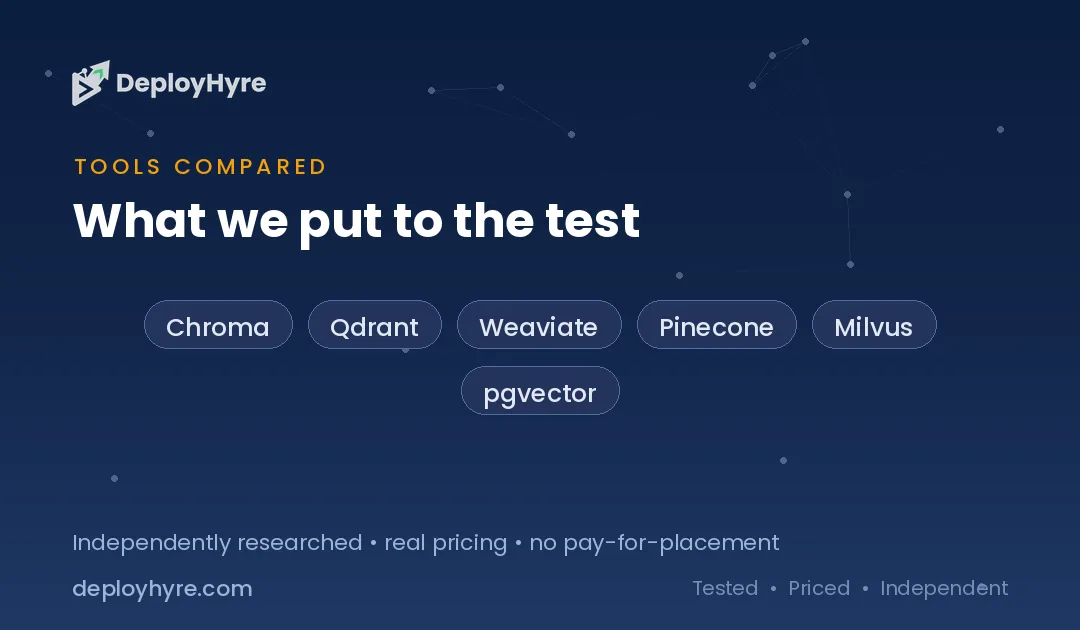
| Chroma | Prototyping, local dev | Free (open source) | Self-hosted / embedded |
| Qdrant | Best price-performance | Self-host ~$30/mo VPS; Cloud $100–$200/mo (10M) | Open source + cloud |
| Weaviate | Hybrid keyword + vector search | Cloud from $25/mo | Open source + cloud |
| Pinecone | Managed simplicity | $0.33/GB/mo; ~$70/mo (10M); $700+/mo (100M) | Managed serverless |
| Milvus | Billions of vectors, enterprise scale | Self-host ~$150–$500/mo; managed (Zilliz) | Open source + managed |
| pgvector | Teams already on PostgreSQL | Free extension (your DB cost) | Postgres extension |
What a Vector Database Does
AI models turn text, images, and other data into embeddings, long lists of numbers (vectors) that capture meaning, so that similar things sit close together in vector space. A vector database stores these embeddings and, given a query vector, finds the nearest ones extremely fast, even across hundreds of millions of them. This “similarity search” is the engine behind semantic search (find documents that mean the same thing, not just match keywords), recommendation systems, and RAG, where an LLM retrieves relevant context before answering.
The technical challenge is doing nearest-neighbor search at scale and speed, which requires specialized indexing (HNSW and similar algorithms) that general databases lack. That is why vector databases became a distinct category rather than a feature bolted onto existing databases, though options like pgvector bring vector search into PostgreSQL for teams that want to avoid a new system. As AI applications and RAG became mainstream, the vector database moved from niche to core infrastructure.
Vector databases are foundational to modern AI applications. They power the retrieval in the tools covered across our best AI coding tools and are monitored alongside the platforms in our best AI LLM observability tools guide, which watch the RAG pipelines they feed.
Managed vs Self-Hosted: A 10x Cost Gap
The single biggest cost decision is managed versus self-hosted, because the gap reaches roughly 10x at scale, and it is a trade of money for engineering time. Self-hosted Qdrant on a $30-a-month VPS handles 10 million-plus vectors comfortably, while equivalent managed capacity costs far more, and at 100 million vectors Pinecone Serverless runs $700-plus a month against self-hosted Milvus or Qdrant staying under $100. Managed services remove all the operational burden, provisioning, scaling, index tuning, backups; self-hosting hands you that burden in exchange for the savings.
The right choice depends on scale and capacity. Small applications and teams without infrastructure expertise are better served by managed simplicity, the ops savings outweigh the premium at low volume. Large-scale applications with engineering capacity save dramatically self-hosting. Model your vector count and growth, and be honest about whether your team wants to run a database, because that, more than any feature, determines the economics of your vector store.
| Scale | Managed (Pinecone) | Self-hosted (Qdrant/Milvus) |
|---|---|---|
| 10M vectors | ~$70/mo | ~$30/mo VPS |
| 100M vectors | $700+/mo | Under $100/mo |
| Operational burden | None (managed) | You run it |
Best Managed for Simplicity
Pinecone is the best managed vector database for teams that want zero operational overhead, offering fully-managed serverless storage at $0.33 per gigabyte a month with no idle cost, around $70 a month at 10 million vectors. Its appeal is simplicity: you send vectors and queries, and Pinecone handles all the infrastructure, scaling, and index management, which is ideal for teams without dedicated infrastructure engineers who want RAG or semantic search working fast. The trade-off is cost at scale, $700-plus a month at 100 million vectors, so it favors small-to-mid applications or teams that value zero-ops over the lowest bill.
Weaviate is the managed choice when hybrid search, combining keyword and vector search, matters, which is common for legal, medical, and other domains where exact-term matching and semantic similarity both count. Its cloud starts at just $25 a month, the most affordable managed entry point, and its hybrid capability is a genuine differentiator. Both are managed-first; Pinecone for pure similarity search with zero ops, Weaviate for hybrid search at a low entry price. They feed the retrieval layer of AI apps built with the tools in our best AI coding tools guide.
Best Value and Self-Hosted
Qdrant offers the best price-performance in the category, handling 10 million-plus vectors on a $30-a-month VPS when self-hosted, roughly 10x cheaper than equivalent managed capacity, with a managed cloud option at $100 to $200 a month for 10 million if you prefer. Its Rust-based engine is fast and efficient, and its dual availability, free open-source for self-hosting, managed cloud for convenience, lets teams choose their spot on the cost-versus-ops trade. For most production use cases where you have some infrastructure capacity, Qdrant delivers the strongest value.
pgvector is the pragmatic choice for teams already running PostgreSQL, adding vector search as an extension so you avoid introducing a new database entirely, paying only your existing database cost. For applications with moderate vector volumes where operational simplicity and staying in one database matter more than peak vector performance, pgvector is often the right call. Both are the value picks; Qdrant for a dedicated high-performance vector store at low cost, pgvector for keeping vectors in the database you already run.
Best for Prototyping and Massive Scale
Chroma is the best tool for prototyping and local development, free, open source, and trivially easy to embed in an application, which is why it is the default for building and testing a RAG system before production. Its simplicity makes it ideal for getting an AI feature working quickly on a laptop, but it is generally not recommended for production at scale without migrating to a more robust store. Treat Chroma as the fast on-ramp: prototype with it, then move to Qdrant, Pinecone, or Milvus when you go to production and scale.
Milvus anchors the opposite end, built for enterprise scale with billions of vectors, distributed architecture, and GPU support, best for teams with DevOps expertise running the largest vector workloads (with Zilliz offering a managed version). Self-hosted Milvus typically runs $150 to $500 a month for substantial capacity. Choose Chroma to prototype, and Milvus when your scale reaches billions of vectors and you have the engineering depth to operate a distributed system. For the AI pipelines these serve, see our best AI LLM observability tools guide.
How Should You Choose a Vector Database?
Decide managed versus self-hosted first, because it is the 10x cost decision. If your team lacks infrastructure capacity or your scale is modest, managed Pinecone or Weaviate is worth the premium for zero ops. If you have engineering capacity and meaningful scale, self-hosted Qdrant or Milvus saves dramatically. Be honest about whether your team wants to run a database.
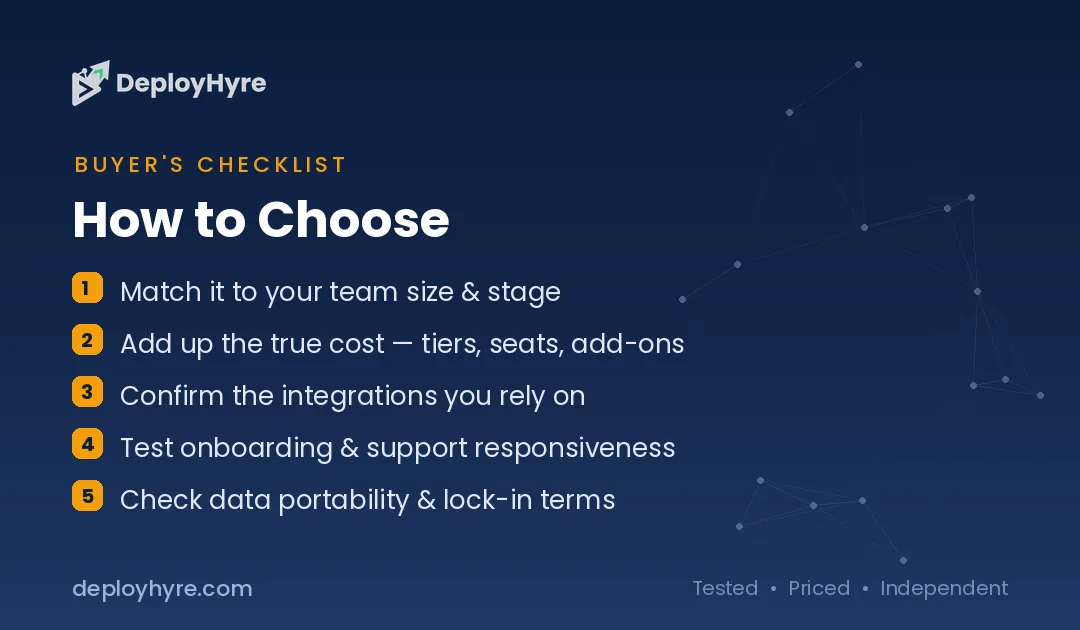
Then match the tool to your specifics. Pure managed simplicity points to Pinecone. Hybrid keyword-plus-vector search points to Weaviate. Best price-performance points to Qdrant. Billions of vectors point to Milvus. Already on PostgreSQL points to pgvector. Prototyping points to Chroma.
Finally, model your vector count and growth, because cost scales with it and the managed-versus-self-hosted math flips as you grow. A managed service that is cheap at 1 million vectors can be expensive at 100 million, so project your scale and reassess the trade at the volume you expect to reach, not just where you start.
How We Evaluated These Platforms
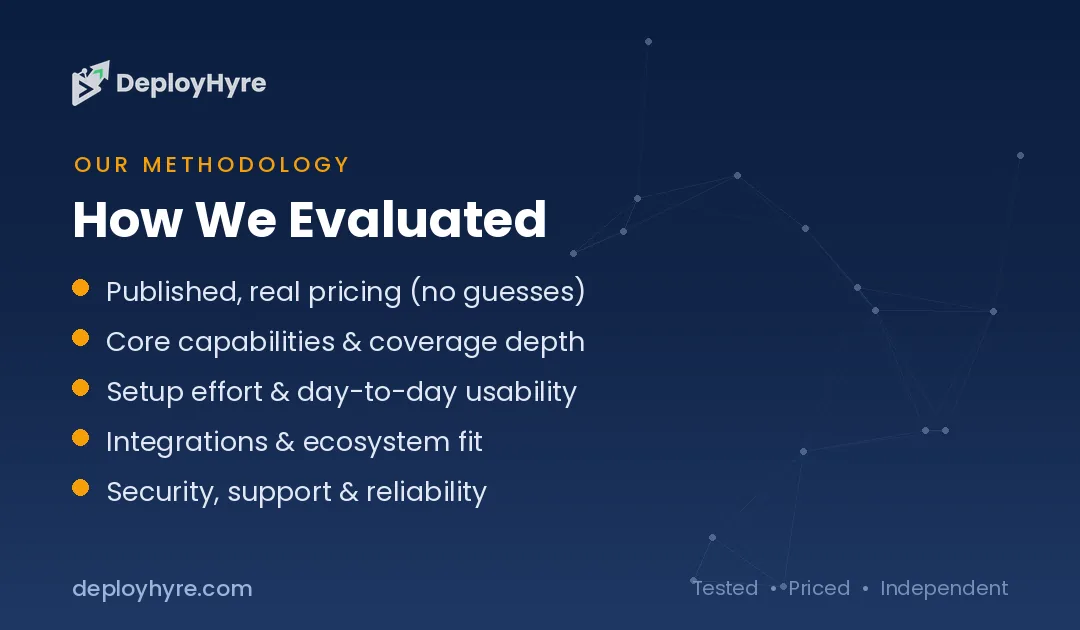
We evaluated each database on search performance, scale limits, hybrid-search support, managed versus self-hosted options, ease of use, and cost at different volumes. Figures come from vendor pages and comparison benchmarks. Because the managed-versus-self-hosted gap dominates cost, we present observed prices at multiple scales and stress that trade. We accepted no payment for placement; rankings reflect fit for a stated use case.
The Bottom Line
Pinecone is the managed pick for zero-ops simplicity, Weaviate for hybrid search at a low entry price, Qdrant for the best price-performance, and Milvus for billions of vectors, while Chroma is the prototyping default and pgvector keeps vectors in your existing PostgreSQL. Decide managed versus self-hosted first, since the gap is roughly 10x at scale, and model your vector count and growth before committing, because the economics flip as you scale.
Frequently Asked Questions
How much does a vector database cost?
It ranges widely by scale and hosting. Weaviate Cloud starts at $25 a month and Pinecone at around $70 a month for 10 million vectors, rising to $700-plus at 100 million. Self-hosted Qdrant handles 10 million-plus vectors on a $30-a-month VPS, roughly 10x cheaper than managed. Chroma and pgvector are free (you pay only infrastructure).
What is a vector database used for?
Vector databases store numerical embeddings and find the most similar ones fast, powering semantic search, recommendation systems, and retrieval-augmented generation (RAG), where an LLM retrieves relevant context before answering. They are core infrastructure for modern AI applications that need to search by meaning rather than exact keywords.
Should I use a managed or self-hosted vector database?
Managed services like Pinecone remove all operational burden and suit teams without infrastructure expertise or with modest scale, at a premium. Self-hosted options like Qdrant and Milvus are roughly 10x cheaper at scale but require engineering time to run. Choose based on your scale and whether your team wants to operate a database.
Is Chroma good for production?
Chroma is excellent for prototyping and local development, free and easy to embed, but it is generally not recommended for production at scale without migrating to a more robust store like Qdrant, Pinecone, or Milvus. Use it to build and test quickly, then move to a production-grade database as you scale.
Can I use PostgreSQL instead of a dedicated vector database?
Yes, via the pgvector extension, which adds vector search to PostgreSQL so you avoid introducing a new system. For moderate vector volumes where staying in one database and operational simplicity matter more than peak performance, pgvector is often sufficient. Very large or performance-critical workloads still benefit from a dedicated vector database.

David Austin is a technology writer and software analyst at DeployHyre, where he covers AI tools, SaaS platforms, cloud hosting, and business automation. He focuses on hands-on comparisons of pricing, features, and real-world performance so teams can pick the right software with confidence.