
Table of Contents
The best container security approach for most teams pairs Snyk Container for shift-left scanning in CI with Sysdig or Aqua for runtime protection, while platform CNAPPs like Prisma Cloud and Wiz increasingly absorb container security into a broader graph. These tools secure the containers and Kubernetes clusters that run modern applications, scanning images for vulnerabilities before deployment and watching running containers for compromise after.
The architectural truth that should shape your buying: scanning images in CI and protecting them at runtime are different jobs, and the strongest programs do both. Scanning before deploy (Snyk, Trivy) is cheaper, but images pass scans and then get exploited later, so runtime detection (Sysdig, Aqua) catches what scanning misses. Buying only one leaves a real gap, and understanding that you likely need a scan-in-CI layer plus a runtime layer is the key to shopping this category well.
Every price below is a recent observed figure from vendor pages. Because these tools price per host, per workload, or per developer, treat each as a band and match the unit to your environment.
Quick Comparison: Container Security Tools at a Glance
| Tool | Best For | Observed Price | Layer |
|---|---|---|---|
| Trivy | Free open-source image scanning | Free (open source) | Scan (CI) |
| Snyk Container | Developer-first shift-left | $25/contributing dev/mo (Team) | Scan (CI) |
| Sysdig Secure | Runtime detection + response | $40–$120/host/mo | Runtime |
| Aqua Security | Full container lifecycle | From $12K/yr; platform from $36K/yr | Scan + runtime |
| Prisma Cloud | Single-vendor cloud-native security | Credits (~20–35% above Sysdig) | CNAPP |
| Wiz | Container risk in a cloud graph | Per resource (CNAPP) | CNAPP |
What Container Security Tools Do
Containers package applications with their dependencies, which is efficient but means a vulnerable library or misconfiguration ships inside every image. Container security tools address this across the lifecycle. They scan container images for known vulnerabilities and misconfigurations before deployment, enforce policies on what can run, secure the Kubernetes orchestration layer, and monitor running containers for suspicious behavior like a process spawning an unexpected shell or reaching out to a malicious host.
The two dominant approaches are shift-left scanning and runtime protection. Shift-left tools catch problems early, in the CI pipeline, before an image reaches production, which is cheaper and developer-friendly. Runtime tools watch live containers for compromise, catching the attacks that scanning cannot predict, an exploited zero-day, a container drifting from its known-good state. The AI layer prioritizes findings by exploitability and detects anomalous runtime behavior against a learned baseline, cutting the noise that makes container security tools get ignored.
Container security overlaps with application and cloud security. It extends the code scanning in our best AI application security tools guide into the container image, and connects to the broader posture management in our best AI cloud security tools guide.
Scan-in-CI vs Runtime: You Need Both
Scanning images in CI is cheaper than catching compromise at runtime, but images pass scans and get exploited later, so the strongest programs scan in CI and enforce at runtime with drift prevention. A clean scan means an image had no known vulnerabilities when it was built, but new vulnerabilities are disclosed daily, zero-days exist, and a running container can be compromised through the application itself. Runtime protection is what catches these, monitoring behavior and blocking a container that deviates from its expected pattern.
The cost and role of each layer differ. Shift-left scanning (Snyk Container at $25 per contributing developer a month, or free open-source Trivy) is inexpensive and belongs in every pipeline. Runtime protection (Sysdig at $40 to $120 per host a month, Aqua from $12,000 a year) costs more because it runs continuously in production. The pragmatic build is a cheap or free scanner in CI for every team, plus a runtime platform sized to your production footprint, rather than trying to make one tool do both jobs adequately.
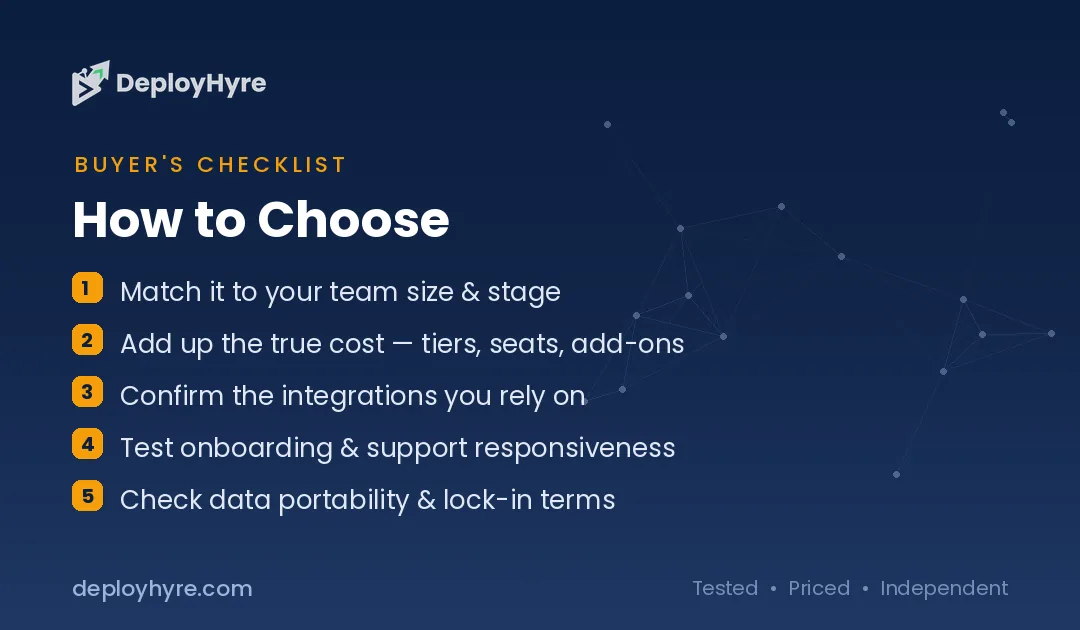
| Layer | Tools | Role |
|---|---|---|
| Scan in CI (shift-left) | Snyk Container, Trivy | Catch known vulnerabilities before deploy |
| Runtime protection | Sysdig, Aqua | Detect compromise and drift in production |
| Platform (CNAPP) | Prisma Cloud, Wiz | Container security inside broader cloud graph |
Best Runtime and Specialist Platforms
Sysdig Secure is the strongest choice when runtime threat detection and incident response are the priority, built on the open-source Falco project and priced on a predictable per-host model of $40 to $120 per host a month. Its runtime detection is the deepest in the category, catching in-production compromise and anomalous behavior that scanning cannot, and its per-host pricing is more forecastable than credit-based rivals. For teams that already run Falco or whose primary concern is detecting attacks against live containers, Sysdig is purpose-built.
Aqua Security is the full-lifecycle specialist, covering both image scanning and runtime protection across containers, Kubernetes, serverless, and VMs, with enterprise pricing from $12,000 a year for small teams and platform plans from $36,000 on per-workload billing. It suits organizations that want one dedicated container-and-cloud-native security vendor across the whole lifecycle rather than assembling scan and runtime tools separately. Both are the specialists to choose when container security is a serious, standalone priority rather than one feature of a broader platform.
Best Shift-Left Scanning
Snyk Container is the shift-left scanning layer that belongs in virtually every container security program, catching image vulnerabilities in CI before deployment at $25 per contributing developer a month on the Team tier. Its developer-first model, charging per contributing developer rather than per application or per scan, scales with team size and fits naturally into the pipelines developers already use. It is deployed alongside whatever runtime platform fits your environment, handling the cheap, early-catch half of the job. For getting vulnerability scanning into CI with minimal friction, Snyk Container is the standard.
Trivy is the free open-source alternative for image scanning, widely used and easy to drop into a pipeline at no licensing cost, ideal for teams that want shift-left scanning without a per-developer bill. It covers the core scanning job and suits budget-conscious teams or those wanting to prove value before buying. Both are the affordable, scan-in-CI foundation, and the honest guidance is that one of them belongs in every pipeline, paired with a runtime layer for production. Snyk Container extends the developer-first scanning in our best AI application security tools guide.
Best Absorbed Into a CNAPP
Prisma Cloud and Wiz increasingly absorb container security into a broader cloud-native application protection platform, which is the right choice when you want a single vendor covering the complete cloud-native security surface under one console. Prisma Cloud brings container security into Palo Alto’s full CNAPP, with credit-based pricing that runs roughly 20 to 35 percent higher than Sysdig for comparable container scope, reflecting its broader platform. It suits large enterprises consolidating all cloud-native security, container, host, serverless, posture, with one contract.
Wiz takes the graph-based CNAPP approach, folding container risk into its agentless attack-path analysis across the whole cloud, priced per resource. For organizations that want container security as one dimension of unified cloud risk rather than a standalone discipline, the CNAPP route consolidates tools and correlates container findings with the rest of the cloud picture. The trade-off is that a dedicated runtime specialist like Sysdig may go deeper on container-specific detection, so weigh consolidation against depth. See our best AI cloud security tools guide for the full CNAPP comparison.
How Should You Choose a Container Security Tool?
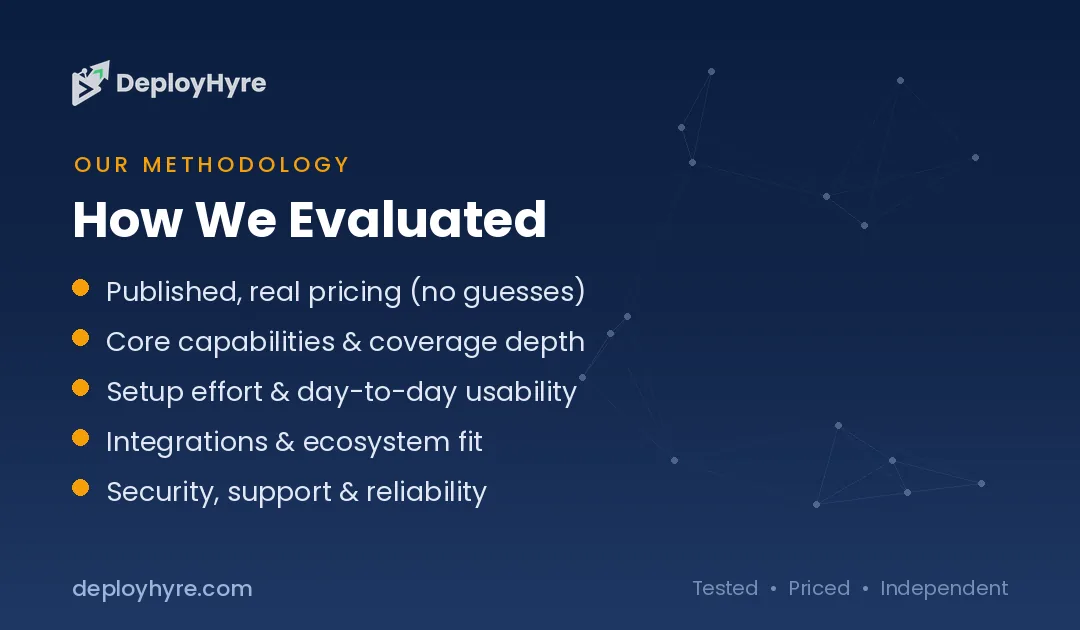
Accept that you likely need two layers, not one. Put a cheap or free scanner, Snyk Container or Trivy, in CI for every team, because catching known vulnerabilities before deploy is inexpensive and essential. Then add runtime protection sized to your production footprint, because scanning alone leaves the in-production gap that real attacks exploit.
For the runtime layer, choose based on your priority and stack. Deep runtime detection and incident response point to Sysdig, especially if you run Falco. Full-lifecycle single-vendor coverage points to Aqua. Consolidating all cloud-native security under one platform points to Prisma Cloud or Wiz, accepting that a CNAPP may trade some container-specific depth for breadth.
Finally, match the pricing unit to your environment. Per-host (Sysdig) is predictable and suits stable host counts; per-developer (Snyk) scales with team size; per-workload (Aqua) and credits or per-resource (Prisma, Wiz) scale with your cloud footprint. Model your hosts, developers, and workloads before choosing, and weigh CNAPP consolidation against the depth of a dedicated specialist.
How We Evaluated These Platforms
We evaluated each tool on image scanning, runtime detection, Kubernetes coverage, developer workflow integration, AI-driven prioritization, and pricing model. Figures come from vendor pages and comparison data. Because tools price per host, per workload, per developer, or per resource, we present observed rates for each and distinguish the scan-in-CI and runtime layers. We accepted no payment for placement; rankings reflect fit for a stated use case.
The Bottom Line
The strongest container security is two layers: a shift-left scanner, Snyk Container or free Trivy, in CI for every team, plus runtime protection from Sysdig (deepest detection, predictable per-host pricing) or Aqua (full lifecycle) sized to production. Prisma Cloud and Wiz absorb container security into a broader CNAPP for teams consolidating all cloud-native security. Do not try to make one tool do both jobs, because scanning and runtime catch different attacks.
Frequently Asked Questions
How much do container security tools cost?
It depends on the layer and unit. Snyk Container is $25 per contributing developer a month and Trivy is free open source for CI scanning. Sysdig runs $40 to $120 per host a month for runtime, and Aqua starts at $12,000 a year (platform from $36,000) on per-workload billing. Prisma Cloud’s credits run roughly 20 to 35 percent higher than Sysdig for comparable container scope.
Do I need both image scanning and runtime protection?
Yes, for a strong program. Scanning in CI catches known vulnerabilities before deployment but cannot catch zero-days or in-production compromise. Runtime protection watches live containers for attacks and drift that scanning misses. Because images pass scans and get exploited later, the strongest programs scan in CI and enforce at runtime, using different tools for each layer.
What is the difference between shift-left and runtime container security?
Shift-left security scans container images early in the CI pipeline, before deployment, catching vulnerabilities cheaply. Runtime security monitors running containers in production for compromise and anomalous behavior, catching attacks that scanning cannot predict. They are complementary layers, and tools like Snyk and Trivy handle shift-left while Sysdig and Aqua handle runtime.
Should I use a dedicated container tool or a CNAPP?
A dedicated tool like Sysdig often goes deeper on container-specific runtime detection, while a CNAPP like Prisma Cloud or Wiz consolidates container security with host, serverless, and posture management under one platform. Choose the CNAPP when you want single-vendor cloud-native coverage and correlation; choose the specialist when container runtime depth is the priority.
Is free open-source container scanning good enough?
For the scan-in-CI layer, Trivy is genuinely capable and widely used, catching known image vulnerabilities at no licensing cost. It covers the shift-left job well, but it does not provide runtime protection, so pair it with a runtime platform for production. Free scanning plus a paid runtime layer is a common and effective combination.

David Austin is a technology writer and software analyst at DeployHyre, where he covers AI tools, SaaS platforms, cloud hosting, and business automation. He focuses on hands-on comparisons of pricing, features, and real-world performance so teams can pick the right software with confidence.