For pure artistic quality Midjourney is still the tool to beat, marketers who need typography and commercial safety should reach for Ideogram or Adobe Firefly, and anyone who just wants free, fast images already has them inside ChatGPT, Google Gemini, and Canva. The AI image space has stopped being a novelty and turned into a genuine tooling decision: the “best” generator now depends far more on what you are making and how you plan to license it than on which model paints the prettiest picture. Text rendering, commercial rights, and how you actually pay for images vary wildly from tool to tool, and those differences cost real money once you move past a handful of test prompts.
Every price below was pulled from the vendors’ own pricing pages and should be read as a starting band, not a quote. AI pricing changes constantly, plans get renamed, annual discounts shift, and promotional rates expire. Treat the numbers as “roughly what you’ll pay to get started” and confirm the current figure on the vendor’s site before you subscribe.
Quick Comparison: Best AI Image Generators at a Glance
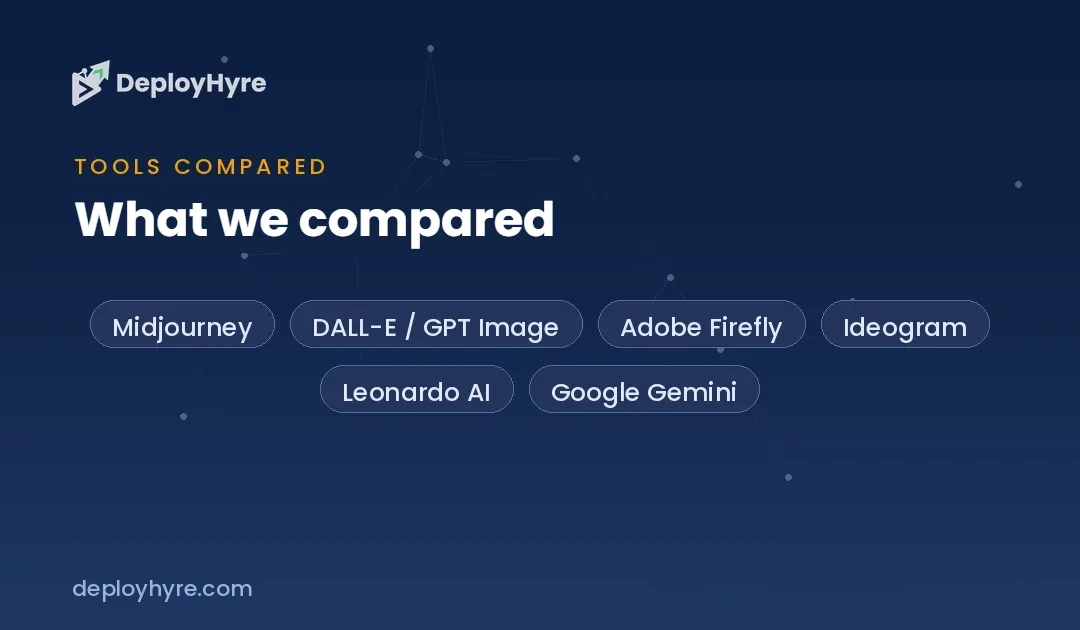
| Tool | Best For | Entry Price | Note |
|---|---|---|---|
| Midjourney | Artistic quality & style | ~$10/mo (Basic; ~$8 annual) | Subscription with limited fast GPU hours; no meaningful free tier |
| DALL-E / GPT Image (ChatGPT) | Conversational, all-in-one | ~$20/mo (ChatGPT Plus) | Image generation bundled into the Plus subscription |
| Adobe Firefly | Commercial-safe, Creative Cloud | ~$9.99/mo (Standard) | Credit-based; trained for commercial licensing peace of mind |
| Ideogram | Text & typography in images | ~$7/mo (Basic; ~$5 annual) | Best-in-class legible text; generous free tier |
| Leonardo AI | Game art, assets, fine control | ~$12/mo (Apprentice) | Token-based; full commercial rights on paid tiers |
| Recraft | Vectors, brand & product design | ~$12/mo (Basic; ~$10 annual) | Real SVG vector output and brand style sets |
| Google Gemini (Nano Banana) | Editing & free everyday use | Free; ~$19.99/mo (AI Pro) | Strong image editing; free tier inside the Gemini app |
| Canva Magic Media | Non-designers & templates | ~$15-$18/mo (Pro) | Free plan includes limited monthly generations |
| Flux (Black Forest Labs) | Developers & photoreal API | ~$0.04/image (API) | Pay-per-image via API and partner platforms |
| DreamStudio (Stable Diffusion) | Open-model tinkerers | ~$10 / 1,000 credits | ~$0.03-$0.04 per image; model is also free to run locally |
What an AI Image Generator Actually Does
An AI image generator turns a text description (a “prompt”) into an original image, usually in seconds. Under the hood most of these tools use diffusion models trained on huge image-text datasets: you type “a golden retriever wearing sunglasses on a beach, cinematic lighting,” and the model denoises random static into a picture that matches. The better tools also handle image-to-image edits, inpainting (replacing part of an existing picture), upscaling, and increasingly, legible text and brand-consistent styling.
Where the category gets confusing is that “image generation” now overlaps with adjacent jobs. Many of these same platforms double as design suites or feed directly into ad and social workflows, which is why they show up in our roundup of the best AI ad creative tools as much as in a pure art context. Deciding what job you actually need done, standalone art, a logo, a product mockup, a social thumbnail, or a batch of ad variants, is the single biggest factor in picking the right tool.
The Real Cost Trap: Subscriptions vs. Credits
The headline monthly price is often the least important number. AI image tools split into two billing models, and mixing them up is how people overspend. Subscription tools (Midjourney, ChatGPT Plus, Canva) charge a flat monthly fee and either cap you on GPU time or hand you a large monthly allowance. Credit and token tools (Adobe Firefly, Leonardo, Recraft, DreamStudio, Flux) meter every generation, so a “cheap” $10 plan can evaporate in an afternoon of high-resolution renders or upscales.
There is a second, quieter trap: commercial licensing. Not every image you generate is automatically safe to use in paid marketing. The table below shows how the leading tools actually bill you and where they land on commercial rights, the two variables that decide your true cost far more than the sticker price.
| Tool | Billing Model | Commercial Rights | Free Tier? |
|---|---|---|---|
| Midjourney | Flat subscription + fast GPU hours | Included on paid plans (Stealth on higher tiers) | No practical free tier |
| DALL-E / GPT Image | Flat subscription (ChatGPT Plus) | You own the images you create | Limited free generations in ChatGPT |
| Adobe Firefly | Monthly generative credits | Designed to be commercially safe | Yes, daily free generations |
| Ideogram | Subscription with priority credits | Commercial use on paid plans | Yes, ~10 images/day free |
| Leonardo AI | Monthly tokens | Full commercial rights on paid tiers | Yes, daily free tokens |
| Recraft | Monthly credits | Commercial rights on paid plans | Yes, limited free credits |
| Google Gemini | Free app + optional subscription | You may use generated images (check terms) | Yes, free in the Gemini app |
| Canva Magic Media | Flat subscription | Commercial use for Pro; Dream Lab licensed | Yes, ~50 generations/month free |
| Flux | Pay-per-image (API/credits) | Commercial use per BFL license | Starter credits via partner platforms |
| DreamStudio | Prepaid credits ($0.01 each) | Broadly permissive open model | Free starter credits; free to self-host |
Best for Artists & Creative Work
Midjourney remains the reference point for sheer aesthetic quality. Its Basic plan starts around $10 per month (roughly $8 if you pay annually), which buys a limited pool of fast GPU time; the $30 Standard tier adds unlimited “relax mode” generations and is where most serious hobbyists land. What you are paying for is taste, Midjourney’s default output looks polished with almost no prompt engineering, which is exactly why illustrators, concept artists, and moodboard-builders keep renewing.
Leonardo AI is the artist’s choice when you need control rather than magic. Starting around $12 per month for the Apprentice plan (8,500 tokens), it offers fine-tuned models, element and character consistency, and full commercial rights, making it a favorite for game assets, character sheets, and stylized illustration series. DreamStudio, Stability AI’s front end for Stable Diffusion, rounds out the creative set at roughly $10 per 1,000 credits (about $0.03-$0.04 an image), and the underlying model is free to run locally if you have the hardware and patience to tinker.
Verdict: Start with Midjourney if you want the best-looking output with the least effort. Choose Leonardo if you need repeatable characters and precise control, and reach for DreamStudio or self-hosted Stable Diffusion only if open-model flexibility matters more than convenience.
Best for Marketers & Commercial Use
For commercial work the questions change: can I put legible text on this, and am I legally clear to run it in a paid campaign? Ideogram wins the first question outright. Starting around $7 per month (about $5 annually) for the Basic plan, it renders in-image text, headlines, logos, packaging copy, that other models mangle, which makes it invaluable for social graphics and ad creative. Adobe Firefly wins the second. At roughly $9.99 per month for the Standard tier, Firefly is trained with commercial licensing in mind and plugs straight into Photoshop and the wider Creative Cloud, so agencies get output they can defend to a legal team.
Recraft is the specialist here: at about $12 per month it generates true SVG vectors, brand style sets, and product mockups, filling a gap the raster-only tools ignore. Marketers rarely stop at a single still image, so it pays to see how these fit a broader stack, our guide to the best free AI tools for marketing shows where image generation slots alongside copy and analytics, and if you are producing motion content you will want to pair these with the best AI tools for social media video to turn stills into scroll-stopping clips.
Verdict: Pick Ideogram when text on the image is non-negotiable, Firefly when commercial safety and Adobe integration matter most, and Recraft when you need vectors or tightly on-brand assets rather than one-off art.
Best for Budget & Free Generation
You may not need to pay at all. Google Gemini generates and edits images for free inside the Gemini app, and its image-editing model (nicknamed “Nano Banana”) is genuinely strong at conversational tweaks; the paid Google AI Pro plan (around $19.99/month) mainly raises limits and unlocks other features. ChatGPT includes image generation with GPT Image, free users get limited generations, while ChatGPT Plus at roughly $20/month bundles high-volume image creation into a subscription many people already pay for.
Canva Magic Media is the pick for non-designers: the free plan includes roughly 50 AI generations a month, and Canva Pro (about $15-$18/month) raises that ceiling while dropping the images straight onto editable templates. If you are stitching visuals into finished video, it is worth cross-referencing the best AI video editing software so your generated stills flow into an editing pipeline instead of dead-ending as loose files.
Verdict: For zero-cost everyday images, Gemini and ChatGPT are hard to beat because they are bundled with tools you likely already use. Choose Canva when you want the image and the finished layout in one place without touching a design app.
How Should You Choose an AI Image Generator?
Start with the deliverable, not the model. If you are making standalone art or moodboards, aesthetic quality wins and Midjourney or Leonardo lead. If you are producing marketing assets, prioritize text rendering and commercial licensing, which pushes you toward Ideogram, Firefly, or Recraft. If you just need occasional images for documents, posts, or slides, the free tiers inside Gemini, ChatGPT, and Canva will almost certainly cover you.
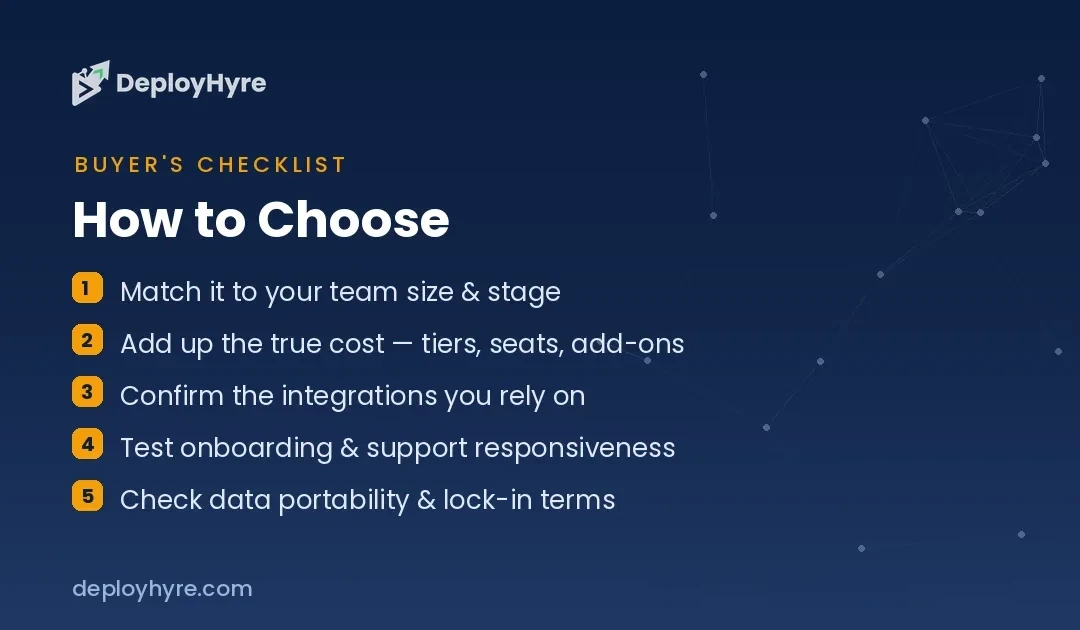
Next, be honest about volume and billing model. Flat subscriptions reward heavy, consistent use, if you generate images daily, Midjourney’s relax mode or ChatGPT Plus gives predictable costs. Credit and token systems (Firefly, Leonardo, DreamStudio, Flux) suit spiky or low-volume use where you would rather pay per image than commit to a monthly fee. Estimate your real monthly image count before subscribing; it changes the math completely.
Finally, weigh the ecosystem. A tool that lives inside software you already use, Firefly in Creative Cloud, Magic Media in Canva, image generation in ChatGPT, removes friction and often costs nothing extra. Developers building automated pipelines should look past the consumer apps entirely and evaluate Flux or the Stability API on pure per-image cost and output quality.
How We Evaluated These Tools
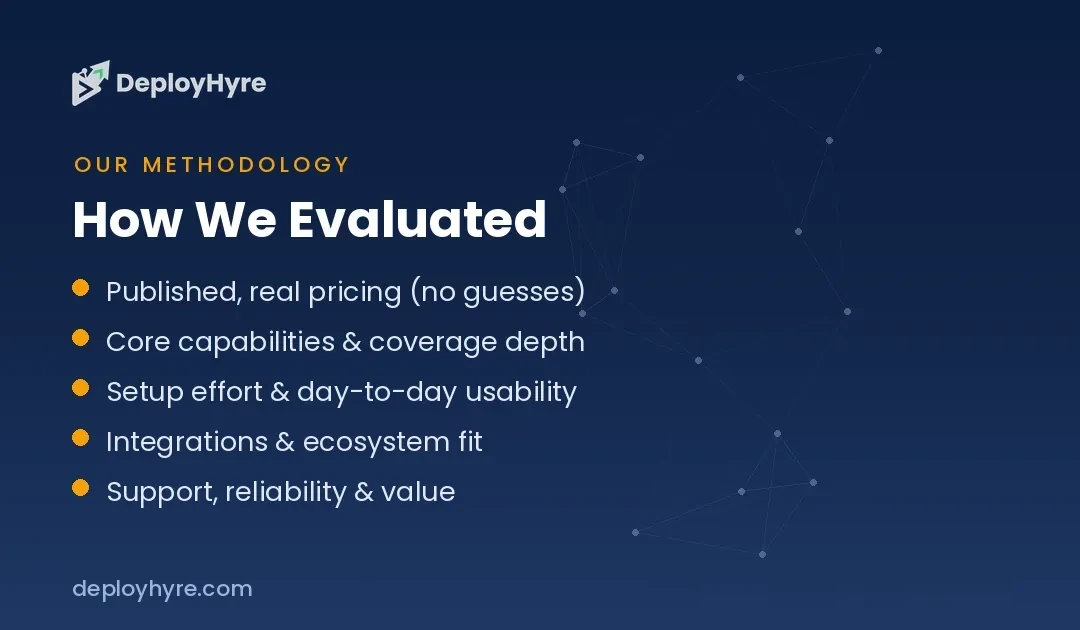
We selected these ten generators for being live, widely used, and representative of distinct use cases, from artistic subscription tools to developer-grade APIs, rather than ranking them on a single quality score. Every pricing figure was taken from the vendor’s own pricing page and is presented as a starting band, because AI pricing shifts frequently and annual, promotional, and regional rates vary. We did not test images at scale or claim a definitive “best model,” output quality is subjective and model-version-dependent.
Where a tool’s licensing or commercial-use terms are relevant, we flag them, but you should always confirm current pricing and rights directly with the vendor before committing budget. Links to vendors are provided for convenience and do not affect our assessment.
The Bottom Line
There is no single best AI image generator, only the best one for your job and your budget. Midjourney still sets the bar for artistic output, Ideogram and Adobe Firefly are the safest, sharpest choices for commercial and text-heavy work, and Gemini, ChatGPT, and Canva quietly cover most everyday needs for free. Recraft, Leonardo, Flux, and DreamStudio each own a specialist niche worth knowing about when a general tool falls short. Match the tool to the deliverable, check whether you are buying a subscription or credits, confirm the commercial license, and you will spend less and ship more.
Frequently Asked Questions
What is the best AI image generator overall?
There is no universal winner. Midjourney is widely considered best for artistic quality, while Ideogram leads on in-image text and Adobe Firefly on commercial safety. For free everyday use, Google Gemini and ChatGPT’s built-in generation are excellent. The best choice depends on whether you are making art, marketing assets, or casual images, and on how you plan to license them.
Are there free AI image generators?
Yes. Google Gemini generates and edits images for free in its app, ChatGPT offers limited free generations, and Canva’s free plan includes roughly 50 Magic Media generations per month. Ideogram, Leonardo AI, and Adobe Firefly also provide free tiers or daily free credits. Stable Diffusion is free to run on your own hardware. Free tiers usually cap volume, resolution, or commercial rights.
Can I use AI-generated images commercially?
Often yes, but it varies by tool and plan. Adobe Firefly is built for commercial safety, and Midjourney, Leonardo, Recraft, and Ideogram grant commercial rights on their paid tiers. Free tiers sometimes restrict commercial use. Always confirm the current license terms on the vendor’s site before using generated images in paid campaigns, and check any regional or model-specific conditions.
Which AI image generator is best for text and logos?
Ideogram is widely regarded as the strongest for rendering legible text inside images, making it a favorite for social graphics, posters, and headlines, starting around $7 per month. For true vector logos and brand assets, Recraft (about $12 per month) generates editable SVG output. Adobe Firefly is also strong when you need type control combined with commercial-safe licensing.
Subscription or pay-per-image, which is cheaper?
It depends on your volume. Flat subscriptions like Midjourney (from ~$10/month) or ChatGPT Plus (~$20/month) are cheaper if you generate images frequently. Credit and pay-per-image models like Flux (~$0.04/image), DreamStudio (~$0.01/credit), and Adobe Firefly’s credits suit occasional or spiky use. Estimate your monthly image count first, then pick the billing model that matches it to avoid overspending.
Related Articles

The DeployHyre Editorial Team writes buyer guides on AI tools, SaaS, cloud hosting and proxies. We compare tools using published pricing, official documentation and third-party reviews. All content is for educational and informational purposes only.