
AI legal software drafts contracts, reviews documents, and runs legal research in minutes instead of hours. We tested 9 of the best AI tools for lawyers in 2026. Practice-management AI starts near $39 per month, contract tools run around $180 per user, and enterprise research platforms reach $1,200 per seat. This guide shows which tool fits solo lawyers, contract teams, and large firms, with real pricing and honest limits.
Table of Contents
Legal AI has crossed the tipping point. Nearly seven in ten legal professionals now use generative AI for work, a figure that more than doubled in a single year. For the first time, more lawyers use generative AI than not.
The hard part is choosing wisely. Tools range from Word add-ins for contract drafting to enterprise research suites that cost six figures a year. Most enterprise platforms hide pricing behind demos, and reliability still varies, so fit and verification matter as much as features.
We tested 9 of the best AI legal tools in 2026 against accuracy, workflow fit, and price. For another professional vertical, see our guide to the best AI accounting software, and for safe rollout read our AI governance guide.
What Is AI Legal Software?
AI legal software uses machine learning to draft, review, and research legal work, from contracts and correspondence to case law and discovery. It reads documents, suggests redlines, answers research questions with citations, and automates routine drafting. The goal is faster work and lower cost, with a lawyer reviewing every output before it is used.
Adoption is uneven by firm size. Among legal professionals, 54 percent use AI to draft correspondence, while 39 percent of firms with 51 or more attorneys have integrated AI tools, roughly double the rate of smaller firms. Larger firms move first because the time savings scale.
Quick Comparison: 9 Best AI Tools for Lawyers
| Tool | Best For | Starting Price | Core Strength |
|---|---|---|---|
| Harvey | Big-law research and drafting | ~$1,000/seat/mo | Enterprise legal AI |
| CoCounsel | Research with Westlaw | Bundled | Trusted legal research |
| Spellbook | Contract drafting in Word | ~$180/user/mo | Inline redlining |
| Clio Duo | Practice management | $39/user/mo | Firm operations AI |
| Lexis+ AI | Legal research | Custom | Cited research answers |
| LegalOn | Contract review | Mid-tier | Playbook-based review |
| Robin AI | Contract negotiation | Custom | Fast redlines |
| Luminance | Document analysis | Custom | Large-scale review |
| GC AI | In-house legal teams | Custom | Generalist legal copilot |
What Makes Great AI Legal Software?
Great AI legal software produces accurate, citable work, fits the way lawyers already draft and research, and keeps a human in control of every output. The best tools cite real sources, integrate with Word or your practice system, and flag uncertainty. Accuracy and verifiable citations matter far more than how broad the feature set sounds.
We weighed five things: output accuracy, citation quality, workflow integration, security, and pricing transparency. Reliability concerns persist even as adoption climbs, so the most widely used 2026 stack pairs specialist tools with lawyer review, never blind trust.
Best Enterprise Legal AI
1. Harvey: Best for Big-Law Research and Drafting
Harvey is the leading enterprise platform for large firms that want deep legal research and drafting.
What it does well. Harvey handles complex legal research, drafting, and analysis across practice areas, trained for professional legal work. It targets Am Law 100 and big-law teams that need depth and are ready to invest in a full rollout.
Key features:
-
Cross-practice research and drafting
-
Document analysis at depth
-
Enterprise security and controls
-
Workflow support for large teams
Pricing. Estimated at $1,000 to $1,200 per seat each month with a reported 20-seat minimum, and quote-based.
Best for: Large firms running AI as a core capability.
Limitations. Cost and seat minimums put it out of reach for small firms.
2. CoCounsel: Best for Trusted Research with Westlaw
CoCounsel from Thomson Reuters ties AI to the Westlaw research ecosystem lawyers already trust.
What it does well. CoCounsel runs legal research, document review, and drafting backed by Westlaw content, which gives answers a trusted source base. It suits firms that already pay for Westlaw and want AI built on the same foundation.
Key features:
-
Research grounded in Westlaw
-
Document review and summaries
-
Drafting and deposition prep
-
Enterprise-grade security
Pricing. Bundled with Westlaw subscriptions, with no standalone published price.
Best for: Firms standardized on Westlaw research.
Limitations. Bundled pricing makes the AI cost hard to evaluate alone.
Best for Contract Drafting
3. Spellbook: Best for Drafting and Review in Word
Spellbook runs AI inside Microsoft Word, where most lawyers already draft contracts.
What it does well. Spellbook drafts and reviews contracts with inline redlining directly in Word, suggesting clauses and flagging risks as you write. Working in the tool lawyers already use removes the friction of switching platforms.
Key features:
-
Word-native contract drafting
-
Inline redlining and clause suggestions
-
Risk flagging and benchmarks
-
Familiar editing workflow
Pricing. Approximately $180 per user each month.
Best for: Transactional lawyers who live in Word.
Limitations. Focused on contracts, so it is not a full research suite.
Best for Practice Management
4. Clio Duo: Best for Firm Operations
Clio Duo adds AI to Clio, the widely used practice-management platform for small and mid-size firms.
What it does well. Clio Duo brings AI to case management, time tracking, billing, and client communication inside a platform firms already run. It centers on running the firm efficiently, not just drafting documents, which suits solo and small-firm operations.
Key features:
-
AI across case and matter management
-
Time tracking and billing support
-
Client communication tools
-
Public, predictable pricing
Pricing. Clio plans run about $39 to $149 per user each month, with AI bundled.
Best for: Solo and small firms managing operations.
Limitations. Lighter on deep research than dedicated research platforms.
Best for Legal Research
5. Lexis+ AI: Best for Cited Research Answers
Lexis+ AI brings generative answers to the LexisNexis research library.
What it does well. Lexis+ AI answers research questions with citations grounded in LexisNexis content, plus drafting and summarization. Firms that rely on Lexis get AI built on a source base they already trust for case law and statutes.
Key features:
-
Cited research answers
-
Drafting and summarization
-
Grounding in LexisNexis content
-
Enterprise security
Pricing. Custom and quote-based, often tied to Lexis subscriptions.
Best for: Firms standardized on LexisNexis.
Limitations. Pricing is opaque and depends on existing Lexis plans.
Best for Contract Review at Scale
6. LegalOn, #7 Robin AI, and #8 Luminance: Best for Review and Negotiation
Three specialists lead when contract review volume is the bottleneck.
What they do well. LegalOn reviews contracts against playbooks and suggests revisions based on legal standards. Robin AI speeds contract negotiation with fast, guided redlines. Luminance analyzes large document sets for review and due diligence. All three cut hours of manual contract work into minutes while keeping lawyers in control.
Key features:
-
Playbook-based review (LegalOn)
-
Fast negotiation redlines (Robin AI)
-
Large-scale document analysis (Luminance)
-
Risk and clause detection
Pricing. Mid-tier to custom, mostly quote-based; confirm with each vendor.
Best for: Teams with heavy contract review and due diligence.
Limitations. Each is strongest in review, not full research or practice management.
Best for In-House Teams
9. GC AI: Best for Corporate Legal Departments
GC AI is built for in-house counsel who handle a broad mix of legal work.
What it does well. GC AI acts as a generalist legal copilot for in-house teams, drafting, reviewing, and answering questions across the varied work a legal department faces. It fits lean corporate teams that need broad coverage rather than one specialty, much like the shift we cover in will AI replace accountants.
Key features:
-
Generalist legal copilot
-
Drafting and review across areas
-
Built for in-house workflows
-
Document and policy support
Pricing. Custom and quote-based.
Best for: In-house and corporate legal departments.
Limitations. Broad rather than deep, so specialist firms may want focused tools.
How Should You Choose AI Legal Software?
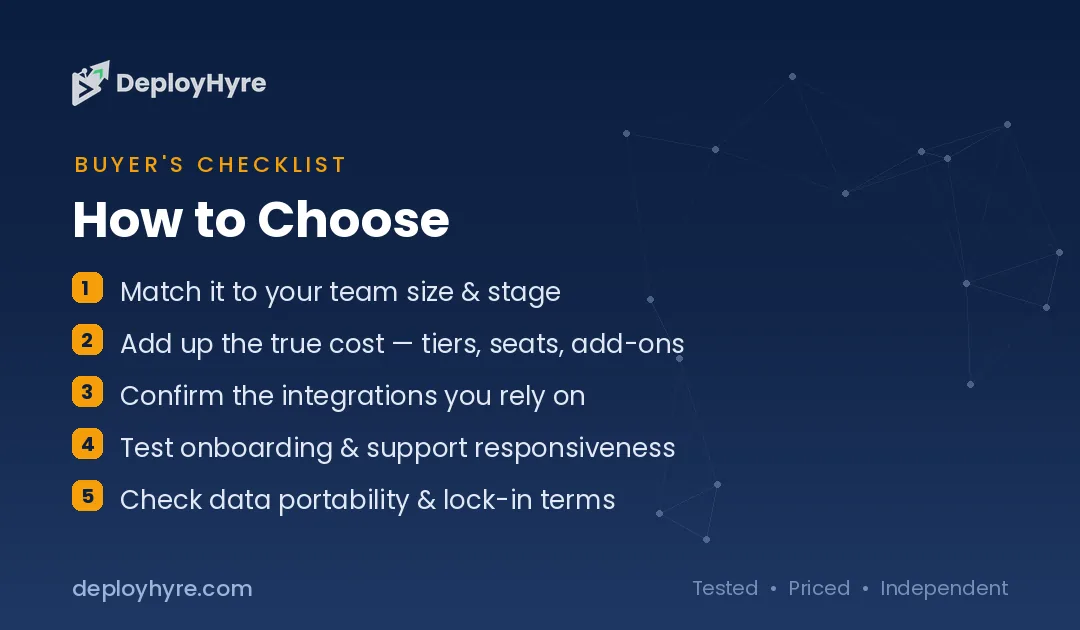
Start with your main task. Choose Harvey or CoCounsel for deep research at large firms, Spellbook for contract drafting in Word, Clio Duo for practice management, Lexis+ AI for cited research, and LegalOn or Luminance for contract review. The right tool depends on whether you draft, research, review, or run a firm.
Next, verify accuracy and security. Confirm the tool cites real sources, integrates with your systems, and meets confidentiality requirements. Reliability concerns are real, so test outputs against trusted sources, keep a lawyer reviewing every result, and check your bar’s guidance on AI use.
How We Evaluated These AI Legal Tools
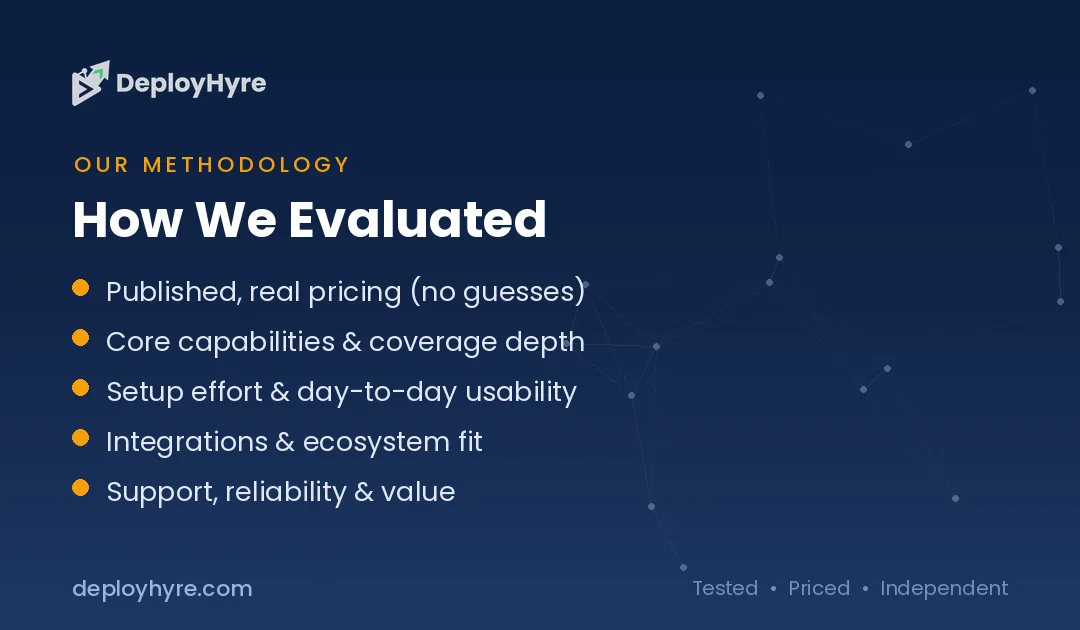
We assessed each tool on five criteria: output accuracy, citation quality, workflow integration, security, and pricing transparency. We prioritized tools with published capabilities and real 2026 usage, then cross-checked features and pricing against vendor pages and independent reviews. Legal AI pricing is often demo-only and changes fast, so confirm current rates and seat minimums before buying.
Is AI legal software safe for confidential client data?
Reputable tools encrypt data and offer access controls. Confirm each vendor security and data-use terms, and choose software with clear no-training policies. For privileged matters, verify compliance and review your AI governance guide before uploading sensitive files.
Can AI replace a lawyer?
No. AI legal software speeds research, drafting, and review, but lawyers provide judgment, strategy, and accountability that AI cannot. Courts and clients require licensed professionals. Use AI to cut routine work, not to give legal advice.
What tasks can AI legal software do?
It drafts, reviews, and summarizes. AI legal tools draft contracts, review documents, summarize cases, and flag risky clauses. Some handle legal research and e-discovery. They reduce hours on repetitive work, letting lawyers focus on strategy and client advice.
The Bottom Line
AI legal software has reached majority adoption, with most lawyers now using generative AI for drafting, review, and research. The winners pick a tool that fits their core task and verify every output, since reliability still varies.
Match the tool to your firm. Solo and small firms should start with Clio Duo or Spellbook, contract teams with LegalOn, and large firms with Harvey or CoCounsel. Run a pilot on real matters, check citations against trusted sources, and scale once accuracy holds.
Next steps: Compare another professional vertical in our best AI accounting software guide, roll out AI safely with our AI governance guide, and see the bigger picture in our AI for business guide.
Frequently Asked Questions
What is the best AI legal software?
There is no single best tool; it depends on your work. Harvey and CoCounsel lead for big-law research and drafting, Spellbook is best for contract drafting in Word, Clio Duo suits practice management, and LegalOn or Luminance excel at contract review. Match the tool to whether you draft, research, review, or run a firm.
How much does AI legal software cost?
AI legal software ranges from about $39 per user each month for Clio practice-management AI to roughly $180 per user for Spellbook and $1,000 to $1,200 per seat for enterprise platforms like Harvey. Many enterprise tools are demo-only with no public pricing. Practice-management and contract tools cost least, while research suites cost the most.
Is it safe for lawyers to use AI?
AI is safe for lawyers when used with care and verification. Reliability still varies, and AI can produce confident but wrong answers, so lawyers must check citations and review every output. Use tools with strong security and source grounding, follow your bar’s guidance, and never rely on AI for final legal advice without human review.
Can AI replace lawyers?
No. AI legal software automates drafting, review, and research, but it does not replace the judgment, advocacy, and accountability that lawyers provide. Adoption is rising because AI saves time on routine work, not because it removes lawyers. The best setup pairs AI for speed with a lawyer who verifies, advises, and takes responsibility.
What do most lawyers use AI for?
Most lawyers use AI for drafting and routine document work. Surveys show 54 percent of legal professionals use AI to draft correspondence, alongside contract review, legal research, and summarizing documents. These high-volume, repetitive tasks save the most time. Lawyers still verify outputs and handle strategy, negotiation, and court work themselves.

David Austin is a technology writer and software analyst at DeployHyre, where he covers AI tools, SaaS platforms, cloud hosting, and business automation. He focuses on hands-on comparisons of pricing, features, and real-world performance so teams can pick the right software with confidence.
Know AI, SaaS, or cloud tools inside out? Pitch a guest post and get in front of thousands of buyers researching their next tool.