
The best Pantheon alternatives are WP Engine for WordPress teams that want a similar dev-to-live workflow, Kinsta for premium managed WordPress with simple pricing, and Acquia for enterprise Drupal. Upsun suits teams that want usage-based pricing across many stacks, Pressable suits budget WordPress sites, and Rocket.net suits sites that want unmetered visitors.
Pantheon sits in a narrow market. W3Techs reports that WordPress runs 40.1% of all websites, while Drupal runs 0.6%. Pantheon serves both, so its alternatives split into WordPress-only hosts and multi-CMS platforms.
Pricing is the main reason teams compare. Pantheon’s pricing page charges for a workspace plan plus a plan for each site. Multidev, automated updates, and 24/7 support sit in the Gold workspace at $500 per month. Site plans are capped by monthly visits.
Pantheon is also changing its product. CMSWire reported that Pantheon launched P1, an AI-native CMS and WebOps platform, on October 6, 2026. Teams that only need reliable hosting may prefer a simpler platform.
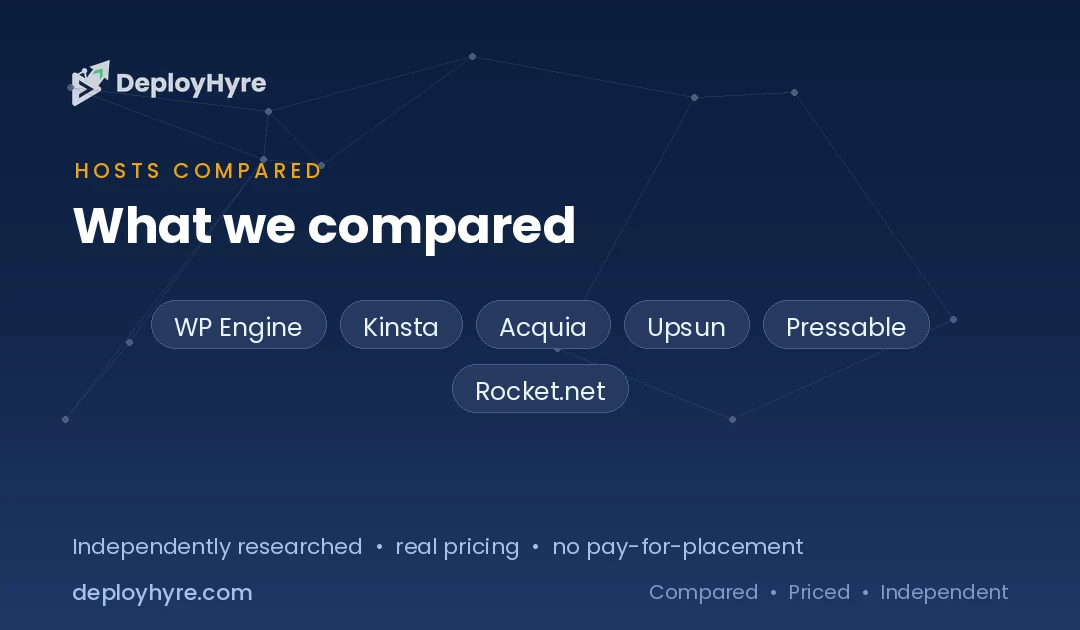
This guide compares 6 Pantheon alternatives on entry price, visit limits, CMS support, and dev workflow. It is part of our best cloud hosting guide. Every price comes from the vendor’s pricing page as checked in October 2026.
Quick Comparison: Best Pantheon Alternatives
| Host | Best for | Entry price | CMS | Dev workflow |
|---|---|---|---|---|
| WP Engine | WordPress agencies | $28/mo billed annually | WordPress | Staging and dev environments on all plans |
| Kinsta | Premium managed WordPress | $35/mo or $350/yr | WordPress | Free one-click staging |
| Acquia | Enterprise Drupal | Quote only | Drupal | Dev, stage, and production environments |
| Upsun | Usage-based multi-stack hosting | €9/mo project fee + €10/user + usage | Drupal, WordPress, and other stacks | On-demand preview environments |
| Pressable | Budget WordPress | $250/yr | WordPress | Production, staging, and sandbox |
| Rocket.net | Unmetered visitors | $30/mo or $25/mo annual | WordPress | Check current plan page |
What Makes a Good Pantheon Alternative?
A good Pantheon alternative keeps a safe dev, staging, and live workflow, supports your CMS, and prices traffic in a way you can predict. WordPress-only teams have many strong options. Drupal teams have fewer, so CMS support is the first filter, followed by visit limits, overage rules, and how much the team workflow costs.
Pantheon’s own model sets the benchmark. Every Pantheon plan includes Dev, Staging, and Production environments plus a WordPress or Drupal install. The Basic site plan costs $55 per month or $500 per year and includes 25,000 visits on monthly billing, or 35,000 on annual billing. Performance Small costs $200 per month.
Visit caps are where costs grow. Pantheon measures traffic by visits and pages served. Annual Performance plans include one month of overage protection, but the pricing page does not publish a per-visit overage rate.
The 6 Best Pantheon Alternatives
1 WP Engine: Best for WordPress agencies
WP Engine is the closest WordPress match to Pantheon’s WebOps model, with staging, dev environments, and agency tooling on every plan.
What it does well. WP Engine gives every plan one-click staging and development environments. Its Essential tier scales from 1 to 30 sites and from 25,000 to 400,000 monthly visits, so agencies grow inside one product. WP Engine also owns Flywheel.
Key features:
- Staging and dev environments on all plans
- Extra sites at $20 per month each on Essential
- Core plans with isolated resources and a 99.99% SLA
Pricing. WP Engine’s managed hosting starts at $28 per month billed annually, or $336 for the year. Its fine print says first-year pricing applies to new customers and renewal pricing is subject to change.
Best for: WordPress agencies and marketing teams that want Pantheon-style environments without Drupal.
Limitations. WP Engine is WordPress-only, and renewal prices are not published. Compare other options in our WP Engine alternatives guide.
2 Kinsta: Best for premium managed WordPress
Kinsta is a premium WordPress host built on Google Cloud, with simple plans and staging included.
What it does well. Kinsta includes free one-click staging on every plan and keeps sites online when they exceed limits. It sends alerts at 80% and 100% of plan limits before overage fees apply.
Key features:
- Free staging, plus premium staging at $20 per month per environment
- 15 GB of storage and 125 GB of CDN bandwidth on the entry plan
- 30-day money-back guarantee
Pricing. Kinsta’s entry plan costs $35 per month or $350 per year for one WordPress install. Agency plans start at $340 per month, and extra sites cost $30 per month.
Best for: Single high-value WordPress sites and agencies that want a polished dashboard.
Limitations. Kinsta does not host Drupal, and per-site costs add up for large portfolios. See our Kinsta alternatives guide for more choices.
3 Acquia: Best for enterprise Drupal
Acquia is the leading enterprise Drupal platform, and it is the natural Pantheon alternative for large Drupal sites.
What it does well. Acquia Cloud Platform is built for Drupal, with dev, stage, and production environments and enterprise support. Acquia’s Drupal hosting page states a 99.95% uptime SLA.
Key features:
- Four annual subscription tiers: Standard, Plus, Premium, and Elite
- Deep Drupal tooling and a large digital experience suite
- Enterprise security and compliance options
Pricing. Acquia sells Cloud Platform as quote-only annual subscriptions. It does not publish dollar prices.
Best for: Universities, governments, and enterprises running large Drupal estates.
Limitations. Quote-only pricing and annual contracts make Acquia a poor fit for small sites.
4 Upsun: Best for usage-based multi-stack hosting
Upsun, formerly Platform.sh, is a usage-based platform that hosts Drupal, WordPress, and many other stacks with Git-driven preview environments.
What it does well. Upsun creates preview environments on demand from Git branches, which mirrors Pantheon’s Multidev. It also runs Node.js, Python, PHP, and other runtimes in the same project.
Key features:
- No fixed plans: you pay for resources you allocate
- 10 GB of egress and 500,000 requests included in the project fee
- 15-day free trial with no card required
Pricing. Upsun charges a €9 monthly project fee and €10 per user license, plus usage. Guaranteed app CPU costs about €0.100 per hour, and disk costs €0.49 per GB per environment.
Best for: Engineering teams running Drupal or headless builds alongside other services.
Limitations. Usage pricing is harder to forecast than a flat plan. Model your CPU, memory, and environment count before you migrate.
5 Pressable: Best for budget WordPress
Pressable is an Automattic-owned WordPress host that runs on WP Cloud, with staging and sandbox environments on every plan.
What it does well. Pressable includes Production, Staging, and Sandbox environments on all plans. It publishes clear overage rates, which Pantheon does not.
Key features:
- Overage pricing of $1.20 per 1,000 visits and $1.00 per GB
- Plans scale up to 100 installs and 2 million visits
- 30-day money-back guarantee
Pricing. Pressable’s Signature 1 plan costs $250 per year for 1 install, 30,000 visits, and 20 GB of storage. Signature 3 costs $600 per year for 5 installs.
Best for: Small businesses and freelancers who want managed WordPress with staging at a low annual price.
Limitations. Pressable is WordPress-only and has fewer enterprise workflow tools than Pantheon.
6 Rocket.net: Best for unmetered visitors
Rocket.net is a managed WordPress host that removes visit caps, which solves Pantheon’s main cost problem for high-traffic sites.
What it does well. Rocket.net plans include unmetered visitors and a built-in CDN. Rocket.net states that it never raises prices on renewal.
Key features:
- Unmetered visitors on every plan
- $1 first month on all plans
- Published overages: $2 per GB of disk and $0.08 per GB of bandwidth
Pricing. Rocket.net’s Starter plan costs $30 per month, or $25 per month billed annually, for 1 install, 10 GB of storage, and 50 GB of bandwidth. Pro costs $60 per month for 3 installs.
Best for: Content and ecommerce sites whose traffic spikes would break a visit-capped plan.
Limitations. Rocket.net is WordPress-only, and bandwidth still counts toward overages.
How Do Pantheon Alternatives Compare on Traffic and Workflow?
Pantheon alternatives differ most on how they price traffic and how they handle team environments. Rocket.net removes visitor caps, Pressable publishes overage rates, Upsun bills on resources instead of visits, and Acquia negotiates terms in an annual contract.
| Host | Traffic model | Published overage | Branch or preview environments | Billing |
|---|---|---|---|---|
| Pantheon | Visits and pages served per site plan | Not published | Multidev in Gold workspace ($500/mo) | Monthly or annual |
| WP Engine | 25,000 to 400,000 visits on Essential | Not published | Staging and dev on all plans | Monthly or annual |
| Kinsta | Plan limits with 80% and 100% alerts | Billed after limits | Free staging, premium staging $20/mo | Monthly or annual |
| Acquia | Contract based | Quote only | Dev, stage, and production | Annual |
| Upsun | Resource usage, 10 GB egress and 500,000 requests included | Usage priced | On-demand previews from Git branches | Monthly usage |
| Pressable | 30,000 visits on Signature 1 | $1.20 per 1,000 visits | Staging and sandbox | Annual shown |
| Rocket.net | Unmetered visitors | $0.08 per GB bandwidth | Check current plan page | Monthly or annual |
Visit-based pricing punishes viral content and bot traffic. Resource-based pricing, as on Upsun, rewards efficient caching but needs active monitoring. Unmetered plans, as on Rocket.net, shift the risk to bandwidth and disk limits instead.
When Should You Stay on Pantheon?
Stay on Pantheon when you run both WordPress and Drupal sites, depend on Multidev for many parallel branches, and want one vendor for the whole portfolio. Few alternatives cover both CMSs with the same workflow, and migrating dozens of sites carries real risk.
Pantheon also suits teams that plan to adopt its newer AI and headless features. Pantheon hosts Next.js front ends on a separate track, where a front-end-only build needs one site plan and Next.js plus a headless CMS needs two.
Leave Pantheon when visit caps drive most of your bill, when you only run WordPress, or when a single site does not need a $500 per month workspace for team features. In those cases, a WordPress specialist usually costs less for the same workflow.
How Should You Choose the Right Pantheon Alternative?
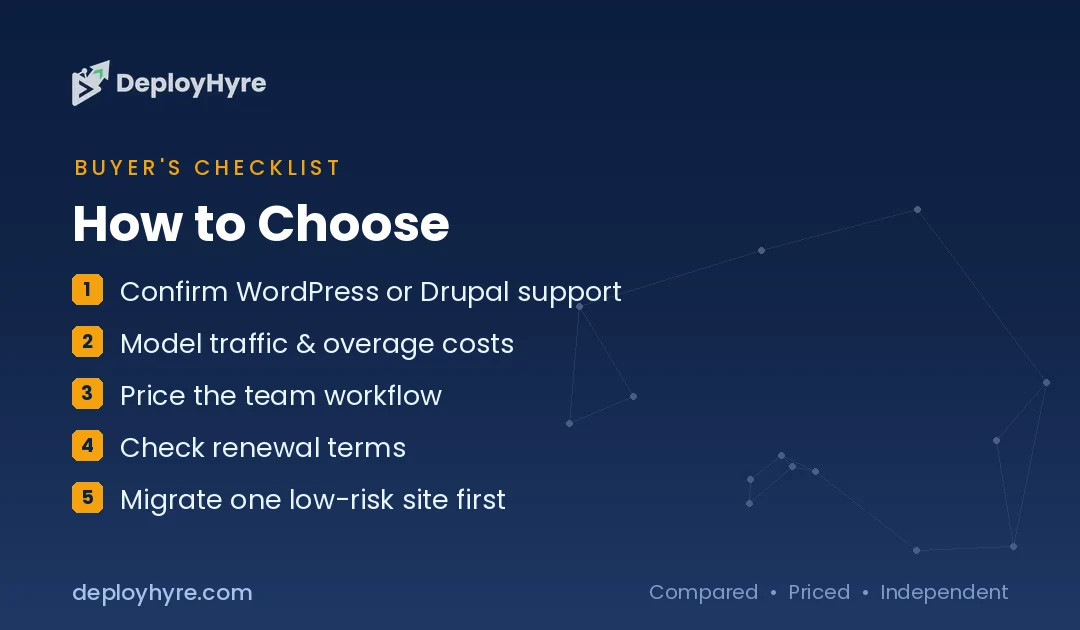
Choose a Pantheon alternative by CMS first, then by traffic pricing, then by team workflow. Drupal sites narrow to Acquia or Upsun. WordPress sites can pick WP Engine, Kinsta, Pressable, or Rocket.net based on budget and traffic.
- Confirm CMS support. WP Engine, Kinsta, Pressable, and Rocket.net host WordPress only.
- Model traffic costs. Compare visit caps and overage rates against 12 months of analytics.
- Price the team workflow. Pantheon puts Multidev in a $500 per month workspace. Check whether your new host includes branch or preview environments.
- Check renewal terms. Intro pricing often differs from renewal pricing.
- Plan the migration. Move one low-risk site first and test deploys, backups, and caching.
Teams that want a managed cloud server instead of a WordPress platform can compare our Cloudways alternatives and Liquid Web alternatives. For WordPress-only shortlists, see our best managed WordPress hosting guide.
How We Evaluated These Pantheon Alternatives
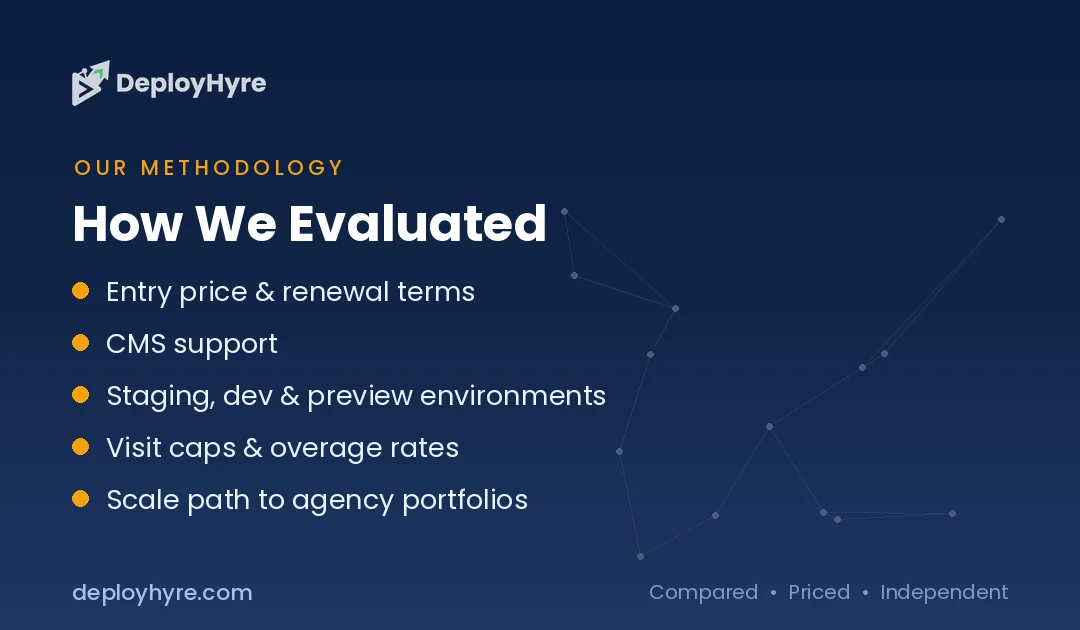
We compared each host on public pricing and documentation, not on paid placement. We did not run hands-on benchmarks for this guide. We read each vendor’s pricing page in October 2026 and scored every host on the same criteria.
- Entry price and whether renewal pricing is published
- CMS support for WordPress and Drupal
- Dev workflow: staging, dev, and preview environments
- Traffic pricing: visit caps and published overage rates
- Scale path from one site to an agency portfolio
We left out hosts whose current prices we could not confirm on their own pages. Hosting prices change often, so confirm current terms before you buy.
The Bottom Line
WP Engine is the best Pantheon alternative for WordPress agencies, Kinsta is best for premium single sites, and Acquia is best for enterprise Drupal. Upsun fits multi-stack engineering teams, Pressable fits tight budgets, and Rocket.net fits high-traffic sites that outgrow visit caps.
Start with your CMS and your traffic data, then trial one site before you move a portfolio. For the wider market, return to our best cloud hosting guide.
Frequently Asked Questions
What is the best alternative to Pantheon?
WP Engine is the best Pantheon alternative for WordPress, with staging and dev environments on every plan from $28 per month billed annually. Acquia is the best alternative for enterprise Drupal, and Upsun is best for usage-based multi-stack hosting.
How much does Pantheon cost?
Pantheon’s Basic site plan costs $55 per month or $500 per year, and Performance Small costs $200 per month. Multidev, automated updates, and 24/7 support require the Gold workspace at $500 per month, per Pantheon’s pricing page in October 2026.
What is a good Pantheon alternative for Drupal?
Acquia is the strongest Pantheon alternative for enterprise Drupal, with quote-only annual plans and a 99.95% uptime SLA. Upsun is the best option for teams that want Git-driven preview environments and usage-based pricing for Drupal.
Does Pantheon charge for traffic overages?
Yes. Pantheon site plans are capped by monthly visits and pages served. Annual Performance plans include one month of overage protection, but Pantheon’s pricing page does not publish a per-visit overage rate.
Which Pantheon alternative has no visitor limits?
Rocket.net includes unmetered visitors on every plan, starting at $30 per month or $25 per month billed annually. It still charges published overages for disk and bandwidth above plan limits.

David Austin is a technology writer and software analyst at DeployHyre, where he covers AI tools, SaaS platforms, cloud hosting, and business automation. He focuses on hands-on comparisons of pricing, features, and real-world performance so teams can pick the right software with confidence.