
Choose Framer if you want to design and ship a polished marketing site fast, and choose Webflow if you need a production-grade CMS and granular control over structured content. Both are visual, no-code builders that turn a canvas into a live, hosted website, but they optimize for different jobs: Framer is design-first and forgiving, while Webflow is closer to writing real HTML, CSS, and a database without touching code. The decision usually comes down to how much content you plan to manage and how much design precision you need.
The catch is that both tools look similar in a demo and feel very different after your tenth page. Pricing, CMS limits, and the learning curve are where the gap shows. Pricing below is drawn from each vendor’s own pricing page and is current as of publication; treat the figures as bands rather than exact quotes, since both companies revise plans, credits, and bandwidth tiers regularly. Always confirm the live number before you buy.
Quick Comparison: Webflow vs Framer at a Glance
Here is the fast version. Webflow’s cheapest paid plan is slightly higher, but its lower tier does not include a CMS, while Framer bundles a small CMS into its entry paid plan.
| Tool | Best For | Entry Price | Note |
|---|---|---|---|
| Webflow | Content-rich, production sites that need a robust CMS and precise control | Free Starter; Basic around $15/mo billed yearly | CMS requires the Premium plan (around $25/mo billed yearly), which replaced the older CMS and Business plans |
| Framer | Fast, design-led marketing sites, landing pages, and portfolios | Free tier; Basic around $10/mo | Basic already includes a small CMS (2 collections) plus AI credits; Pro around $30/mo adds staging and branching |
What a Visual Website Builder Actually Does
A visual website builder lets you assemble a real, hosted website by dragging elements onto a canvas instead of hand-coding HTML and CSS. You style layouts, set responsive breakpoints, connect a content database (the CMS), add interactions, and publish to global hosting, all inside the browser. The output is a live site with its own domain, not a prototype or a mockup.
Where tools differ is how close they sit to the underlying web. Framer abstracts most of the box model away so you move fast and rarely get stuck, which is why it overlaps heavily with the best AI landing page builders when the goal is a single high-converting page. Webflow deliberately exposes the box model, flexbox, grid, and a structured CMS, so it behaves more like a professional front-end tool with training wheels. That difference in philosophy drives almost every other trade-off below, from learning curve to how well each handles a 500-post blog.
Design Speed vs CMS Power: Where the Two Split
Framer wins on time-to-first-page. Its canvas feels like a design tool, AI can generate a starting layout from a prompt, and a marketer can ship a decent landing page in an afternoon. The trade-off is that Framer’s CMS, while much improved, is built around a capped number of collections and items, so it is better suited to a modest blog or resource library than a sprawling content operation.
Webflow wins on content depth and control. Its CMS supports structured collections, reference fields, and dynamic templates that scale to thousands of items, and its Designer gives you pixel-level command over every breakpoint. The cost is a genuine learning curve: if you do not understand the box model, Webflow will feel unforgiving. The table below maps the practical differences.
| Factor | Webflow | Framer |
|---|---|---|
| Learning curve | Steeper; rewards front-end fundamentals | Gentle; feels like a design app |
| Design control | Very high (box model, flexbox, grid exposed) | High for layout and motion, more abstracted |
| CMS depth | Structured collections that scale to thousands of items | Capped collections and items by plan (e.g. 2 collections on Basic) |
| AI features | Webflow AI on all plans; AEO agents on higher tiers | AI site generation and agents powered by monthly credits |
| Entry paid price | Basic around $15/mo (no CMS) | Basic around $10/mo (CMS included) |
| Speed to launch | Slower, more deliberate | Fast, design-first |
Best for Content-Heavy and CMS Sites
Winner: Webflow. If your site lives or dies on structured content, a blog with hundreds of posts, a resource hub, a directory, or a marketing site with many templated pages, Webflow is the stronger tool. Its CMS is the reason agencies standardize on it: collections behave like a real database, reference and multi-reference fields let you relate content, and dynamic templates render every item consistently.
The pricing wrinkle matters here. Webflow’s Starter tier is free with a Webflow.io subdomain, and Basic (around $15/mo billed yearly) covers a custom domain and up to 300 static pages but deliberately excludes the CMS. To unlock the CMS you move to the Premium plan (around $25/mo billed yearly), which Webflow introduced to replace its older CMS and Business plans and which scales bandwidth from 50 GB upward. For a serious content site, budget for Premium, not Basic.
Webflow is also a natural fit alongside a dedicated writing workflow. Many teams draft in a tool from our roundup of the best AI tools for blog writing, then paste finished posts into Webflow CMS collections. And if you outgrow a hosted builder entirely, a WordPress stack on one of the best managed WordPress hosting providers remains the most flexible long-term home for a large editorial operation. But for teams that want a designed CMS without managing servers, Webflow is hard to beat.
Best for Fast Design and Marketing Sites
Winner: Framer. When the priority is shipping a beautiful, on-brand marketing site or landing page quickly, Framer is the better pick. Its canvas feels immediate, its animation and interaction tools are excellent out of the box, and its AI can scaffold a layout from a prompt so you start from something rather than a blank page. For founders, designers, and marketers who value speed and polish over database depth, that is exactly the right trade.
Framer’s pricing suits this use case well. The free tier gives you a Framer subdomain, 1 GB of bandwidth, and a pool of AI credits to experiment with. The Basic plan (around $10/mo) adds a custom domain, a small CMS with two collections, 50 GB of bandwidth, and built-in SEO controls, which is plenty for a startup homepage plus a light blog. Stepping up to Pro (around $30/mo) unlocks 10 CMS collections, more bandwidth, a staging environment, and branching with previews, which is where agencies running multiple client sites tend to land.
Framer also leans hard into AI credits, which power its site-generation and agent features and refill monthly on every paid plan. That is genuinely useful for rapid iteration, but watch the credit math if you plan to lean on AI generation heavily, since heavy use can push you toward a higher tier or add-on credits faster than the headline price suggests.
Best for Budget and Simplicity
Winner: Framer (narrowly). On headline price, Framer’s entry paid plan comes in lower, around $10/mo versus around $15/mo for Webflow Basic, and Framer includes a small CMS at that price while Webflow does not. For an individual, a freelancer, or a small studio that wants a custom domain, a handful of pages, and a light blog without overthinking it, Framer is the cheaper and simpler starting point.
That said, “budget” depends on what you are building. If you only need a brochure site with no dynamic content, Webflow Basic and Framer Basic are close enough that the decision should come down to which editor you enjoy more. If you need a real CMS, the comparison shifts: Webflow pushes you to Premium (around $25/mo), while Framer keeps you on Basic or Pro, so Framer often stays cheaper for small content sites specifically.
One more budget note: both tools bundle hosting, so you are not paying separately for a server the way you would with a self-hosted stack. If your project eventually needs raw infrastructure, custom back ends, or app hosting beyond what a site builder offers, compare options in our guide to the best cloud hosting providers, but for a standard marketing or content site, the built-in hosting on either builder is more than sufficient.
How Should You Choose Between Webflow and Framer?
Start with the content question, because it is the single biggest divider. If you are building a content-heavy site, a blog that will grow past a few dozen posts, a directory, a documentation hub, or a marketing site with many templated pages, Webflow’s structured CMS and its Premium plan are built for that scale. If your site is mostly a designed marketing presence with a light blog, Framer will get you there faster and cheaper.
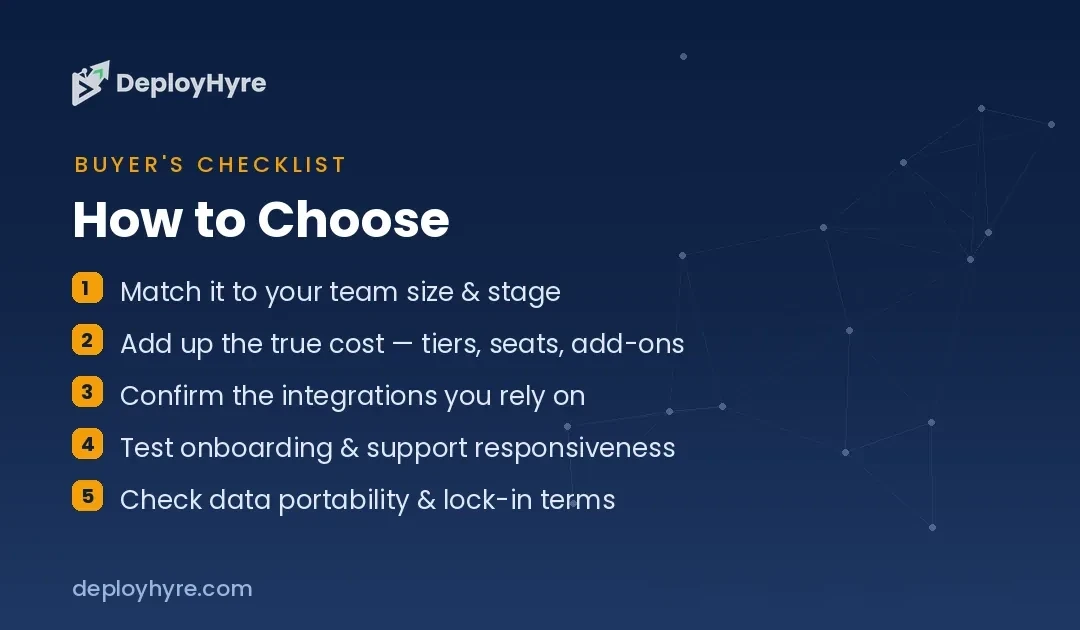
Next, weigh your comfort with the box model. Webflow rewards people who understand, or want to learn, how HTML and CSS actually work; it gives you real control in exchange for a steeper climb. Framer hides most of that complexity, which means fewer things break but also less granular control when you need a precise, unusual layout. Be honest about which trade you want to make, because fighting a tool’s philosophy is where projects stall.
Finally, factor in your team and workflow. Framer’s per-editor seats, branching, and staging suit small design teams and agencies iterating quickly on marketing sites. Webflow’s deeper governance, publishing workflows, and CMS make it the safer choice for organizations where content and design are separate jobs. If you are unsure, prototype one real page in each free tier before committing; an afternoon in both editors will tell you more than any spec sheet.
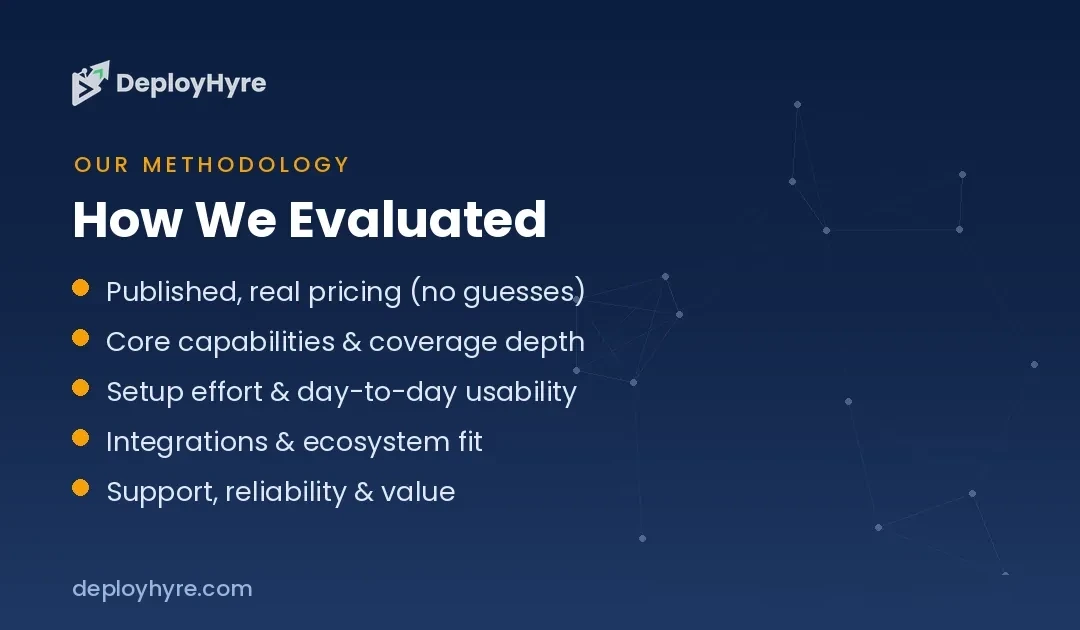
How We Evaluated Webflow and Framer
We based this comparison on each vendor’s own published pricing and feature pages, cross-referenced against the capabilities each tool documents publicly, and framed pricing as bands because both companies revise plans, bandwidth tiers, and AI-credit allowances frequently. Where a plan had recently changed, such as Webflow consolidating its older CMS and Business plans into the newer Premium plan, we used the current live structure.
We do not accept payment for placement, and no vendor reviewed or influenced this article. Any links to Webflow or Framer are standard referral links that do not change the price you pay or the conclusions above. We prioritize primary-source pricing over third-party aggregators because builder pricing drifts quickly, and a figure that was right last quarter is often wrong today. We did not run a paid stress test of either CMS at scale, so our CMS-depth assessment reflects documented limits and general platform reputation rather than a lab benchmark. Before purchasing, confirm the current price, CMS limits, and bandwidth caps directly on each vendor’s pricing page.
The Bottom Line
Webflow and Framer are both excellent, and the “winner” depends entirely on the job. Pick Webflow when content depth, CMS structure, and design control matter most, and budget for its Premium plan (around $25/mo billed yearly) to unlock the CMS that makes it worthwhile. Pick Framer when speed, design polish, and a lower entry price matter most; its Basic plan (around $10/mo) already includes a small CMS and a custom domain, making it the friendlier on-ramp for marketing sites, landing pages, and portfolios.
If you still cannot decide, let the content roadmap choose for you: a growing blog or resource site leans Webflow, while a designed marketing presence leans Framer. Both offer free tiers, so build one real page in each before you commit a dollar. Prices and limits shift, so verify the current numbers on the official pricing pages before you buy.
Frequently Asked Questions
Is Framer cheaper than Webflow?
At the entry paid tier, yes. Framer’s Basic plan runs around $10/mo and already includes a small CMS and a custom domain, while Webflow’s Basic plan is around $15/mo billed yearly and excludes the CMS. To get a CMS on Webflow you need the Premium plan (around $25/mo billed yearly), so Framer is usually cheaper for small content sites. Confirm current pricing on each vendor’s page before buying.
Which is better for a blog or content-heavy site?
Webflow is the stronger choice for content-heavy sites. Its CMS uses structured collections, reference fields, and dynamic templates that scale to thousands of items, which suits large blogs, directories, and resource hubs. Framer’s CMS is capped by plan, for example two collections on Basic, so it fits a modest blog better than a sprawling editorial operation. Plan for Webflow’s Premium tier to unlock its CMS.
Does Framer or Webflow have better AI features?
Both include AI, but they package it differently. Webflow offers Webflow AI across plans and adds AEO agents on higher tiers. Framer runs its AI site generation and agents on a monthly credit system that refills on every paid plan, with the option to buy more credits. Framer leans harder into AI-first site creation, while Webflow treats AI as one feature within a broader professional toolset.
Can I switch from Framer to Webflow later?
There is no one-click migration between the two, because each stores content and styling in its own proprietary format. Moving means rebuilding the design and re-entering CMS content, though your copy, images, and brand assets carry over. Because switching is costly, it is worth prototyping a real page in both free tiers first and committing to the tool that fits your long-term content and design needs.
Do Webflow and Framer include hosting?
Yes. Both are fully hosted platforms, so publishing pushes your site to their global content-delivery networks with no separate server to manage. Free tiers use a vendor subdomain, and paid plans let you connect a custom domain. Bandwidth is tiered by plan on both, so a high-traffic site may need a higher tier. For projects that outgrow a site builder’s hosting, a dedicated cloud host is the next step.
Related Articles



The DeployHyre Editorial Team writes buyer guides on AI tools, SaaS, cloud hosting and proxies. We compare tools using published pricing, official documentation and third-party reviews. All content is for educational and informational purposes only.