The strongest Airtable alternatives right now are Baserow and NocoDB for open-source self-hosting, SmartSuite for teams that want more built-in work management, and Stackby for the tightest budget. Airtable is still an excellent relational database-meets-spreadsheet, but its per-seat pricing climbs fast once you add editors, and record caps on lower tiers push growing teams toward an upgrade. The eight tools below all give you views, linked records, and automations without that same squeeze, some by being open-source and self-hostable, others by pricing seats lower or bundling more into the base plan. Pricing figures in this guide were taken directly from each vendor’s public pricing page at the time of writing and are listed as starting bands; always confirm the live rate before you buy, since plan names and prices change.
Quick Comparison: Airtable Alternatives at a Glance
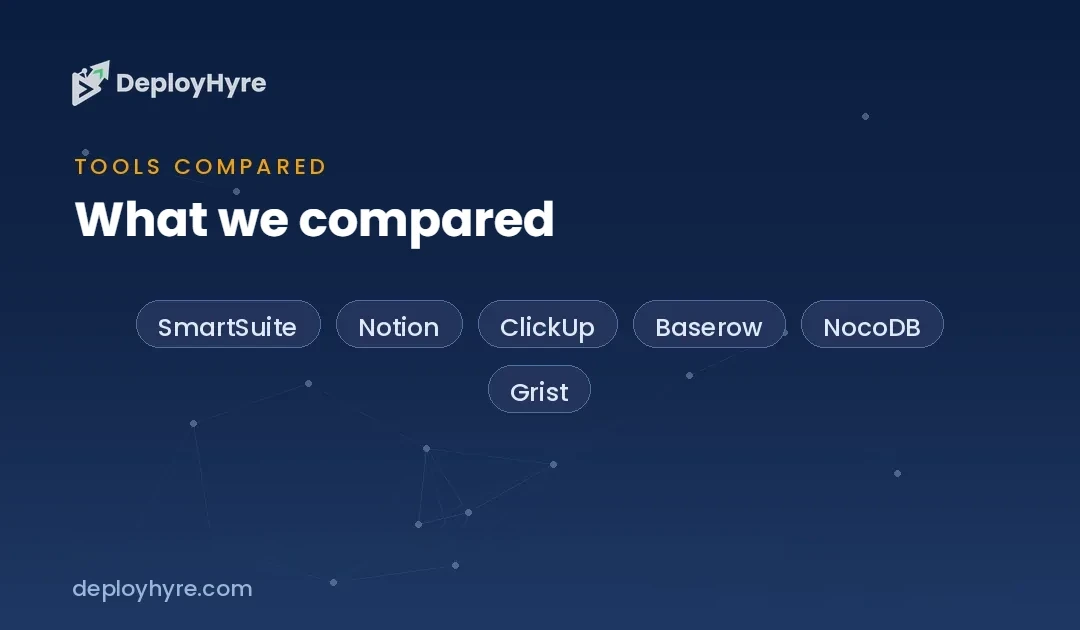
| Tool | Best for | Open-source / self-host | Free plan | Entry paid price |
|---|---|---|---|---|
| SmartSuite | Teams wanting work management built in | No | Yes | Team ~$12/user/mo (annual) |
| Notion | Docs + databases in one workspace | No | Yes | Plus ~$10/seat/mo (annual) |
| ClickUp | Project management with database views | No | Yes | Unlimited ~$7/member/mo (annual) |
| Baserow | Open-source teams that may self-host | Yes | Yes | Premium ~$10/user/mo (annual) |
| NocoDB | Turning existing databases into a UI | Yes | Yes | Plus ~$15/user/mo |
| Grist | Spreadsheet power users who need formulas | Yes | Yes | Pro ~$10/user/mo |
| Teable | Postgres-backed no-code at scale | Yes | Yes | Pro ~$13/seat/mo (annual) |
| Stackby | Budget-focused small teams | No | Yes | Economy ~$9/user/mo |
Why Look for an Airtable Alternative
Most teams start shopping for an Airtable alternative for one of three reasons: cost, control, or fit. On cost, Airtable’s paid Team plan starts around $20 per seat per month (billed annually), and because you pay for every editor, a modest 10-person team lands near $2,400 a year before you touch the Business tier. On control, some organizations cannot, or would rather not, keep operational data in a vendor’s cloud, which is where open-source and self-hostable options become the deciding factor. On fit, Airtable is deliberately a database first; teams that mostly want task tracking, docs, or a CRM often find a purpose-built tool does the job with less setup.
It helps to know which job you are actually hiring the tool for. If your real need is coordinating work rather than modeling data, start with our roundup of the best AI project management tools and come back to this list only if a spreadsheet-database hybrid is genuinely the right shape for your workflow.
Per-Seat vs. Open-Source: How the Pricing Actually Works
The single biggest difference between these tools is what you pay for. Airtable, SmartSuite, Notion, and ClickUp charge per editor seat, so cost scales with headcount and record limits gate the lower tiers. Open-source tools like Baserow, NocoDB, Grist, and Teable flip that: their self-hosted editions are free to run on your own server with no per-seat charge, and you pay only if you want the managed cloud or premium add-ons. That trade, a monthly bill versus the operational work of hosting, is the real decision for most teams. The table below lines up the pricing model, the free-plan record ceiling, and whether self-hosting is on the table.
| Tool | Pricing model | Free-plan record cap (approx.) | Self-host option |
|---|---|---|---|
| Airtable (reference) | Per seat | 1,000 records/base | No |
| Baserow | Per user (cloud); free self-host | Limited rows; unlimited when self-hosted | Yes |
| NocoDB | Per user (cloud); free self-host | 1,000 records (cloud free) | Yes |
| Grist | Per user (cloud); free self-host | 5,000 records/document | Yes |
| Teable | Per seat (cloud); free self-host | Generous free tier; self-host uncapped | Yes |
| SmartSuite | Per user | Free plan (record limits apply) | No |
| Notion | Per seat | Unlimited blocks, small-team limits | No |
| Stackby | Per user | ~1,000 rows/stack | No |
Best for Open-Source and Self-Hosting
Baserow is the closest open-source analog to Airtable’s look and feel. Its self-hosted community edition is free and keeps unlimited rows, storage, and row history on your own infrastructure. If you want the managed cloud or premium features, the Premium plan starts around $10 per user per month billed yearly (about $12 monthly), with an Advanced tier near $18 per user per month. For teams that want Airtable’s grid-and-view experience but need their data on their own servers, Baserow is the default recommendation.
NocoDB takes a different angle: instead of being its own database, it puts a no-code, Airtable-like interface on top of an existing SQL database (Postgres, MySQL, and others). The self-hosted edition is free and open-source; NocoDB’s managed cloud starts with a Plus plan around $15 per user per month, with Business near $30. Choose NocoDB when you already have a database and want a friendly front end for non-technical colleagues rather than a brand-new data silo.
Grist is the pick for spreadsheet power users. It pairs the grid with a genuine formula engine (Python-based), reference columns, and granular access rules, and it can be self-hosted for free. Grist’s managed Pro plan runs about $10 per user per month ($8 annually), with a Business tier around $30. If your Airtable frustration is really “the formulas aren’t powerful enough,” Grist is worth a serious look. Teams that lean on structured notes alongside their data may also want to skim our guide to the best AI note-taking apps to round out the stack.
Best for No-Code Teams and Scale
SmartSuite is the most feature-complete alternative for teams that want work management, not just a database. It bundles records, projects, docs, and dashboards, and its Team plan starts around $12 per user per month billed annually (about $15 monthly), with Professional near $30 annually. For growing operations teams, SmartSuite often replaces both Airtable and a separate project tool, and if customer records are your main use case, compare it against dedicated options in our roundup of the best AI CRM software before you standardize.
Notion blends documents and databases in one workspace, which is a genuinely different model from Airtable’s pure-database approach. Its Plus plan starts around $10 per seat per month billed annually (about $12 monthly), with Business near $15 annually. Notion databases are less powerful than Airtable’s for heavy relational work, but for teams that live in docs and want lightweight tables alongside them, the combination is hard to beat. We compare the two head-to-head in our Airtable vs Notion breakdown.
Teable is the newest of the group and the most interesting at scale: it is open-source, built on Postgres, and handles large row counts that would strain a typical no-code tool. The self-hosted edition is free; the managed Pro plan starts around $13 per seat per month billed yearly (about $24 monthly), with Business near $20 per seat annually. Teable suits teams that want a no-code surface but expect their data to grow into the hundreds of thousands of rows.
Best for Budget
Stackby is the most wallet-friendly paid option here. Its Economy plan starts around $9 per user per month, with Business near $18 and Pro near $30, and the base experience is very close to Airtable’s, grids, linked columns, and built-in API connectors to services like Google Analytics. For a small team that wants Airtable’s shape at a lower seat price and does not need self-hosting, Stackby is the straightforward budget verdict.
Grist deserves a second mention here, because its self-hosted edition costs nothing beyond your own hosting, and its managed Pro plan is among the cheapest at roughly $8 per user per month annually. If you have any appetite for running your own instance, Grist is arguably the lowest total-cost option on this list.
Baserow rounds out the budget picture for teams unwilling to host anything: at about $10 per user per month for Premium, it undercuts Airtable’s Team tier by roughly half while keeping a familiar interface. Between Stackby, Grist, and Baserow, most cost-sensitive teams will find a fit without sacrificing the core relational features that made them consider Airtable in the first place.
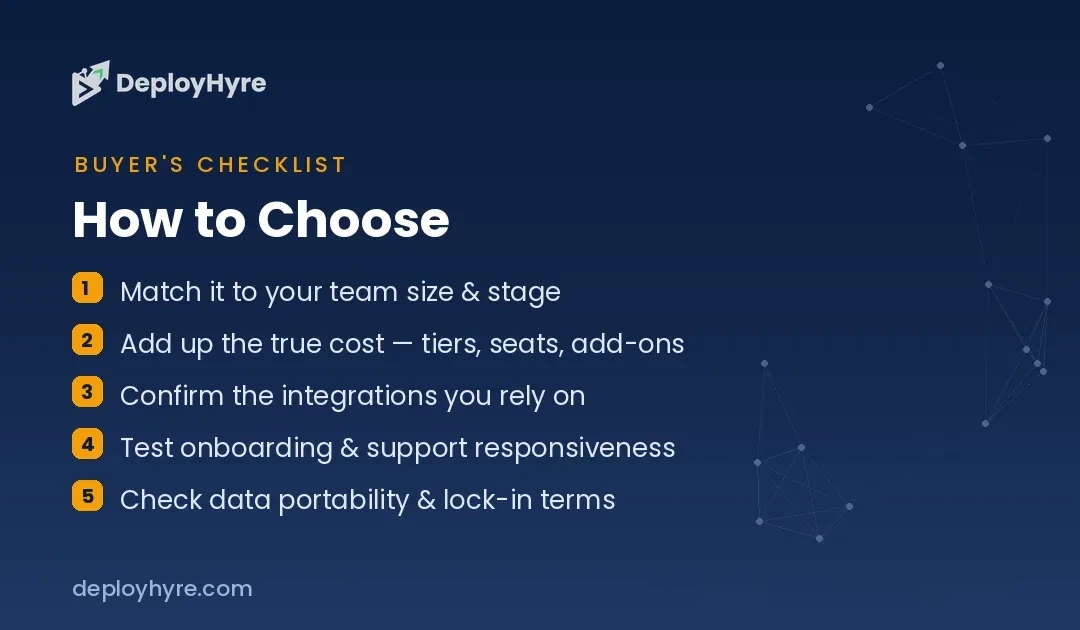
How Should You Choose an Airtable Alternative?
Start with the control question, because it eliminates half the list instantly. If you must keep data on your own infrastructure, for compliance, cost at scale, or principle, you are choosing among Baserow, NocoDB, Grist, and Teable, and the decision narrows to whether you want a fresh database (Baserow, Teable), a front end for an existing one (NocoDB), or maximum formula power (Grist). If self-hosting is off the table, the managed-cloud tools compete on seat price and bundled features instead.
Next, match the tool to the job. If you mostly need to coordinate work, a work-management platform like SmartSuite or ClickUp will feel more complete than a raw database. If documents and data belong together, Notion wins. If you genuinely need a flexible relational database and nothing more, the pure Airtable analogs, Baserow, Stackby, Teable, keep the interface you already know at a lower cost.
Finally, run the seat math with your real headcount and your real record volume. The advertised entry price is almost always the annual rate, and monthly billing can add 20 to 40 percent; record and automation caps on lower tiers are where “cheap” plans quietly force an upgrade. Price the tier you will actually be on in a year, not the one you start on, before you commit.
How We Evaluated These Tools
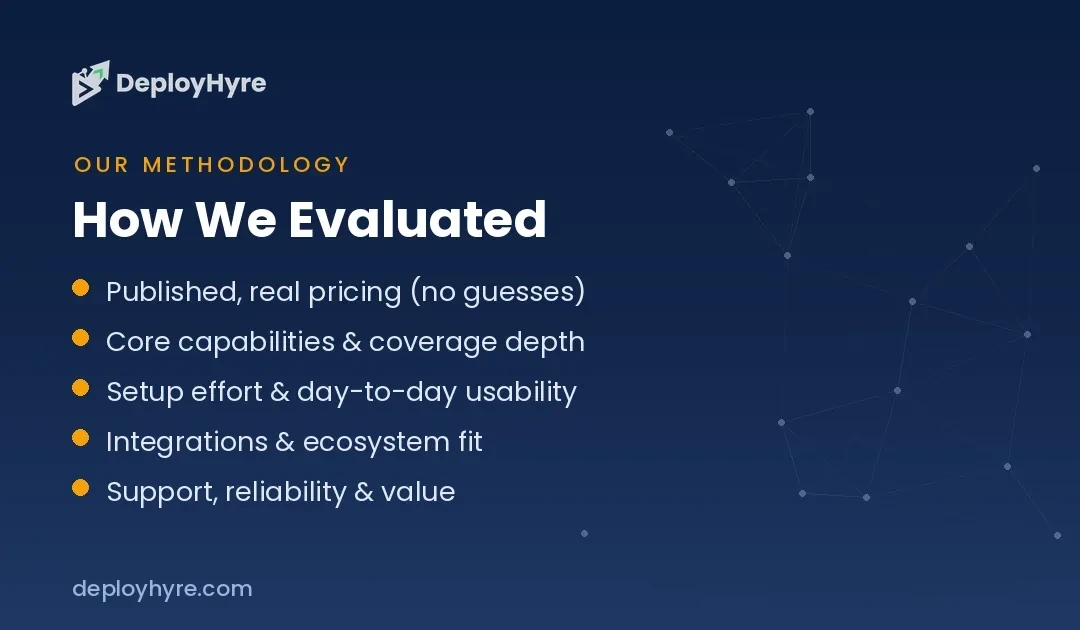
We limited this roundup to tools that are live and in active development, that offer a genuine relational database-meets-spreadsheet experience (linked records, multiple views, and automations), and that publish transparent pricing. For each tool we pulled the starting paid price, free-plan limits, and self-hosting availability directly from the vendor’s own pricing and documentation pages at the time of writing, and we present prices as starting bands rather than precise quotes because plans, tiers, and rates change frequently. We did not run head-to-head performance benchmarks; the goal here is to help you shortlist two or three tools to trial, not to declare a single universal winner.
The Bottom Line
There is no single best Airtable alternative, there is the best one for your constraint. If data control or long-term cost is the driver, Baserow and NocoDB give you open-source, self-hostable freedom, with Grist and Teable close behind for formula power and scale respectively. If you want more than a database, SmartSuite bundles work management, while Notion pairs docs with tables. And if the seat price is what sent you looking, Stackby and self-hosted Grist come in well under Airtable’s Team tier. Shortlist the two that match your control and use-case answers, trial them on the free plan with real data, and let the seat math make the final call.
Frequently Asked Questions
What is the best free Airtable alternative?
For a genuinely free option with no per-seat charge, self-hosted open-source tools win: Baserow’s community edition keeps unlimited rows on your own server, and NocoDB, Grist, and Teable all offer free self-hosted editions. If you want a hosted free plan with no setup, Notion, SmartSuite, Stackby, and the cloud versions of those open-source tools all have free tiers, though with record and feature limits.
Which Airtable alternative is best for self-hosting?
Baserow and NocoDB are the two most established self-hosting choices. Baserow self-hosted keeps unlimited rows, storage, and history at no license cost, making it the closest self-hostable match to Airtable’s interface. NocoDB is ideal if you want to put a no-code layer over an existing SQL database. Grist and Teable are also open-source and self-hostable, with Teable built on Postgres for larger datasets.
Is Notion a good replacement for Airtable?
It depends on your use case. Notion combines documents and databases in one workspace and starts around $10 per seat per month billed annually, which suits teams that live in docs. But Notion’s databases are less powerful than Airtable’s for heavy relational work and automations. If your work is database-first, a purpose-built option like Baserow or SmartSuite will fit better; see our Airtable vs Notion comparison for a detailed breakdown.
Why is Airtable so expensive?
Airtable charges per editor seat, its Team plan starts around $20 per seat per month billed annually, so cost scales directly with headcount, and lower tiers cap records per base, which pushes growing teams to upgrade. Alternatives reduce that pressure either by pricing seats lower (Stackby, ClickUp) or by being free to self-host with no per-seat charge (Baserow, NocoDB, Grist, Teable).
Which Airtable alternative is cheapest for a small team?
If you can self-host, Grist and Baserow cost nothing beyond your own server. Among hosted paid plans, Stackby’s Economy tier starts around $9 per user per month and Grist’s managed Pro plan runs about $8 per user per month annually, both well under Airtable’s roughly $20-per-seat Team plan. ClickUp’s Unlimited plan at about $7 per member per month is another low-cost option if you want project management alongside your data.
Related Articles

The DeployHyre Editorial Team writes buyer guides on AI tools, SaaS, cloud hosting and proxies. We compare tools using published pricing, official documentation and third-party reviews. All content is for educational and informational purposes only.